 kage
kage
aibridge.sh

Design analysis
A rounded inset panel closes the content with a repeated promise, two actions, a small reassurance line, and a soft cloud-like gradient image treatment.
Prompt preview
## Reference images

Study these alongside the description below: hierarchy, rhythm, spacing, colour. Build for the product you are asked about, using this design language.

- Component: https://kage-design-assets.t3.tigrisfiles.io/components/ai-bridge/b251bcbf-eae9-4af6-9324-2c0c35690cf2-1793080972-7.webp
- Full page it was cut from: https://kage-design-assets.t3.tigrisfiles.io/screenshots/ai-bridge/b251bcbf-eae9-4af6-9324-2c0c35690cf2-1793080894182-full.webp
- Component on Kage: https://kage.design/component/ai-bridge-cta

## Before you start
Ask what the user's product, audience, and brand are, then apply these principles to that product rather than reproducing the reference.

Create an inset closing CTA panel with 34px horizontal margins, a large corner radius around 24px, and a cinematic original background treatment. Use a deep blue-gray upper gradient (`#263650`), warm mauve middle (`#8A6875`), and a soft abstract lower texture such as clouds or atmospheric haze; apply a dark overlay so type remains readable. Center a small abstract status mark, a two-line 42–48px white headline, two pill buttons (white primary and translucent outlined secondary), and a tiny muted reassurance line. Give the panel generous top and bottom padding, clip the background to its radius, and add a subtle border (`#31405B`). On mobile, stack the buttons while preserving centered alignment.

Never use the reference's logo, product name, copy, illustrations, imagery, or exact button labels.
More components
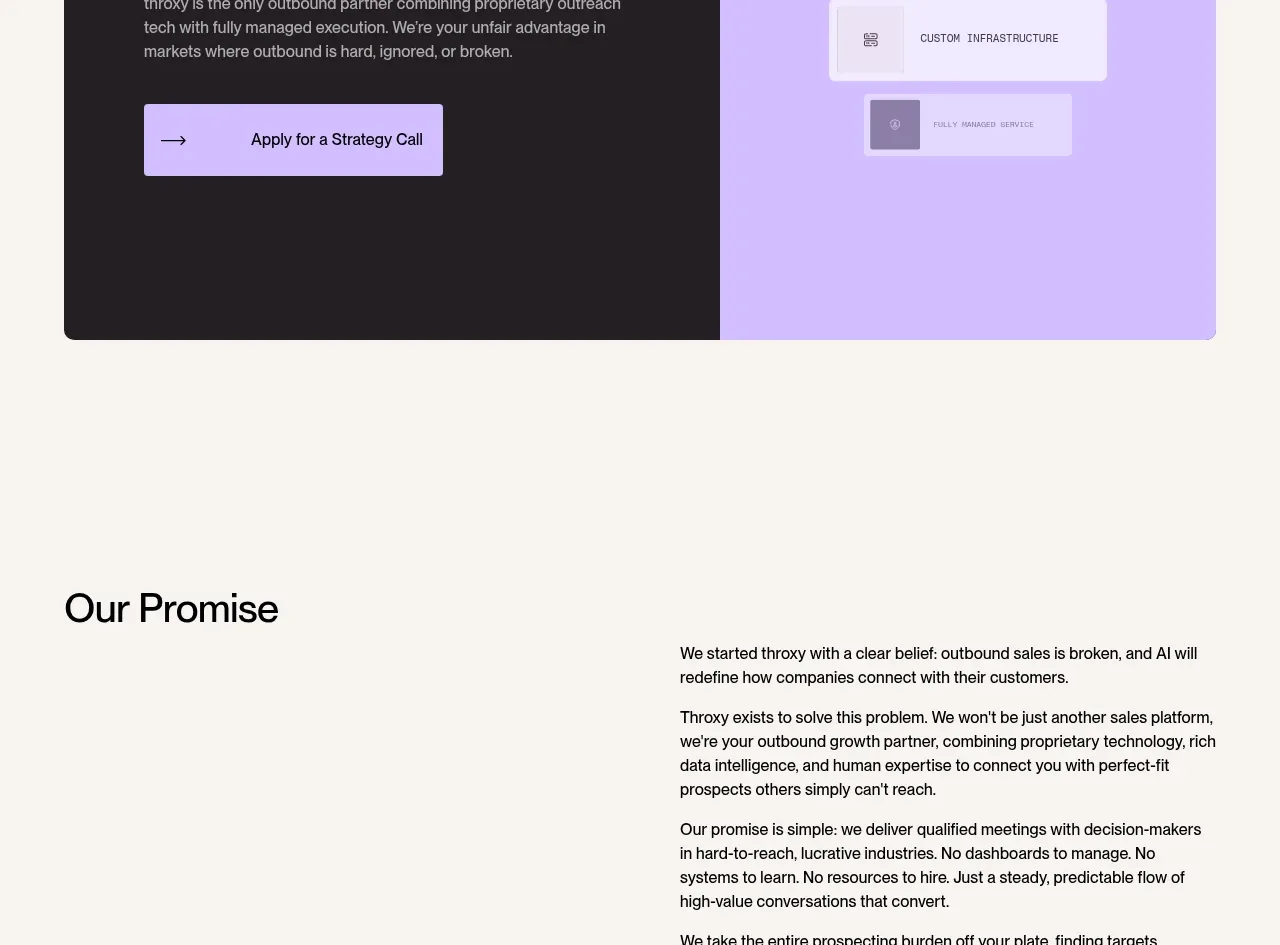
 Split final conversion panel
throxy · Call to action
Split final conversion panel
throxy · Call to action
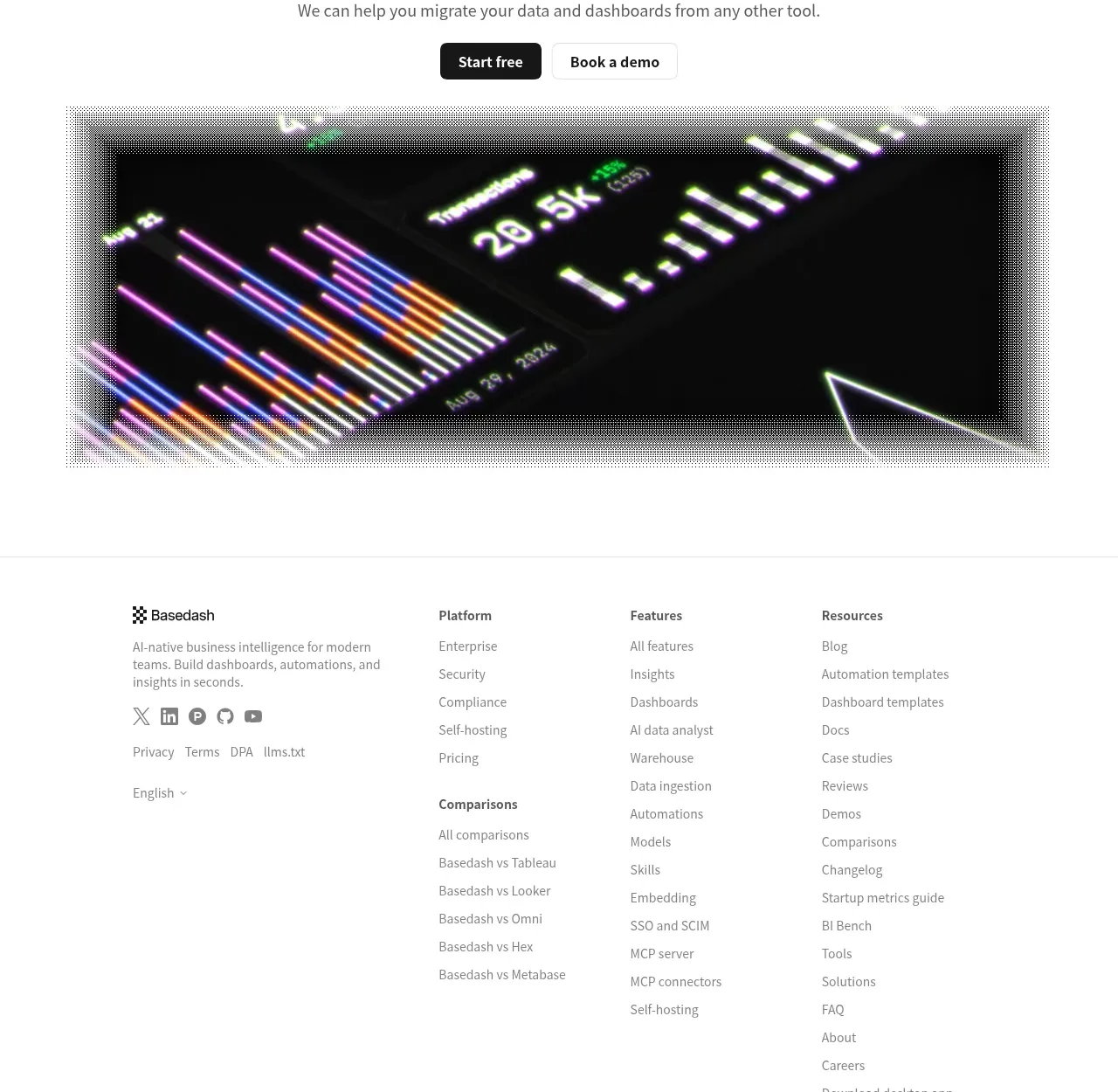
 Fast-start conversion CTA
Basedash View-only members · Call to action
Fast-start conversion CTA
Basedash View-only members · Call to action
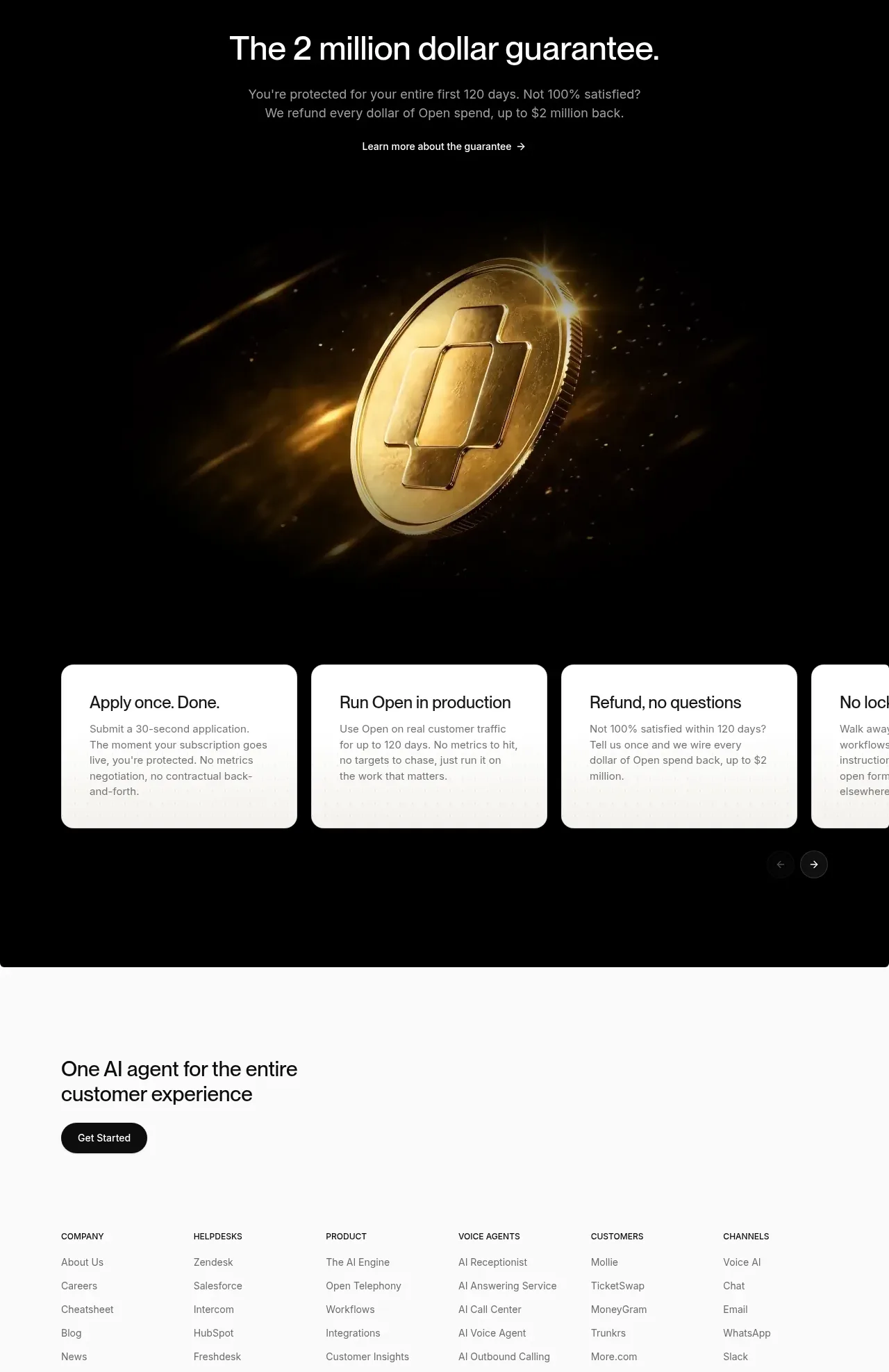
 Guarantee and proof CTA
Open For sales · Call to action
Guarantee and proof CTA
Open For sales · Call to action
 Closing conversion CTA
Open For sales · Call to action
Closing conversion CTA
Open For sales · Call to action
 Final purchase call to action
bytemail · Call to action
Final purchase call to action
bytemail · Call to action

 Playground call to action
Zro: Uncensored Security Models · Call to action
Playground call to action
Zro: Uncensored Security Models · Call to action