 kage
kage
aibridge.sh
Design analysis
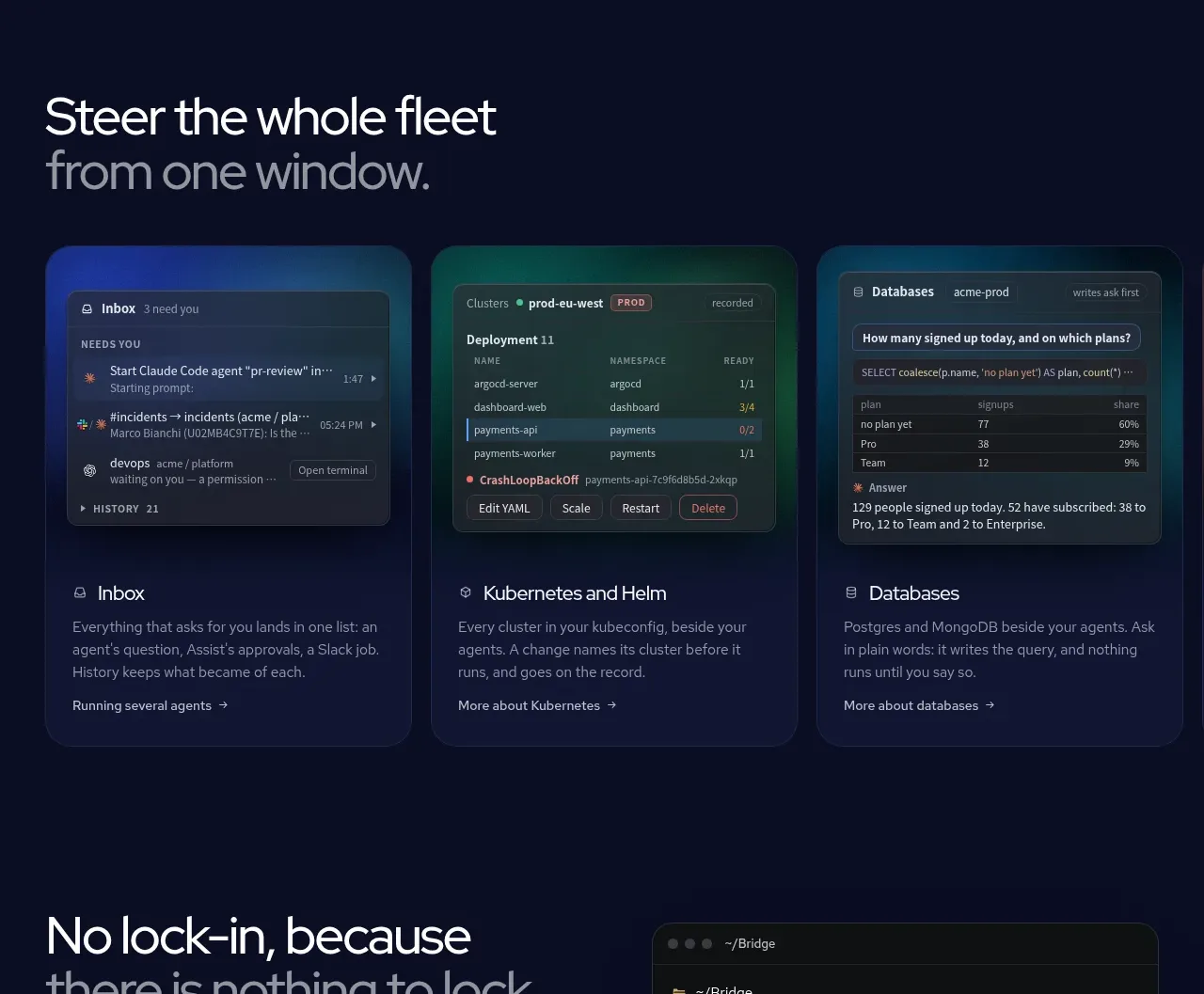
Three equal feature cards turn the product promise into concrete use cases, each pairing a miniature dark interface preview with a title, description, and text link.
Prompt preview
## Reference images

Study these alongside the description below: hierarchy, rhythm, spacing, colour. Build for the product you are asked about, using this design language.

- Component: https://kage-design-assets.t3.tigrisfiles.io/components/ai-bridge/b251bcbf-eae9-4af6-9324-2c0c35690cf2-1793080970-3.webp
- Full page it was cut from: https://kage-design-assets.t3.tigrisfiles.io/screenshots/ai-bridge/b251bcbf-eae9-4af6-9324-2c0c35690cf2-1793080894182-full.webp
- Component on Kage: https://kage.design/component/ai-bridge-feature-grid-2

## Before you start
Ask what the user's product, audience, and brand are, then apply these principles to that product rather than reproducing the reference.

Create a feature-grid section on a deep navy background (`#080D22`) with a two-line left-aligned heading around 40px, where the second line is muted (`#68718B`). Under it, place three equal cards in a 3-column grid with 16–18px gaps. Each card should have a compact interface mockup occupying the upper half, rendered as an original dark dashboard panel with a distinct accent tint such as cobalt, teal, or violet; do not use screenshots. Use rounded 16px containers, a subtle border (`#222A4B`), and a soft colored glow behind the preview. Below each preview, include a 17px title, a 14px muted description, and a small arrow link. Maintain consistent card heights and generous internal padding (18–20px). Cards may lift and brighten their border on hover. Stack to one column on mobile.

Never use the reference's logo, product name, copy, illustrations, imagery, or exact feature names.
More components

 Rapid onboarding timeline
throxy · Feature grid
Rapid onboarding timeline
throxy · Feature grid
 Qualification workflow cards
throxy · Feature grid
Qualification workflow cards
throxy · Feature grid
 Why alternatives disappoint
throxy · Feature grid
Why alternatives disappoint
throxy · Feature grid
 Outbound partner benefits
throxy · Feature grid
Outbound partner benefits
throxy · Feature grid
 Cold-calling performance section
throxy · Feature grid
Cold-calling performance section
throxy · Feature grid
 Analytics capability showcase
Basedash View-only members · Feature grid
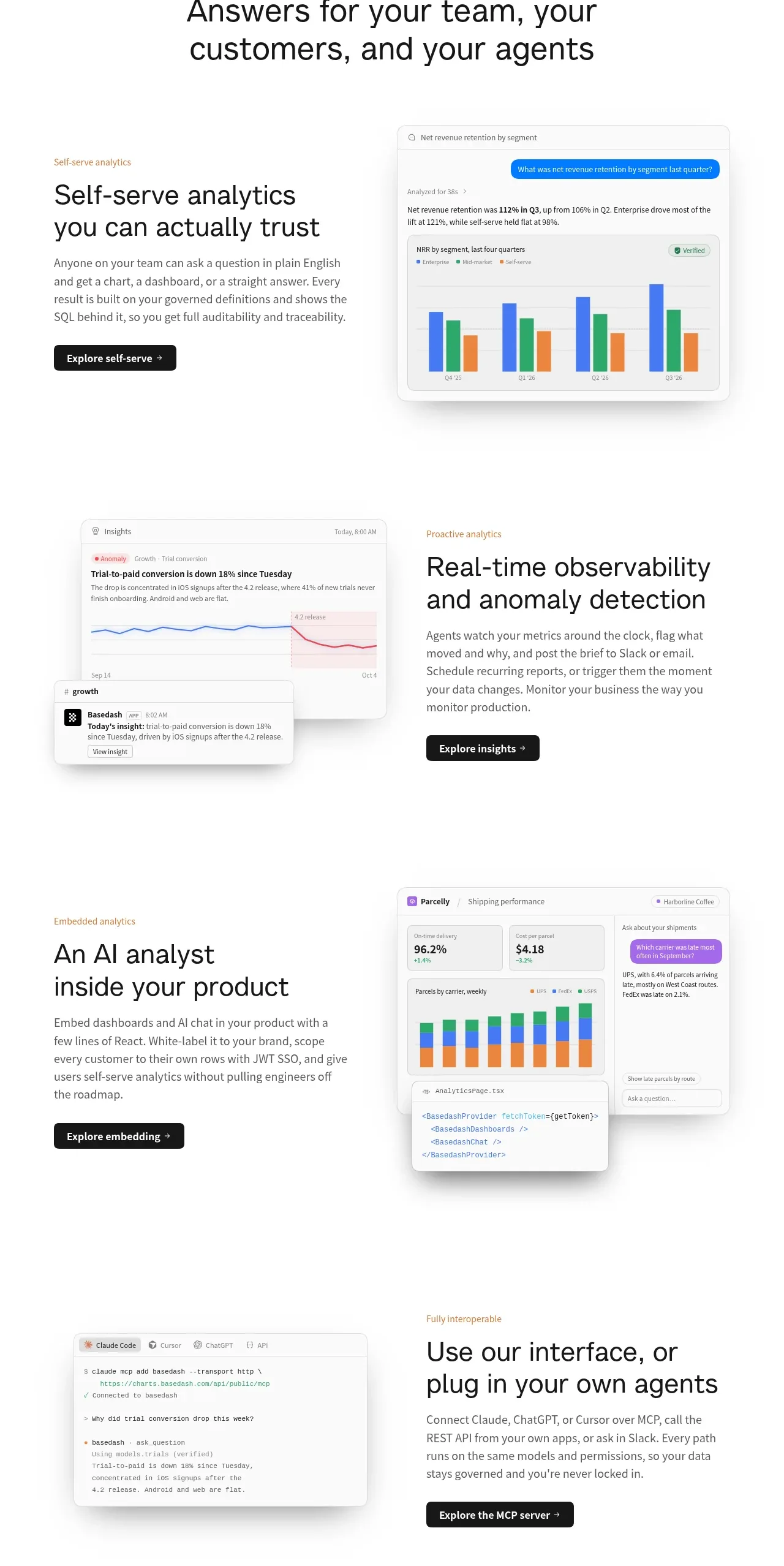
Analytics capability showcase
Basedash View-only members · Feature grid