 kage
kage
basedash.com
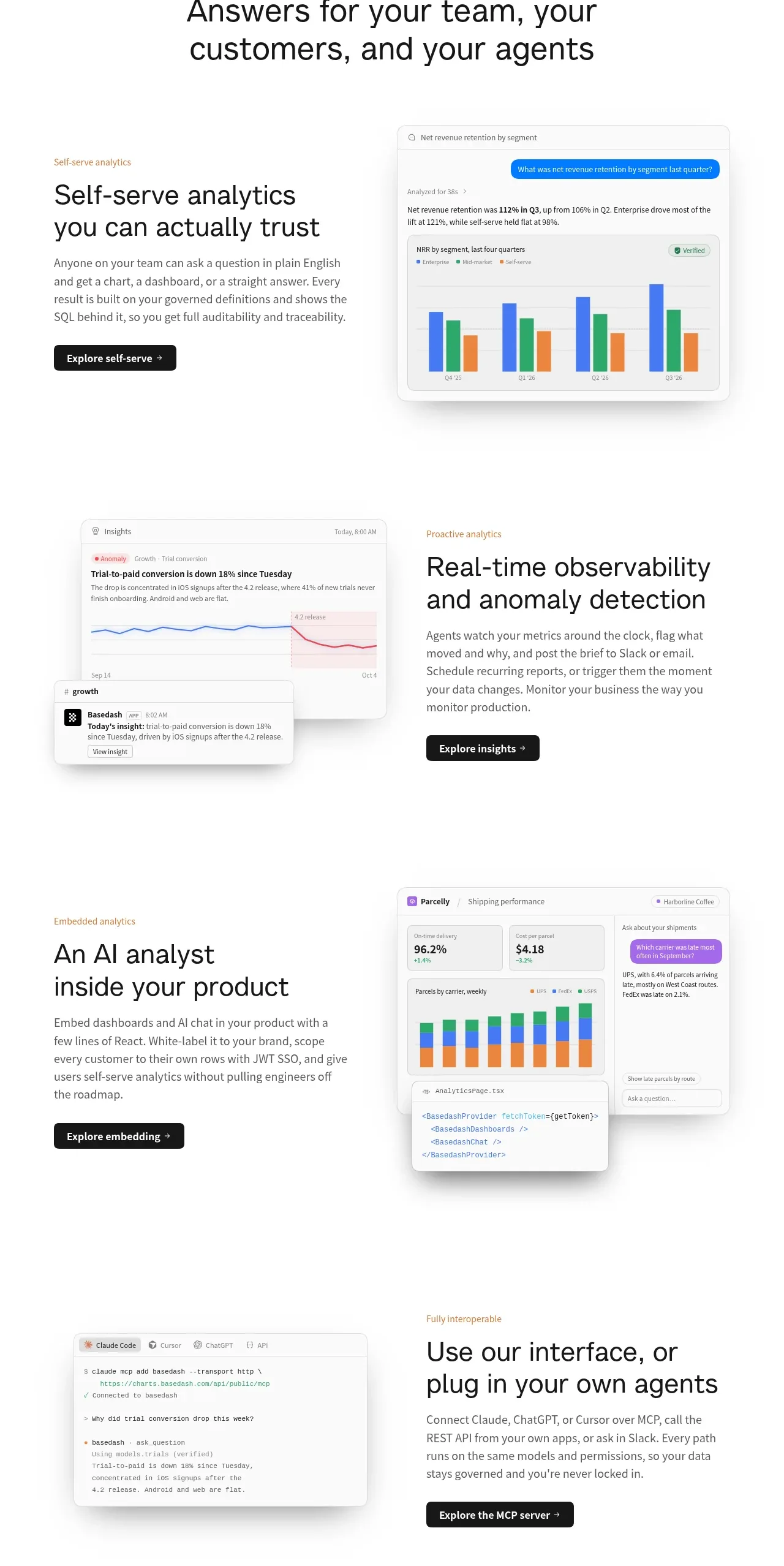
Design analysis
Four alternating feature rows pair concise explanatory copy and CTAs with polished product-interface visuals, creating a repeated scan rhythm.
Prompt preview
## Reference images

Study these alongside the description below: hierarchy, rhythm, spacing, colour. Build for the product you are asked about, using this design language.

- Component: https://kage-design-assets.t3.tigrisfiles.io/components/basedash-view-only-members/6dbd0b50-cdba-4977-b7dc-6a7ba68a352e-1793253918-5.webp
- Full page it was cut from: https://kage-design-assets.t3.tigrisfiles.io/screenshots/basedash-view-only-members/6dbd0b50-cdba-4977-b7dc-6a7ba68a352e-1793253800610-full.webp
- Component on Kage: https://kage.design/component/basedash-view-only-members-feature-grid

## Before you start
Ask what the user's product is, which capabilities deserve emphasis, and what visual language its brand uses. Build the system for that product rather than cloning the source.

Create a vertical feature showcase made of four generous alternating rows. Each row has a two-column grid: a text block with a small warm-gray eyebrow, 32–40px heading, 15–17px explanatory paragraph, and dark compact CTA; and a product visual made from layered dashboard cards, charts, alerts, or embedded UI. Alternate the visual from right to left between rows to create rhythm. Keep each row around 360–420px tall with 80–120px vertical spacing, a max-width about 780px, and consistent column gap. Use white backgrounds, #171717 headings, #666 body copy, pale warm accent labels around #a18463, 1px #e6e6e6 borders, 10–14px radii, and soft diffuse shadows. Product visuals should look like real interface surfaces, not decorative illustrations. Collapse to one column on mobile with text first.

Never: use logos, product names, copy, illustrations, or imagery from the reference.
More components

 Rapid onboarding timeline
throxy · Feature grid
Rapid onboarding timeline
throxy · Feature grid
 Outbound partner benefits
throxy · Feature grid
Outbound partner benefits
throxy · Feature grid
 Cold-calling performance section
throxy · Feature grid
Cold-calling performance section
throxy · Feature grid
 Qualification workflow cards
throxy · Feature grid
Qualification workflow cards
throxy · Feature grid
 Why alternatives disappoint
throxy · Feature grid
Why alternatives disappoint
throxy · Feature grid
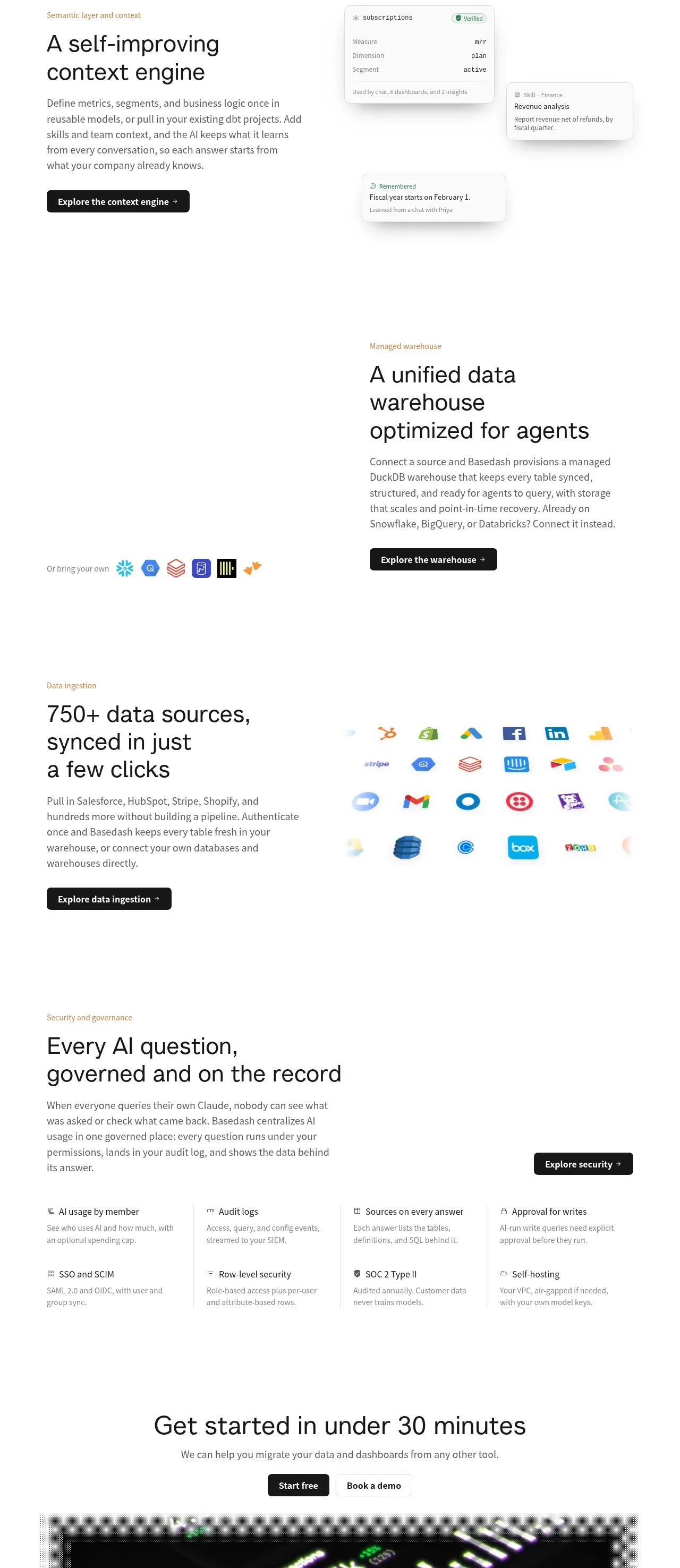
 Platform foundation features
Basedash View-only members · Feature grid
Platform foundation features
Basedash View-only members · Feature grid