 kage
kage
aibridge.sh
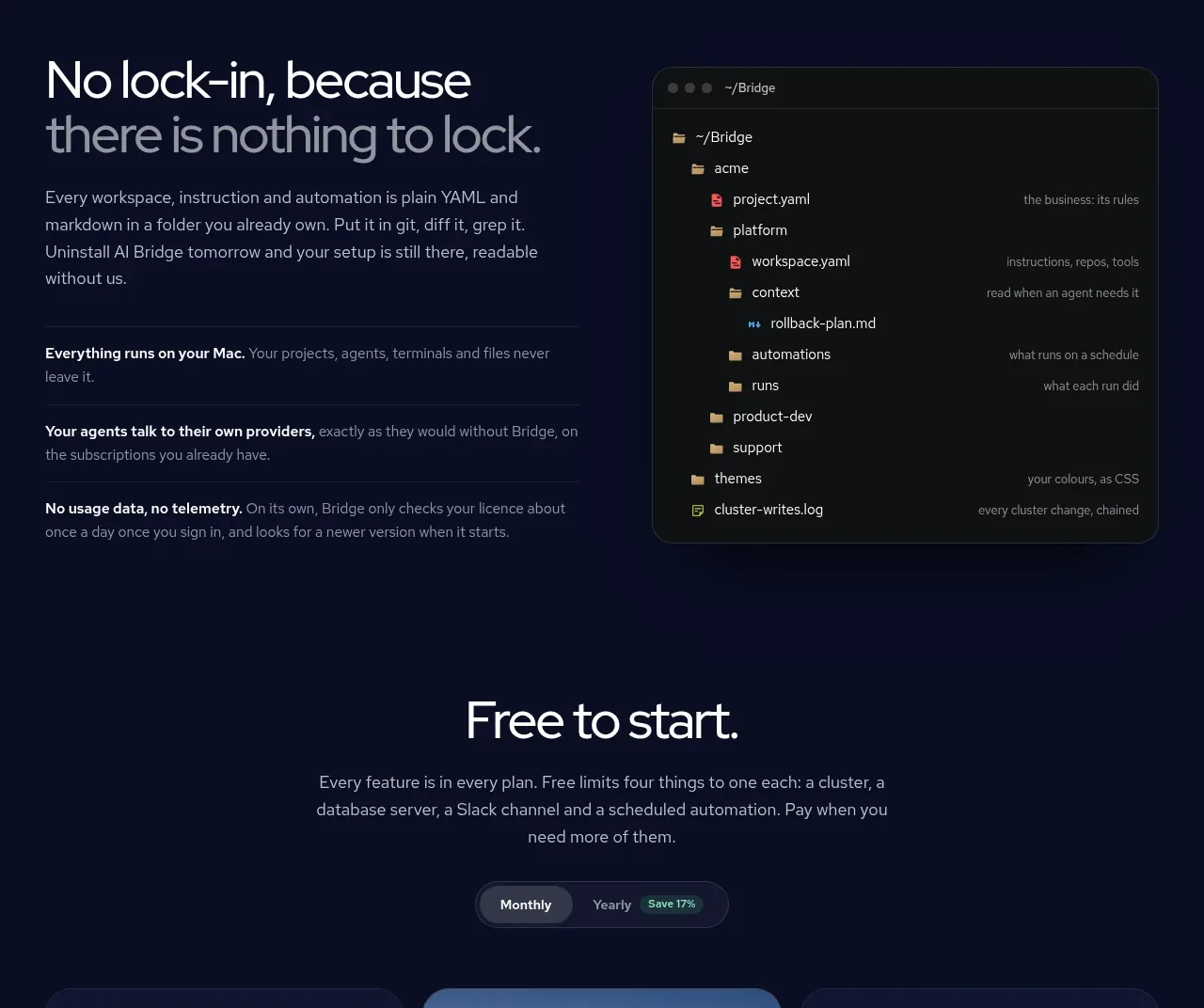
Design analysis
A split feature section combines an argument for portability and privacy with a large terminal/file-tree visual, then reinforces the point with three horizontal proof statements.
Prompt preview
## Reference images

Study these alongside the description below: hierarchy, rhythm, spacing, colour. Build for the product you are asked about, using this design language.

- Component: https://kage-design-assets.t3.tigrisfiles.io/components/ai-bridge/b251bcbf-eae9-4af6-9324-2c0c35690cf2-1793080970-4.webp
- Full page it was cut from: https://kage-design-assets.t3.tigrisfiles.io/screenshots/ai-bridge/b251bcbf-eae9-4af6-9324-2c0c35690cf2-1793080894182-full.webp
- Component on Kage: https://kage.design/component/ai-bridge-feature-grid-3

## Before you start
Ask what the user's product, audience, and brand are, then apply these principles to that product rather than reproducing the reference.

Build a split-layout feature section on `#080D22`. Put a left text column at roughly 46% width with a 40px headline, a 14px explanatory paragraph, and three separated proof rows. Each proof row should have a bold 13–14px lead-in and muted supporting text, divided by thin lines (`#1D2542`). Put an original terminal or file-tree mockup on the right in a near-black panel (`#0C0F14`) with 16px radius, a faint border, compact monospace labels, folder/file indentation, and a few subdued accent colors (`#8FA4FF`, `#A8D3A0`, `#E6A27D`). The visual should communicate inspectable local configuration rather than look like a literal screenshot. Align the two columns vertically and stack them with the visual below the copy on mobile.

Never use the reference's logo, product name, copy, illustrations, imagery, or exact file names.
More components

 Rapid onboarding timeline
throxy · Feature grid
Rapid onboarding timeline
throxy · Feature grid
 Qualification workflow cards
throxy · Feature grid
Qualification workflow cards
throxy · Feature grid
 Why alternatives disappoint
throxy · Feature grid
Why alternatives disappoint
throxy · Feature grid
 Outbound partner benefits
throxy · Feature grid
Outbound partner benefits
throxy · Feature grid
 Cold-calling performance section
throxy · Feature grid
Cold-calling performance section
throxy · Feature grid
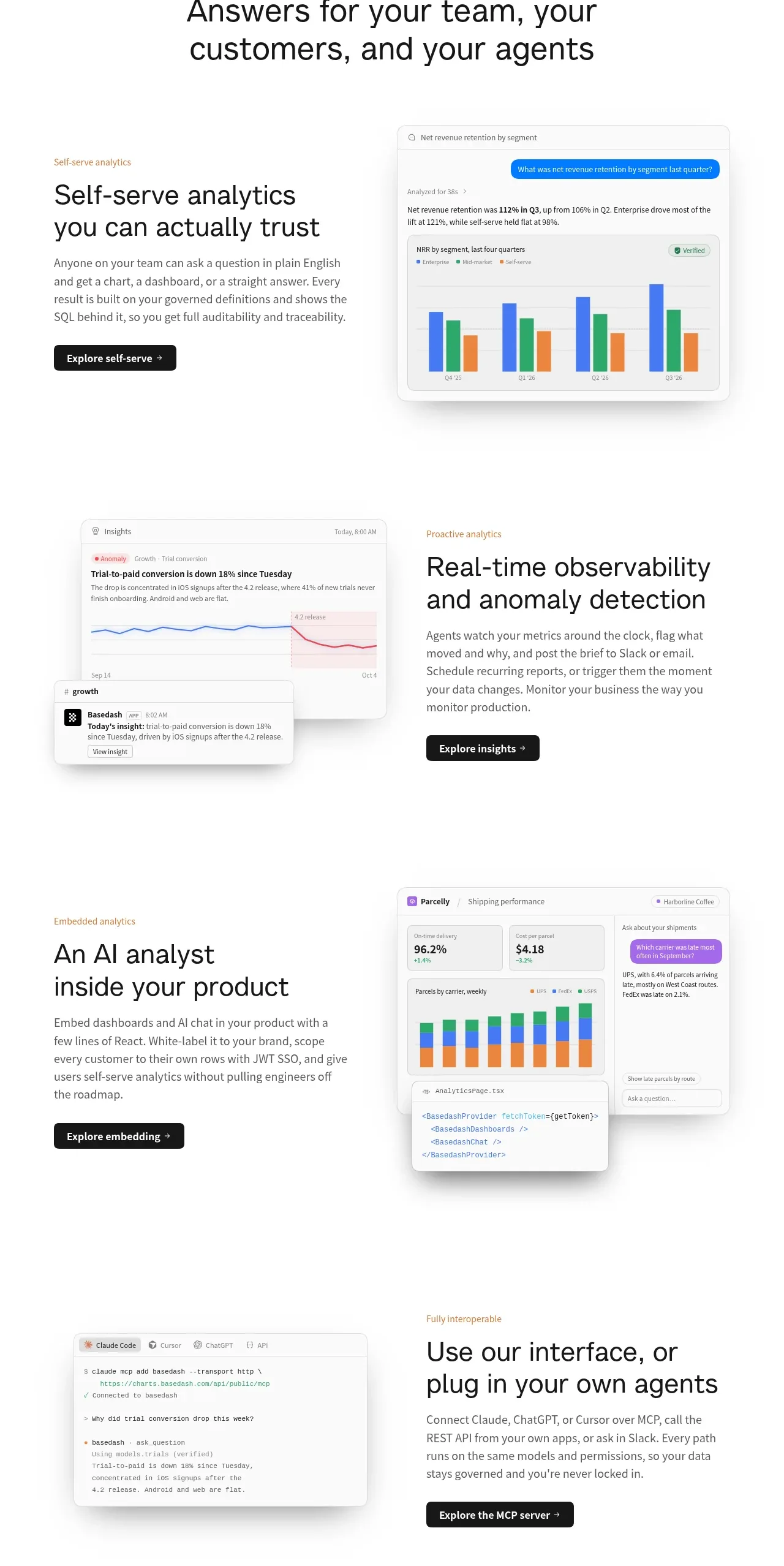
 Analytics capability showcase
Basedash View-only members · Feature grid
Analytics capability showcase
Basedash View-only members · Feature grid