 kage
kage
aibridge.sh
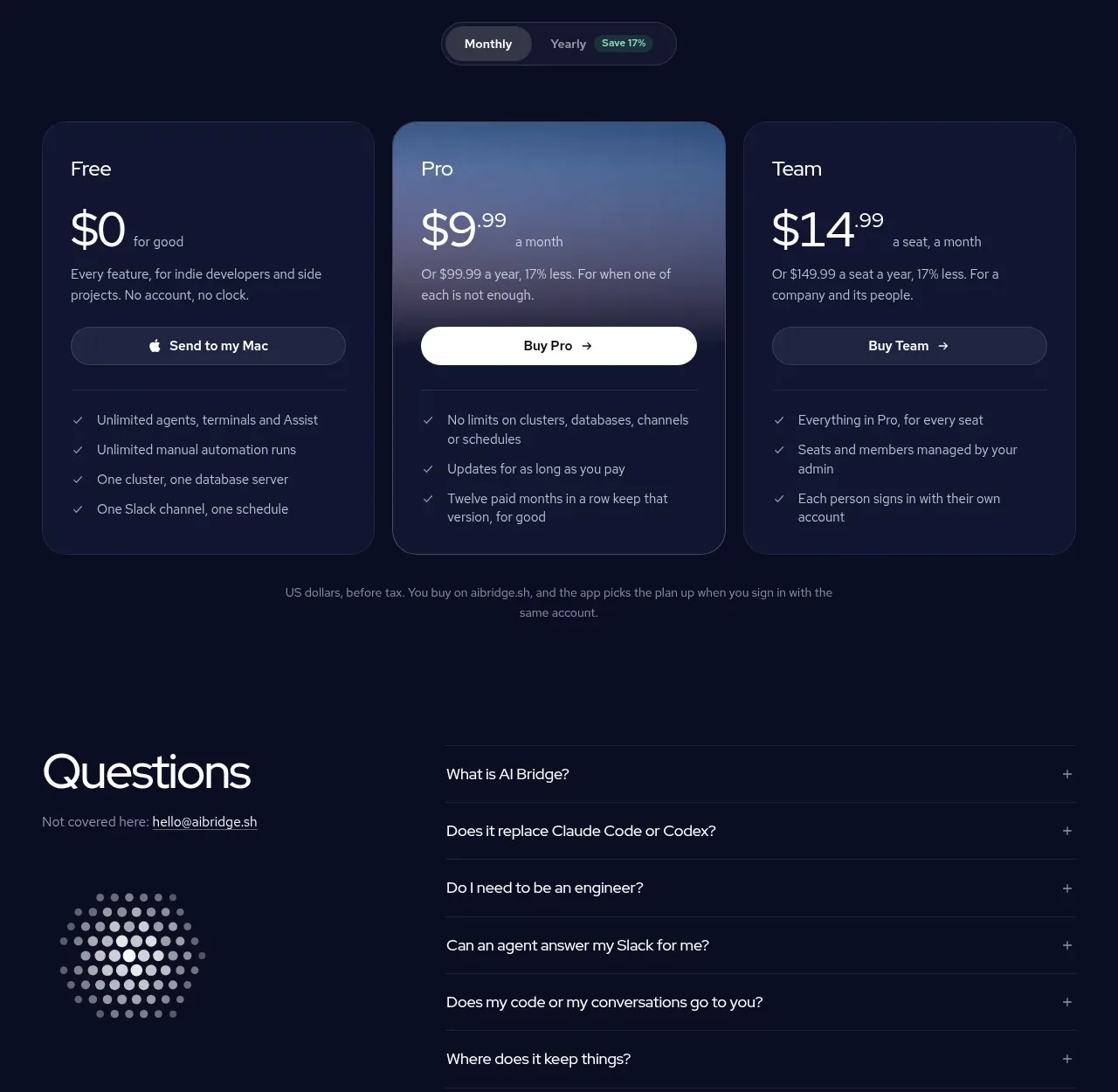
Design analysis
A centered pricing introduction leads into a monthly/yearly switch and three comparable plans, with the middle plan visually emphasized and each plan ending in concise benefits.
Prompt preview
## Reference images

Study these alongside the description below: hierarchy, rhythm, spacing, colour. Build for the product you are asked about, using this design language.

- Component: https://kage-design-assets.t3.tigrisfiles.io/components/ai-bridge/b251bcbf-eae9-4af6-9324-2c0c35690cf2-1793080971-5.webp
- Full page it was cut from: https://kage-design-assets.t3.tigrisfiles.io/screenshots/ai-bridge/b251bcbf-eae9-4af6-9324-2c0c35690cf2-1793080894182-full.webp
- Component on Kage: https://kage.design/component/ai-bridge-pricing-table

## Before you start
Ask what the user's product, audience, and brand are, then apply these principles to that product rather than reproducing the reference.

Create a pricing section on a dark navy canvas (`#080D22`). Center a heading around 40px and a 14px explanatory paragraph constrained to about 500px. Add a compact segmented billing toggle beneath it, using a dark pill container (`#151B38`), a lighter active segment, and a small green savings badge (`#88D6AC`). Below, lay out three equal pricing cards with 14–18px gaps. Use dark indigo surfaces (`#101632`), 18px radii, and 1px borders; make the recommended center card brighter with a blue-gray gradient (`#3F5B7C` to `#17203E`) and stronger border. Each card includes plan name, large price with smaller cadence text, short description, full-width pill CTA, divider, and 3–4 checkmarked benefits. Use white for primary text and `#AEB5CC` for supporting text. Ensure equal-height cards and a responsive one-column layout. The toggle should update displayed prices and the CTA state.

Never use the reference's logo, product name, copy, illustrations, imagery, or exact plan names, prices, or benefits.
More components
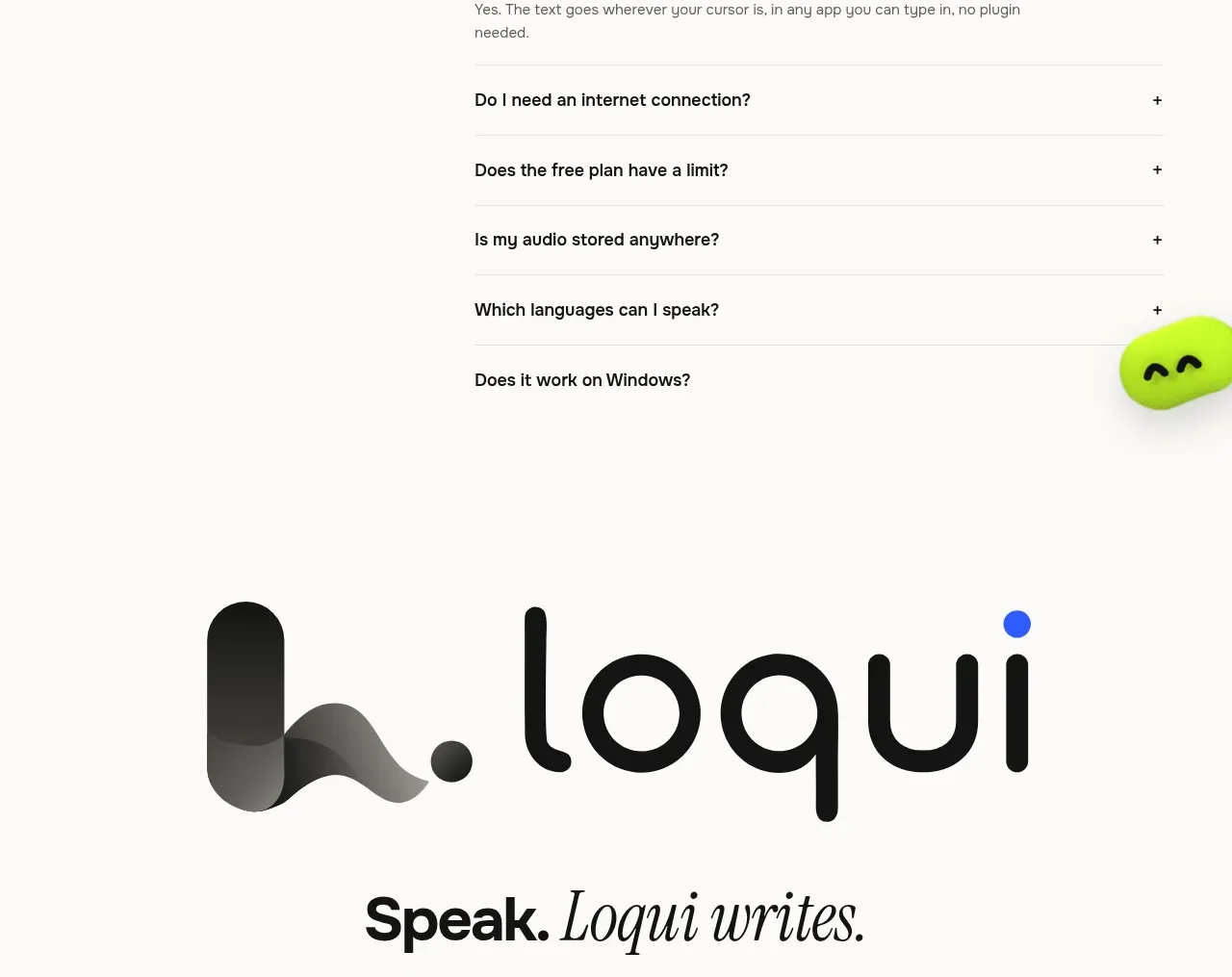
 Three-tier pricing plans
Loqui · Pricing table
Three-tier pricing plans
Loqui · Pricing table
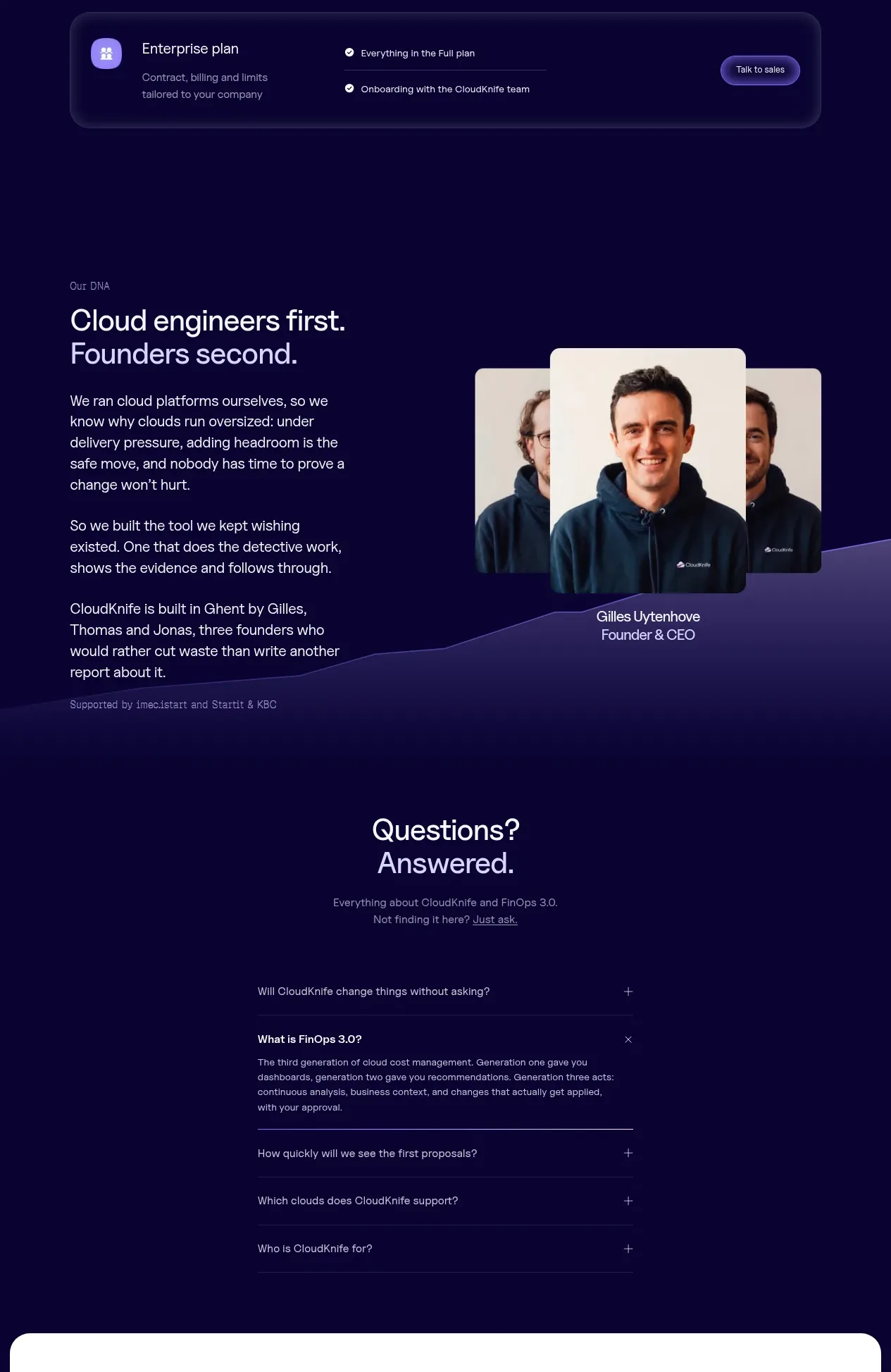
 Tiered pricing table
CloudKnife · Pricing table
Tiered pricing table
CloudKnife · Pricing table
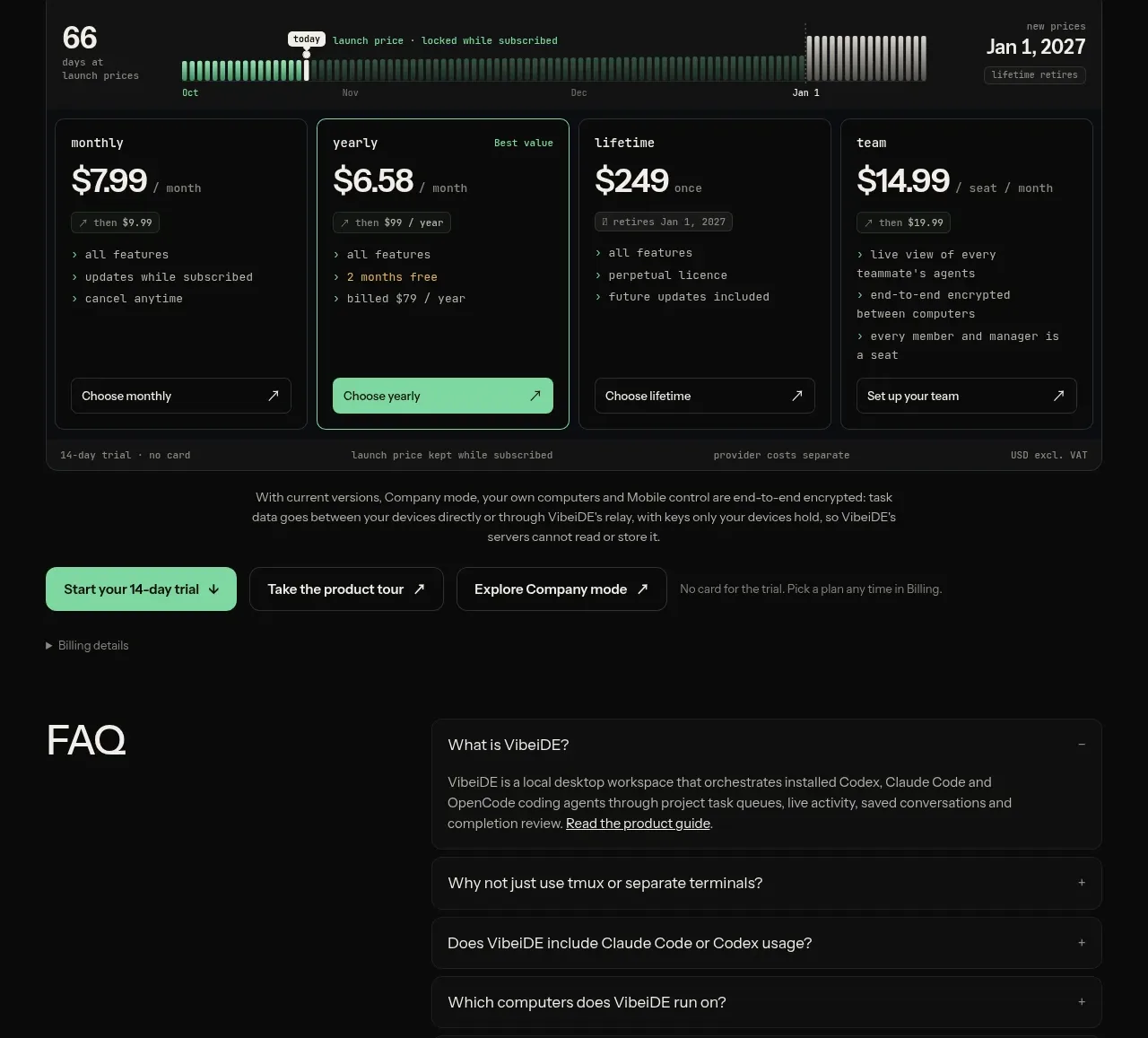
V
Four-plan pricing table
VibeiDE · Pricing table
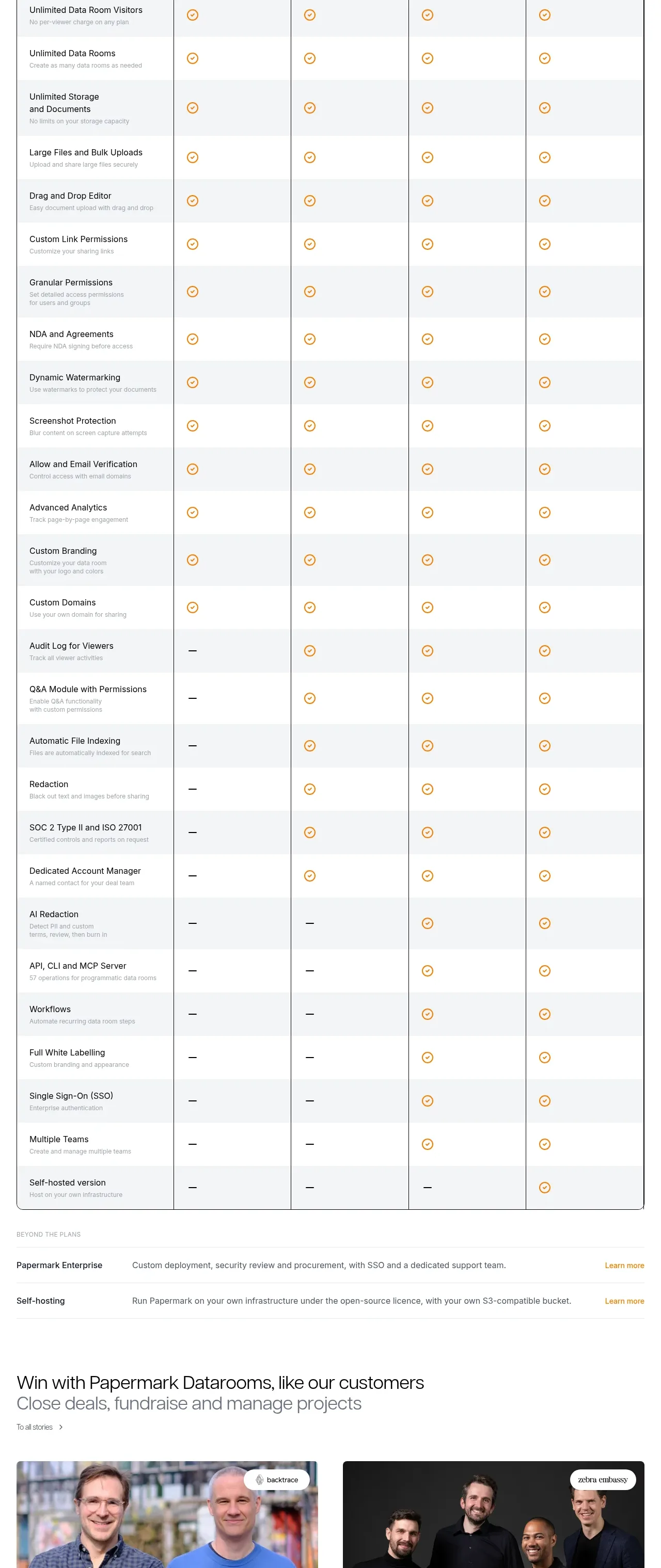
 Plan comparison table
Papermark Data Rooms · Pricing table
Plan comparison table
Papermark Data Rooms · Pricing table
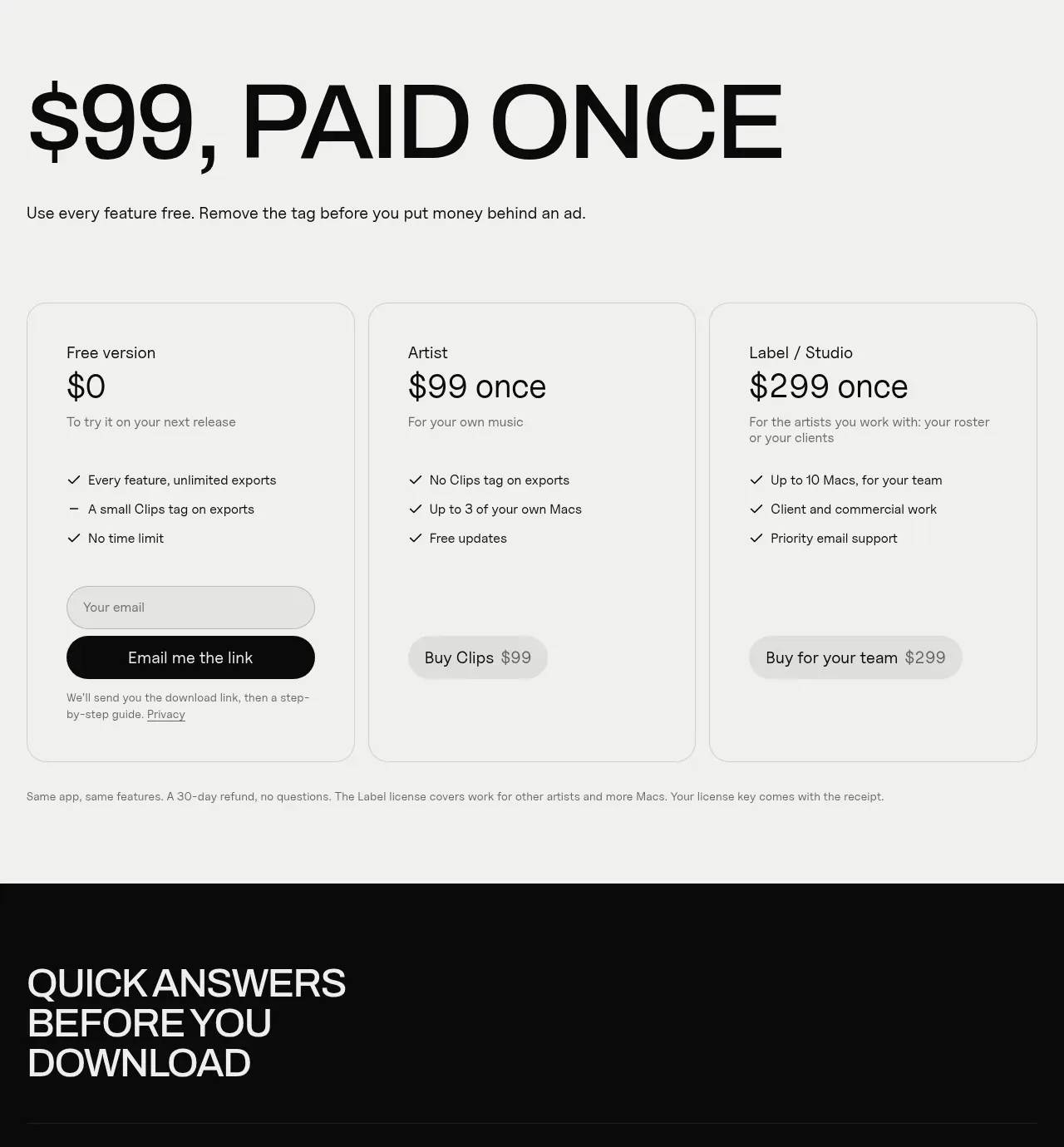
 One-time purchase pricing
Clips by Plastic · Pricing table
One-time purchase pricing
Clips by Plastic · Pricing table
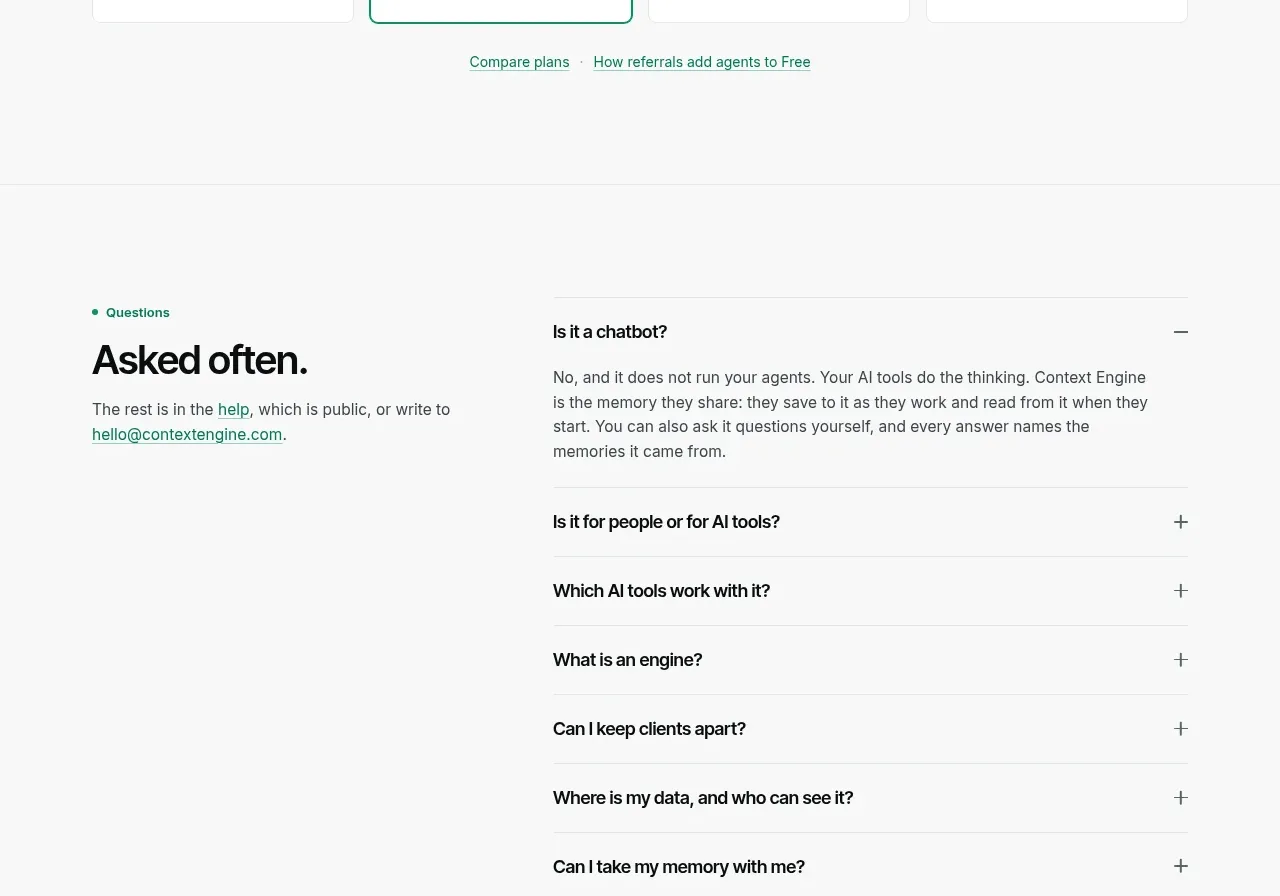
 Per-unit pricing table
Context Engine · Pricing table
Per-unit pricing table
Context Engine · Pricing table