 kage
kage
albie.school
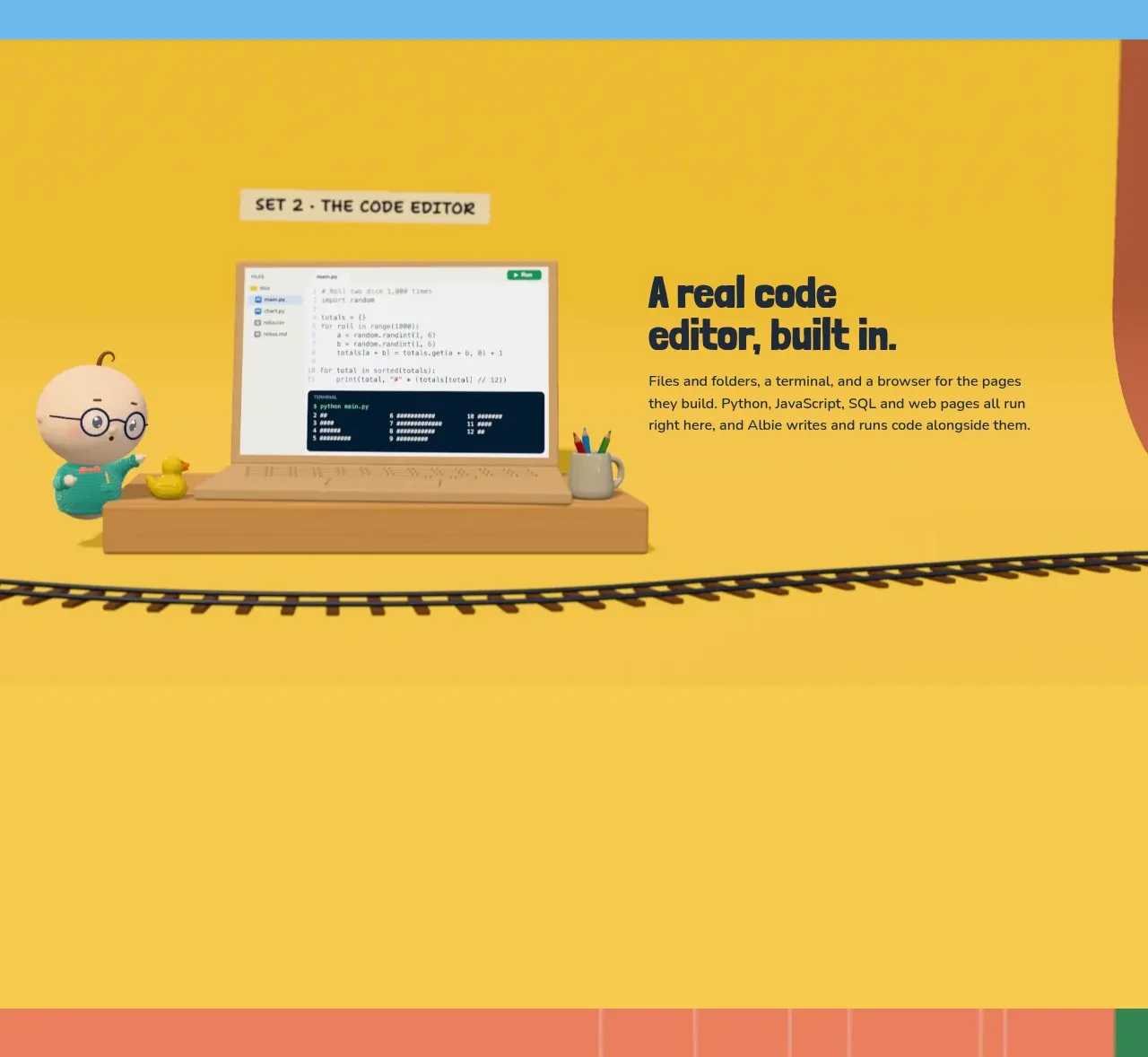
Design analysis
A warm yellow feature band introduces a second product capability with a laptop-like editor visual on one side and a concise explanatory block on the other.
Prompt preview
## Reference images

Study these alongside the description below: hierarchy, rhythm, spacing, colour. Build for the product you are asked about, using this design language.

- Component: https://kage-design-assets.t3.tigrisfiles.io/components/albie/924ea594-904d-48ee-866c-6d109761f321-1791439550-3.webp
- Full page it was cut from: https://kage-design-assets.t3.tigrisfiles.io/screenshots/albie/924ea594-904d-48ee-866c-6d109761f321-1791439457023-full.webp
- Component on Kage: https://kage.design/component/albie-feature-grid-2

## Before you start
Ask what advanced capability the user's product offers and whether it should be demonstrated visually or through an interactive prototype. Ask for the brand palette before styling.

Create a full-width feature section on a saturated warm-yellow background around #F7C843. Use a media-and-copy layout with a framed product screenshot or interactive mockup on the left and a strong headline, eyebrow, and supporting paragraph on the right. Use dark navy #17263A for all text, cream paper labels for metadata, and soft rounded corners between 8px and 16px on the product frame. Add a grounding decorative rule or illustration only if it supports the product story. The content should be centered in a generous vertical band, with responsive stacking that puts the explanation before or after the visual consistently. Avoid excessive UI detail; show only enough of the product to make the capability understandable.

Never: copy logos, product names, copy, illustrations, or imagery from the reference.
More components
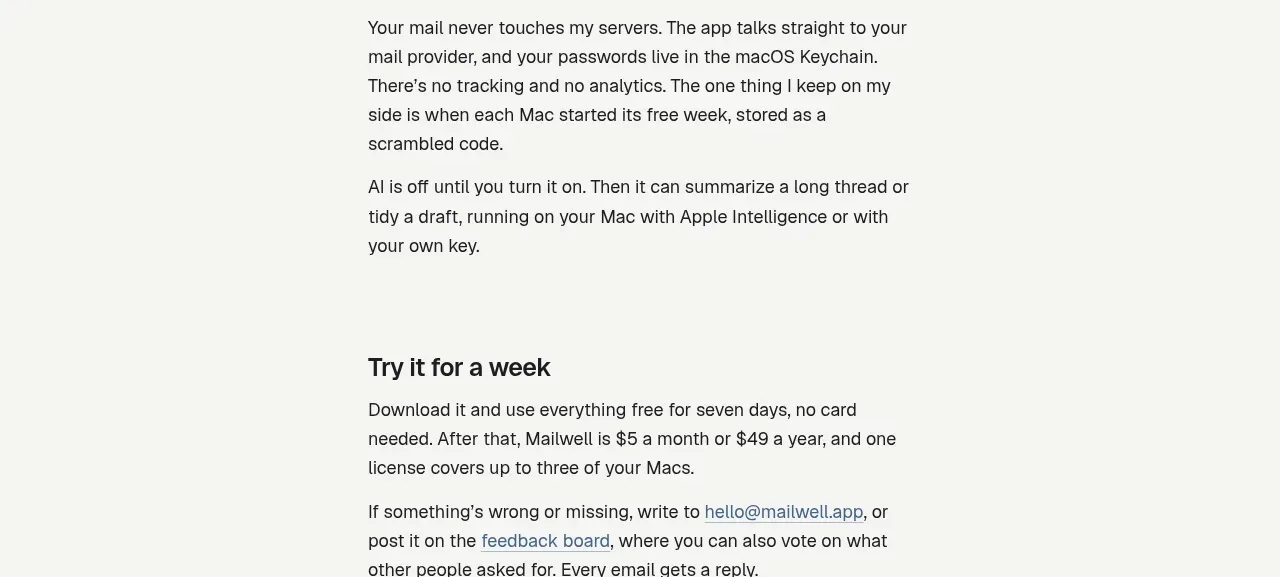
 Privacy and optional intelligence
Mailwell · Feature grid
Privacy and optional intelligence
Mailwell · Feature grid
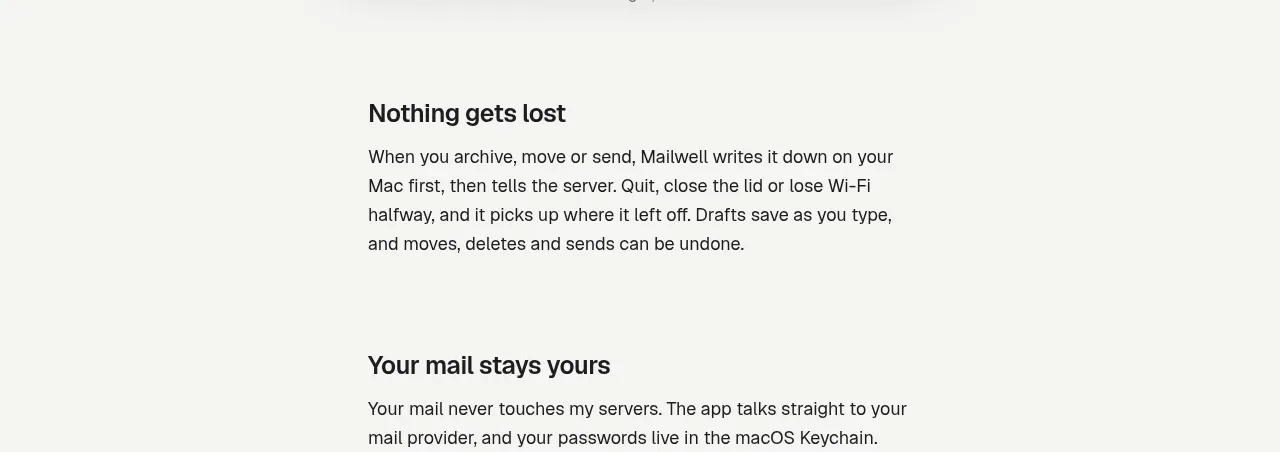 Reliable, recoverable actions
Mailwell · Feature grid
Reliable, recoverable actions
Mailwell · Feature grid
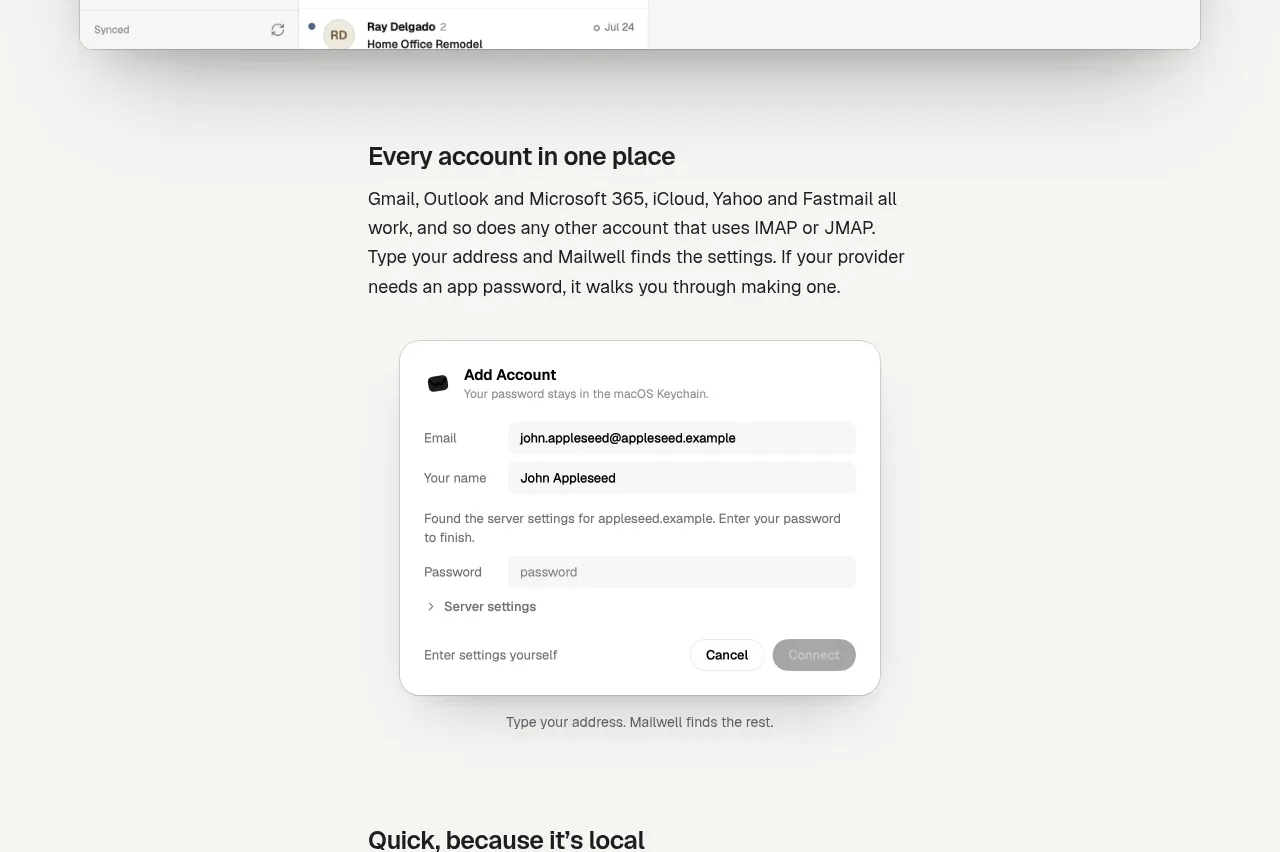 Unified account setup
Mailwell · Feature grid
Unified account setup
Mailwell · Feature grid
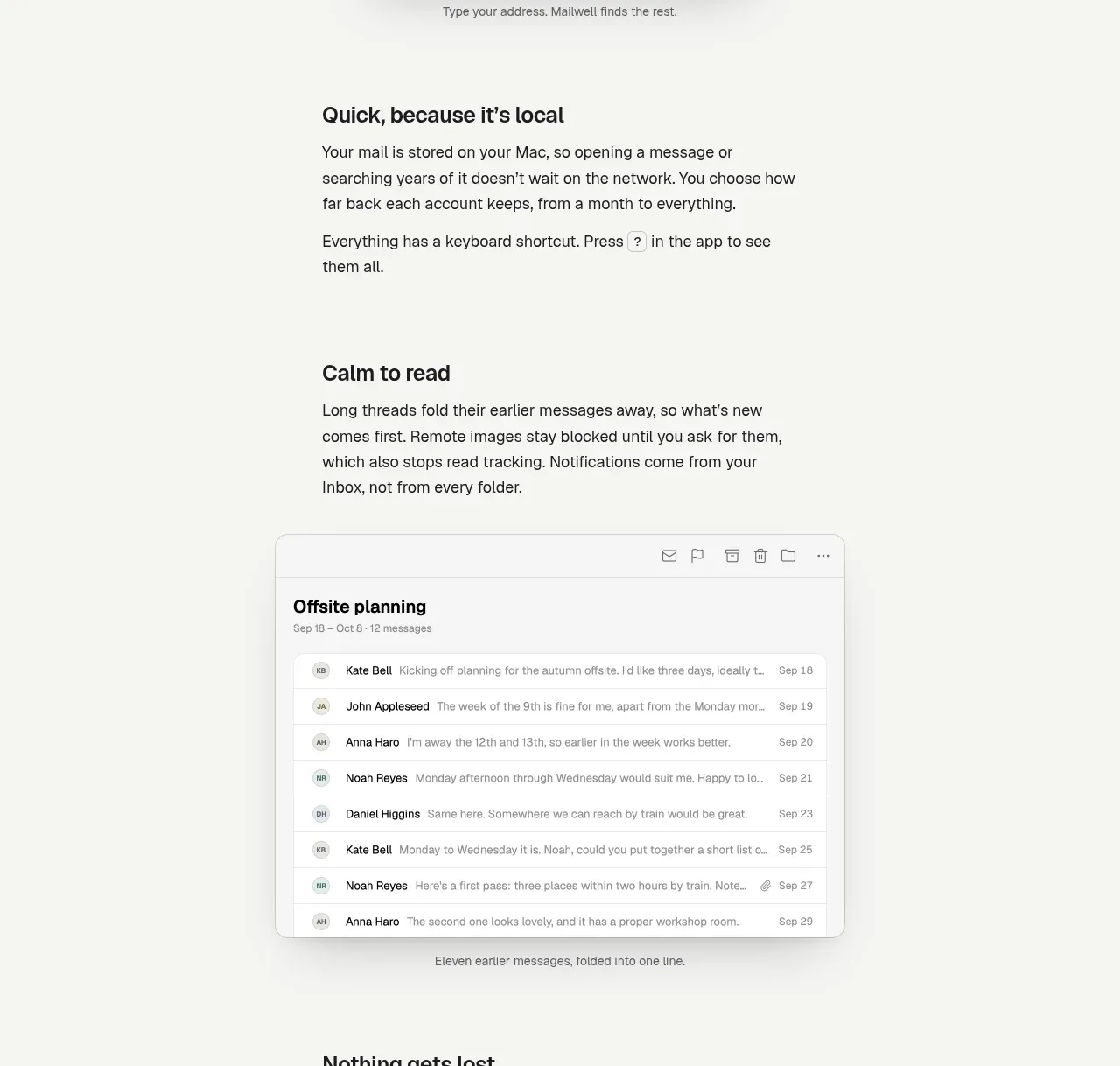 Fast local workflow and calm reading
Mailwell · Feature grid
Fast local workflow and calm reading
Mailwell · Feature grid
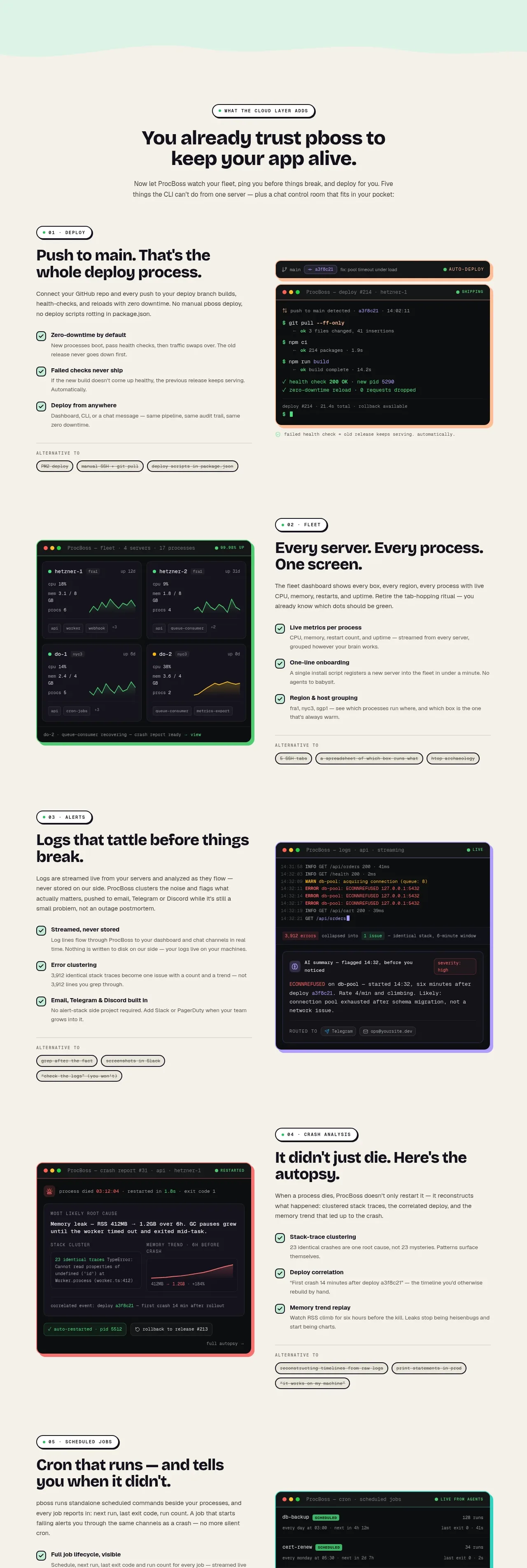
 Cloud layer workflows
ProcBoss · Feature grid
Cloud layer workflows
ProcBoss · Feature grid
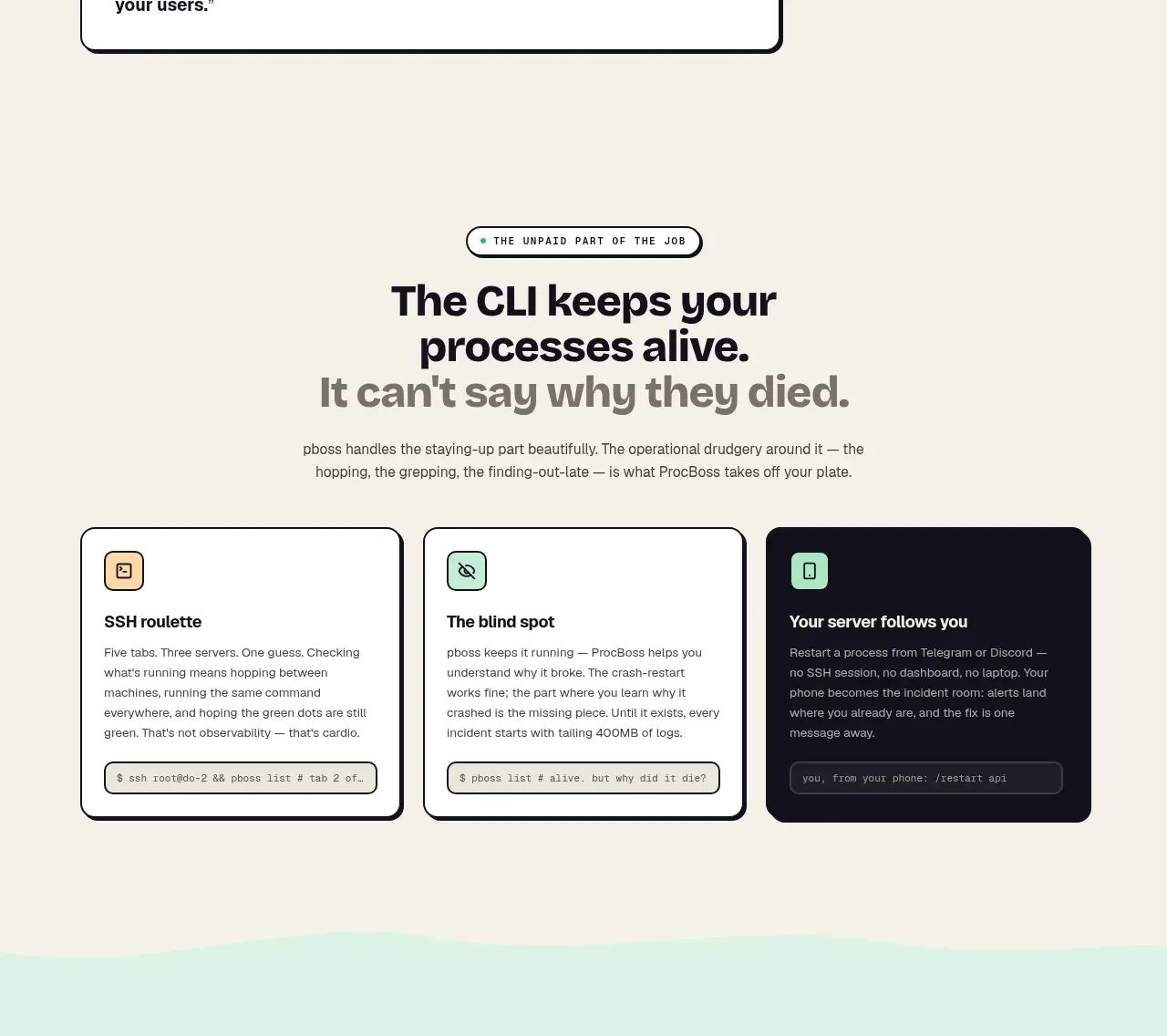 Operational blind spots
ProcBoss · Feature grid
Operational blind spots
ProcBoss · Feature grid