kage
kage
albie.school
Design analysis
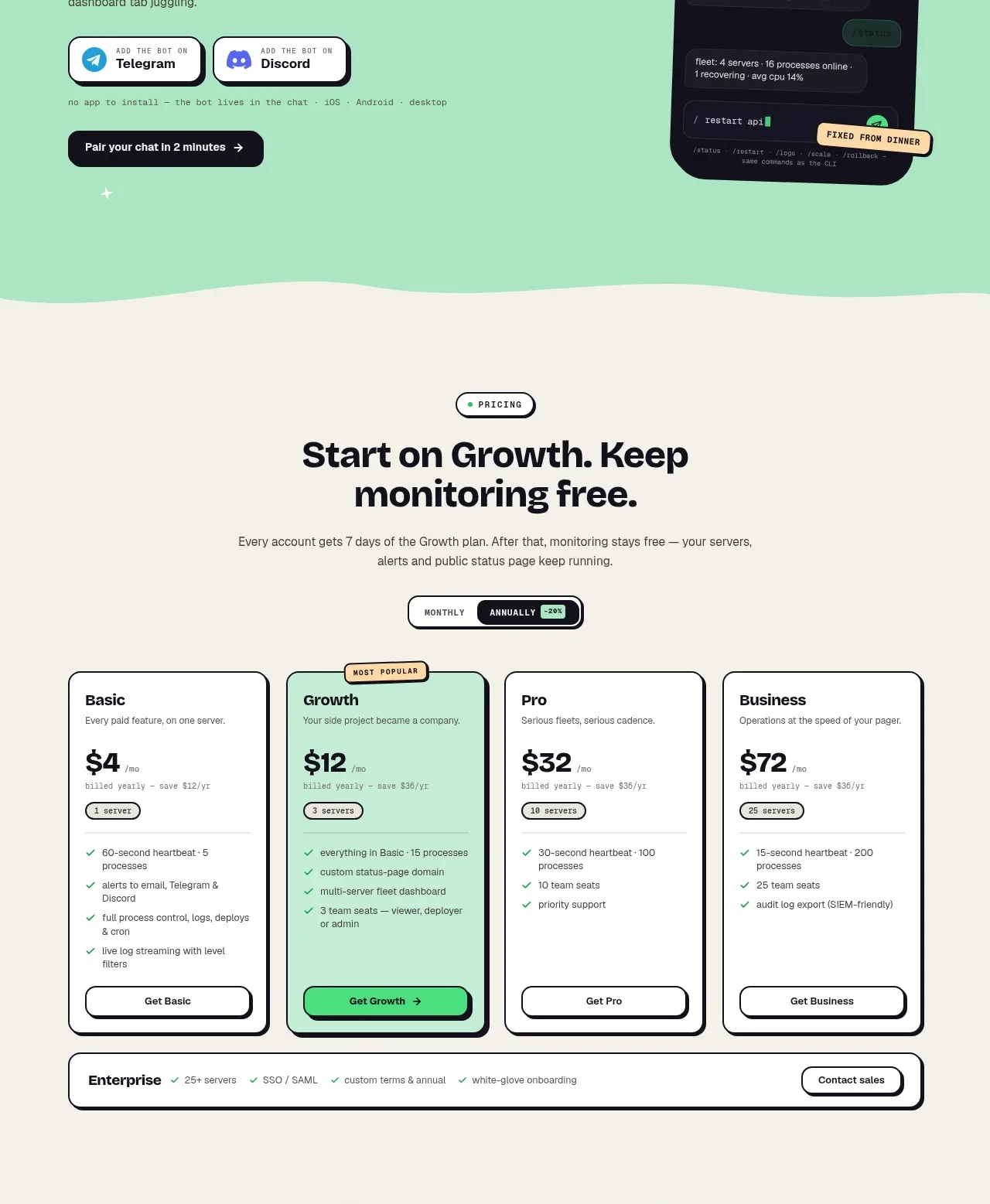
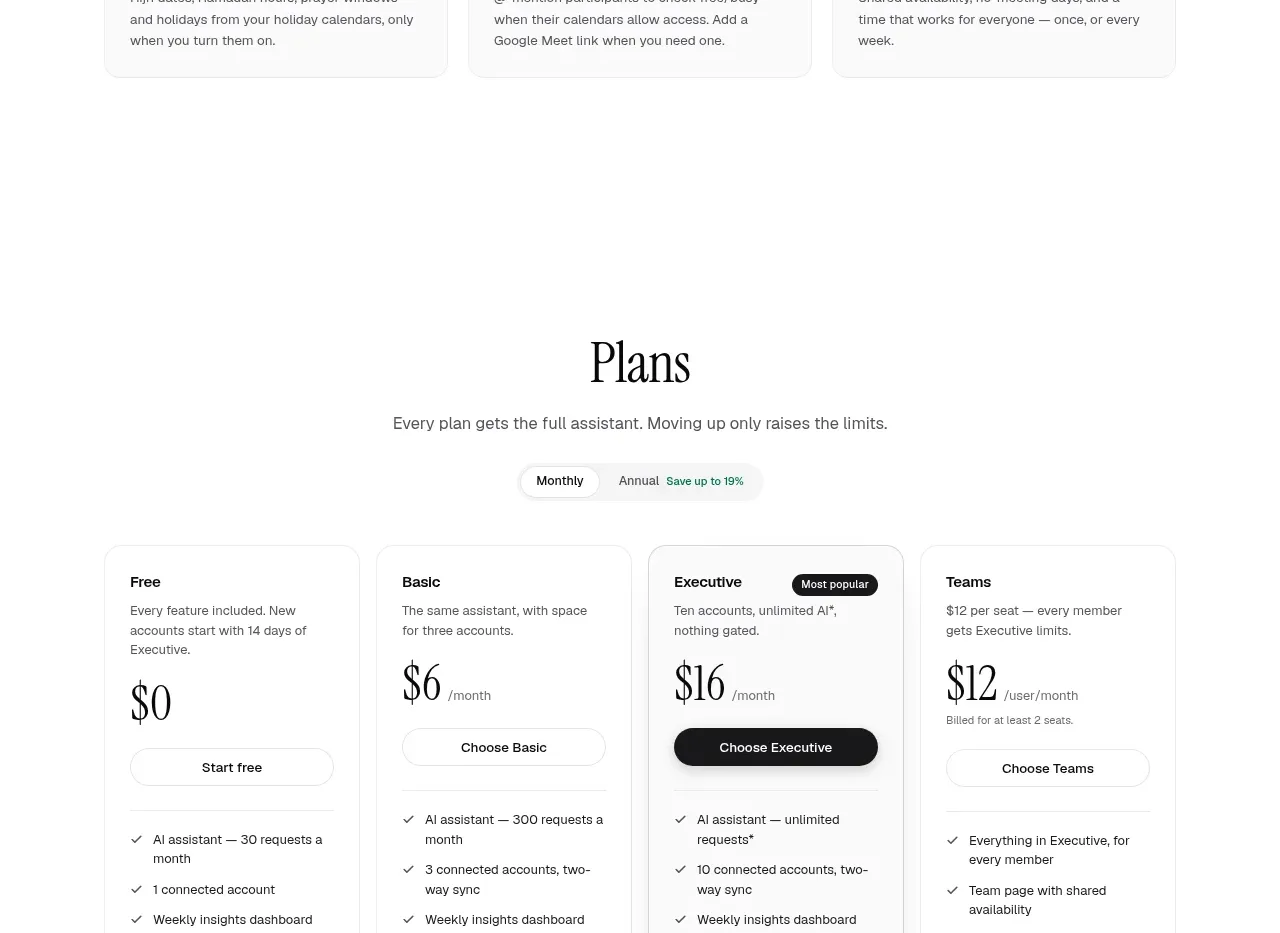
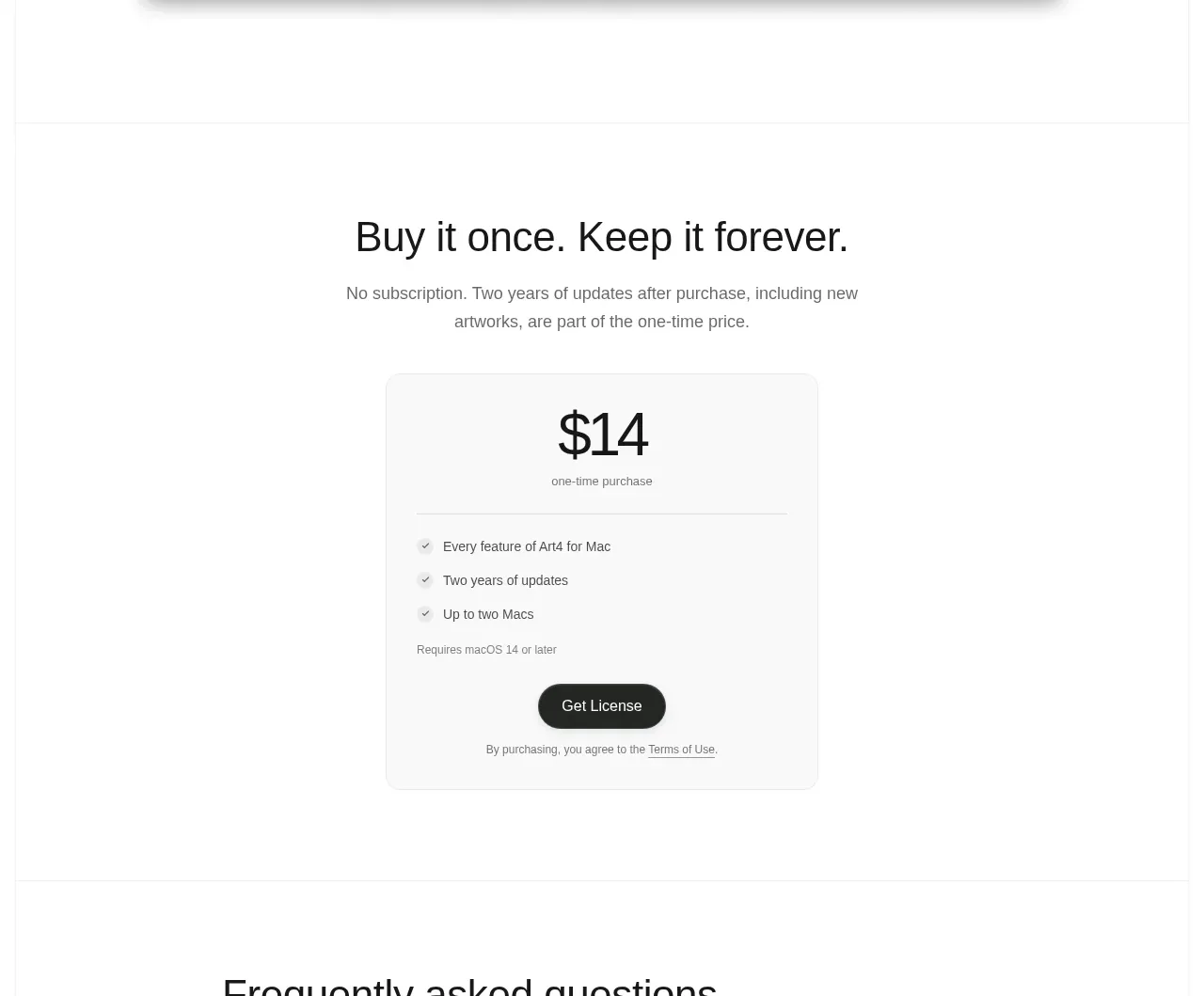
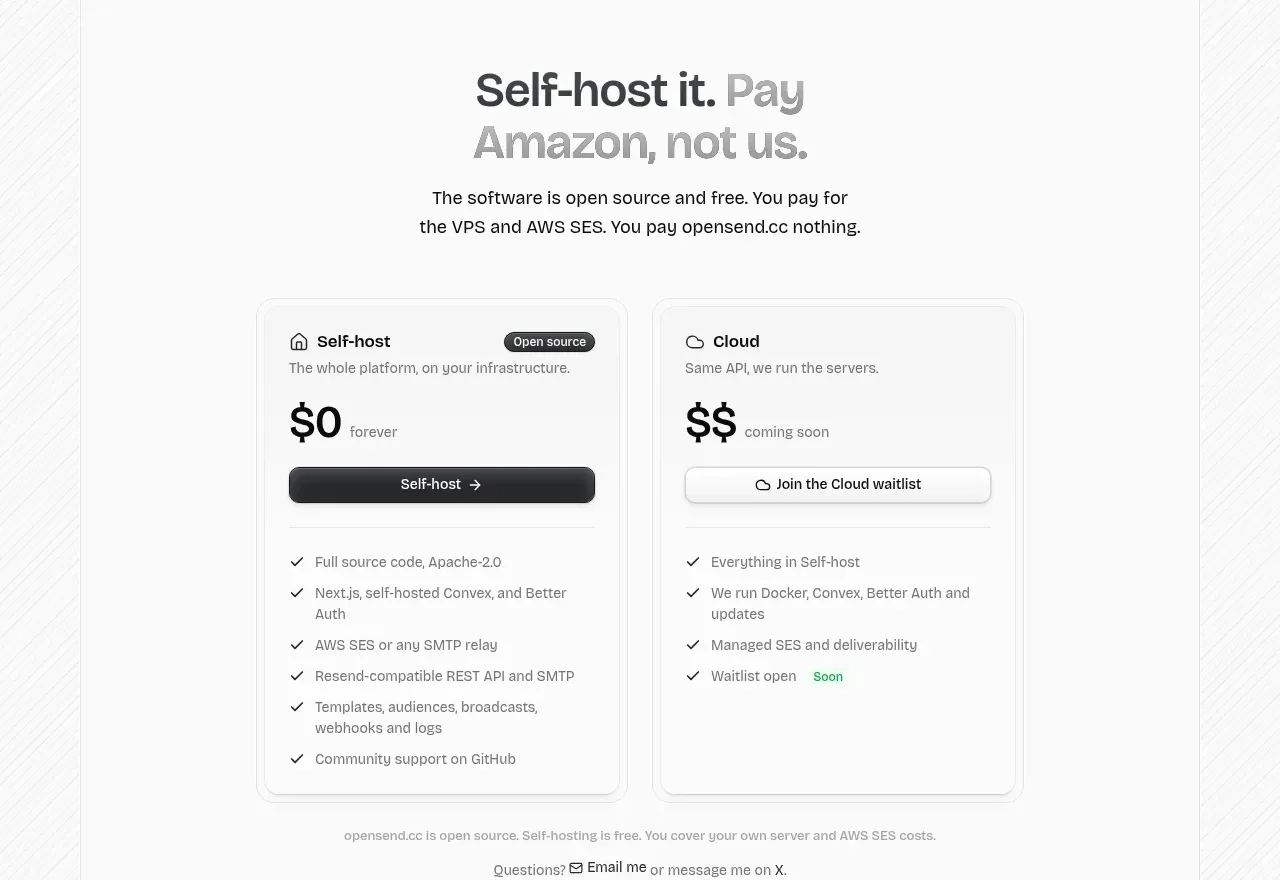
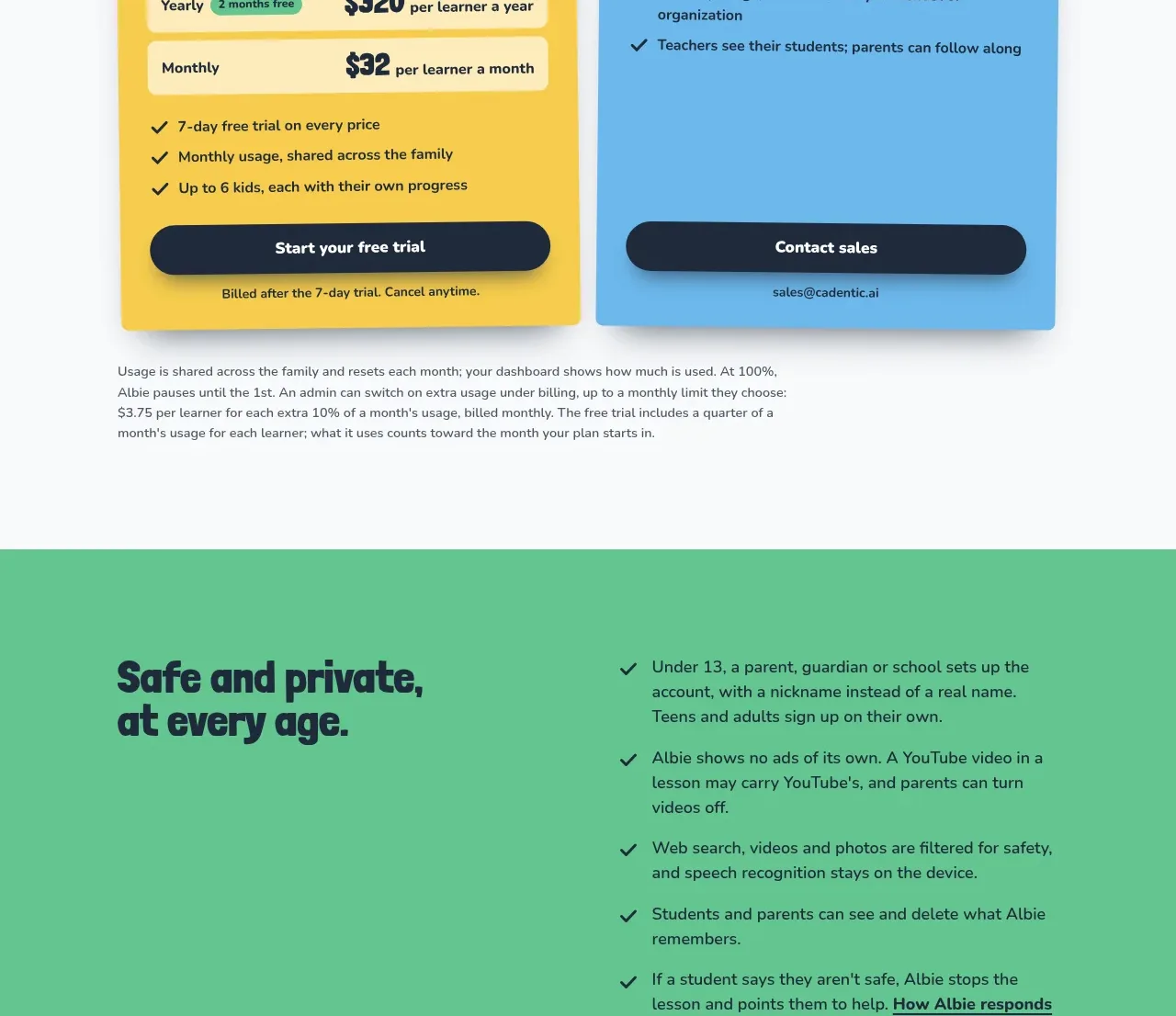
The pricing section makes the decision simple with two large contrasting cards, visible plan differences, price or sales paths, checkmarked inclusions, and a short billing note beneath.
Prompt preview
## Reference images

Study these alongside the description below: hierarchy, rhythm, spacing, colour. Build for the product you are asked about, using this design language.

- Component: https://kage-design-assets.t3.tigrisfiles.io/components/albie/924ea594-904d-48ee-866c-6d109761f321-1791439552-9.webp
- Full page it was cut from: https://kage-design-assets.t3.tigrisfiles.io/screenshots/albie/924ea594-904d-48ee-866c-6d109761f321-1791439457023-full.webp
- Component on Kage: https://kage.design/component/albie-pricing-table

## Before you start
Ask what the user's plans are, how they differ, who each is for, and which conversion action belongs to each. Ask for real pricing and billing rules before writing any copy.

Build a two-column pricing section on an off-white background around #F7F8F6. Start with a left-aligned or centered heading and a short framing sentence. Use two large cards with contrasting but friendly backgrounds, such as warm yellow #F7C843 and sky blue #68B5DC. Each card needs a plan name, audience description, pricing or sales explanation, inclusions list with navy checkmarks, a full-width primary action, and a small billing/disclaimer line. Use dark navy #17263A, 12–16px corner radii, subtle shadows, and paper-like top tabs or labels if the brand calls for tactile character. Keep card heights visually balanced, make the recommended action obvious, and stack cards on mobile. Put legal/pricing caveats below the cards in smaller readable text.

Never: copy logos, product names, copy, illustrations, or imagery from the reference.