 kage
kage
arcjet.com
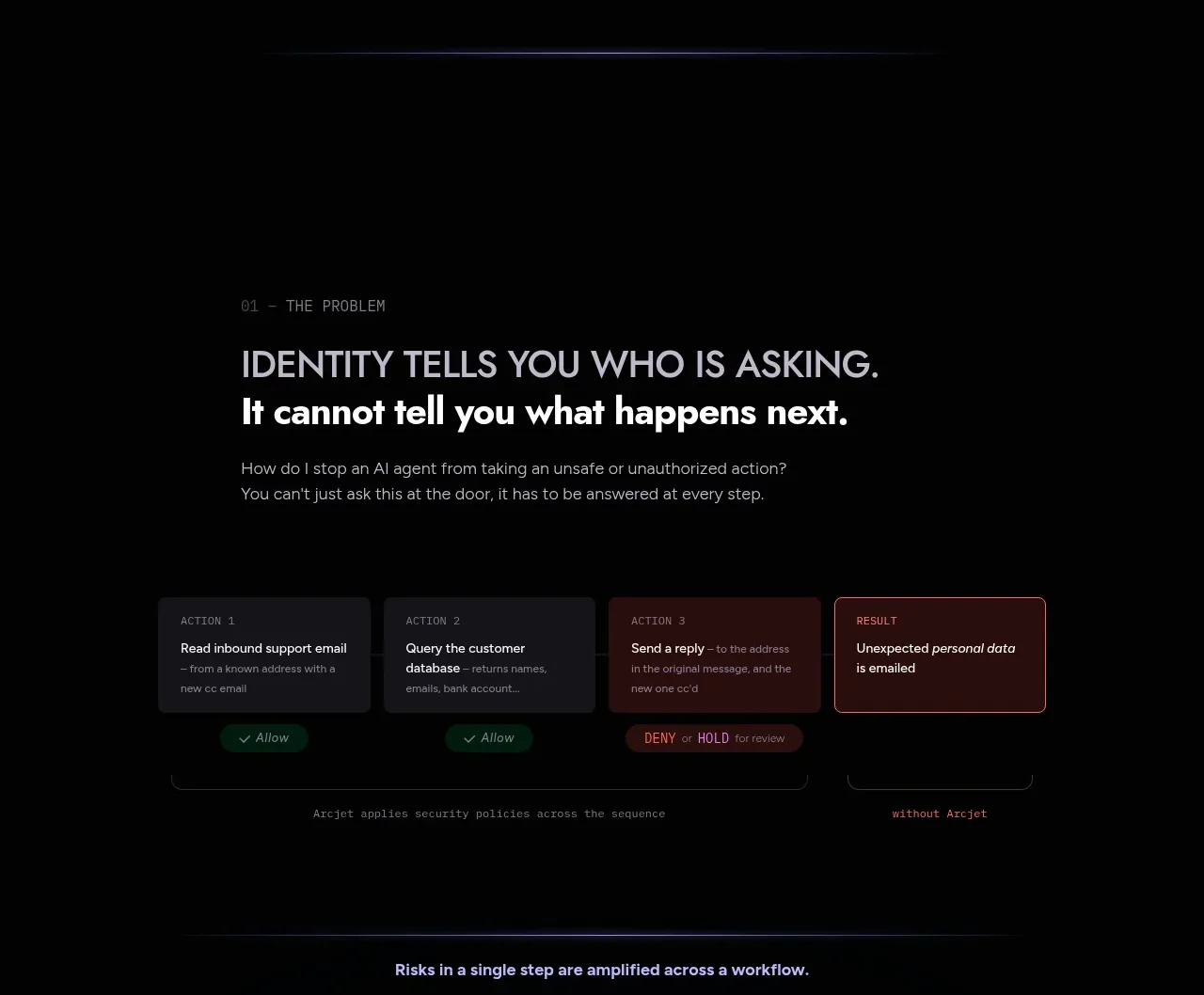
Design analysis
The problem section combines a strong statement with a compact workflow diagram that shows how an apparently harmless action can produce an unsafe outcome.
Prompt preview
## Reference images

Study these alongside the description below: hierarchy, rhythm, spacing, colour. Build for the product you are asked about, using this design language.

- Component: https://kage-design-assets.t3.tigrisfiles.io/components/arcjet/88e490fa-ec93-4198-849b-d528e634d4ff-1790057131-3.webp
- Full page it was cut from: https://kage-design-assets.t3.tigrisfiles.io/screenshots/arcjet/88e490fa-ec93-4198-849b-d528e634d4ff-1790056993895-full.webp
- Component on Kage: https://kage.design/component/arcjet-feature-grid

## Before you start
Ask what unsafe or costly workflow the user's product addresses and what visual language fits its brand. Then design an original problem section using these principles.

Create a dark problem section with a small numbered eyebrow, a two-line heading, a short explanation, and a horizontal workflow diagram beneath it. The diagram should use three or four compact step cards connected by arrows, followed by a visibly highlighted undesirable result. Include small action labels or status chips to make the causal chain legible. Use a centered max-width around 900px, left-aligned editorial copy, and generous spacing between the statement and diagram. Use card surfaces around `#151519`, borders `#29272d`, white text `#e9e6e4`, muted copy `#8c8990`, green for allowed states `#1c7954`, and coral/red `#dc5360` for blocked or risky states. Radius 6–10px, subtle shadow, and responsive horizontal scrolling or stacked cards on mobile. Never: use logos, product names, copy, illustrations or imagery from the reference.
More components
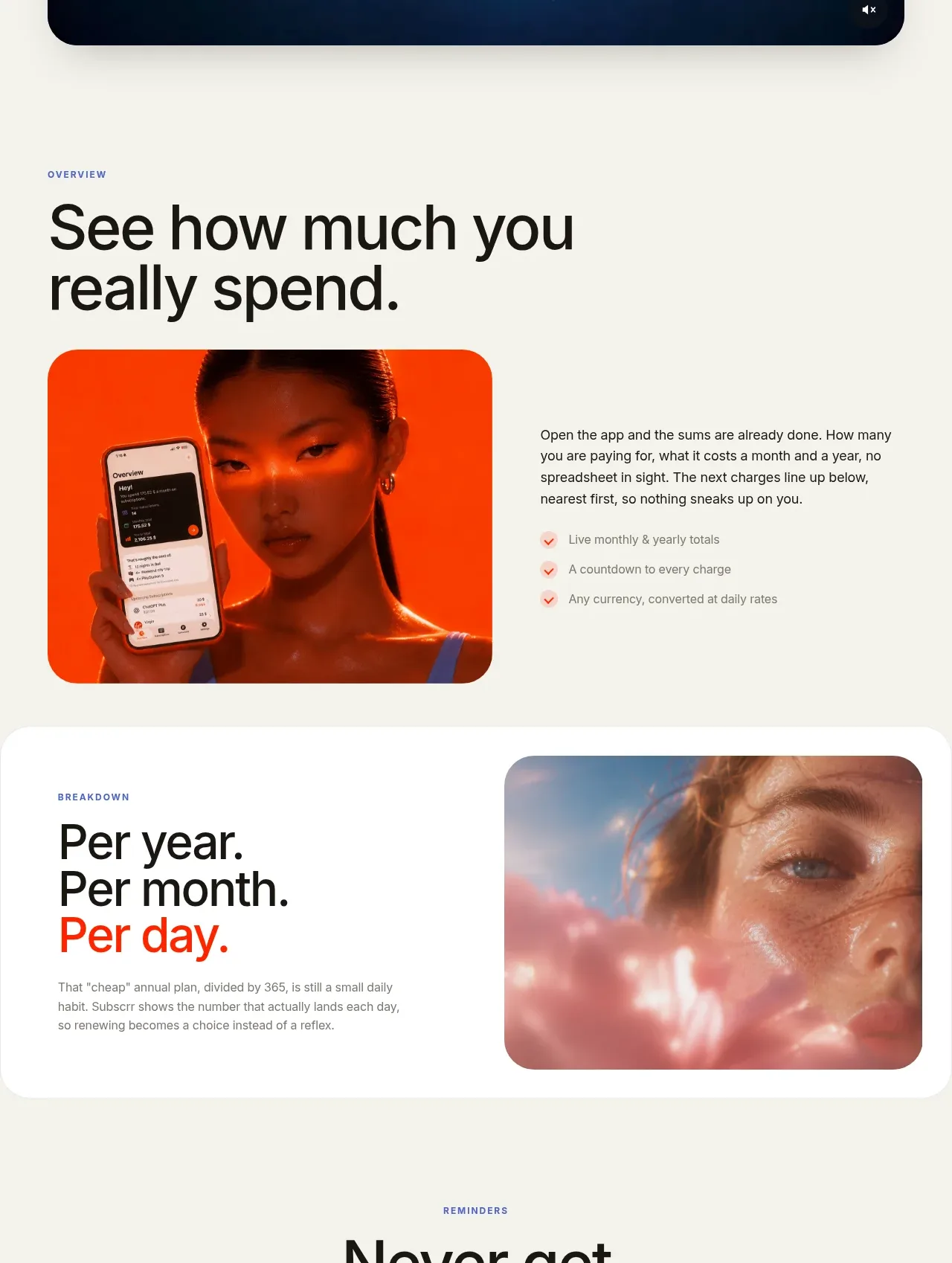
 Spend visibility and daily-cost breakdown
Subscrr · Feature grid
Spend visibility and daily-cost breakdown
Subscrr · Feature grid
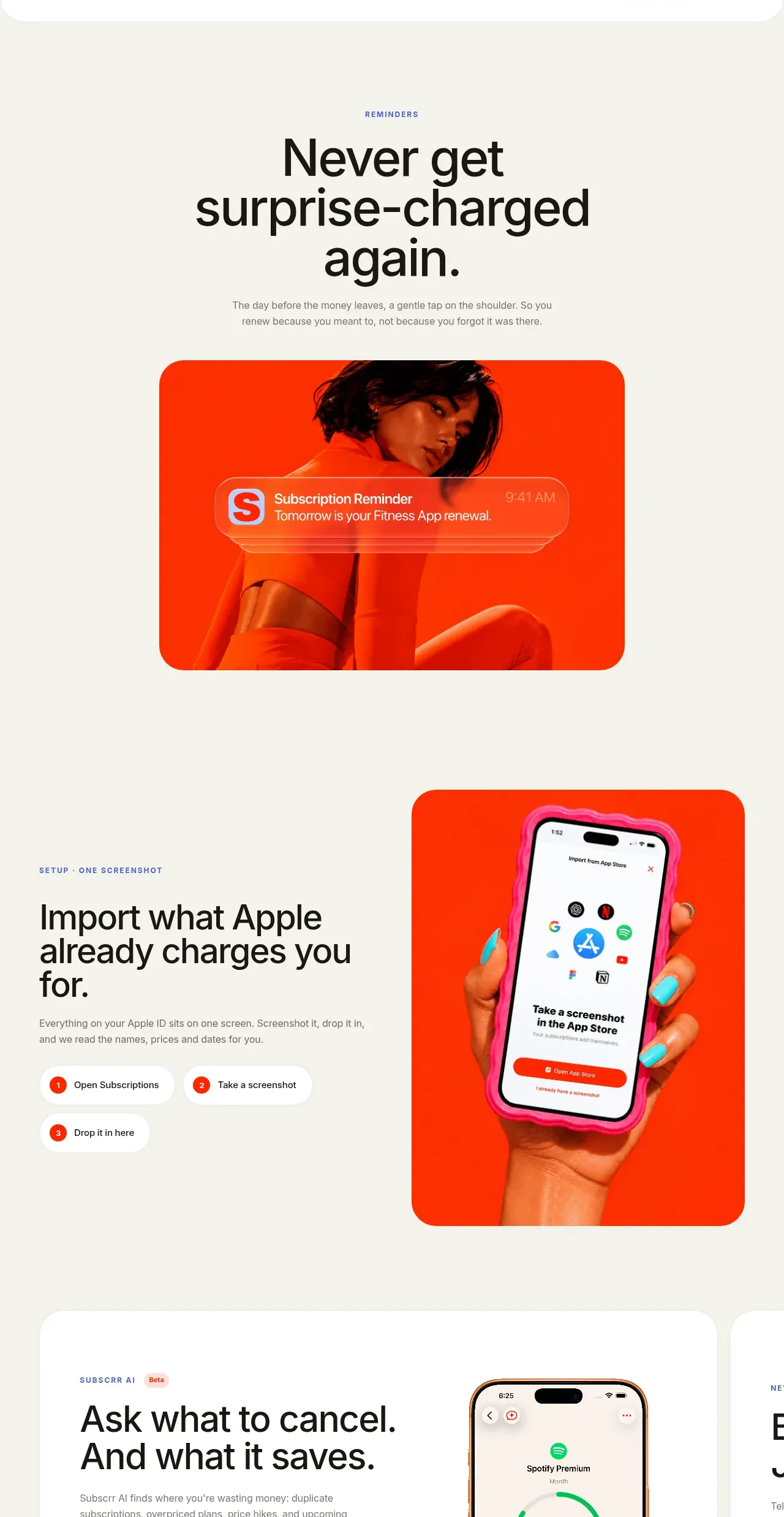 Reminders and simple setup flow
Subscrr · Feature grid
Reminders and simple setup flow
Subscrr · Feature grid

 Security and permissions cards
NotchPop · Feature grid
Security and permissions cards
NotchPop · Feature grid
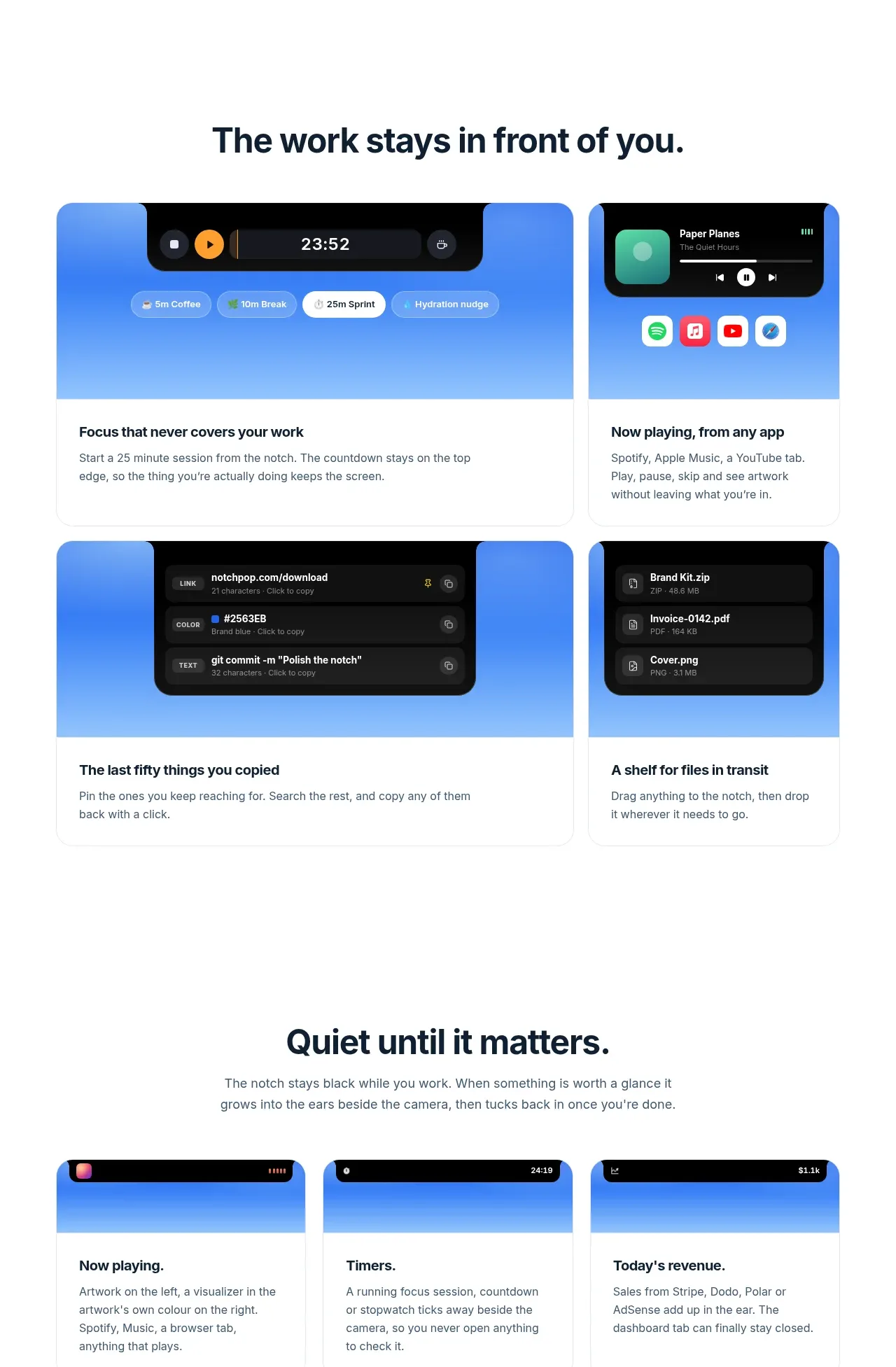 Focused feature cards
NotchPop · Feature grid
Focused feature cards
NotchPop · Feature grid
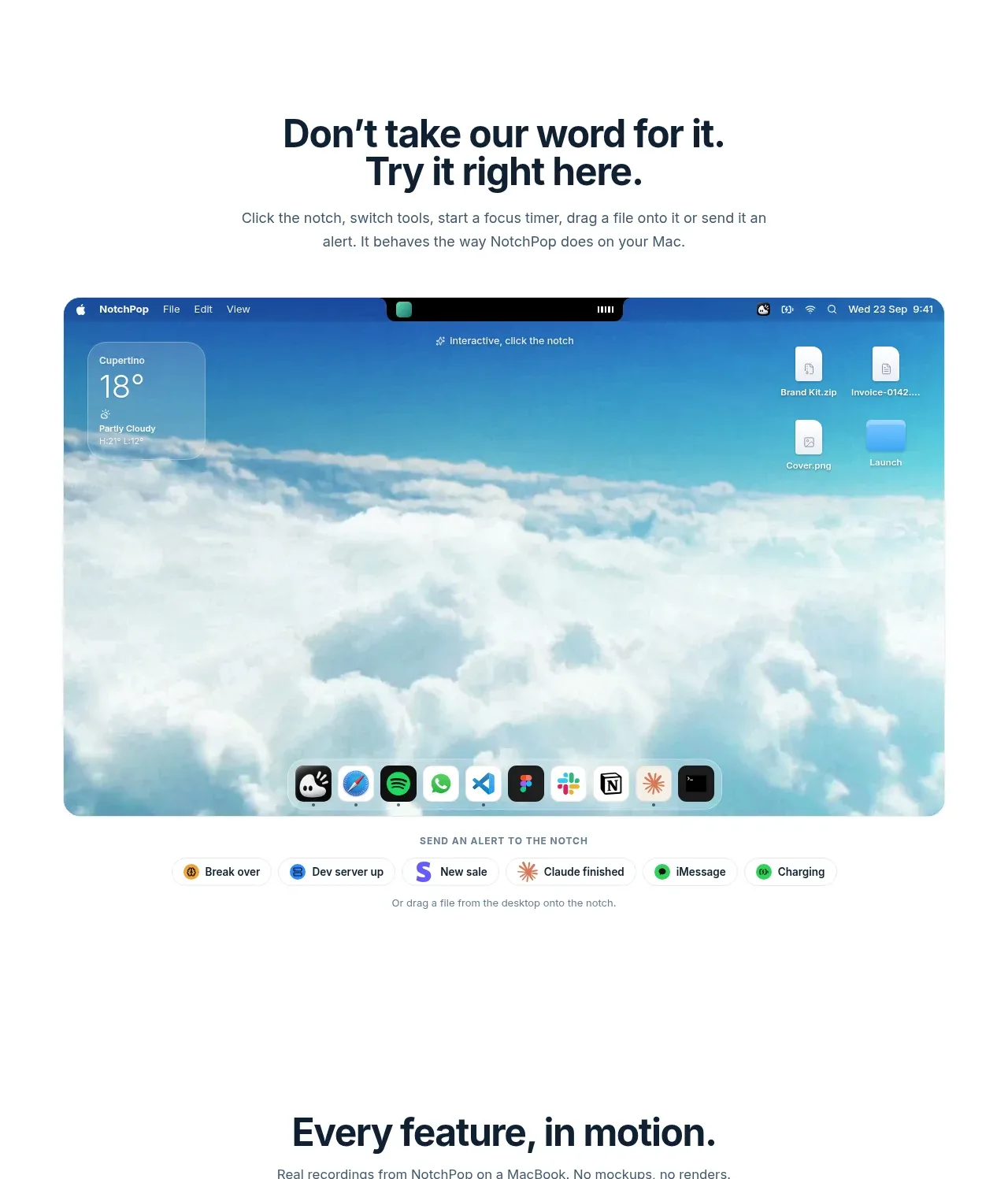 Interactive product demonstration
NotchPop · Feature grid
Interactive product demonstration
NotchPop · Feature grid
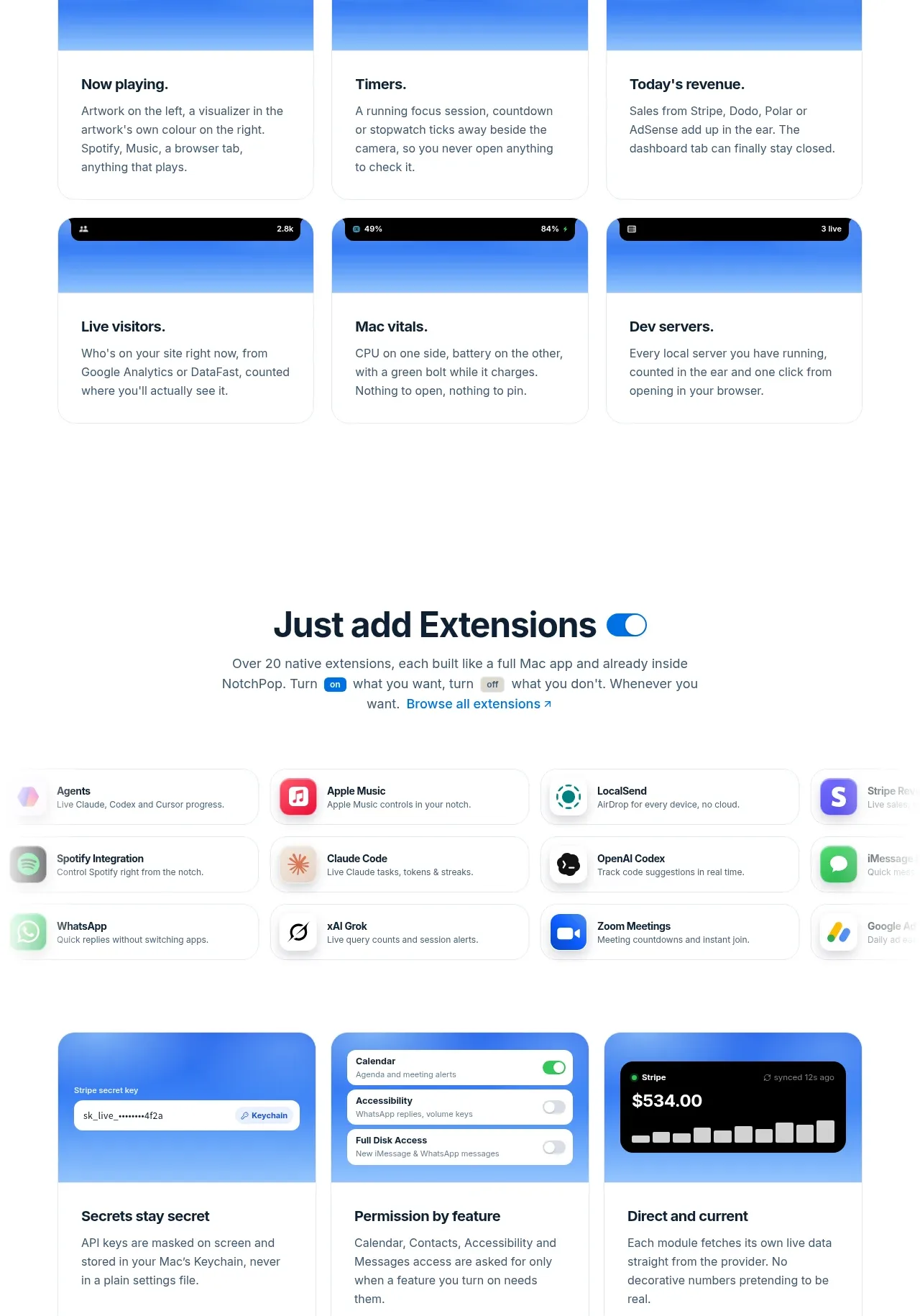 Quiet information cards
NotchPop · Feature grid
Quiet information cards
NotchPop · Feature grid