 kage
kage
menlo.ai

Design analysis
A three-column capability row leads into a six-card specification grid, turning abstract positioning into scannable technical and workflow benefits.
Prompt preview
## Reference images

Study these alongside the description below: hierarchy, rhythm, spacing, colour. Build for the product you are asked about, using this design language.

- Component: https://kage-design-assets.t3.tigrisfiles.io/components/asimov-1/d16421bf-78be-4064-9aab-fabd3467d820-1792562773-3.webp
- Full page it was cut from: https://kage-design-assets.t3.tigrisfiles.io/screenshots/asimov-1/d16421bf-78be-4064-9aab-fabd3467d820-1792562736076-full.webp
- Component on Kage: https://kage.design/component/asimov-1-feature-grid

## Before you start
Ask what the user's product, audience, and brand are, then apply the principles below to that product rather than reproducing this reference.

Create a feature section with two layers. First, add three evenly spaced capability items with small line icons, short bold labels, and concise muted descriptions. Then introduce a centered eyebrow, section heading, supporting sentence, and optional dark compact utility button. Below that, build a responsive three-column grid of six pale cards. Each card should have a short benefit-oriented title, one or two lines of explanatory copy, and a large monochrome technical visual area or abstract diagram placeholder. Use off-white cards (#f7f7f6) on a white page, 14–18px corner radii, 16–24px internal padding, and 14–16px gaps. The first row may emphasize metrics while the second row focuses on workflows; preserve equal card heights and align text consistently. Use near-black typography, grey body copy (#6f6f6f), and a restrained orange accent (#ff6500).

Never: use the reference logo, product name, exact copy, technical drawings, illustrations, imagery, or branded assets.
More components

 Discover app directory
Composio Instant · Feature grid
Discover app directory
Composio Instant · Feature grid
 Connected apps workflow
Composio Instant · Feature grid
Connected apps workflow
Composio Instant · Feature grid
 Three-part product workflow
Composio Instant · Feature grid
Three-part product workflow
Composio Instant · Feature grid
 Spending controls
Composio Instant · Feature grid
Spending controls
Composio Instant · Feature grid

 Open hardware pathways
Asimov 1 · Feature grid
Open hardware pathways
Asimov 1 · Feature grid
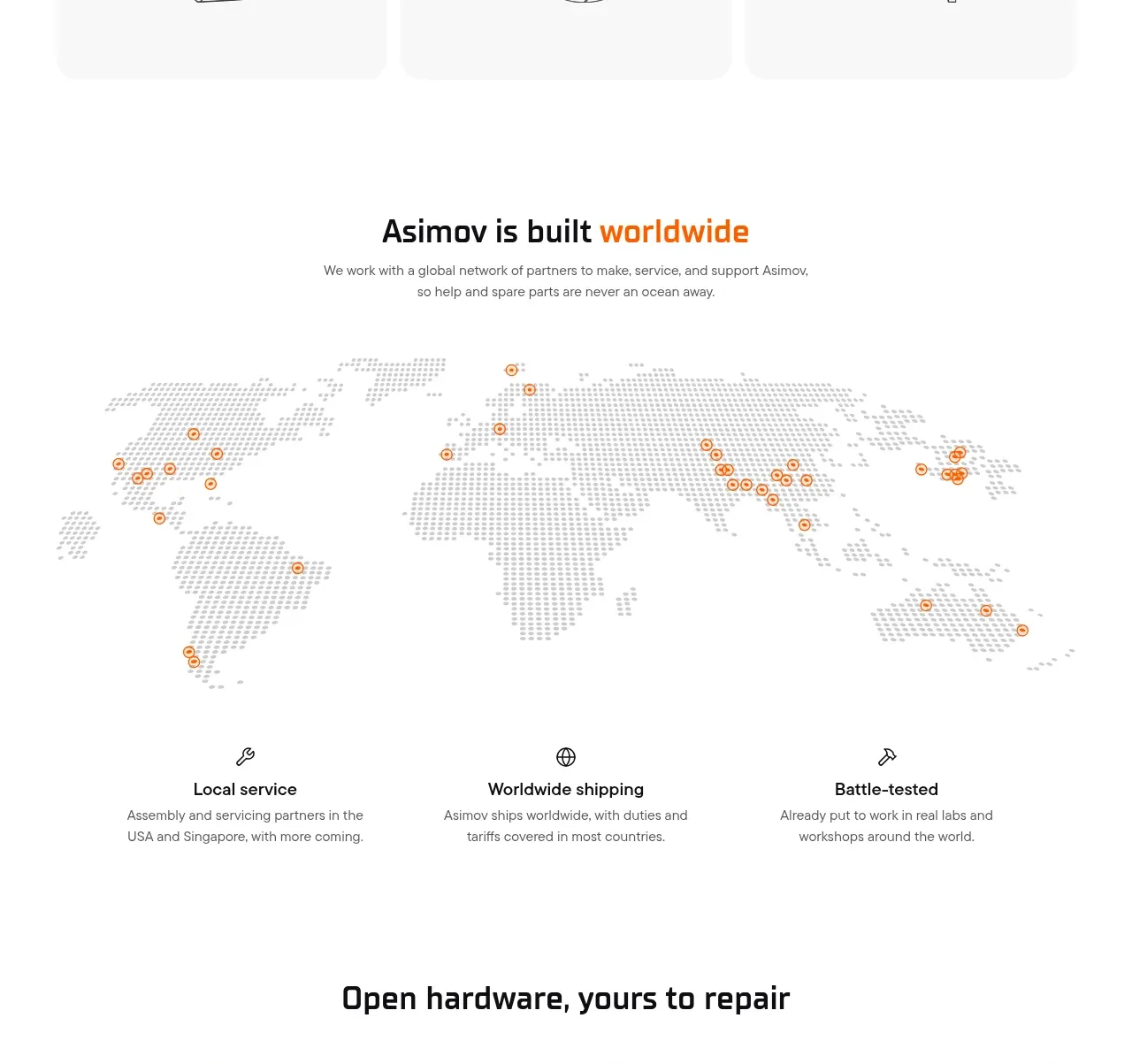 Global support network
Asimov 1 · Feature grid
Global support network
Asimov 1 · Feature grid