 kage
kage
composio.dev

Design analysis
A left column lists three practical control capabilities while a right-side wallet panel demonstrates balance, top-up, and recent charges.
Prompt preview
## Reference images

Study these alongside the description below: hierarchy, rhythm, spacing, colour. Build for the product you are asked about, using this design language.

- Component: https://kage-design-assets.t3.tigrisfiles.io/components/composio-instant/90b73b03-e2b9-4385-8074-6e8e2bc32f62-1792562874-7.webp
- Full page it was cut from: https://kage-design-assets.t3.tigrisfiles.io/screenshots/composio-instant/90b73b03-e2b9-4385-8074-6e8e2bc32f62-1792562787795-full.webp
- Component on Kage: https://kage.design/component/composio-instant-feature-grid-4

## Before you start
Ask what the user's product is, who it serves, and what its brand voice and visual identity are. Apply the following principles to that product rather than copying the reference.

Create a two-column controls section. On the left, use a large heading and three vertically spaced feature rows, each with a small line icon, bold title, and concise description. On the right, show a bordered dashboard card with a balance amount, an on/off toggle, a dark action button, and a list of recent transactions with amounts aligned to the right. Use a 56–72px section inset, 40/60 or 45/55 column split, #fff card, #e7e7e7 border, 2–8px radii, and a soft shadow. Keep controls visibly interactive with hover and focus states.

Never: use logos, product names, copy, illustrations, or imagery from the reference.
More components

 Connected apps workflow
Composio Instant · Feature grid
Connected apps workflow
Composio Instant · Feature grid
 Discover app directory
Composio Instant · Feature grid
Discover app directory
Composio Instant · Feature grid
 Three-part product workflow
Composio Instant · Feature grid
Three-part product workflow
Composio Instant · Feature grid

 Open hardware pathways
Asimov 1 · Feature grid
Open hardware pathways
Asimov 1 · Feature grid
 Capability overview and specification cards
Asimov 1 · Feature grid
Capability overview and specification cards
Asimov 1 · Feature grid
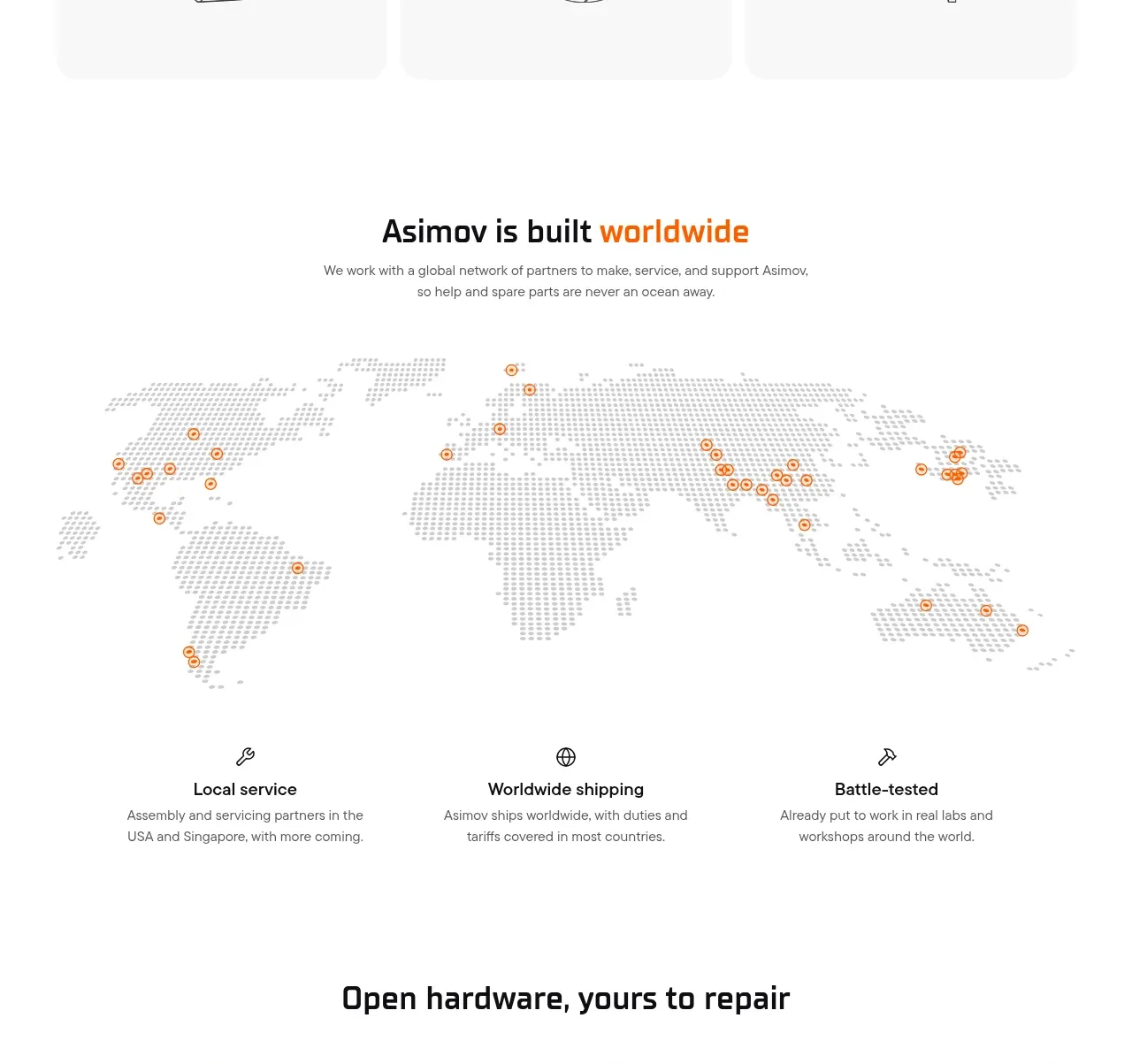 Global support network
Asimov 1 · Feature grid
Global support network
Asimov 1 · Feature grid