 kage
kage
menlo.ai

Design analysis
Two large side-by-side cards make the open-hardware story actionable: one for guided assembly and one for extending the system with materials and parts.
Prompt preview
## Reference images

Study these alongside the description below: hierarchy, rhythm, spacing, colour. Build for the product you are asked about, using this design language.

- Component: https://kage-design-assets.t3.tigrisfiles.io/components/asimov-1/d16421bf-78be-4064-9aab-fabd3467d820-1792562774-5.webp
- Full page it was cut from: https://kage-design-assets.t3.tigrisfiles.io/screenshots/asimov-1/d16421bf-78be-4064-9aab-fabd3467d820-1792562736076-full.webp
- Component on Kage: https://kage.design/component/asimov-1-feature-grid-3

## Before you start
Ask what the user's product, audience, and brand are, then apply the principles below to that product rather than reproducing this reference.

Create a section with a centered display heading followed by two equal resource cards in a two-column grid. Give each card a large 16:9 rounded media panel on top, then a strong title, one sentence of explanatory copy, and a small outlined action button. Make the media panels visually distinct with a dark neutral panel for one path and a vivid accent panel for the other, but use product-specific visuals supplied by the user. Use 28–32px gaps, 18–24px card radius, near-black text, and a single vivid orange accent around #ff6500. Buttons should be compact, bordered, and include a subtle arrow affordance. Stack cards vertically below 700px and keep all descriptions aligned.

Never: use the reference logo, product name, exact copy, interface screenshots, illustrations, imagery, or branded assets.
More components

 Connected apps workflow
Composio Instant · Feature grid
Connected apps workflow
Composio Instant · Feature grid
 Spending controls
Composio Instant · Feature grid
Spending controls
Composio Instant · Feature grid
 Three-part product workflow
Composio Instant · Feature grid
Three-part product workflow
Composio Instant · Feature grid
 Discover app directory
Composio Instant · Feature grid
Discover app directory
Composio Instant · Feature grid

 Capability overview and specification cards
Asimov 1 · Feature grid
Capability overview and specification cards
Asimov 1 · Feature grid
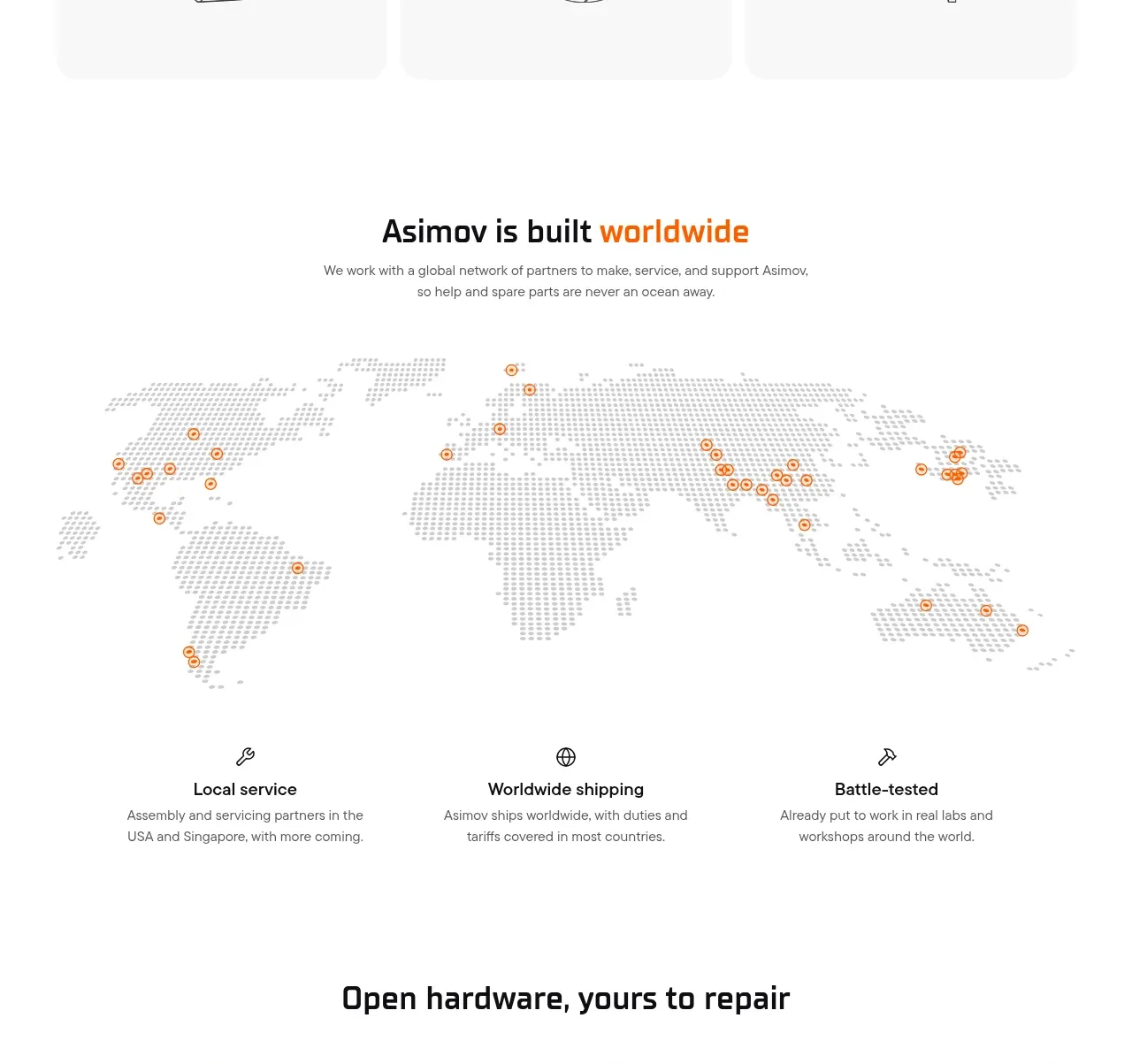 Global support network
Asimov 1 · Feature grid
Global support network
Asimov 1 · Feature grid