 kage
kage
composio.dev

Design analysis
A centered explanation introduces the product model, then three equal columns show connected tools, execution, and payment as a simple sequence.
Prompt preview
## Reference images

Study these alongside the description below: hierarchy, rhythm, spacing, colour. Build for the product you are asked about, using this design language.

- Component: https://kage-design-assets.t3.tigrisfiles.io/components/composio-instant/90b73b03-e2b9-4385-8074-6e8e2bc32f62-1792562873-4.webp
- Full page it was cut from: https://kage-design-assets.t3.tigrisfiles.io/screenshots/composio-instant/90b73b03-e2b9-4385-8074-6e8e2bc32f62-1792562787795-full.webp
- Component on Kage: https://kage.design/component/composio-instant-feature-grid-2

## Before you start
Ask what the user's product is, who it serves, and what its brand voice and visual identity are. Apply the following principles to that product rather than copying the reference.

Build an explanatory feature section with a centered two-line heading and a short paragraph. Under it, use three equal columns separated by very light vertical rules. Each column has a compact abstract visual, then a concise label explaining a sequential step. Keep visuals lightweight and diagrammatic: floating tiles, a process marker, or a small transaction card. Use 28–36px heading typography, 14px body copy, #111 text, #777 secondary text, #ededed dividers, and around 48px column padding. Stack columns on mobile and remove unnecessary dividers.

Never: use logos, product names, copy, illustrations, or imagery from the reference.
More components

 Connected apps workflow
Composio Instant · Feature grid
Connected apps workflow
Composio Instant · Feature grid
 Spending controls
Composio Instant · Feature grid
Spending controls
Composio Instant · Feature grid
 Discover app directory
Composio Instant · Feature grid
Discover app directory
Composio Instant · Feature grid

 Open hardware pathways
Asimov 1 · Feature grid
Open hardware pathways
Asimov 1 · Feature grid
 Capability overview and specification cards
Asimov 1 · Feature grid
Capability overview and specification cards
Asimov 1 · Feature grid
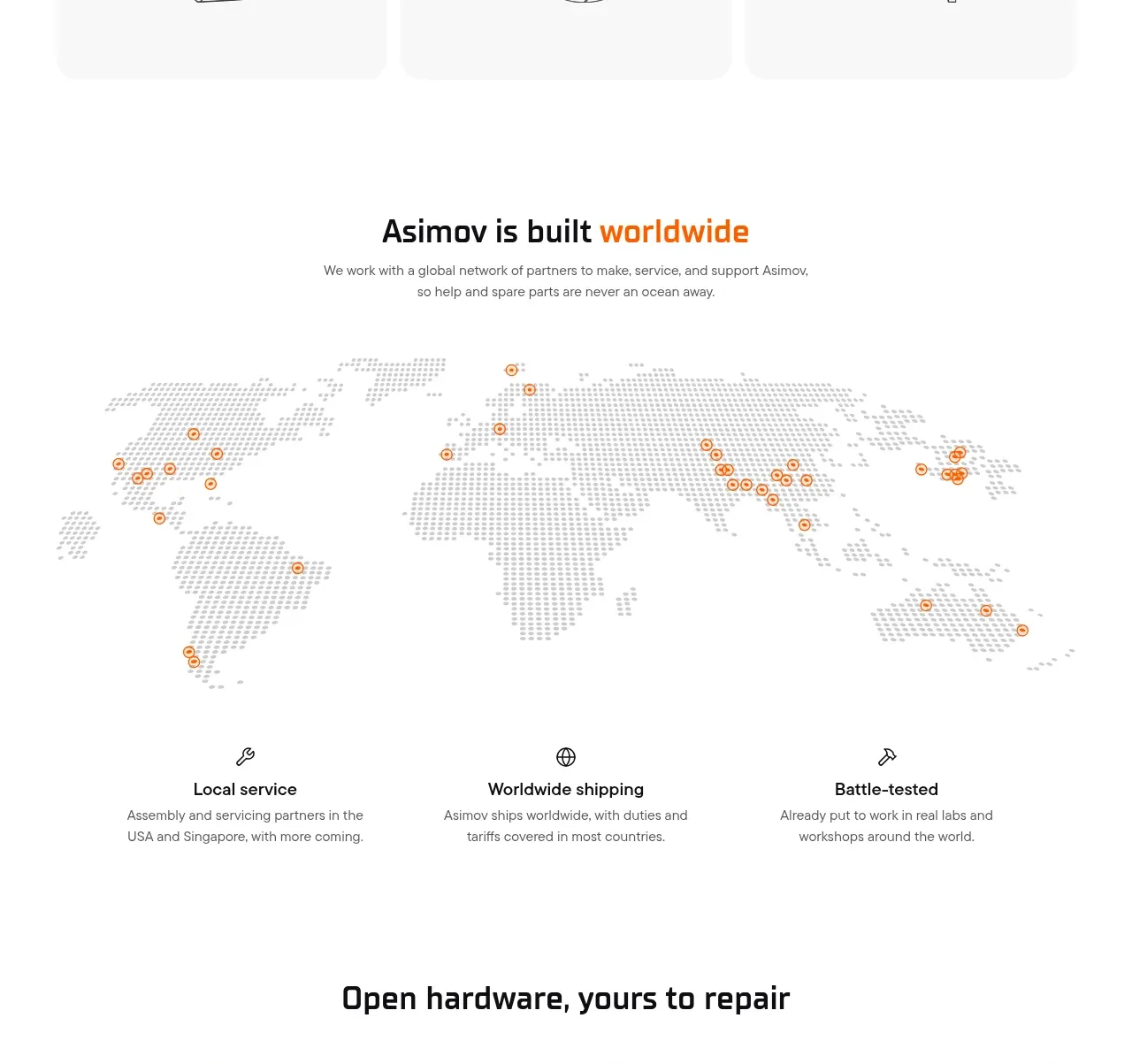 Global support network
Asimov 1 · Feature grid
Global support network
Asimov 1 · Feature grid