 kage
kage
composio.dev

Design analysis
A searchable, filterable app catalogue uses a clear section title, controls, category tabs, and a four-column grid of compact integration cards.
Prompt preview
## Reference images

Study these alongside the description below: hierarchy, rhythm, spacing, colour. Build for the product you are asked about, using this design language.

- Component: https://kage-design-assets.t3.tigrisfiles.io/components/composio-instant/90b73b03-e2b9-4385-8074-6e8e2bc32f62-1792562872-2.webp
- Full page it was cut from: https://kage-design-assets.t3.tigrisfiles.io/screenshots/composio-instant/90b73b03-e2b9-4385-8074-6e8e2bc32f62-1792562787795-full.webp
- Component on Kage: https://kage.design/component/composio-instant-feature-grid

## Before you start
Ask what the user's product is, who it serves, and what its brand voice and visual identity are. Apply the following principles to that product rather than copying the reference.

Build a directory section with a left-aligned heading, a control row containing segmented view tabs and a search field, and a horizontal category filter row. Below it, render a responsive four-column grid of pale cards. Each card should contain an app icon placeholder, name, short description, an external-link affordance, and a small metadata label. Use white page background, #f7f7f7 card fills, #e6e6e6 borders, 4–8px radii, 24–32px gaps, and restrained gray secondary text. Include pagination at the bottom and a secondary outlined action on the right. Make search, filters, tabs, and pagination keyboard accessible.

Never: use logos, product names, copy, illustrations, or imagery from the reference.
More components

 Connected apps workflow
Composio Instant · Feature grid
Connected apps workflow
Composio Instant · Feature grid
 Spending controls
Composio Instant · Feature grid
Spending controls
Composio Instant · Feature grid
 Three-part product workflow
Composio Instant · Feature grid
Three-part product workflow
Composio Instant · Feature grid

 Open hardware pathways
Asimov 1 · Feature grid
Open hardware pathways
Asimov 1 · Feature grid
 Capability overview and specification cards
Asimov 1 · Feature grid
Capability overview and specification cards
Asimov 1 · Feature grid
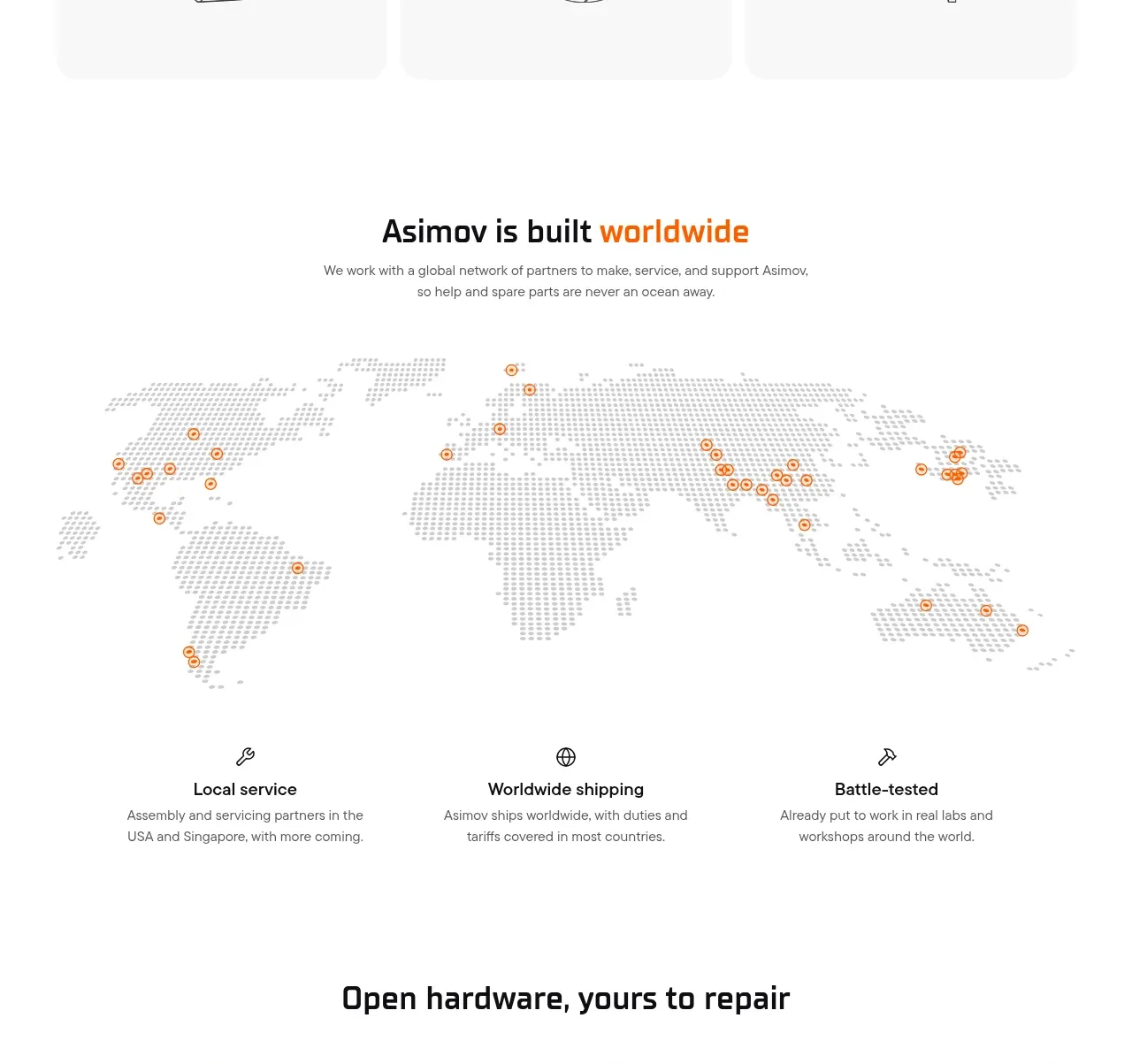 Global support network
Asimov 1 · Feature grid
Global support network
Asimov 1 · Feature grid