 kage
kage
audimate.ai
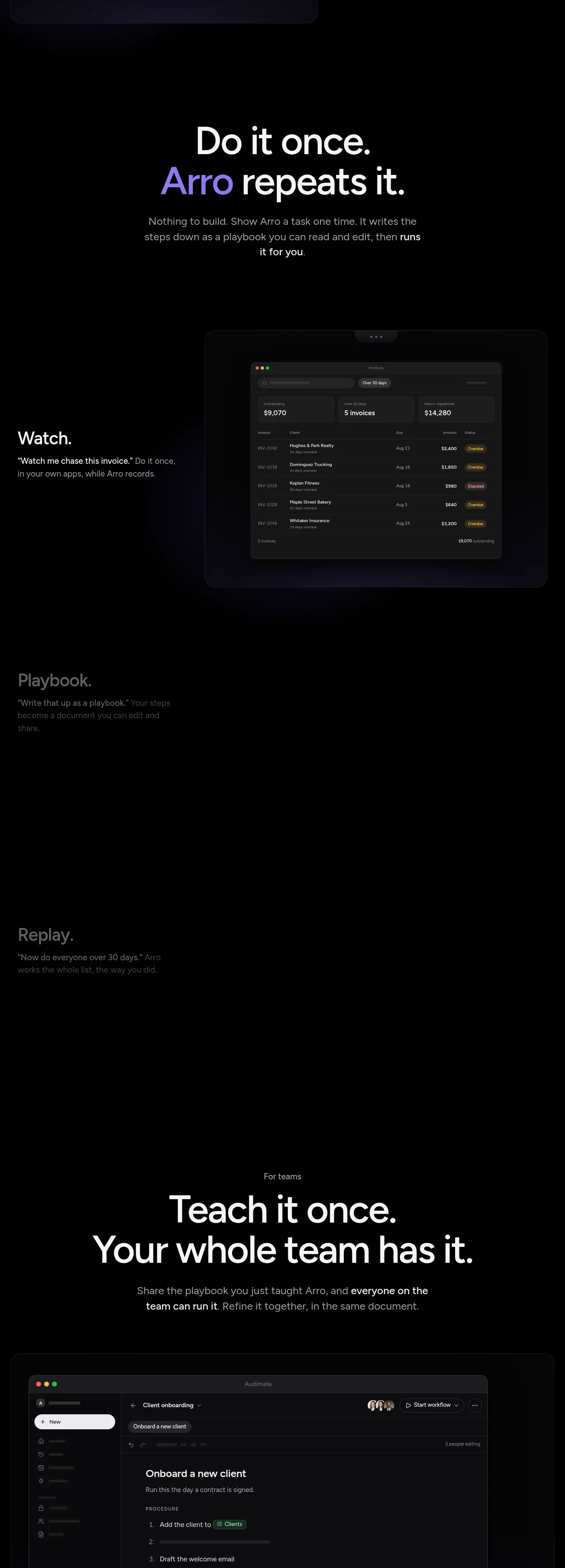
Design analysis
A second long feature sequence frames one-time teaching, replay, team execution, and direct asking as a coherent workflow, with a prominent team-oriented statement and product UI panel.
Prompt preview
## Reference images

Study these alongside the description below: hierarchy, rhythm, spacing, colour. Build for the product you are asked about, using this design language.

- Component: https://kage-design-assets.t3.tigrisfiles.io/components/audimate/f5eee044-0aa0-46f8-a989-58039412e614-1792130730-4.webp
- Full page it was cut from: https://kage-design-assets.t3.tigrisfiles.io/screenshots/audimate/f5eee044-0aa0-46f8-a989-58039412e614-1792130546049-full.webp
- Component on Kage: https://kage.design/component/audimate-feature-grid-2

## Before you start
Ask what the user's product and brand are, then apply the principles below to that product rather than reproducing the reference.

Create a long-form workflow feature section showing how a user teaches an assistant once and reuses the result. Open with a centered statement and short supporting paragraph, then include alternating copy-and-visual rows for creating a reusable procedure, replaying it later, sharing it with a team, and asking for help in natural language. Add one wide dark application panel for the team collaboration moment. Use a strict editorial grid, large 48–64px display headings, 16–18px body text, and compact example chips. Keep the palette nearly black with soft white text, gray secondary text, violet emphasis, and occasional green status accents. Panels should have subtle borders, 18px radius, and blue-violet shadows.

Never: use the reference's logo, product name, copy, illustrations, imagery, or exact visual identity.
More components
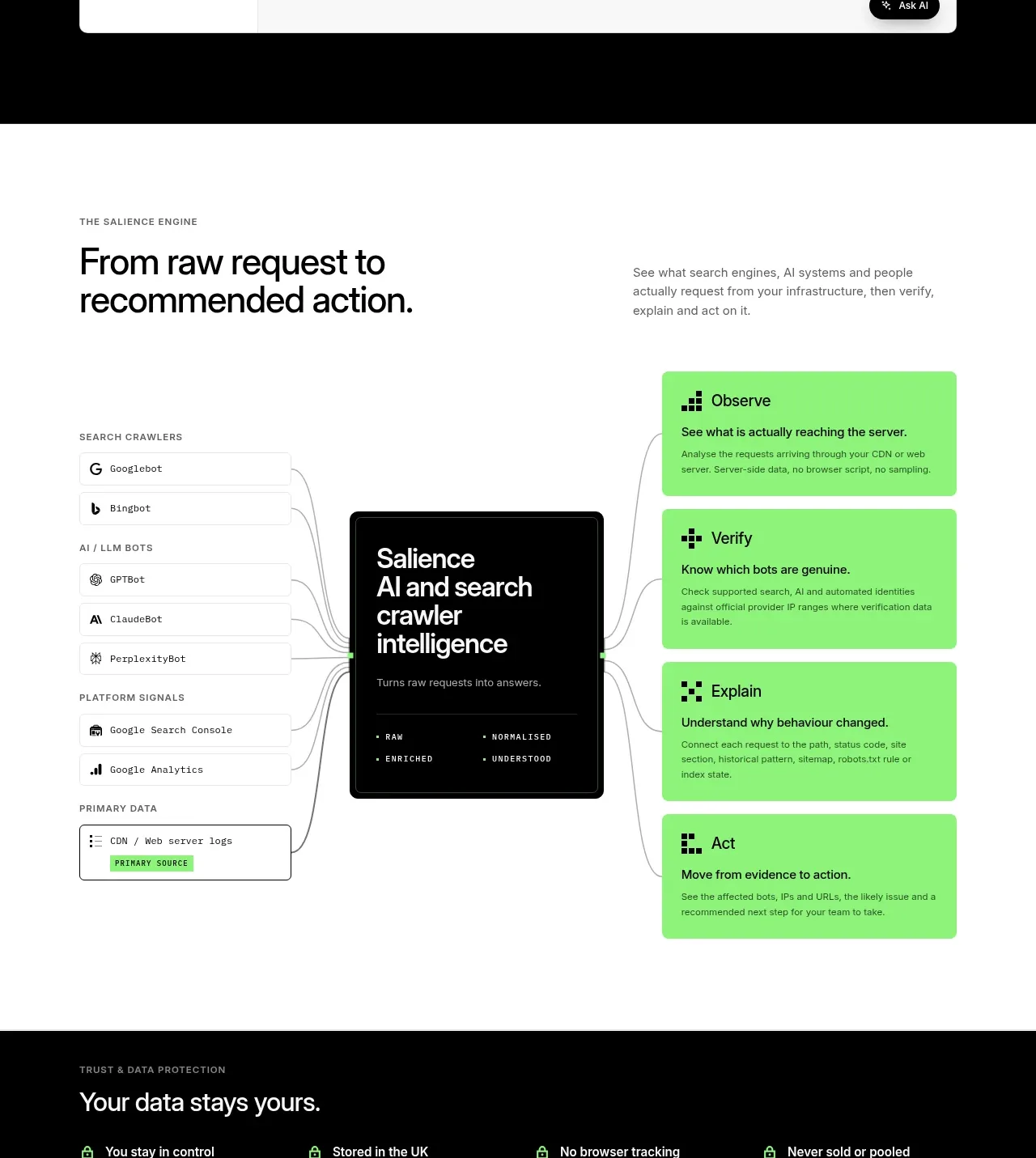
 Data-to-action engine
Salience · Feature grid
Data-to-action engine
Salience · Feature grid
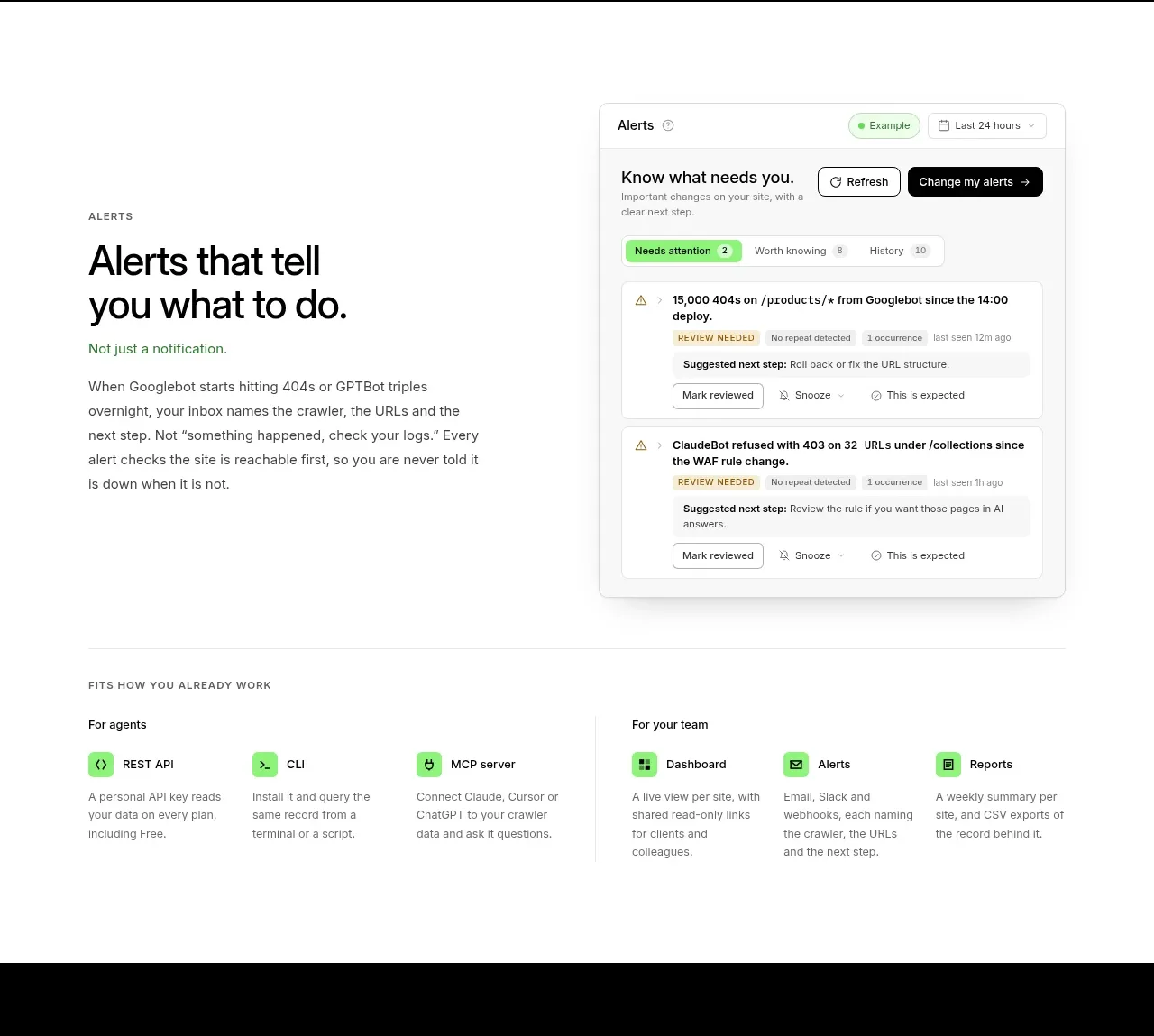 Actionable alert workflow
Salience · Feature grid
Actionable alert workflow
Salience · Feature grid
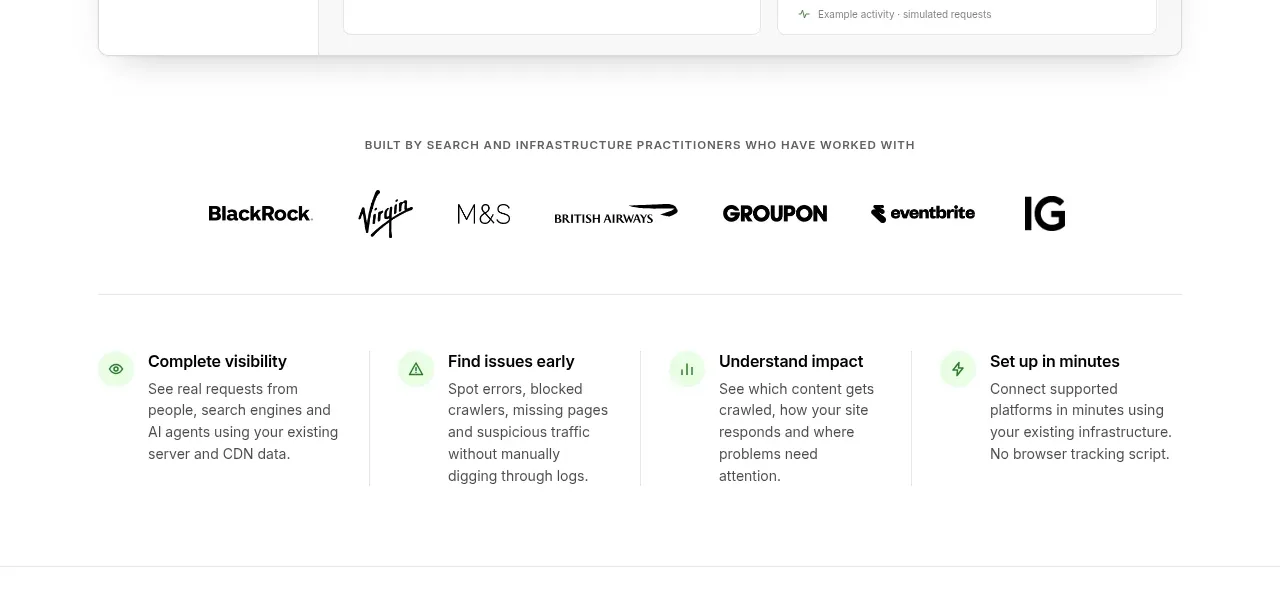 Trust proof and core outcomes
Salience · Feature grid
Trust proof and core outcomes
Salience · Feature grid
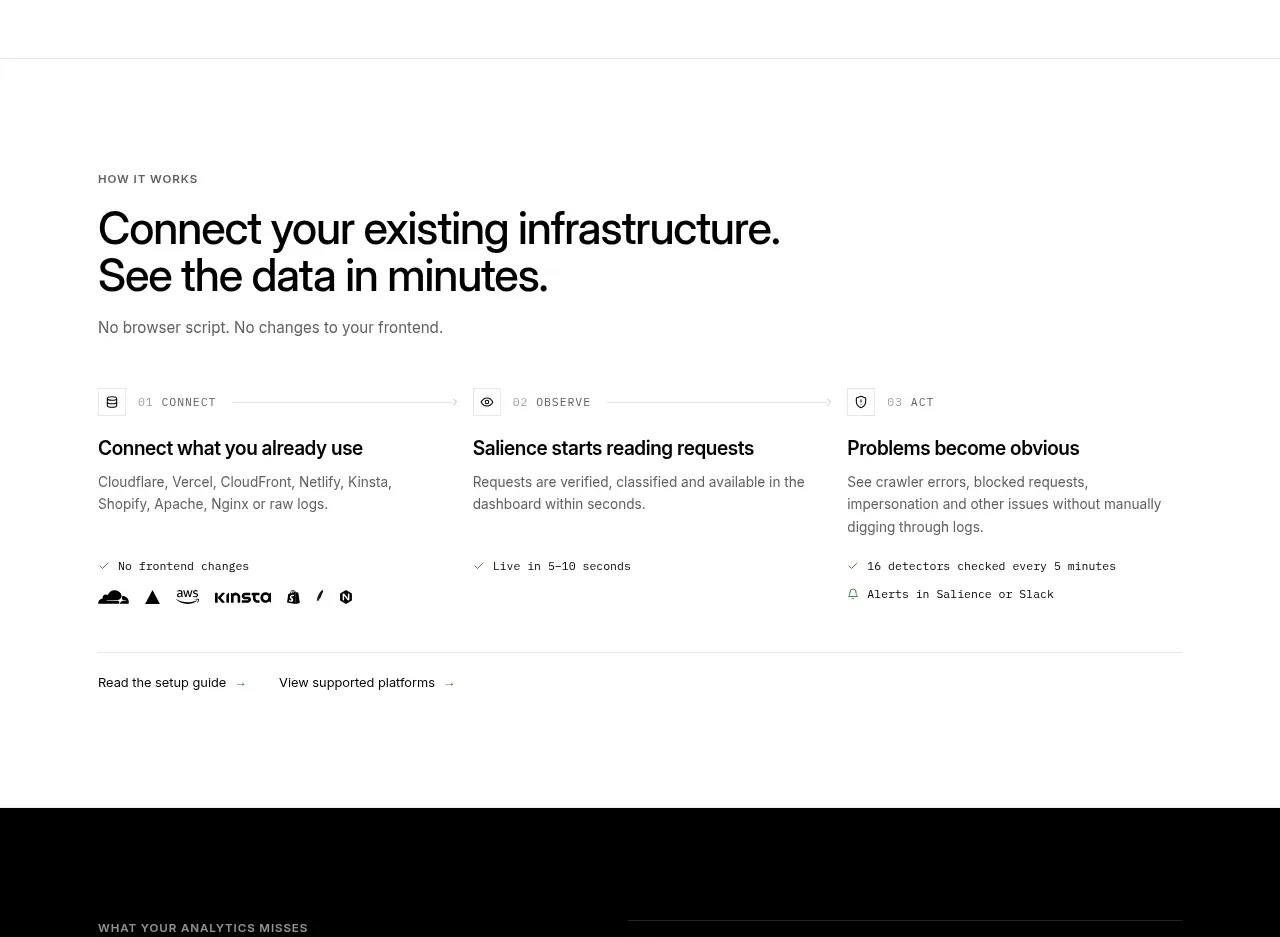 Three-step implementation flow
Salience · Feature grid
Three-step implementation flow
Salience · Feature grid
 What analytics misses
Salience · Feature grid
What analytics misses
Salience · Feature grid
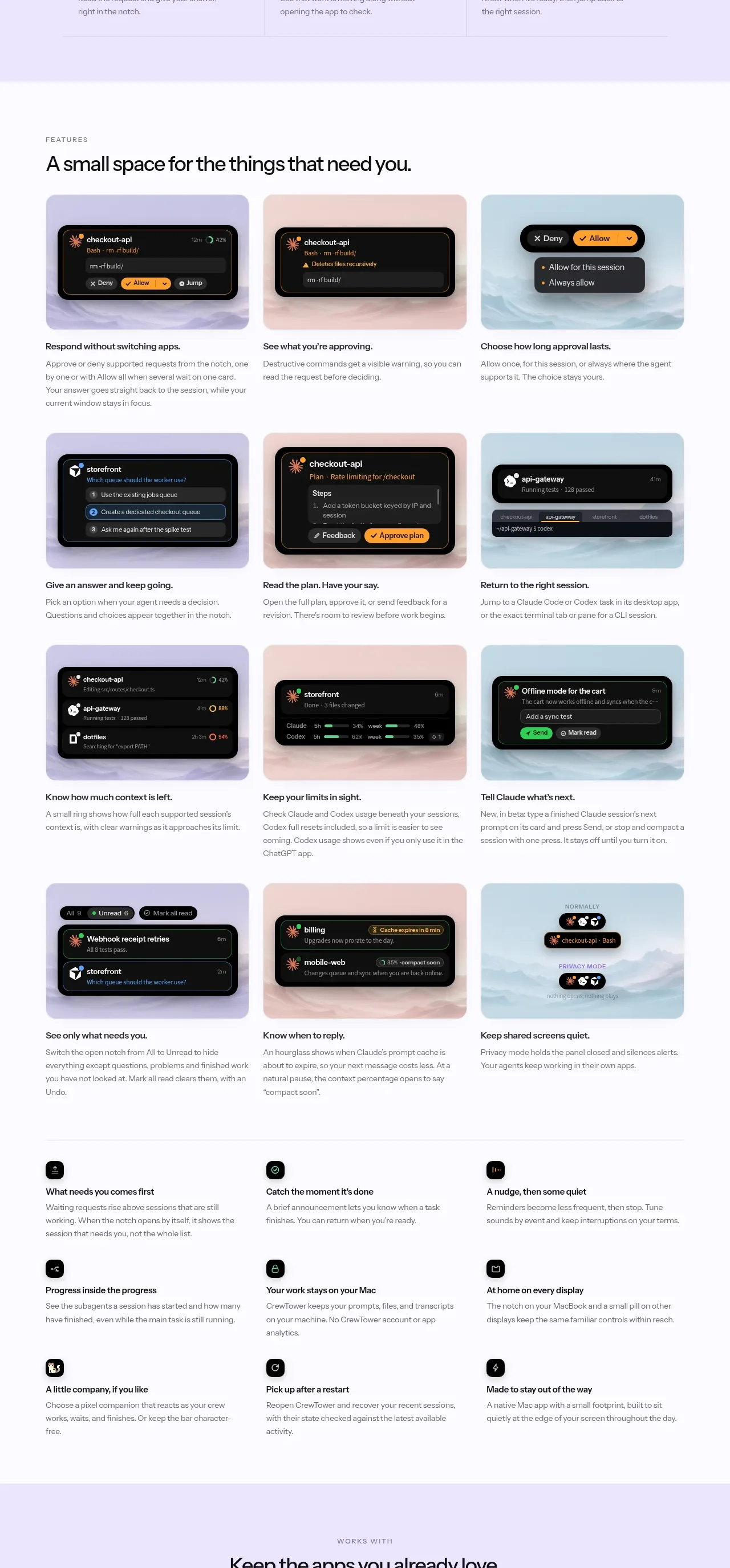
 Workflow features and capabilities
CrewTower Mod for Claude Code · Feature grid
Workflow features and capabilities
CrewTower Mod for Claude Code · Feature grid