kage
kage
bestproxy.com
Design analysis
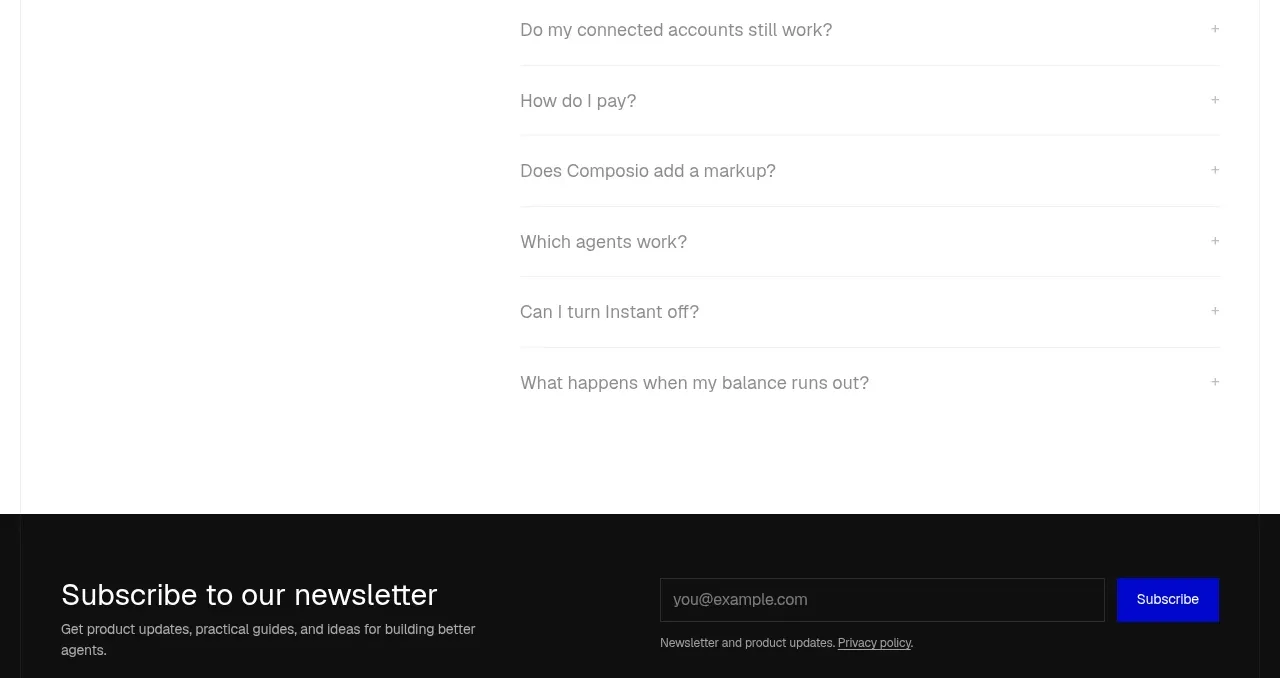
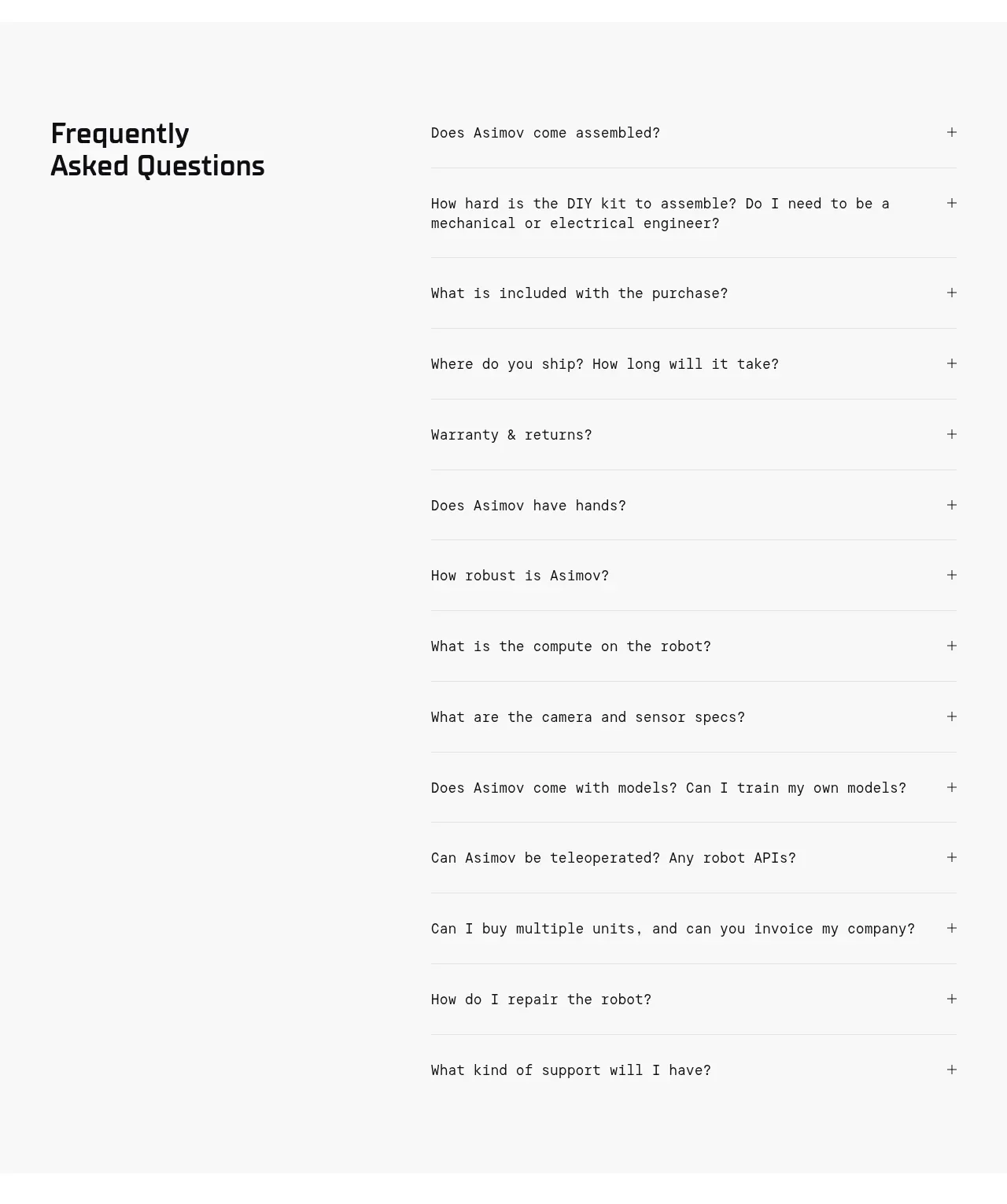
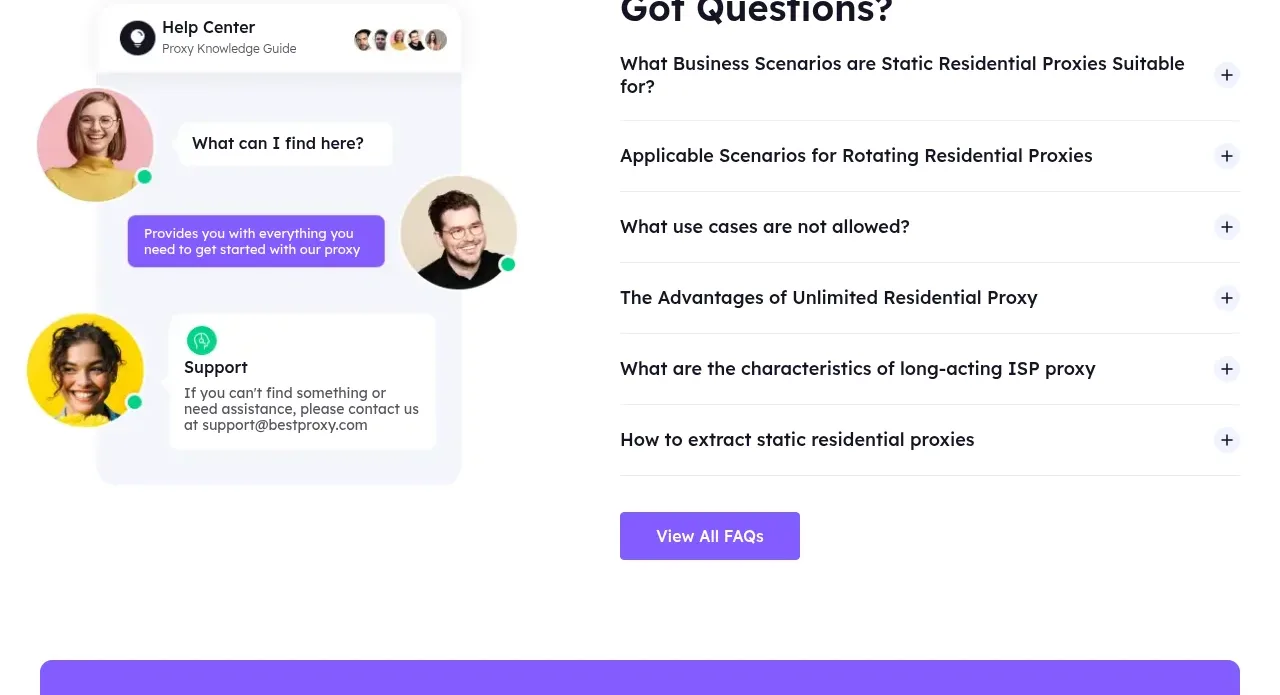
The FAQ section splits a support illustration area from a clean accordion list and closes with a View All FAQs action.
Prompt preview
## Reference images

Study these alongside the description below: hierarchy, rhythm, spacing, colour. Build for the product you are asked about, using this design language.

- Component: https://kage-design-assets.t3.tigrisfiles.io/components/bestproxy-com/755647b7-f613-40ca-b212-ae56a9e7b331-1792344035-11.webp
- Full page it was cut from: https://kage-design-assets.t3.tigrisfiles.io/screenshots/bestproxy-com/755647b7-f613-40ca-b212-ae56a9e7b331-1792343992980-full.webp
- Component on Kage: https://kage.design/component/bestproxy-faq

## Before you start
Ask what the user's product, audience, and brand are, then apply the principles below to that product rather than reproducing the reference.

Create a two-column FAQ section with a friendly abstract support/help visual on the left and an accordion list on the right. Use a prominent 36–44px heading, six question rows separated by thin #e6e5ed rules, plus/minus controls aligned to the far right, and one purple secondary CTA below. Keep the visual as a custom abstract illustration or neutral support composition, not a copied image. Use white background, near-black text, muted gray supporting copy, 16px vertical row padding, and smooth but accessible expand/collapse behavior. Stack the visual above the accordion on mobile.

Never: use logos, product names, copy, illustrations, or imagery from the reference.