kage
kage
mylens.ai
Design analysis
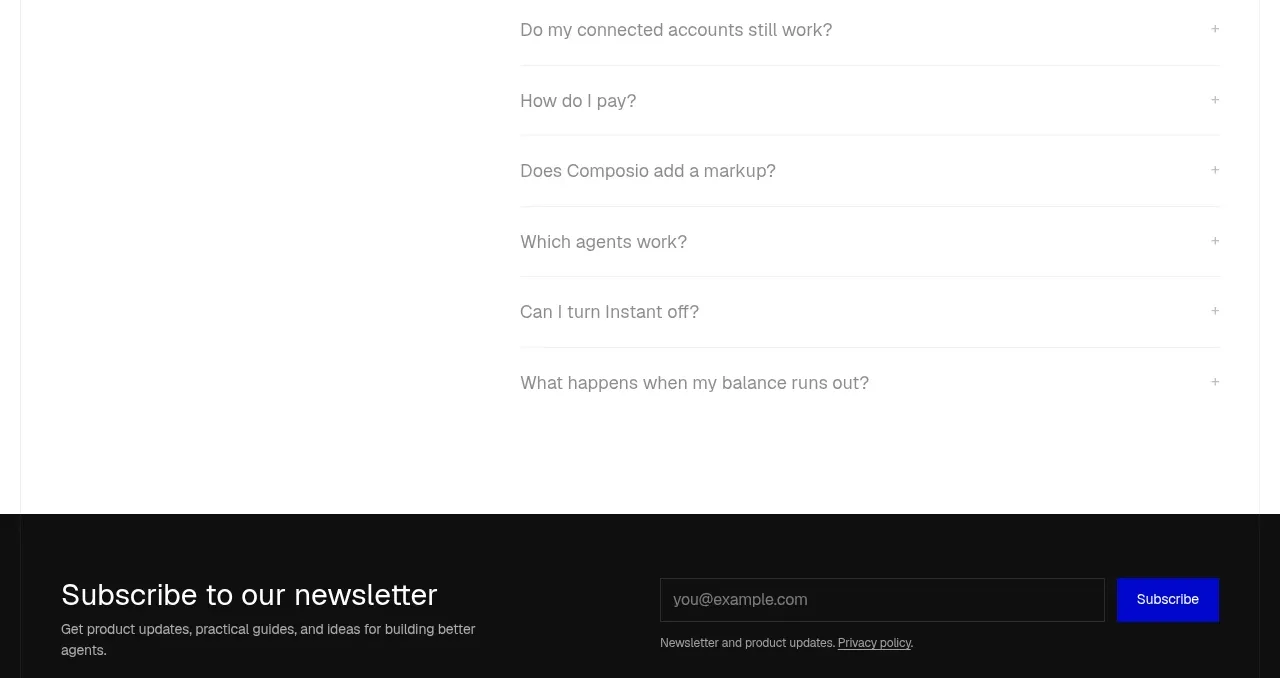
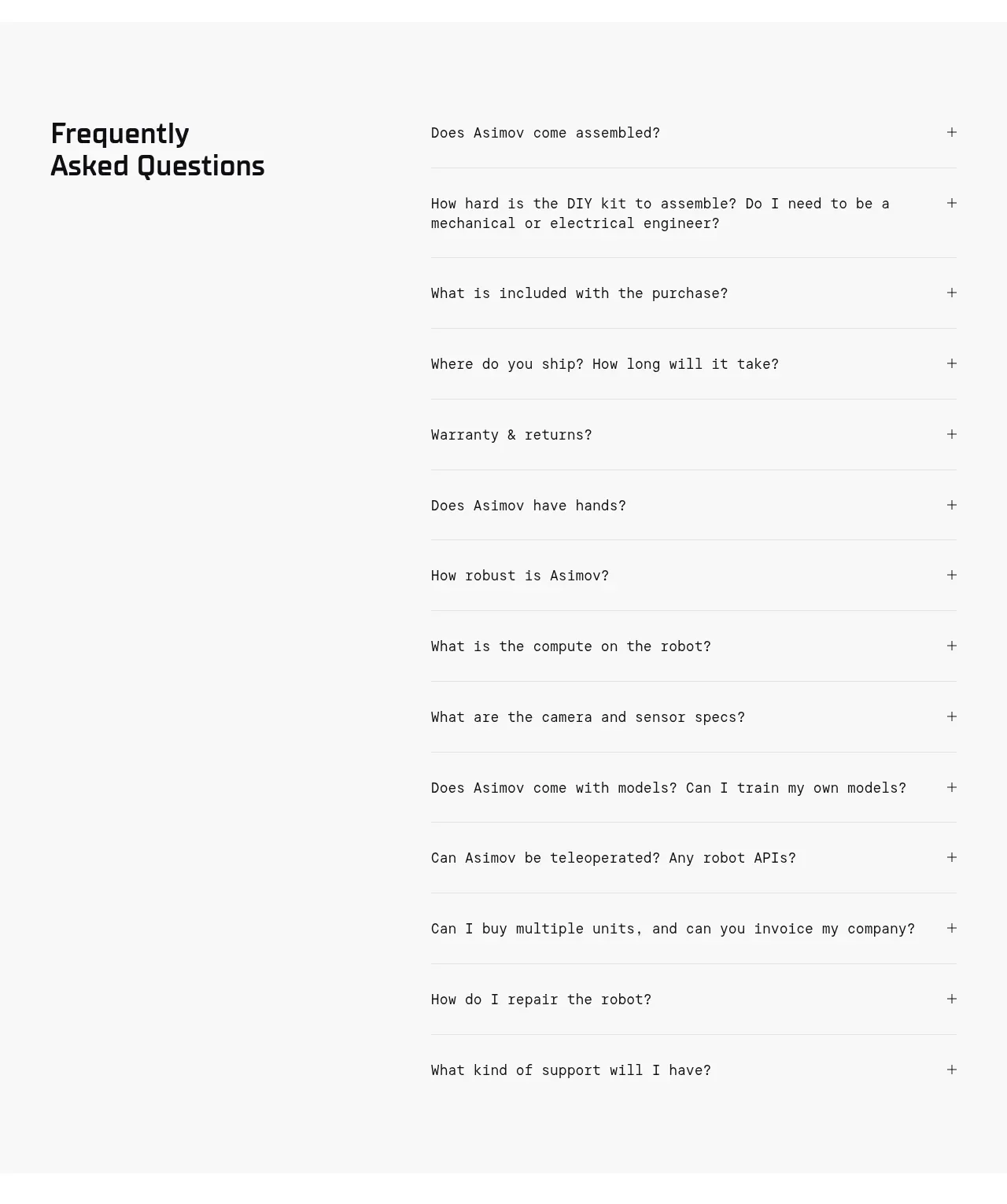
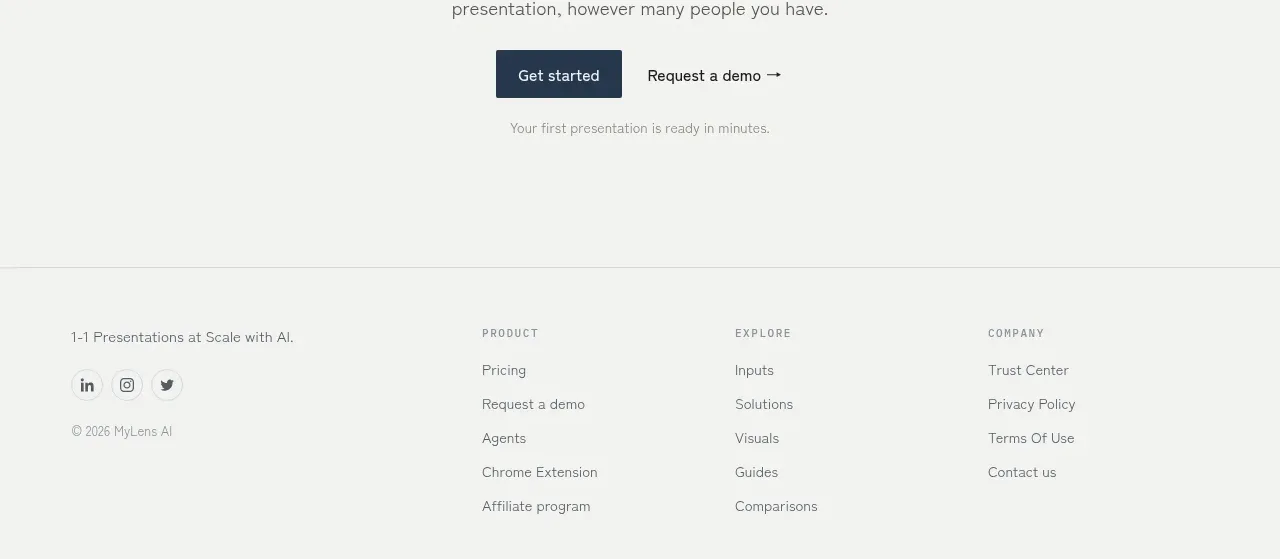
The FAQ is intentionally sparse: a short heading and explanation occupy the left while a vertical stack of dark question rows occupies the right. The high-contrast rows establish a clear interaction affordance.
Prompt preview
## Reference images

Study these alongside the description below: hierarchy, rhythm, spacing, colour. Build for the product you are asked about, using this design language.

- Component: https://kage-design-assets.t3.tigrisfiles.io/components/mylens/1ccd9fd0-0589-4047-afdb-6c3bf2f362f8-1792389756-11.webp
- Full page it was cut from: https://kage-design-assets.t3.tigrisfiles.io/screenshots/mylens/1ccd9fd0-0589-4047-afdb-6c3bf2f362f8-1792389647544-full.webp
- Component on Kage: https://kage.design/component/mylens-faq

## Before you start
Ask what objections and practical questions users have before trying the product. Use those real questions to build an original FAQ.

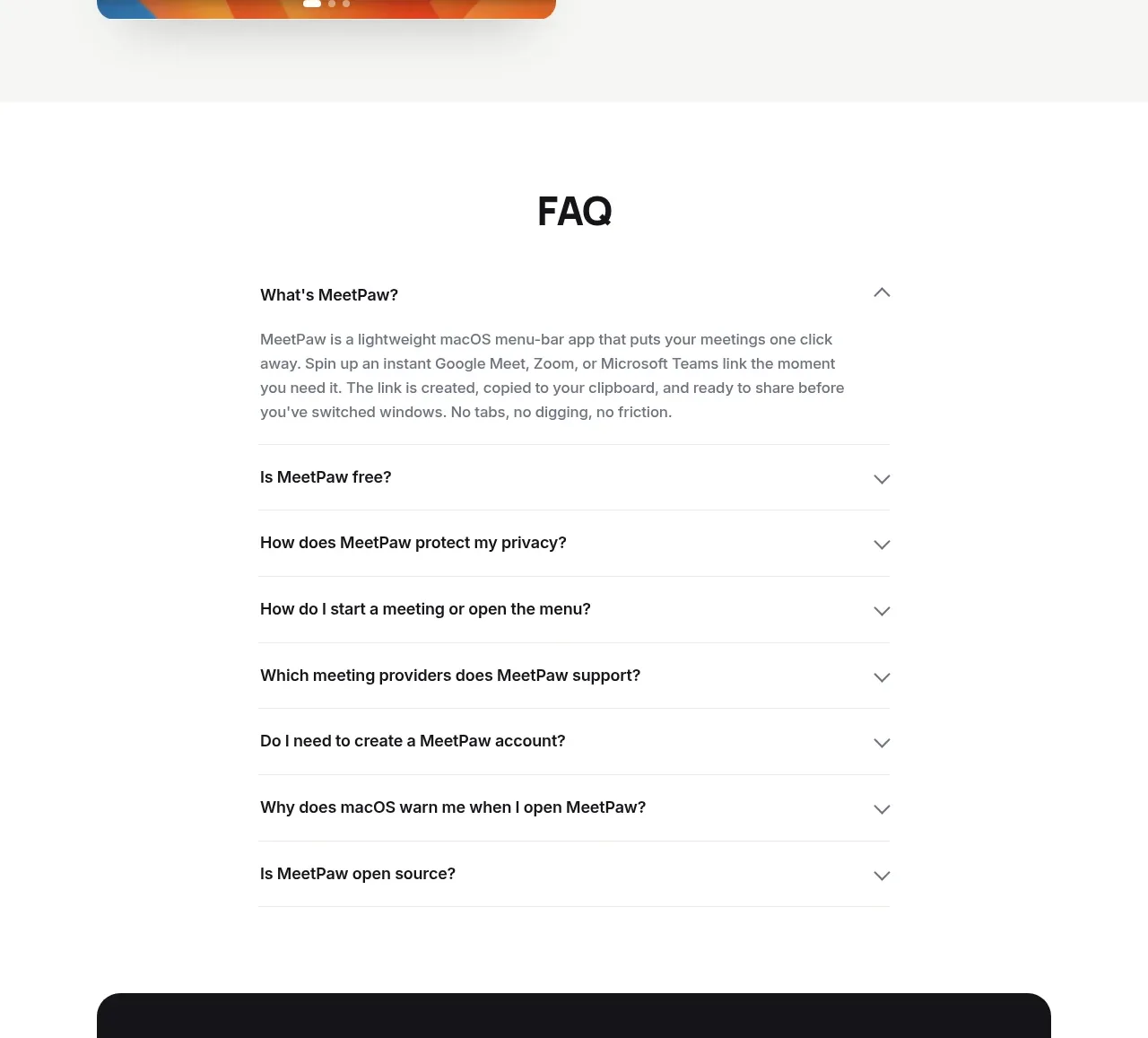
Create a two-column FAQ section with a small heading and explanatory text on the left, and a vertical accordion list on the right. Each question is a dark rounded row with light text and a plus icon. On click, expand the answer below or within the row while preserving the compact rhythm.

Design rules:
- Use a warm off-white background, near-black accordion rows around `#202221`, white text, and muted gray helper copy.
- Use a 34–44px serif heading, 13–15px body copy, and 14–16px question text.
- Make rows 44–56px high with 10–12px radius, 8–10px gaps, and a right-aligned plus icon that rotates to an x when open.
- Use keyboard-accessible buttons, visible focus rings, and animated height/opacity transitions under 250ms.
- Stack the layout on mobile and keep the question list full width.

Never:
- Never use logos, product names, copy, illustrations, or imagery from the reference.
- Never copy the exact questions or answer wording.
- Never make the plus icons decorative elements that are not operable.