 kage
kage
blancbrowser.com
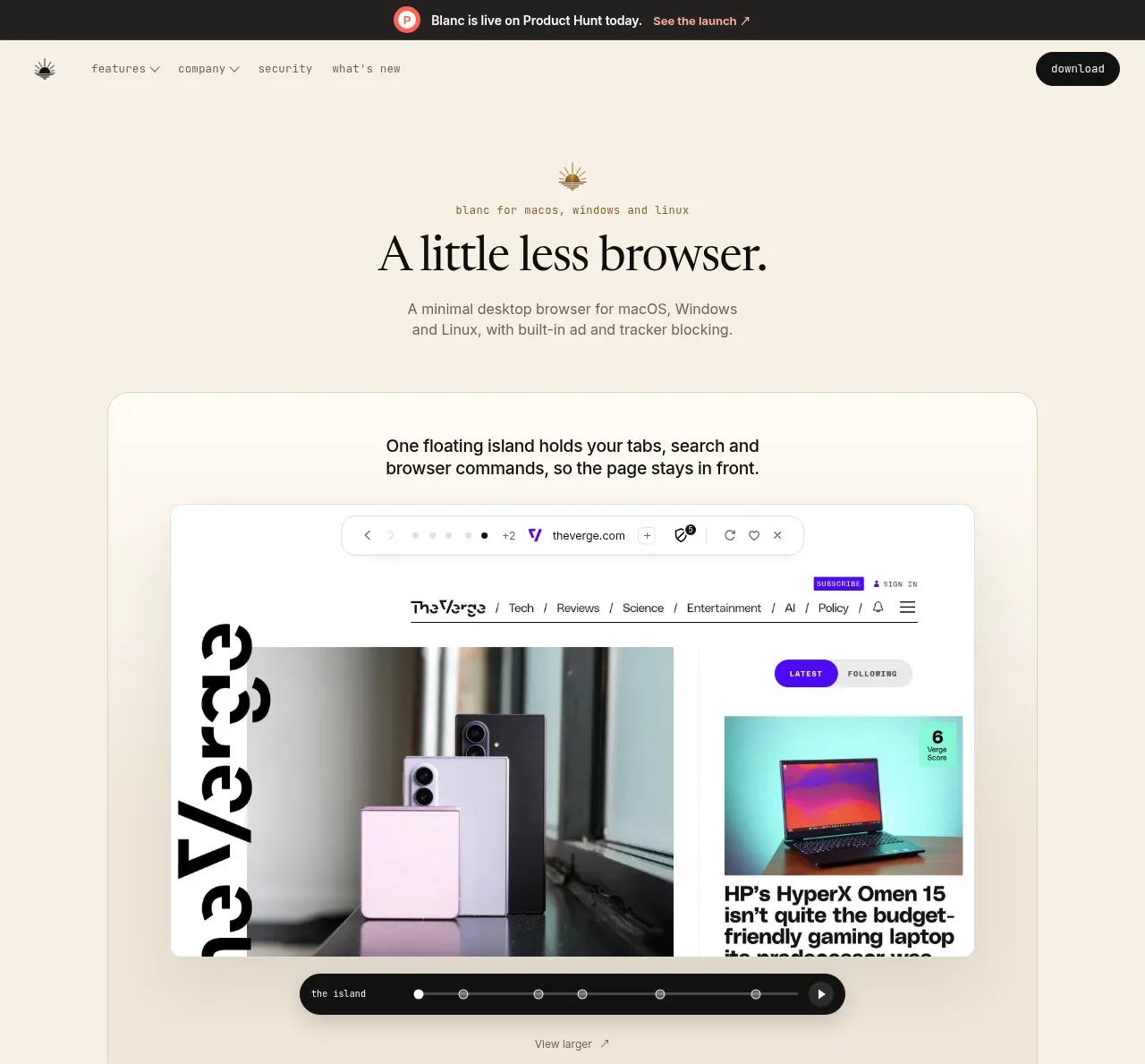
Design analysis
The hero introduces the product with a centered serif headline, supporting copy, and a large rounded browser-preview panel that demonstrates the floating tab island.
Prompt preview
## Reference images

Study these alongside the description below: hierarchy, rhythm, spacing, colour. Build for the product you are asked about, using this design language.

- Component: https://kage-design-assets.t3.tigrisfiles.io/components/blanc/6c0ef6d1-d2ca-4e94-b731-e699c7d4dc0f-1789711446-1.webp
- Full page it was cut from: https://kage-design-assets.t3.tigrisfiles.io/screenshots/blanc/6c0ef6d1-d2ca-4e94-b731-e699c7d4dc0f-1789711355373-full.webp
- Component on Kage: https://kage.design/component/blanc-hero

## Before you start
Ask what the user's product, audience, and brand are, then apply the principles below to create an original hero.

Create a spacious editorial hero on a warm ivory background (#f4eee2). Center a tiny eyebrow, an oversized elegant serif headline in near-black (#171713), and a short muted description below it. Under the copy, place a wide rounded demonstration panel with a very light translucent surface, thin warm-gray border, and soft shadow. Add a short explanatory line at the top of the panel, then a framed product UI preview with browser chrome, a prominent content area, and a dark floating control bar near the bottom. Keep the preview as a product-specific UI composition rather than decorative artwork. Use generous vertical whitespace, a centered max-width around 730px, 28–36px corner radius, and subtle layered surfaces. Add a small text link below the preview if the product benefits from exploration. On mobile, stack and scale the preview without allowing horizontal overflow.

Never: copy the reference's logos, product names, copy, illustrations, or imagery.
More components
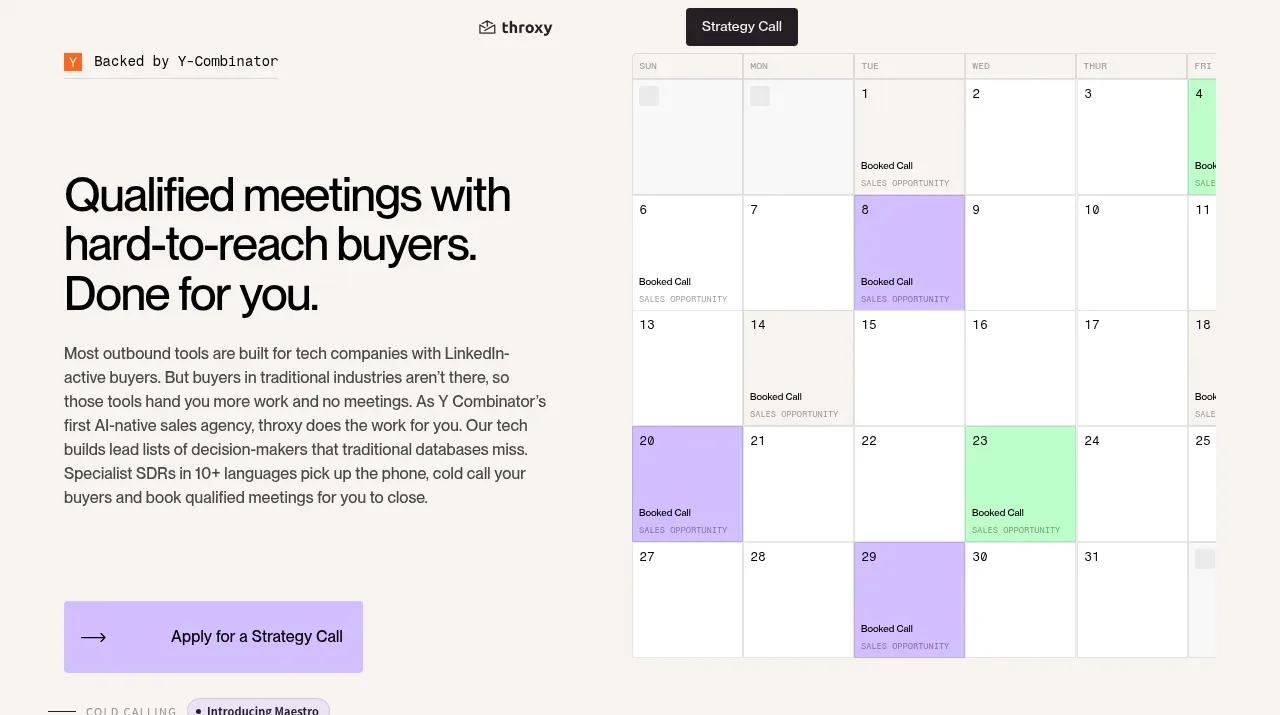
 Buyer-focused hero with calendar visual
throxy · Hero
Buyer-focused hero with calendar visual
throxy · Hero
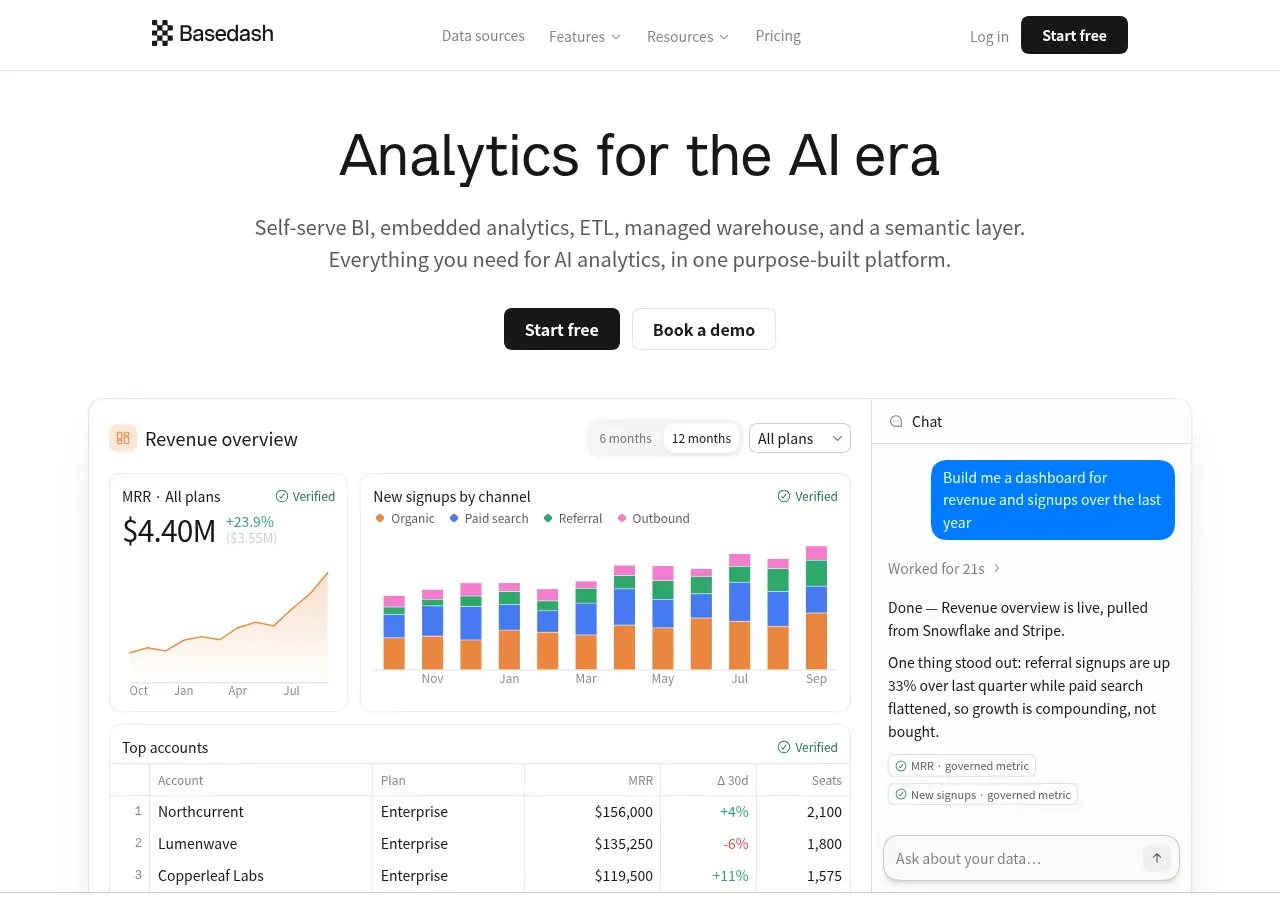
 Analytics product hero
Basedash View-only members · Hero
Analytics product hero
Basedash View-only members · Hero
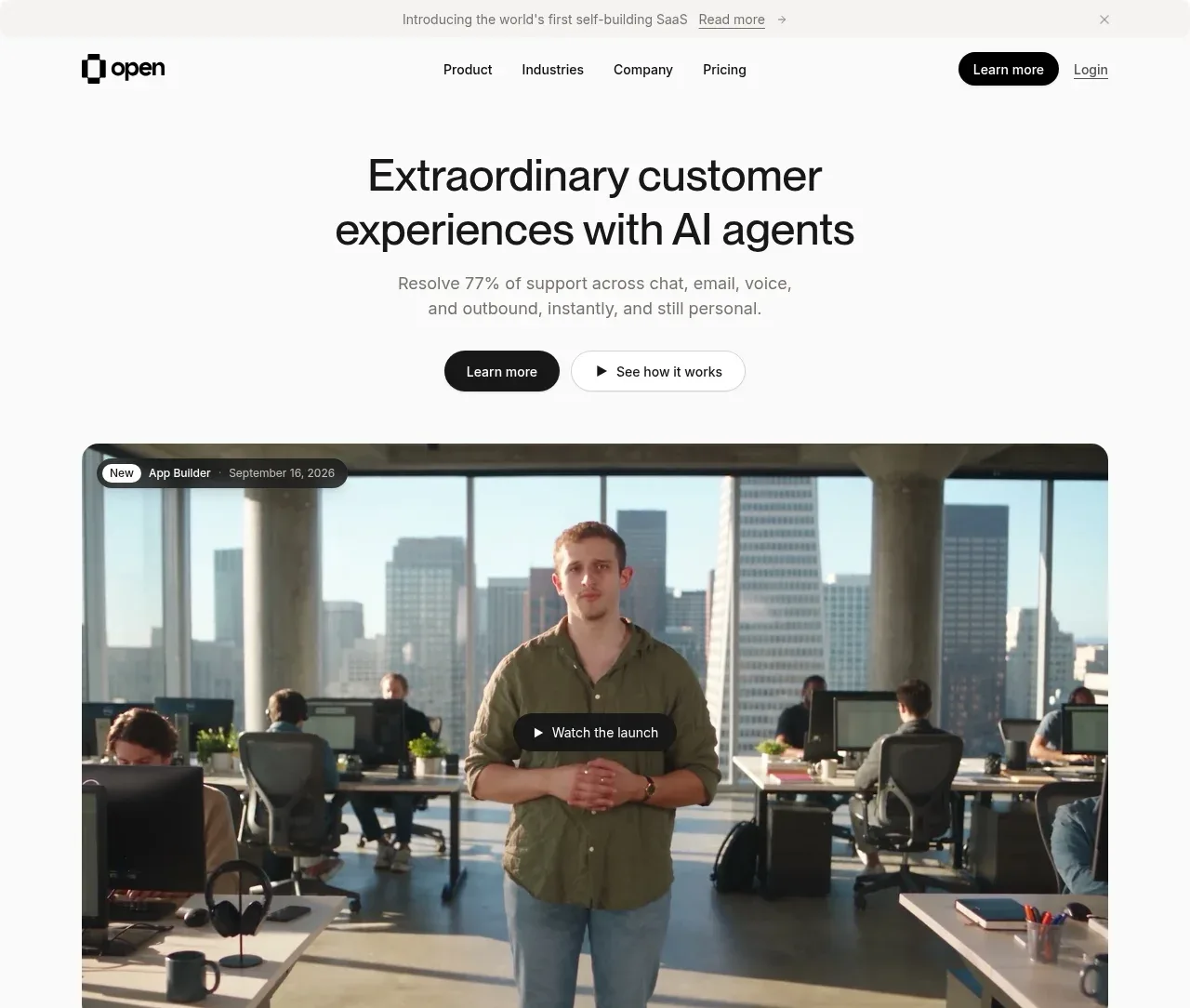
 AI customer experience hero
Open For sales · Hero
AI customer experience hero
Open For sales · Hero
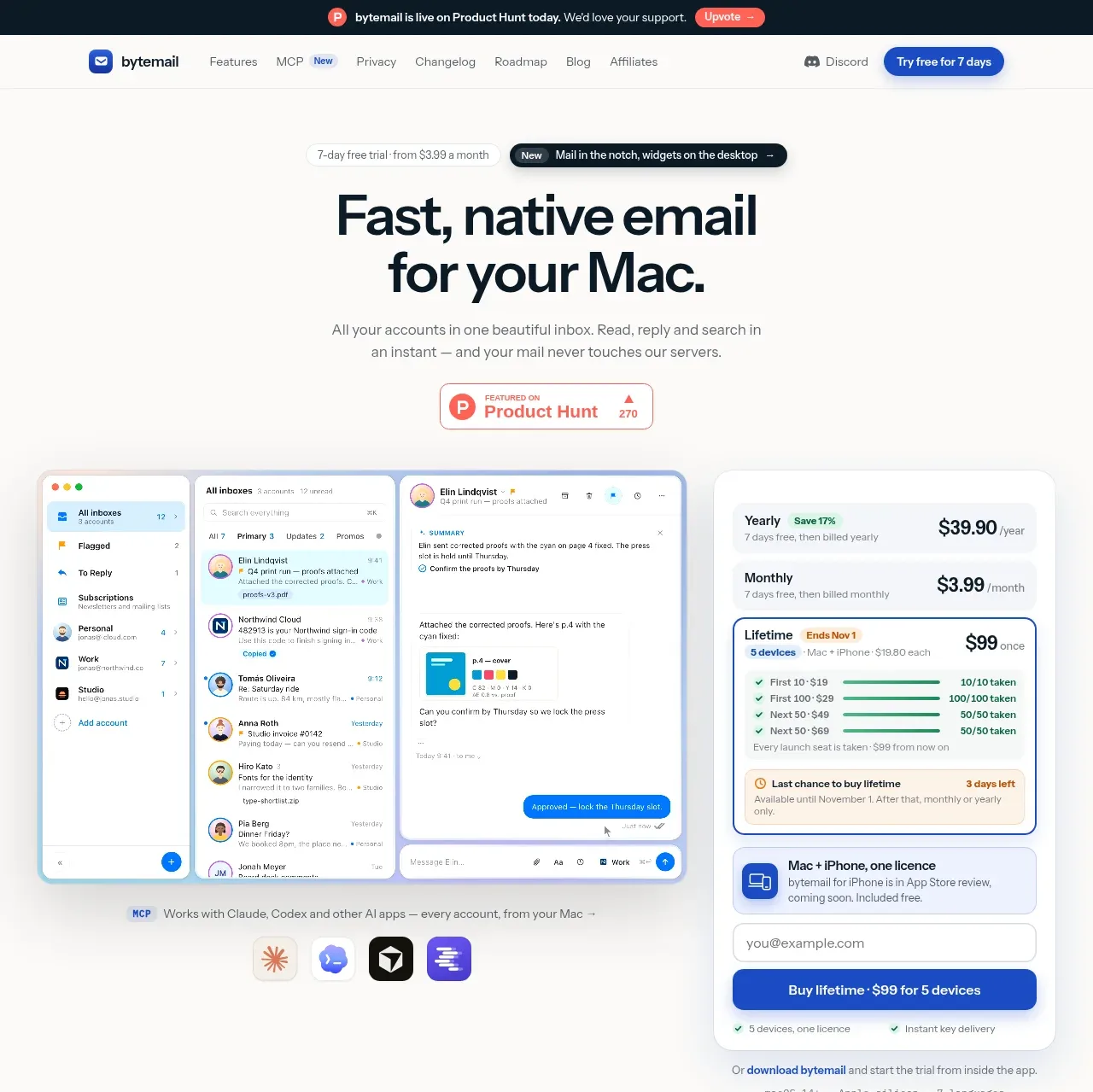
 Mac email product hero
bytemail · Hero
Mac email product hero
bytemail · Hero
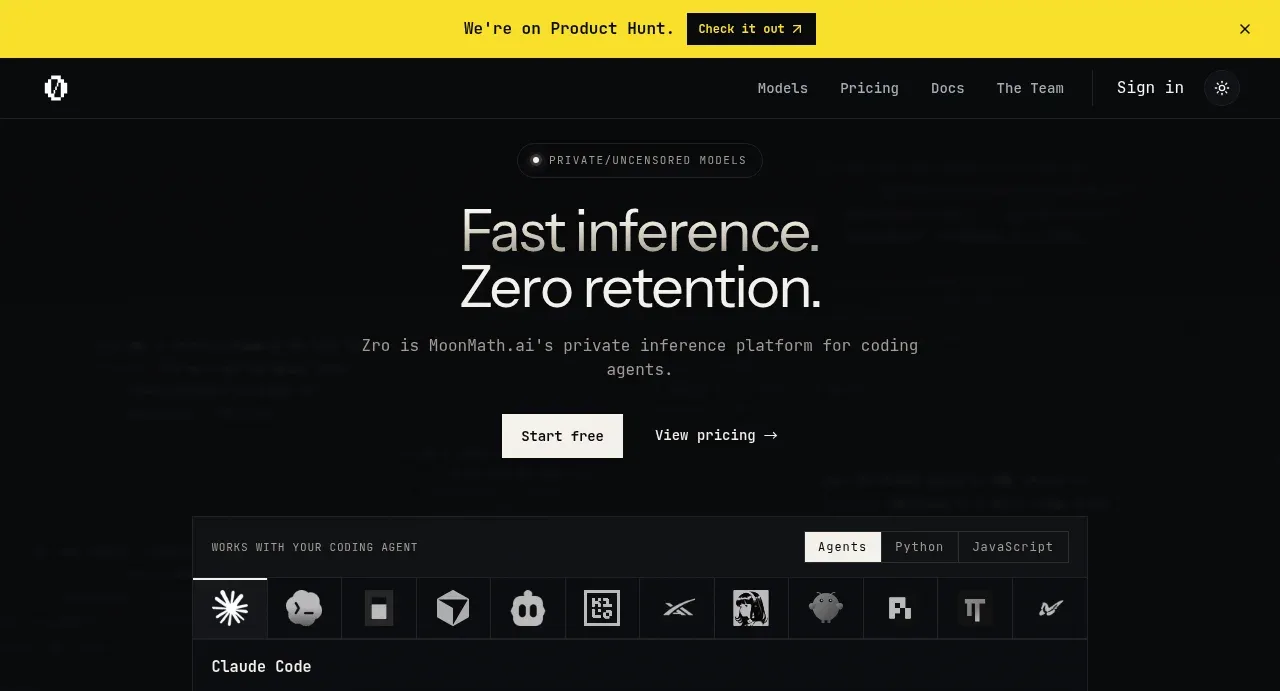
 Private inference hero
Zro: Uncensored Security Models · Hero
Private inference hero
Zro: Uncensored Security Models · Hero
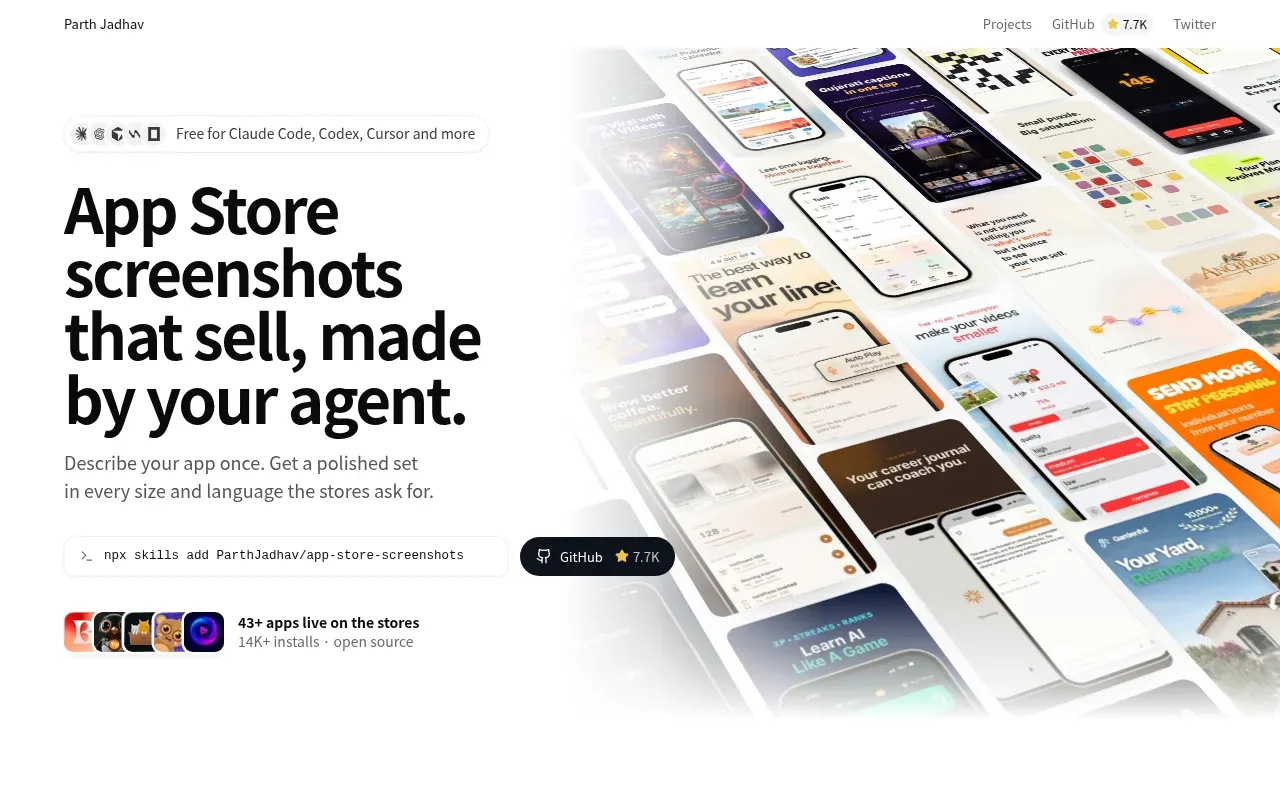
 Product hero with screenshot collage
App Store Screenshots · Hero
Product hero with screenshot collage
App Store Screenshots · Hero