kage
kage
bytemailapp.com
Design analysis
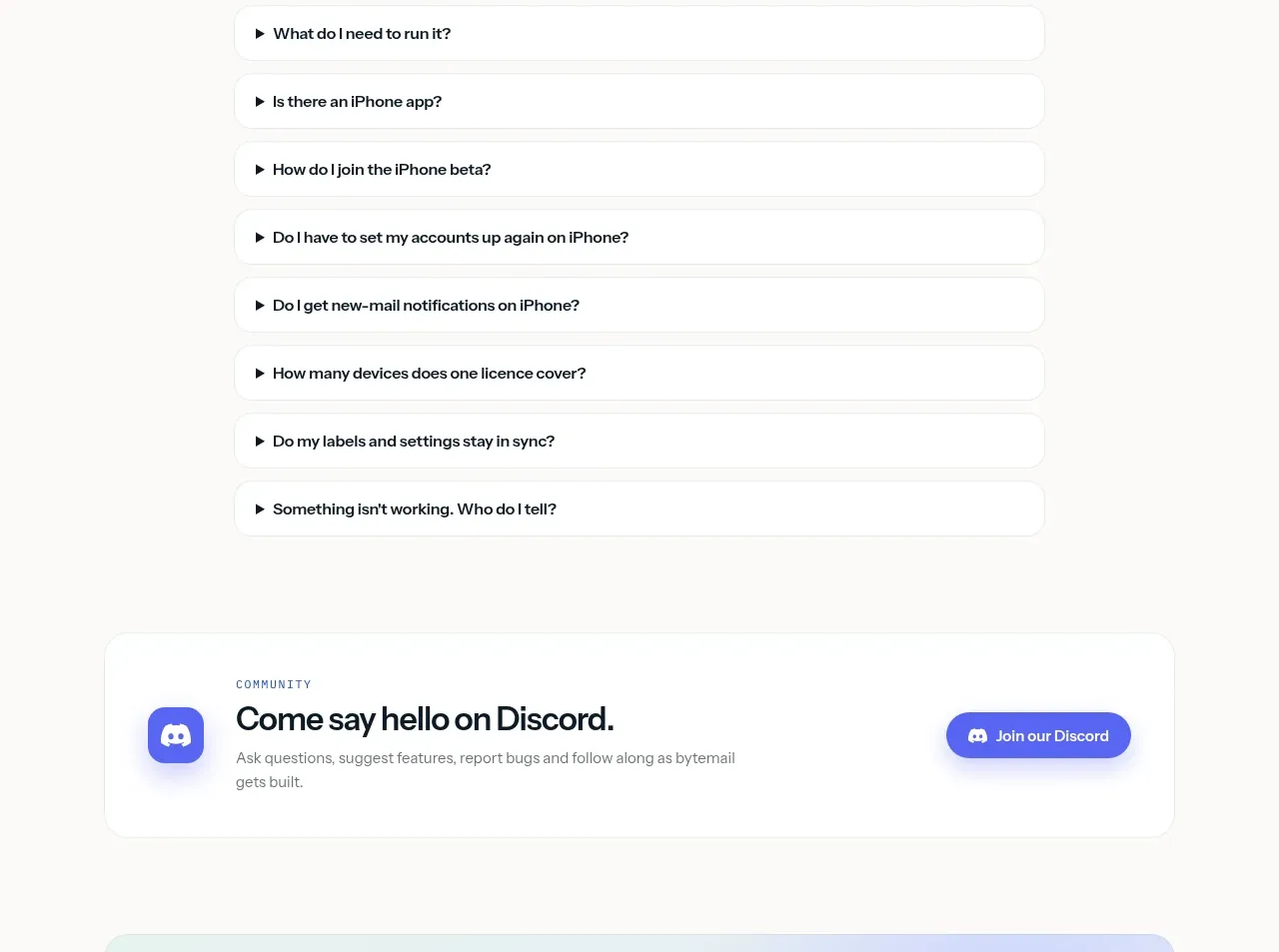
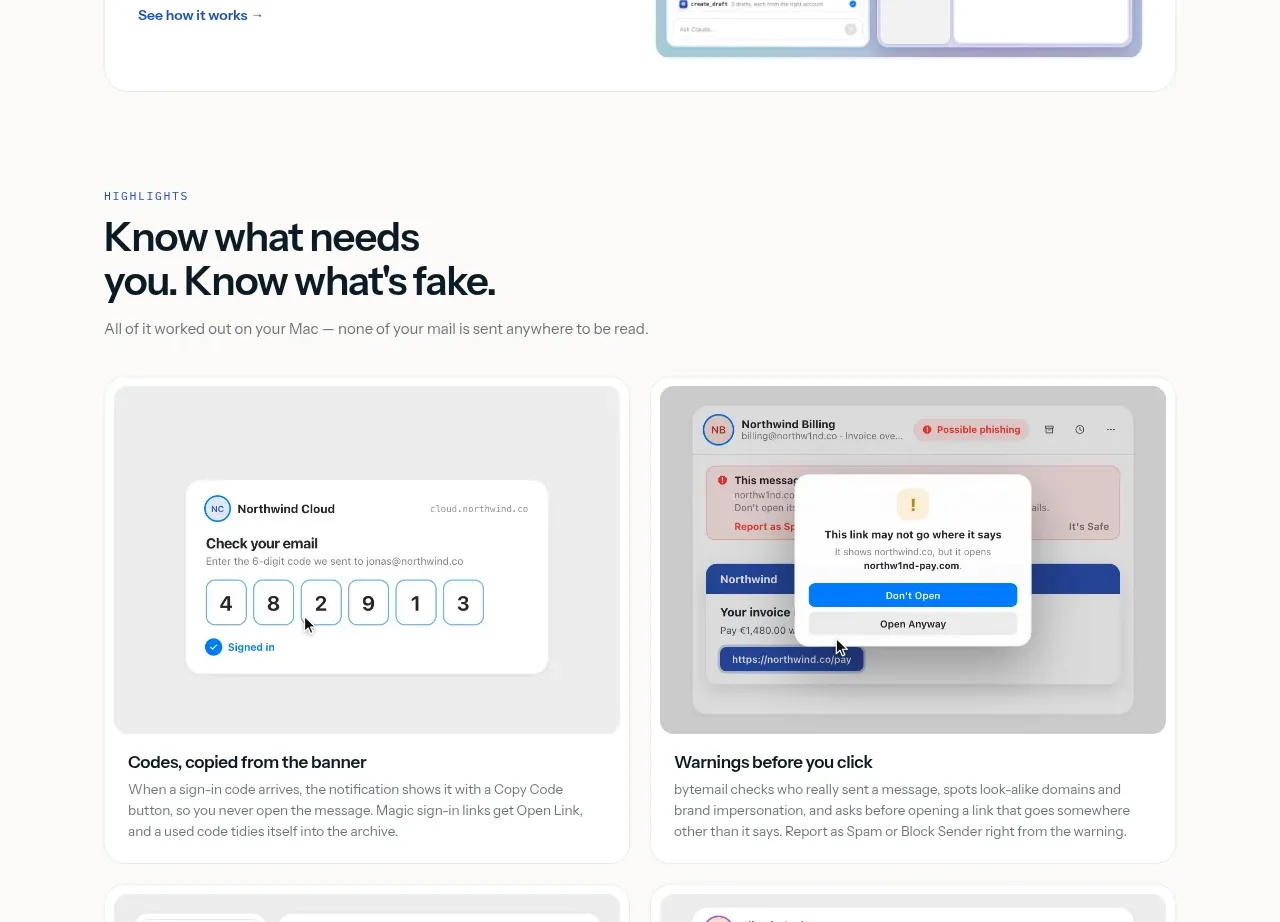
A wide bordered callout introduces one integration concept with explanatory text on the left and a product preview on the right. The compact format gives a technical feature a clear, approachable entry point.
Prompt preview
## Reference images

Study these alongside the description below: hierarchy, rhythm, spacing, colour. Build for the product you are asked about, using this design language.

- Component: https://kage-design-assets.t3.tigrisfiles.io/components/bytemail/045a2cef-1fc1-40ba-865c-126b992dab68-1793253735-5.webp
- Full page it was cut from: https://kage-design-assets.t3.tigrisfiles.io/screenshots/bytemail/045a2cef-1fc1-40ba-865c-126b992dab68-1793253665308-full.webp
- Component on Kage: https://kage.design/component/bytemail-card

## Before you start
Ask what integrations or developer-facing capabilities the user's product offers and what action the visitor should take next. Apply the principles below to that product.

Build a wide horizontal integration card with concise eyebrow text, a strong title, two or three lines of explanation, and a low-friction text link or button. Put an illustrative product-state preview on the opposite side, keeping the text readable even if the preview is hidden. Use a white surface, 1px #e5e9e6 border, 16px radius, 28–36px padding, and a two-column layout that stacks on mobile. Use dark #08161c headings, #68747a body copy, and blue #2d5ed9 for the action.

Never use logos, product names, copy, illustrations, or imagery from the reference.