kage
kage
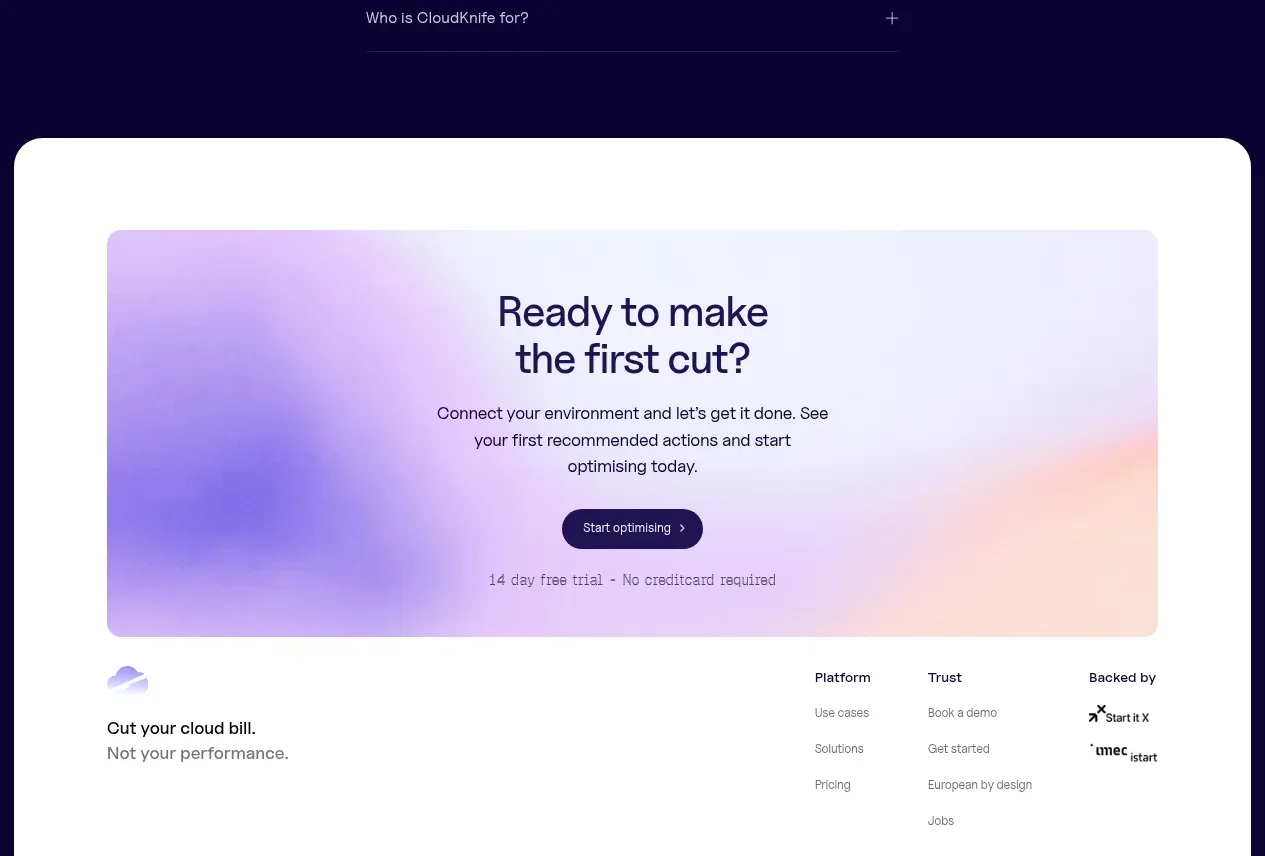
cloudknife.com
Design analysis
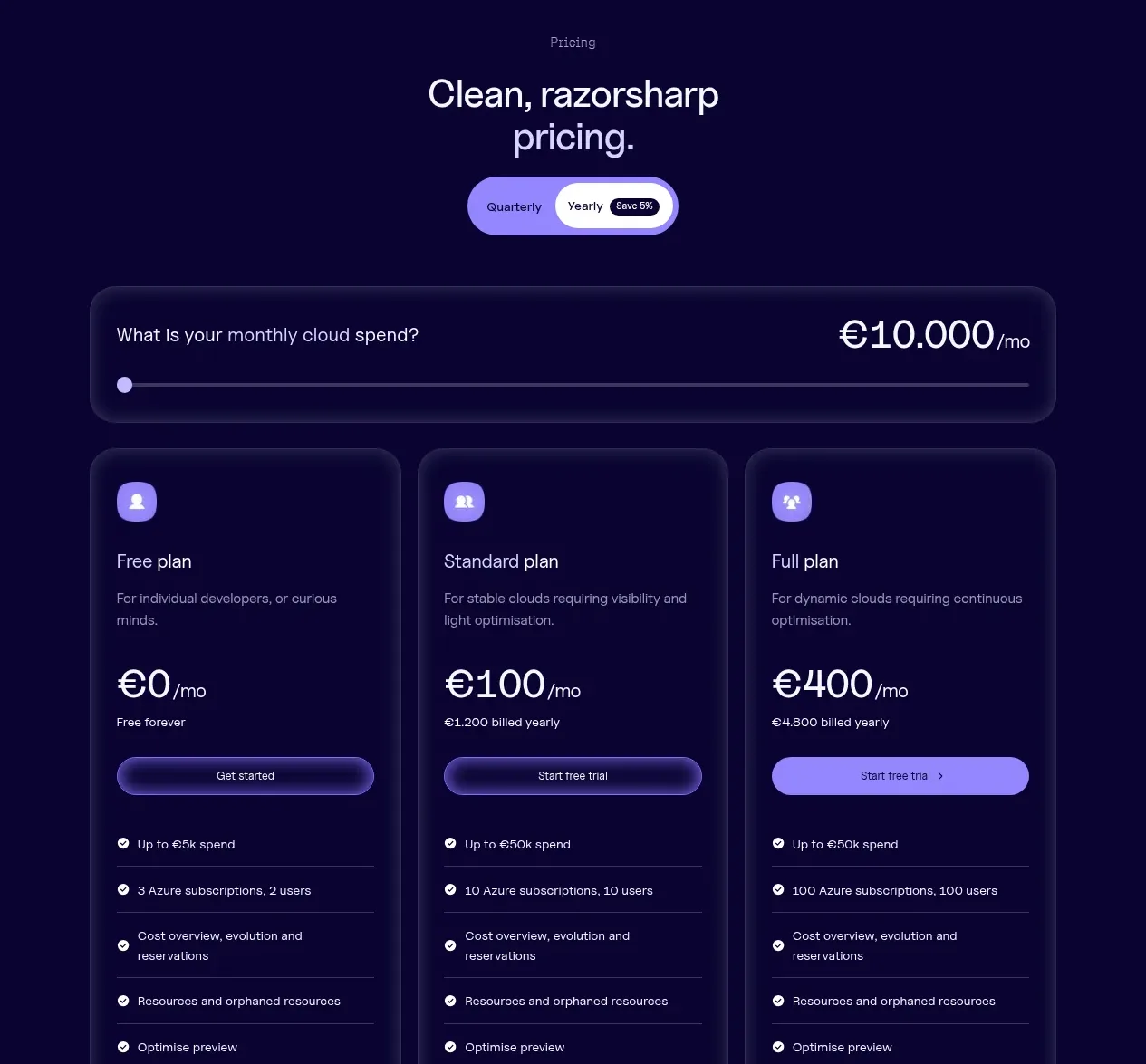
A light rounded section frames a provocative question, then compares a conventional approach with the product-led approach in two side-by-side columns.
Prompt preview
## Reference images

Study these alongside the description below: hierarchy, rhythm, spacing, colour. Build for the product you are asked about, using this design language.

- Component: https://kage-design-assets.t3.tigrisfiles.io/components/cloudknife/9dafaa08-16c6-4721-8c78-296bafbb7abc-1793081092-8.webp
- Full page it was cut from: https://kage-design-assets.t3.tigrisfiles.io/screenshots/cloudknife/9dafaa08-16c6-4721-8c78-296bafbb7abc-1793080968695-full.webp
- Component on Kage: https://kage.design/component/cloudknife-card

## Before you start
Ask what the user's product is, who it serves, and what their brand personality and visual identity are. Apply the following principles to that product rather than copying the reference.

Create a light comparison section in a large rounded container. Center a small eyebrow, a bold question-style heading, and a short explanation. Beneath it, present two equal columns inside a pale lavender comparison surface: the conventional alternative on the left and the differentiated product approach on the right. Give each column a small icon, heading, and 4–6 concise bullet points with check or status markers. Use #fbfbff background, #f1efff comparison surface, #1b173d text, muted #77738e secondary text, 20–24px radii, and a subtle border. Add a centered CTA beneath the columns. On mobile, stack the columns while preserving the contrast through a left/right label and accent color.

Never: use logos, product names, copy, illustrations, or imagery from the reference.