kage
kage
bytemailapp.com
Design analysis
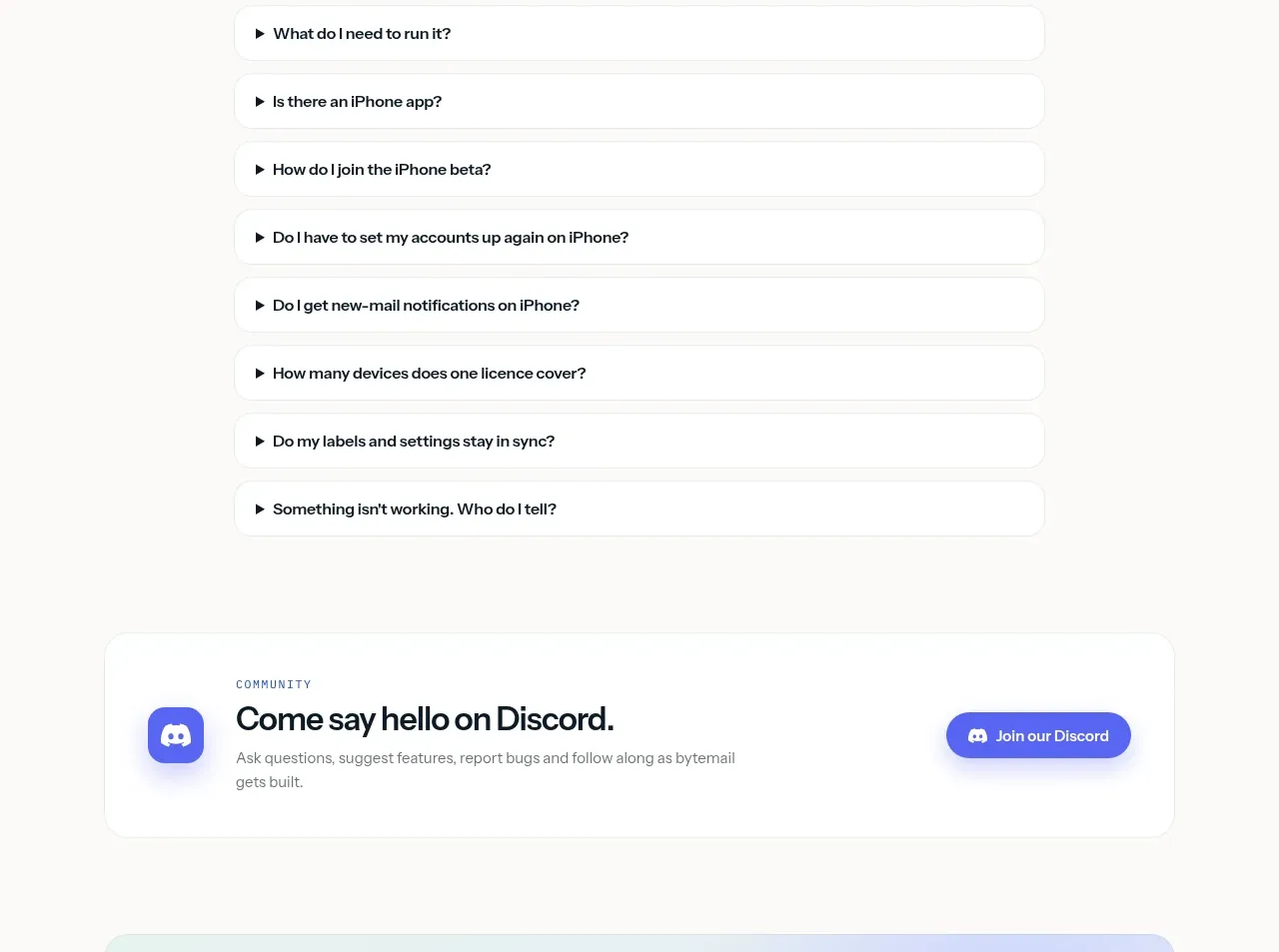
A split card introduces the mobile companion with a phone visual, benefit bullets, and a QR-code or beta action. It works because the visual and the next step are contained in one obvious unit.
Prompt preview
## Reference images

Study these alongside the description below: hierarchy, rhythm, spacing, colour. Build for the product you are asked about, using this design language.

- Component: https://kage-design-assets.t3.tigrisfiles.io/components/bytemail/045a2cef-1fc1-40ba-865c-126b992dab68-1793253737-9.webp
- Full page it was cut from: https://kage-design-assets.t3.tigrisfiles.io/screenshots/bytemail/045a2cef-1fc1-40ba-865c-126b992dab68-1793253665308-full.webp
- Component on Kage: https://kage.design/component/bytemail-card-2

## Before you start
Ask whether the user's product has a companion app or secondary device experience, who should join it, and what signup action is appropriate. Apply the principles below to that product.

Build a split promotional card: use a colorful but controlled visual panel on the left and a text/action panel on the right. Include a small eyebrow, a clear title, three short benefit rows with icons, and either a QR code, email capture, or beta button. Use a light surface with a #e7ebe8 border, 16px radius, 24–32px padding, a saturated accent visual area, and accessible contrast. Stack the panels on mobile, keep the action prominent, and explain what happens after signup.

Never use logos, product names, copy, illustrations, or imagery from the reference.