 kage
kage
bytemailapp.com
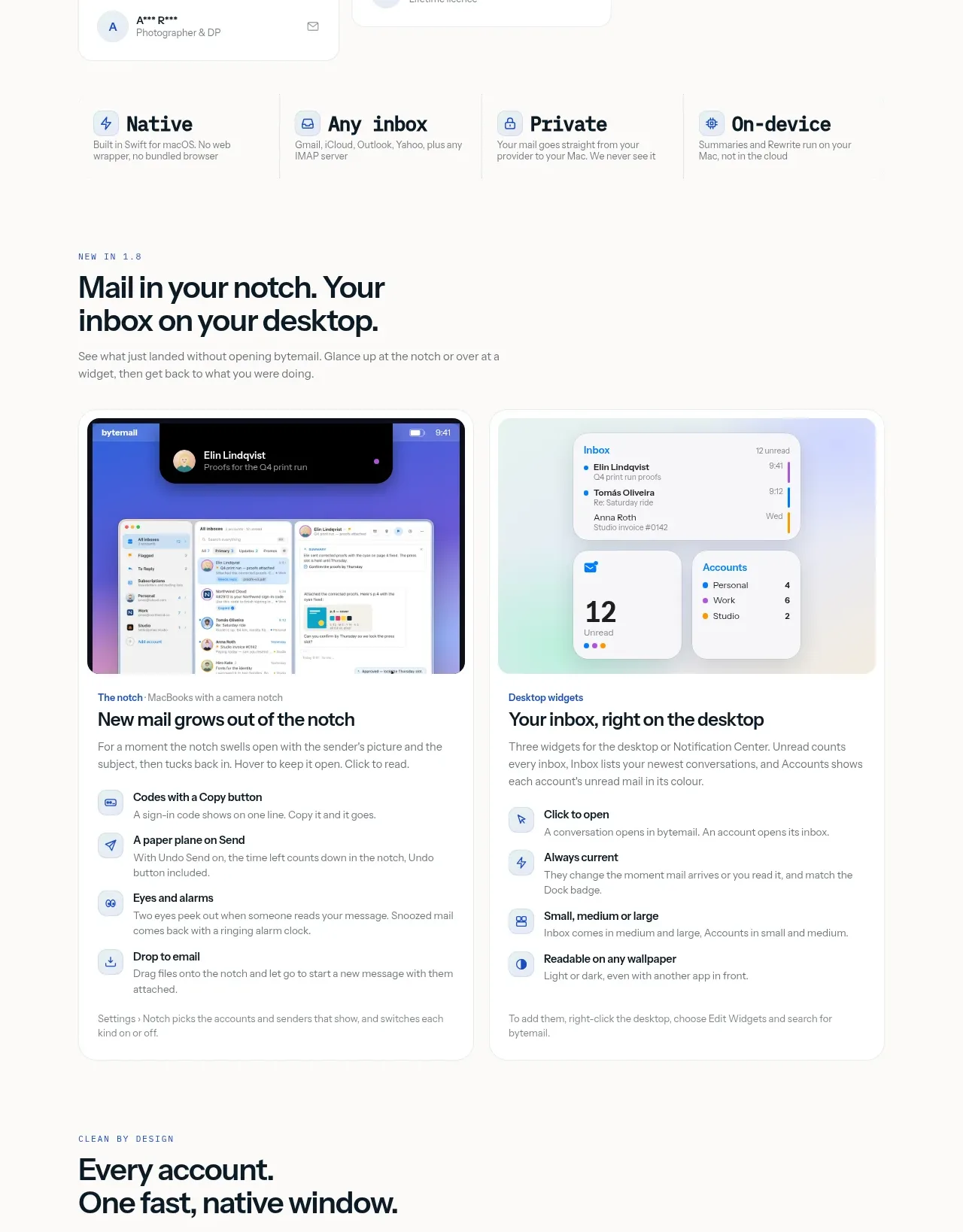
Design analysis
Two large feature cards explain the desktop notch and widgets through rich UI previews followed by compact supporting feature lists. The repeated card structure makes complex functionality easy to scan.
Prompt preview
## Reference images

Study these alongside the description below: hierarchy, rhythm, spacing, colour. Build for the product you are asked about, using this design language.

- Component: https://kage-design-assets.t3.tigrisfiles.io/components/bytemail/045a2cef-1fc1-40ba-865c-126b992dab68-1793253733-3.webp
- Full page it was cut from: https://kage-design-assets.t3.tigrisfiles.io/screenshots/bytemail/045a2cef-1fc1-40ba-865c-126b992dab68-1793253665308-full.webp
- Component on Kage: https://kage.design/component/bytemail-feature-grid

## Before you start
Ask what product capabilities deserve visual demonstration and what users need to understand before adopting them. Apply the principles below to that product.

Create a feature section with a left-aligned eyebrow, a concise heading and supporting sentence, followed by two equal-width feature cards. Each card should lead with a polished product screenshot or generated UI mockup, then a feature title, explanation, and 3–4 icon-led capability rows. Use a soft off-white page background, white cards, #e8ebe8 borders, 16px radii, and restrained shadows. Keep the visual-to-copy ratio roughly 45/55, use 24px card padding, 26–32px headings, 14px descriptions, and blue-gray icon containers with a single accent blue. Make the cards stack vertically on narrow screens.

Never use logos, product names, copy, illustrations, or imagery from the reference.
More components

 Rapid onboarding timeline
throxy · Feature grid
Rapid onboarding timeline
throxy · Feature grid
 Qualification workflow cards
throxy · Feature grid
Qualification workflow cards
throxy · Feature grid
 Why alternatives disappoint
throxy · Feature grid
Why alternatives disappoint
throxy · Feature grid
 Outbound partner benefits
throxy · Feature grid
Outbound partner benefits
throxy · Feature grid
 Cold-calling performance section
throxy · Feature grid
Cold-calling performance section
throxy · Feature grid
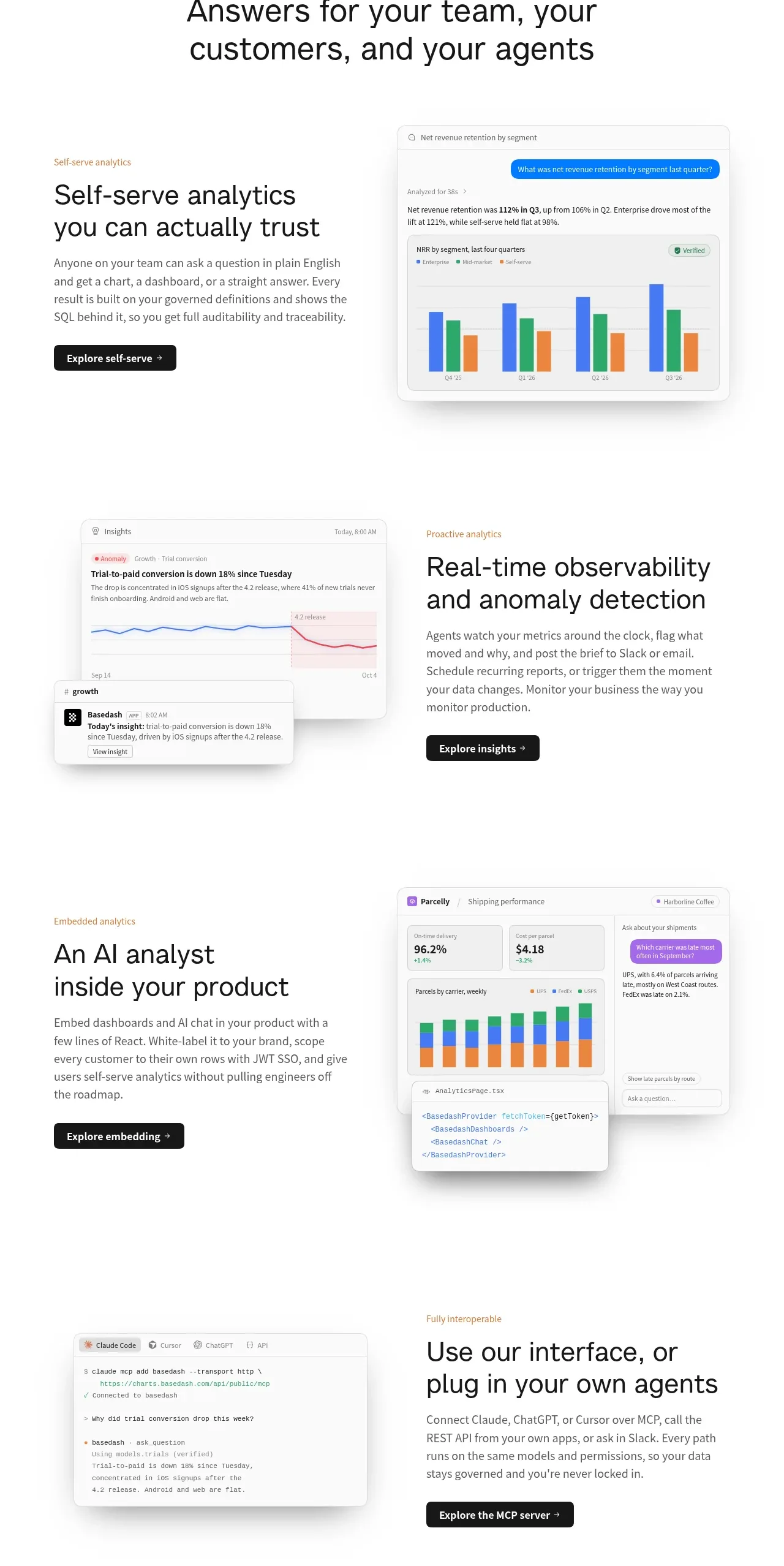
 Analytics capability showcase
Basedash View-only members · Feature grid
Analytics capability showcase
Basedash View-only members · Feature grid