 kage
kage
bytemailapp.com
Design analysis
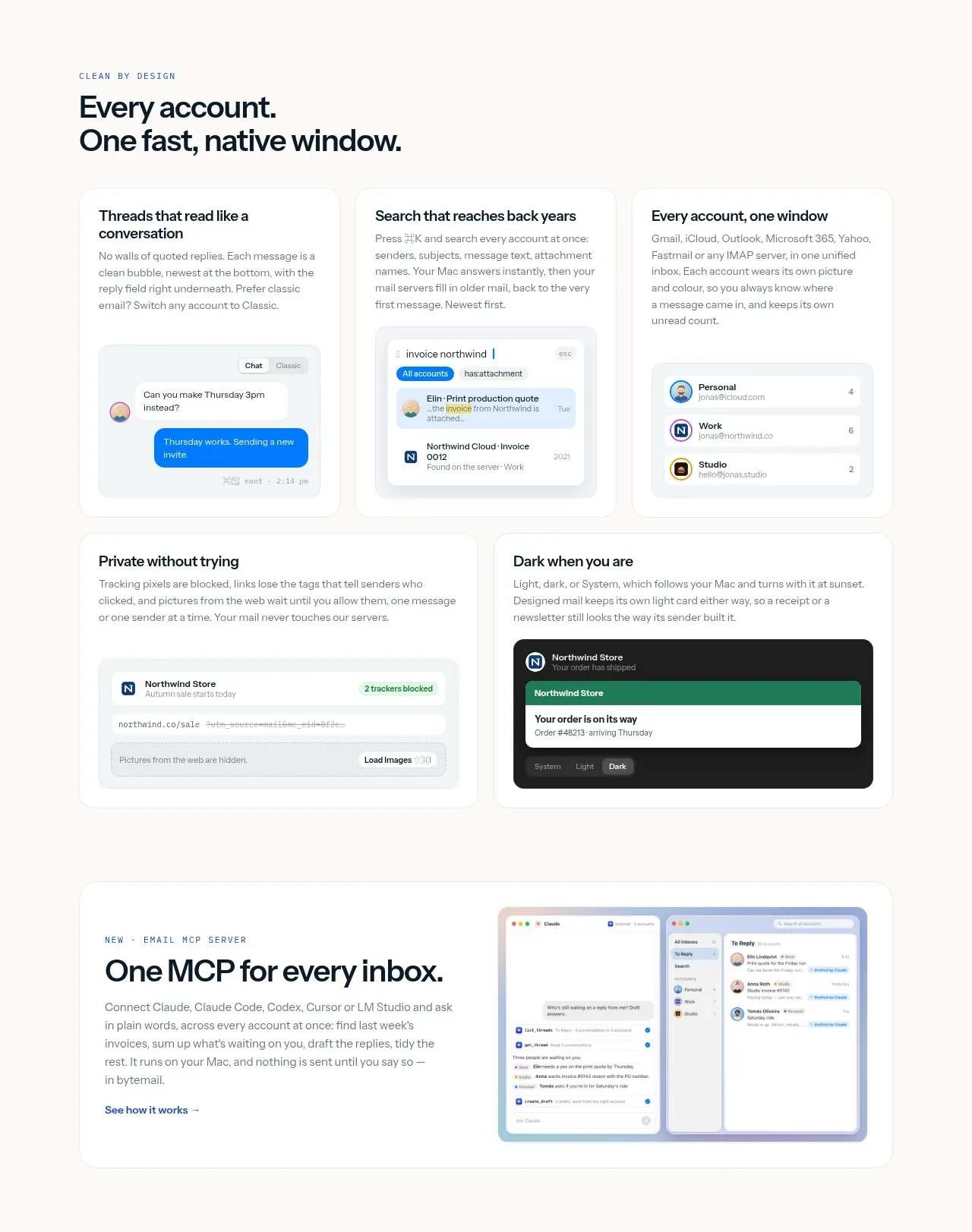
A second editorial feature band presents account-level workflows in a three-column card grid, then reinforces them with two wider cards. The combination communicates breadth without losing a clear visual hierarchy.
Prompt preview
## Reference images

Study these alongside the description below: hierarchy, rhythm, spacing, colour. Build for the product you are asked about, using this design language.

- Component: https://kage-design-assets.t3.tigrisfiles.io/components/bytemail/045a2cef-1fc1-40ba-865c-126b992dab68-1793253734-4.webp
- Full page it was cut from: https://kage-design-assets.t3.tigrisfiles.io/screenshots/bytemail/045a2cef-1fc1-40ba-865c-126b992dab68-1793253665308-full.webp
- Component on Kage: https://kage.design/component/bytemail-feature-grid-2

## Before you start
Ask what workflows are most important to the user's product and which should be presented as everyday use cases versus advanced capabilities. Apply the principles below to that product.

Design an editorial feature grid with a section eyebrow, a two-line heading, a short lead, and a responsive arrangement of three primary cards followed by two wider secondary cards. Each card should pair a minimal UI preview with a short title and practical explanation. Use consistent card anatomy, generous whitespace, #ffffff surfaces, #eef0ed borders, 14–18px corners, and subtle elevation. Use a near-black headline, gray body copy, and one restrained blue accent; allow one dark-mode preview as contrast if it supports the story. Maintain 24px gutters and collapse to one column on mobile.

Never use logos, product names, copy, illustrations, or imagery from the reference.
More components

 Rapid onboarding timeline
throxy · Feature grid
Rapid onboarding timeline
throxy · Feature grid
 Qualification workflow cards
throxy · Feature grid
Qualification workflow cards
throxy · Feature grid
 Why alternatives disappoint
throxy · Feature grid
Why alternatives disappoint
throxy · Feature grid
 Outbound partner benefits
throxy · Feature grid
Outbound partner benefits
throxy · Feature grid
 Cold-calling performance section
throxy · Feature grid
Cold-calling performance section
throxy · Feature grid
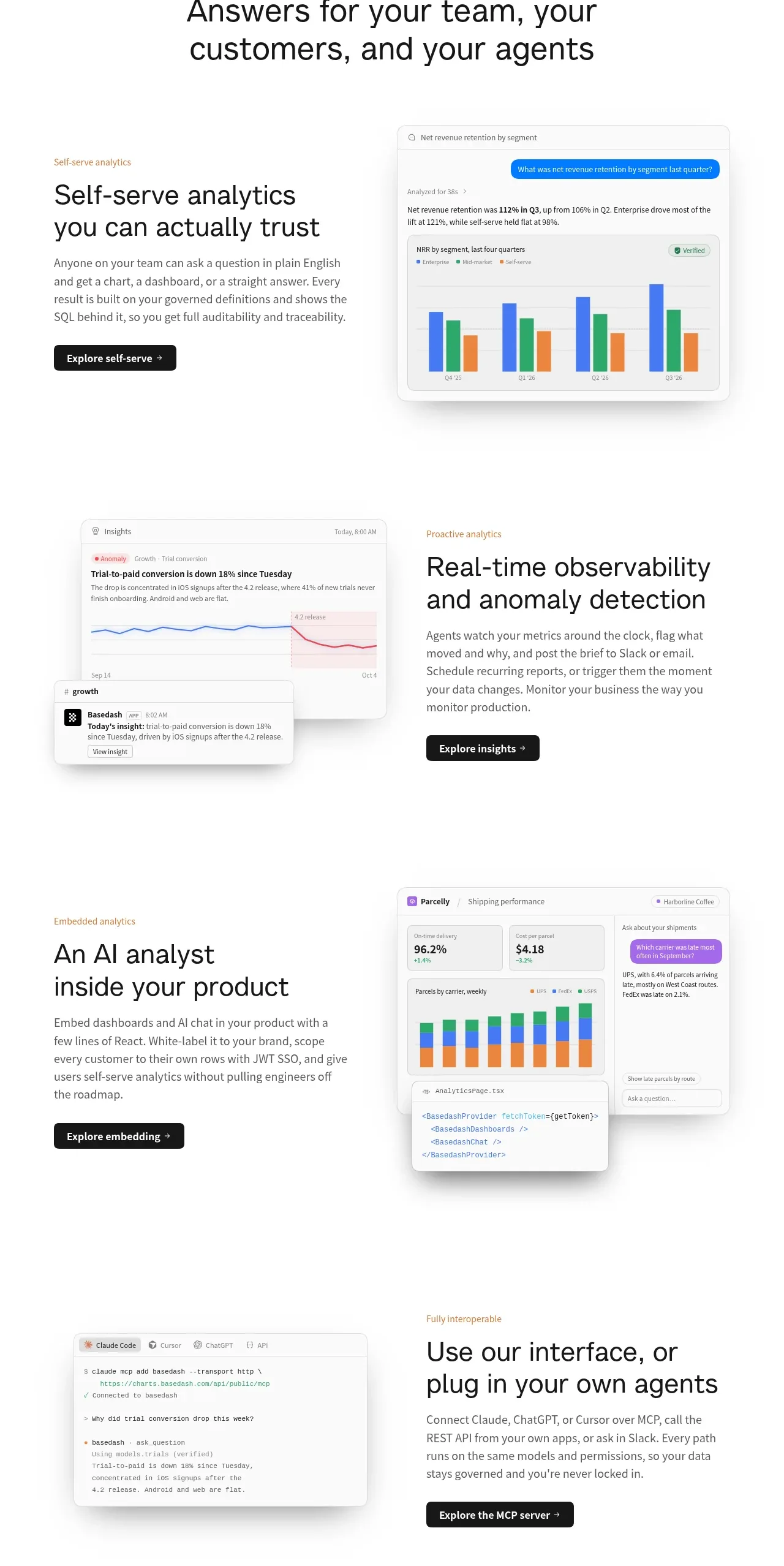
 Analytics capability showcase
Basedash View-only members · Feature grid
Analytics capability showcase
Basedash View-only members · Feature grid