 kage
kage
bytemailapp.com
Design analysis
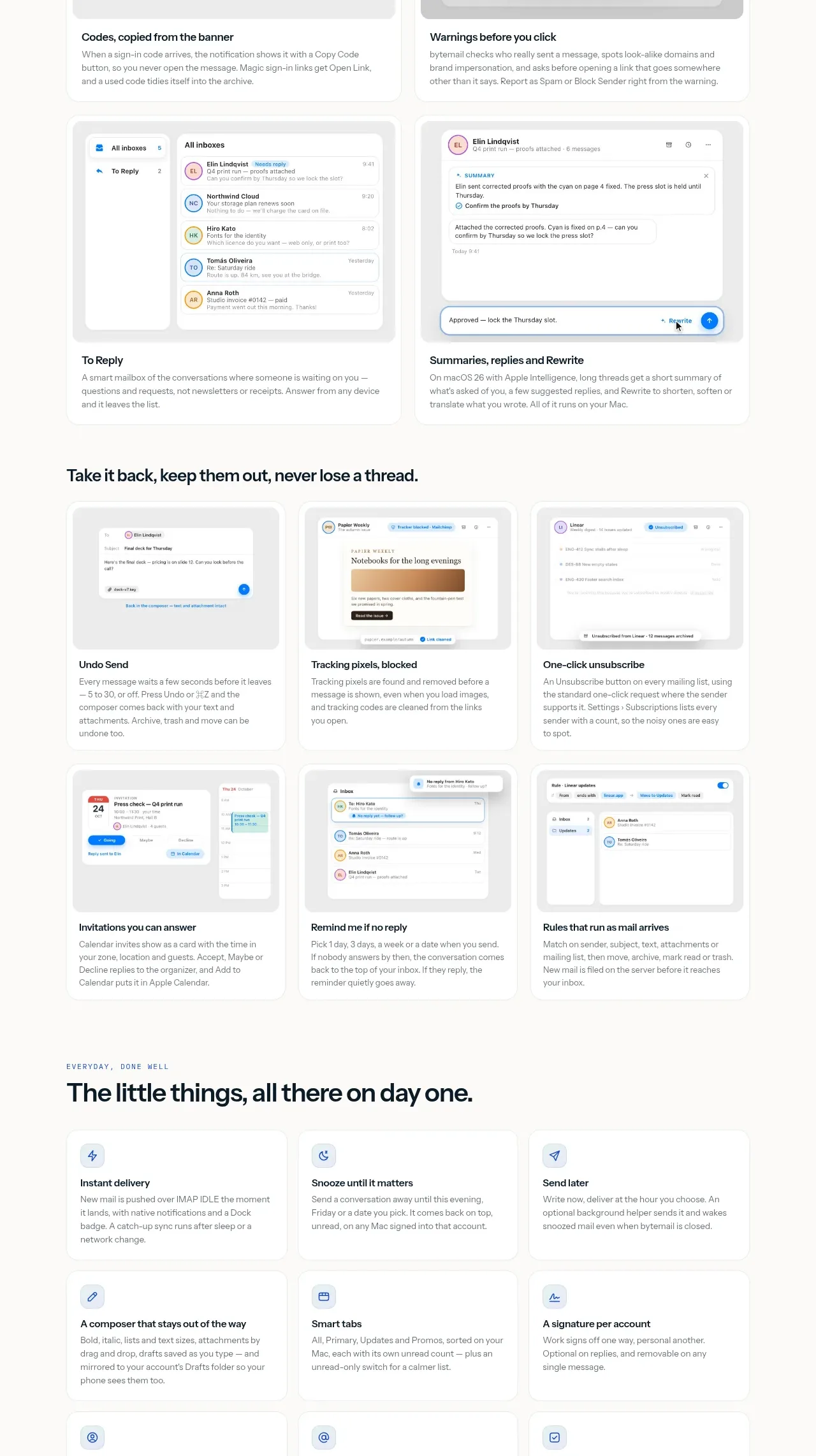
Several rows of feature cards explain detection, summaries, replies, and protective controls. Each item combines a simple UI image with a plain-language title, making a technically dense product promise feel concrete.
Prompt preview
## Reference images

Study these alongside the description below: hierarchy, rhythm, spacing, colour. Build for the product you are asked about, using this design language.

- Component: https://kage-design-assets.t3.tigrisfiles.io/components/bytemail/045a2cef-1fc1-40ba-865c-126b992dab68-1793253735-6.webp
- Full page it was cut from: https://kage-design-assets.t3.tigrisfiles.io/screenshots/bytemail/045a2cef-1fc1-40ba-865c-126b992dab68-1793253665308-full.webp
- Component on Kage: https://kage.design/component/bytemail-feature-grid-3

## Before you start
Ask what the user's product does intelligently or automatically, what risks it prevents, and what proof can make those claims credible. Apply the principles below to that product.

Create a dense but breathable highlights section with an eyebrow, a benefit-led heading, supporting copy, and a responsive two- or three-column grid of feature cards. Each card should include a small UI illustration or screenshot, a clear title, and one concise explanation focused on an outcome. Group related capabilities visually, use consistent image aspect ratios, and keep text lengths controlled. Use #fbfbf8 as the page background, white cards, #e7ebe8 borders, 14px corners, 20–24px padding, dark #0a171b text, gray #697479 copy, and blue/green status accents only where meaningful.

Never use logos, product names, copy, illustrations, or imagery from the reference.
More components

 Rapid onboarding timeline
throxy · Feature grid
Rapid onboarding timeline
throxy · Feature grid
 Qualification workflow cards
throxy · Feature grid
Qualification workflow cards
throxy · Feature grid
 Why alternatives disappoint
throxy · Feature grid
Why alternatives disappoint
throxy · Feature grid
 Outbound partner benefits
throxy · Feature grid
Outbound partner benefits
throxy · Feature grid
 Cold-calling performance section
throxy · Feature grid
Cold-calling performance section
throxy · Feature grid
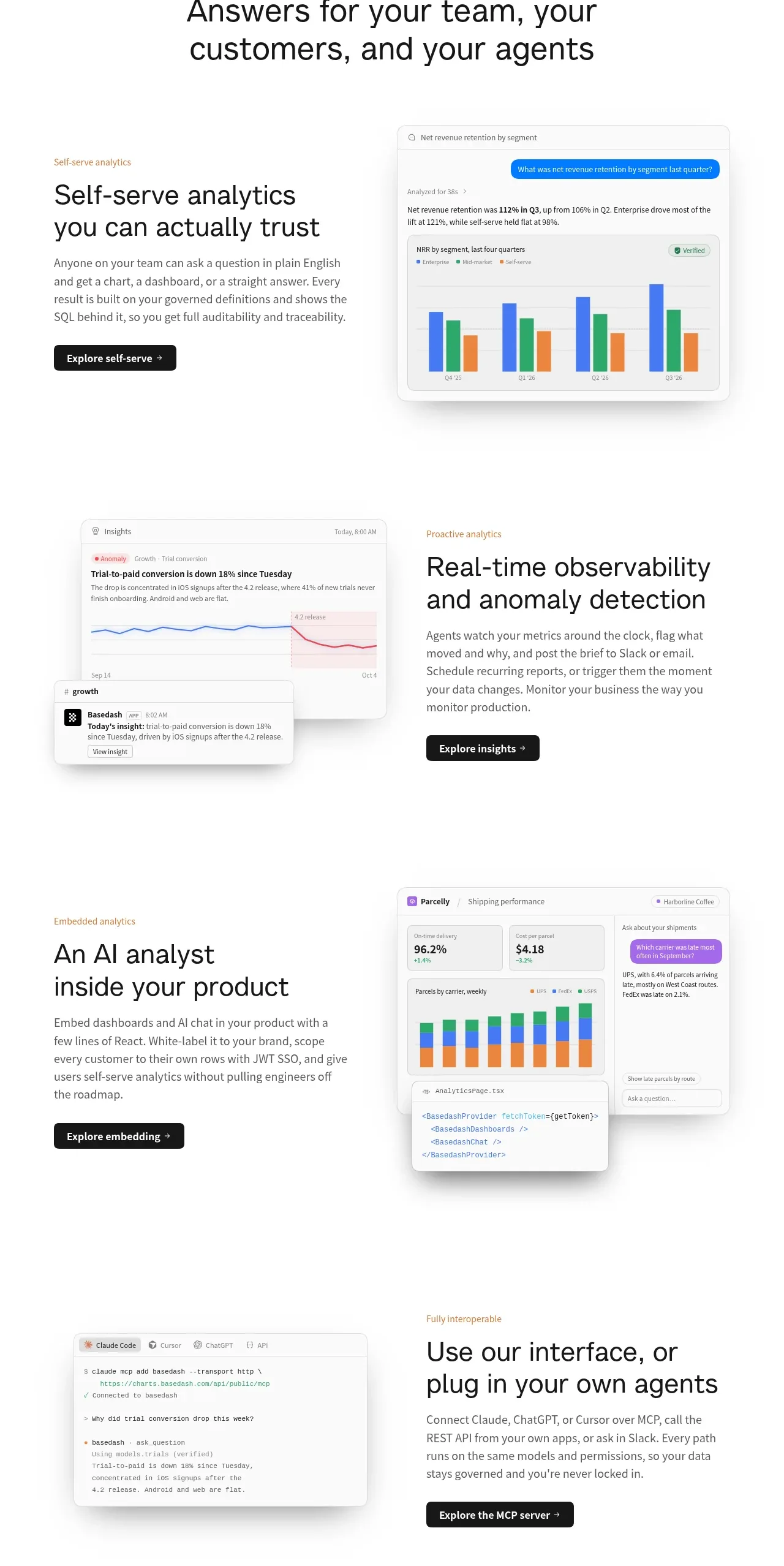
 Analytics capability showcase
Basedash View-only members · Feature grid
Analytics capability showcase
Basedash View-only members · Feature grid