 kage
kage
bytemailapp.com
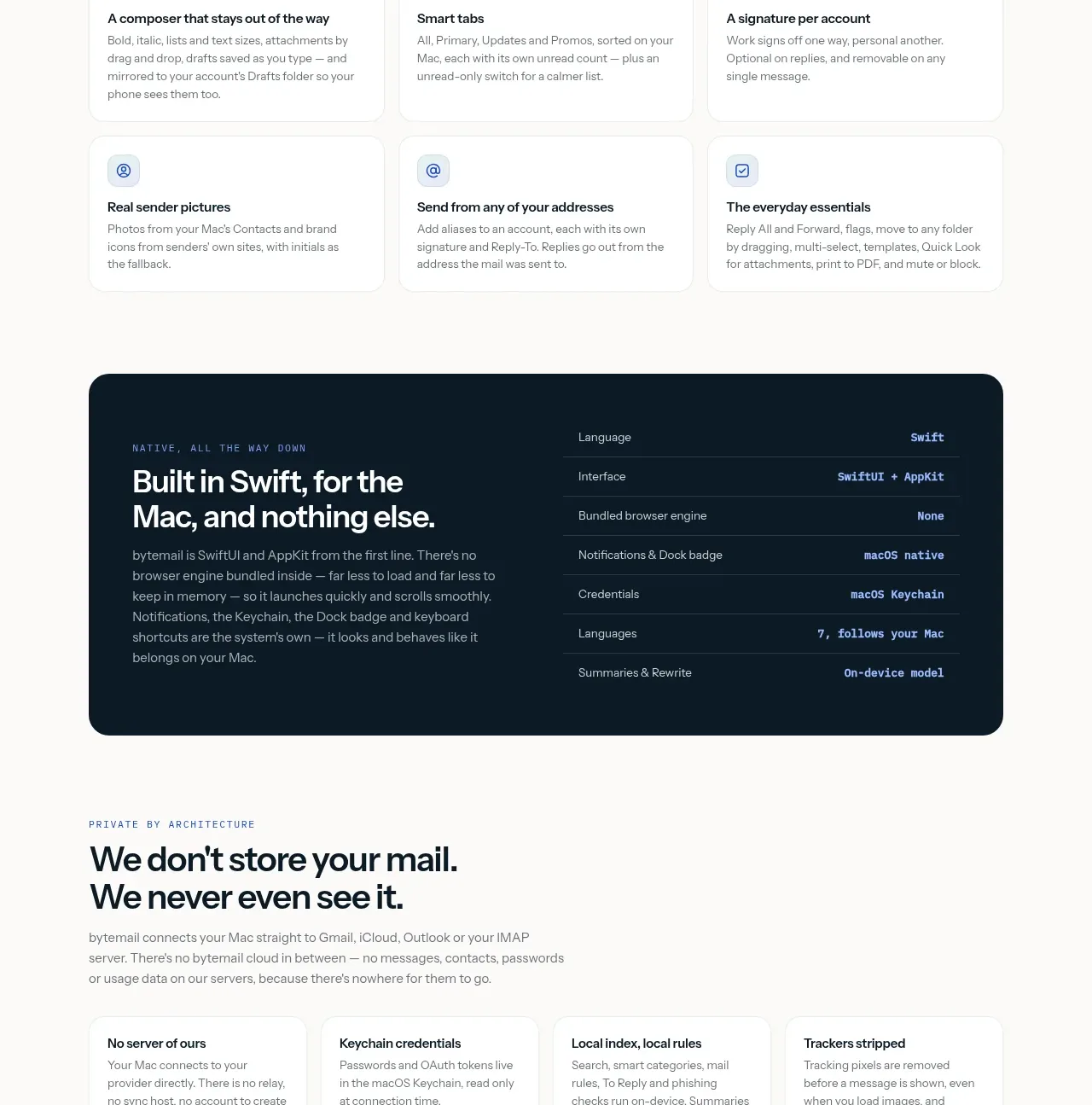
Design analysis
A compact grid of small utility cards turns a long list of practical details into scannable benefits. Small icons, short titles, and brief descriptions keep the section efficient.
Prompt preview
## Reference images

Study these alongside the description below: hierarchy, rhythm, spacing, colour. Build for the product you are asked about, using this design language.

- Component: https://kage-design-assets.t3.tigrisfiles.io/components/bytemail/045a2cef-1fc1-40ba-865c-126b992dab68-1793253736-7.webp
- Full page it was cut from: https://kage-design-assets.t3.tigrisfiles.io/screenshots/bytemail/045a2cef-1fc1-40ba-865c-126b992dab68-1793253665308-full.webp
- Component on Kage: https://kage.design/component/bytemail-feature-grid-4

## Before you start
Ask what small, high-frequency features make the user's product feel polished and dependable. Apply the principles below to that product.

Build a compact utility grid introduced by a short eyebrow and a direct heading. Use 3 columns on desktop and 1–2 on mobile, with small icon tiles, bold 14–16px titles, and brief 12–14px descriptions. Cards should feel light rather than promotional: white or barely tinted surfaces, #edf0ed borders, 12–14px radius, 18–22px padding, and minimal shadow. Establish a consistent 20–28px vertical rhythm and use one accent color for icons and interactive states.

Never use logos, product names, copy, illustrations, or imagery from the reference.
More components

 Rapid onboarding timeline
throxy · Feature grid
Rapid onboarding timeline
throxy · Feature grid
 Qualification workflow cards
throxy · Feature grid
Qualification workflow cards
throxy · Feature grid
 Why alternatives disappoint
throxy · Feature grid
Why alternatives disappoint
throxy · Feature grid
 Outbound partner benefits
throxy · Feature grid
Outbound partner benefits
throxy · Feature grid
 Cold-calling performance section
throxy · Feature grid
Cold-calling performance section
throxy · Feature grid
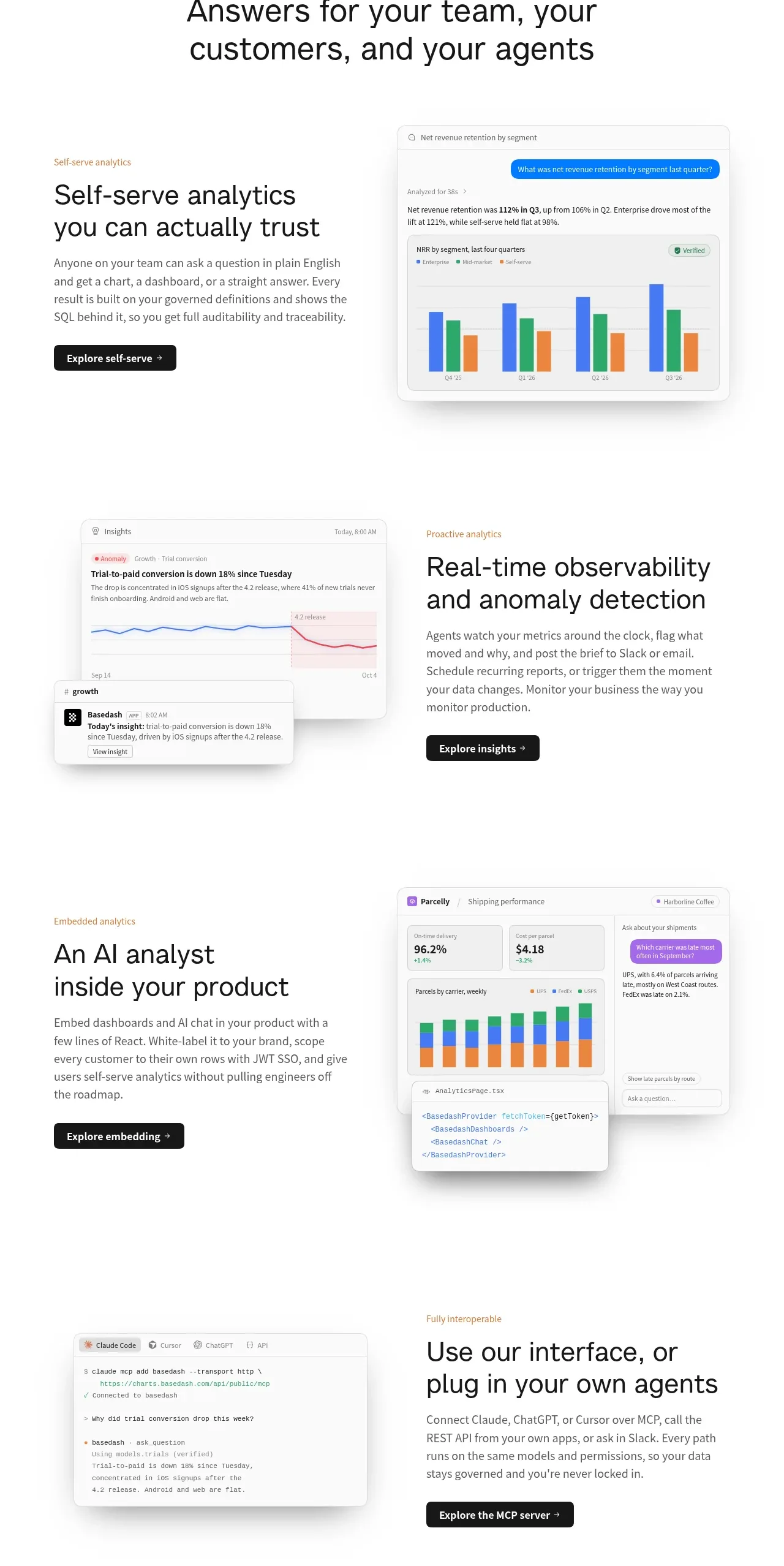
 Analytics capability showcase
Basedash View-only members · Feature grid
Analytics capability showcase
Basedash View-only members · Feature grid