 kage
kage
bytemailapp.com
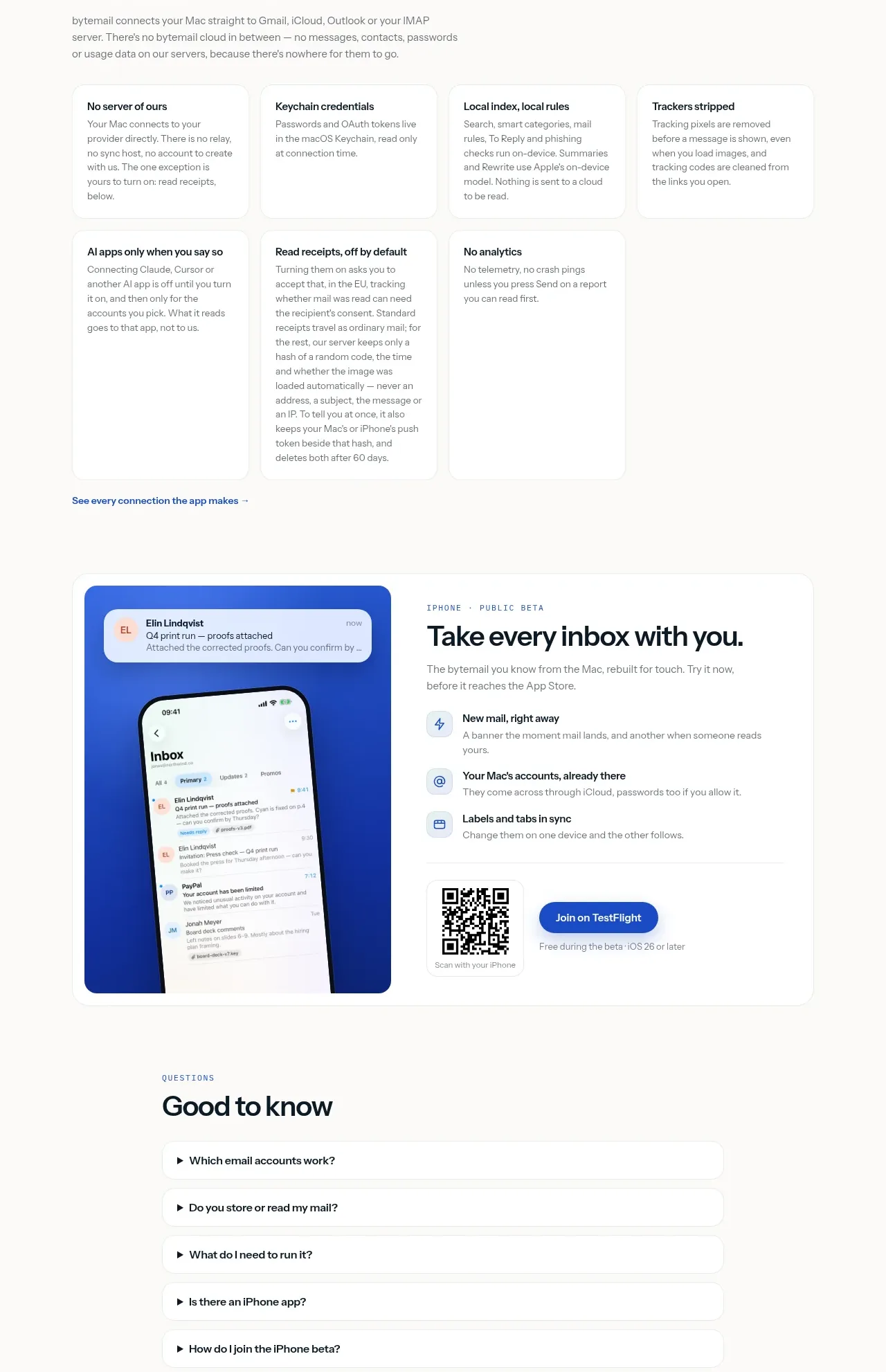
Design analysis
A dark technical panel establishes implementation credibility, followed by a privacy architecture grid that explains data handling in concrete terms. The contrast gives the trust story a memorable visual break.
Prompt preview
## Reference images

Study these alongside the description below: hierarchy, rhythm, spacing, colour. Build for the product you are asked about, using this design language.

- Component: https://kage-design-assets.t3.tigrisfiles.io/components/bytemail/045a2cef-1fc1-40ba-865c-126b992dab68-1793253736-8.webp
- Full page it was cut from: https://kage-design-assets.t3.tigrisfiles.io/screenshots/bytemail/045a2cef-1fc1-40ba-865c-126b992dab68-1793253665308-full.webp
- Component on Kage: https://kage.design/component/bytemail-feature-grid-5

## Before you start
Ask what technical choices and privacy commitments the user's product can honestly support, and which details matter most to its audience. Apply the principles below to that product.

Create a trust section with a dark, rounded specification panel followed by a light privacy card grid. In the dark panel, use a short eyebrow, a confident heading, concise explanation, and a two-column table of implementation facts. Use #071820 or a similarly deep blue-black background, #f5fbfa text, muted #9bb0b4 labels, thin translucent dividers, and 16–20px corners. Follow it with white privacy cards that explain concrete data boundaries using plain language. Keep claims specific, avoid vague security theater, and use 14–16px body text with 24px padding.

Never use logos, product names, copy, illustrations, or imagery from the reference.
More components

 Rapid onboarding timeline
throxy · Feature grid
Rapid onboarding timeline
throxy · Feature grid
 Qualification workflow cards
throxy · Feature grid
Qualification workflow cards
throxy · Feature grid
 Why alternatives disappoint
throxy · Feature grid
Why alternatives disappoint
throxy · Feature grid
 Outbound partner benefits
throxy · Feature grid
Outbound partner benefits
throxy · Feature grid
 Cold-calling performance section
throxy · Feature grid
Cold-calling performance section
throxy · Feature grid
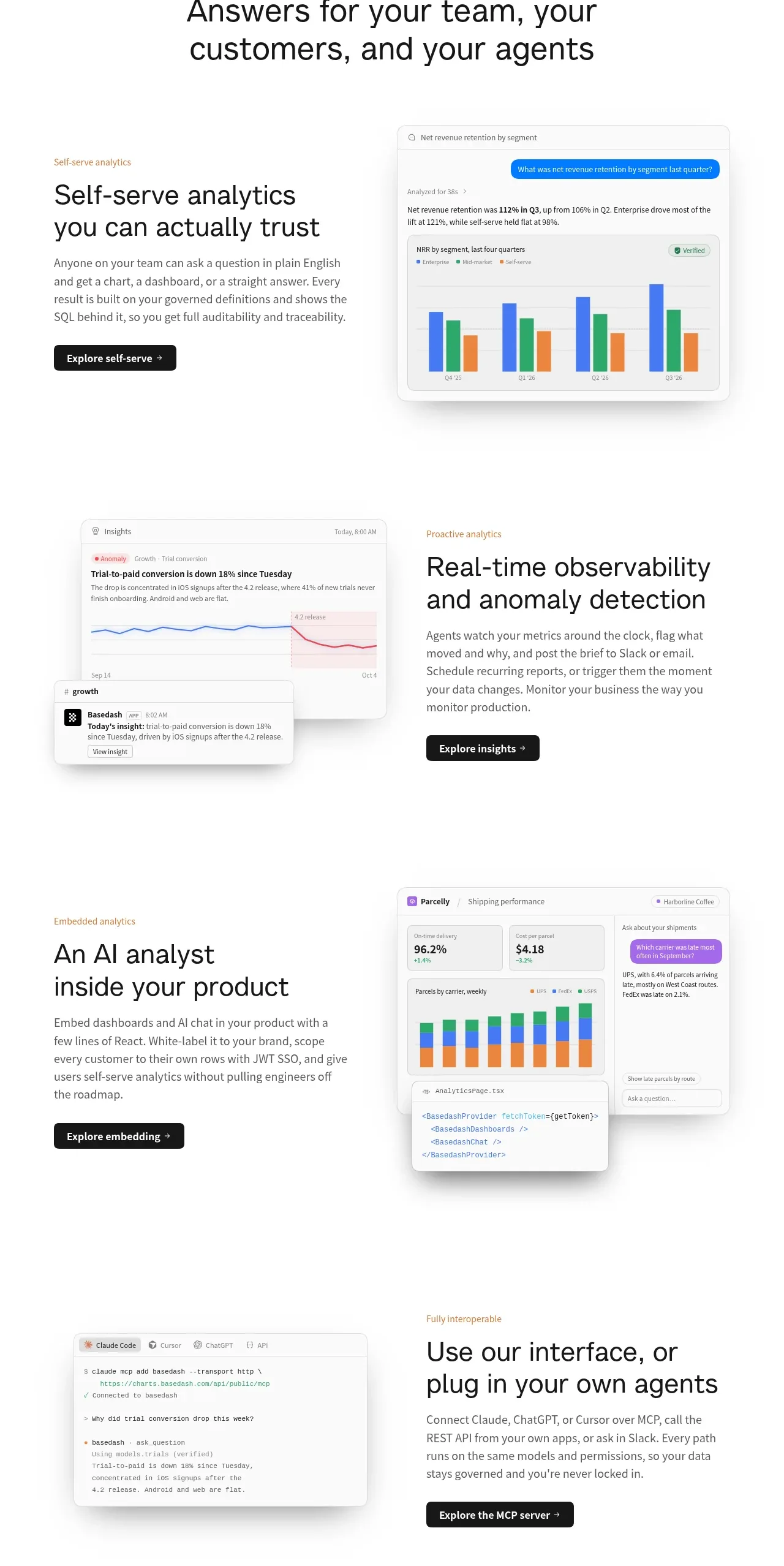
 Analytics capability showcase
Basedash View-only members · Feature grid
Analytics capability showcase
Basedash View-only members · Feature grid