 kage
kage
plastic.audio
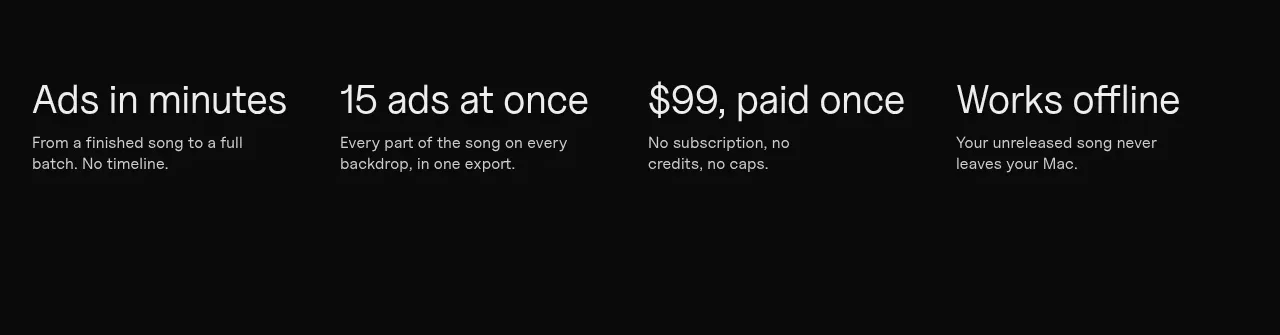
Design analysis
Four concise benefits are arranged in a clean horizontal grid, each using a large title and one-sentence explanation rather than decorative cards.
Prompt preview
## Reference images

Study these alongside the description below: hierarchy, rhythm, spacing, colour. Build for the product you are asked about, using this design language.

- Component: https://kage-design-assets.t3.tigrisfiles.io/components/clips-by-plastic/ad43fef6-0048-4f88-83ea-4278fc30c273-1792994534-3.webp
- Full page it was cut from: https://kage-design-assets.t3.tigrisfiles.io/screenshots/clips-by-plastic/ad43fef6-0048-4f88-83ea-4278fc30c273-1792994476004-full.webp
- Component on Kage: https://kage.design/component/clips-by-plastic-feature-grid

## Before you start
Ask what four strongest outcomes the user's product provides and how the brand should sound, then apply these principles.

Create a four-column benefits grid on a black background. Align all headings and descriptions to a shared baseline, with generous horizontal gutters and no heavy card chrome. Use 28–32px medium-weight headings, 13–15px muted descriptions, and a thin divider or section rule if needed. Keep each benefit to one clear idea and ensure the grid collapses to two columns and then one column responsively. Use #f0f0f0 text, #969696 supporting text, and a restrained lime accent for optional markers.

Never: use logos, product names, copy, illustrations, or imagery from the reference.
More components

 Data-room education and security overview
Papermark Data Rooms · Feature grid
Data-room education and security overview
Papermark Data Rooms · Feature grid
 Workflow demonstrations
Papermark Data Rooms · Feature grid
Workflow demonstrations
Papermark Data Rooms · Feature grid
 Advanced data-room features
Papermark Data Rooms · Feature grid
Advanced data-room features
Papermark Data Rooms · Feature grid

 Lanyard use-case feature
Badgey · Feature grid
Lanyard use-case feature
Badgey · Feature grid
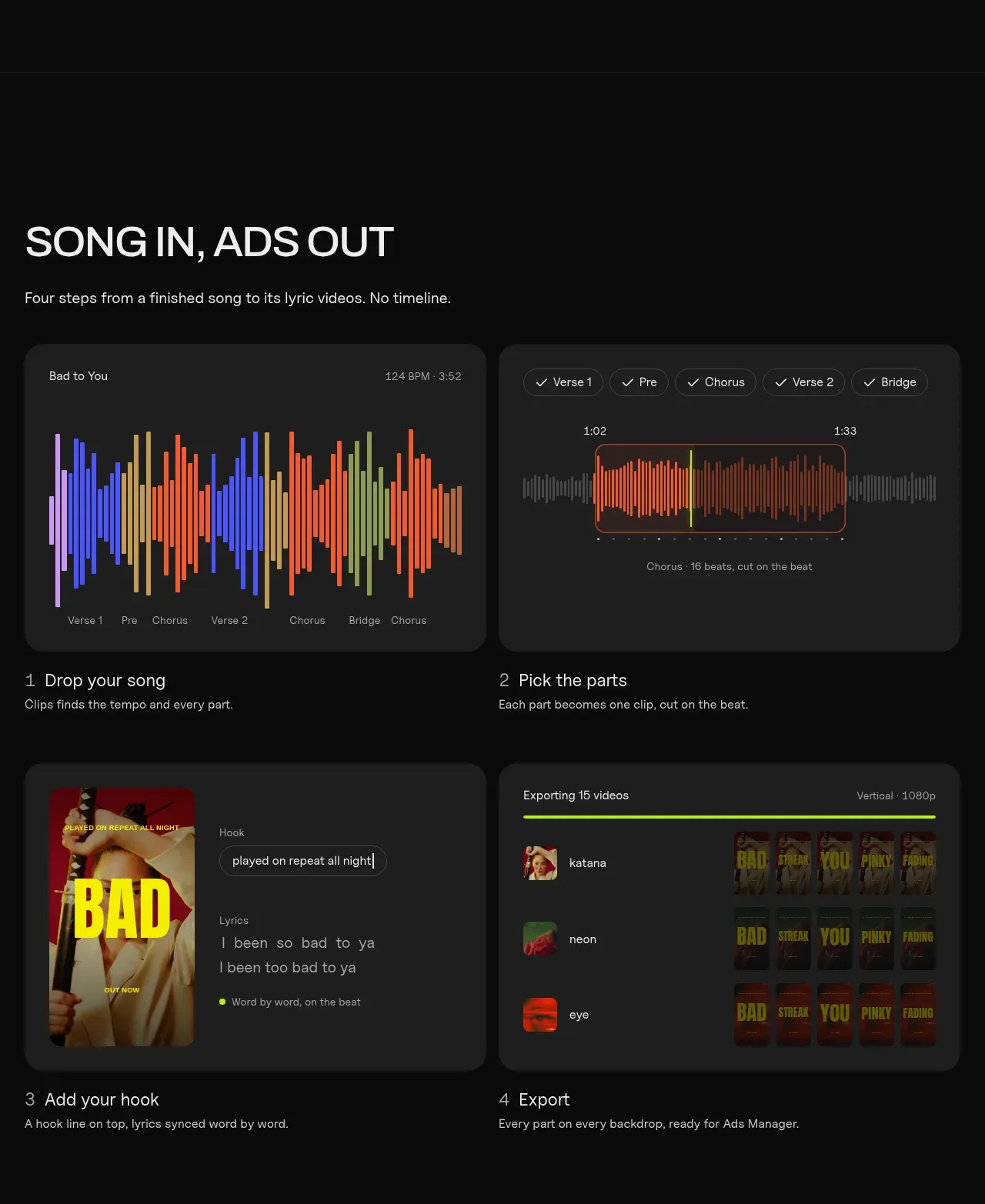
 Four-step workflow
Clips by Plastic · Feature grid
Four-step workflow
Clips by Plastic · Feature grid
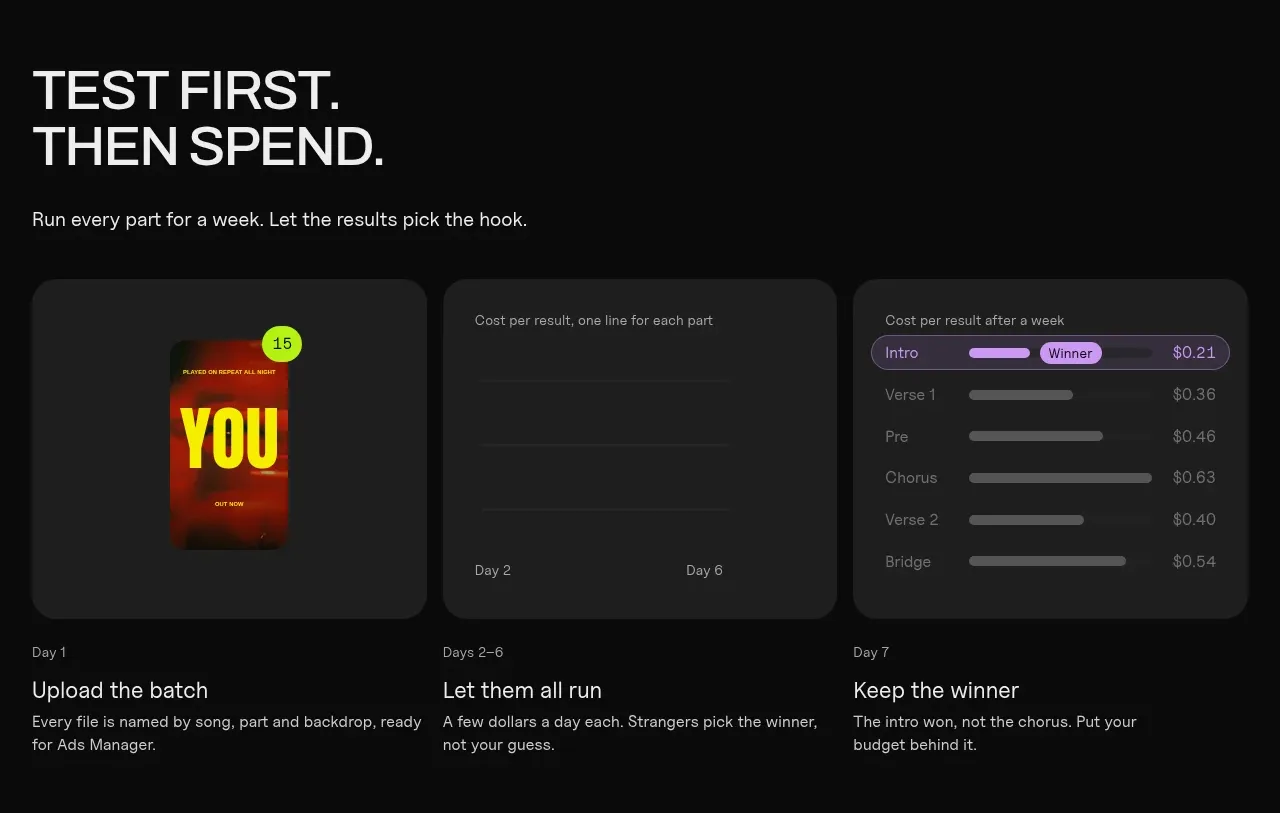 Testing workflow
Clips by Plastic · Feature grid
Testing workflow
Clips by Plastic · Feature grid