 kage
kage
cloudknife.com

Design analysis
This landing page employs a high-contrast dark theme, using deep blues and blacks as a canvas for vibrant electric purple and blue gradient accents. The design relies on rounded, glass-like container elements that showcase stylized data visualizations and technical screenshots, giving the impression of powerful, sophisticated technology. The layout flows logically from a bold hero section into detailed feature breakdowns and social proof.
Prompt preview
## Reference images

Study these alongside the description below: hierarchy, rhythm, spacing, colour. Build for the product you are asked about, using this design language.

- Full page: https://kage-design-assets.t3.tigrisfiles.io/screenshots/cloudknife/9dafaa08-16c6-4721-8c78-296bafbb7abc-1793080968695-full.webp
- Above the fold: https://kage-design-assets.t3.tigrisfiles.io/screenshots/cloudknife/9dafaa08-16c6-4721-8c78-296bafbb7abc-1793080964182.webp
- Design on Kage: https://kage.design/designs/cloudknife-landing-page

## Before you start
Please tell me what your product does, who your primary users are (e.g., CTO, DevOps engineer, small business owner), and if you have any specific brand assets like a logo, primary/secondary colors, or a font you want me to use. I will build the structure and style based on your answers.

## Page structure

1. **Hero Section:** A large, attention-grabbing header with a clear value proposition, supported by a brief subtext and a prominent primary Call to Action button.
2. **Feature Visualization Block:** A dynamic section showcasing simulated dashboards and complex data visualizations (graphs, charts) contained within stylized, softly glowing containers.
3. **Core Features Grid:** A section detailing main benefits. Each feature lives in a card with an abstract, colorful tech icon or illustration, brief title, and short description.
4. **Detailed Solution Block:** A dedicated section focusing on the 'how' of the product. This uses a layout alternating between a large block of explanatory text and a smaller, focused feature panel or visual demonstration.
5. **Testimonials/Case Studies:** A clean, grid-based section displaying client success stories or product use cases, each with a circular avatar/logo placeholder, title, and testimonial quote.
6. **Final Call to Action:** A simple, high-contrast section designed solely to funnel the user toward a sign-up or demo.

## Design language

*   **Color Palette:** Use a base of dark backgrounds (near-black, e.g., #08081A) and prioritize electric purple and vibrant blue for accents and gradients (e.g., #6D34FF to #00C4FF). Use crisp white and light grey for primary body text.
*   **Typography:** Implement a modern, geometric sans-serif typeface. Headings should be bold and highly scaled for impact, while body text remains highly legible and well-spaced.
*   **Layout & Form:** Containers (feature cards, data widgets) must feature rounded corners (small radius, e.g., 8px-12px) and incorporate a soft, outer glow or subtle border with a linear gradient to simulate a glass/digital interface feel.
*   **Rhythm & Density:** Begin with a high-impact, sparse hero section. Transition into moderate visual density in the feature blocks (organized grids), and conclude with well-spaced, high-trust elements like testimonials.
*   **Visual Metaphors:** When showing data, use stylized, abstracted graphics that look like high-performance cloud infrastructure, but ensure they don't look like specific proprietary software UI.

## Never

*   Never use the specific names, logos, or product phrasing from the reference.
*   Never reference the concept of 'CloudKnife' or 'cutting cloud bills' explicitly.
*   Avoid any actual photography; rely on abstract vector illustrations and simulated data UI.
Components from this page
All components
 Glass navigation bar
CloudKnife · Navigation
Glass navigation bar
CloudKnife · Navigation
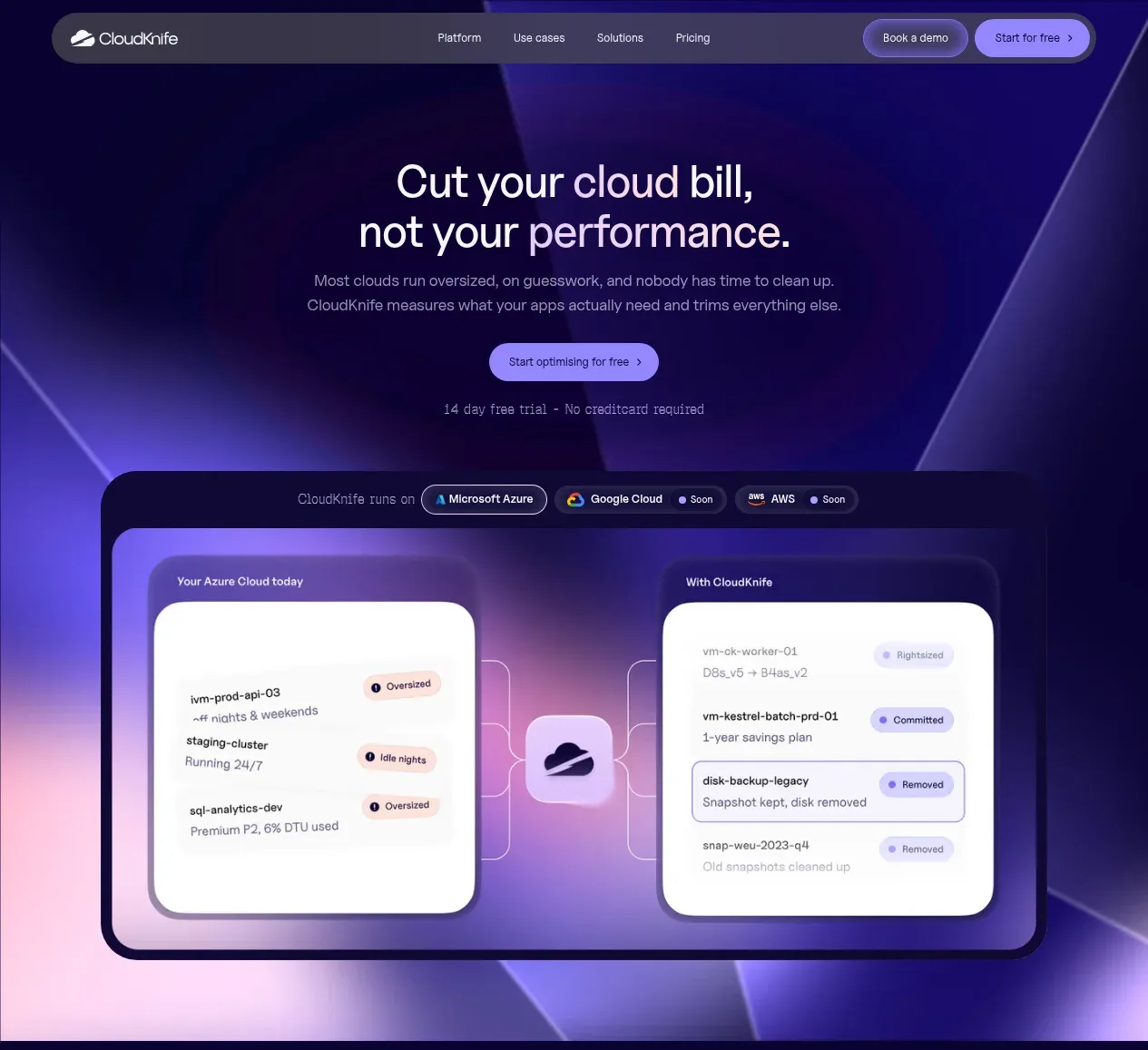 Cloud cost optimisation hero
CloudKnife · Hero
Cloud cost optimisation hero
CloudKnife · Hero
 Trusted by cloud teams
CloudKnife · Logo cloud
Trusted by cloud teams
CloudKnife · Logo cloud
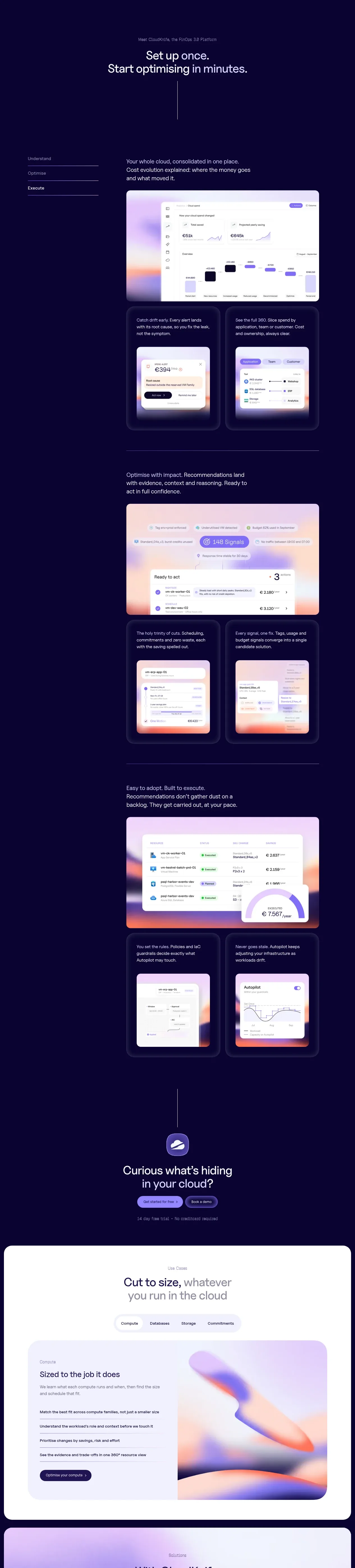 Three-step optimisation story
CloudKnife · Feature grid
Three-step optimisation story
CloudKnife · Feature grid
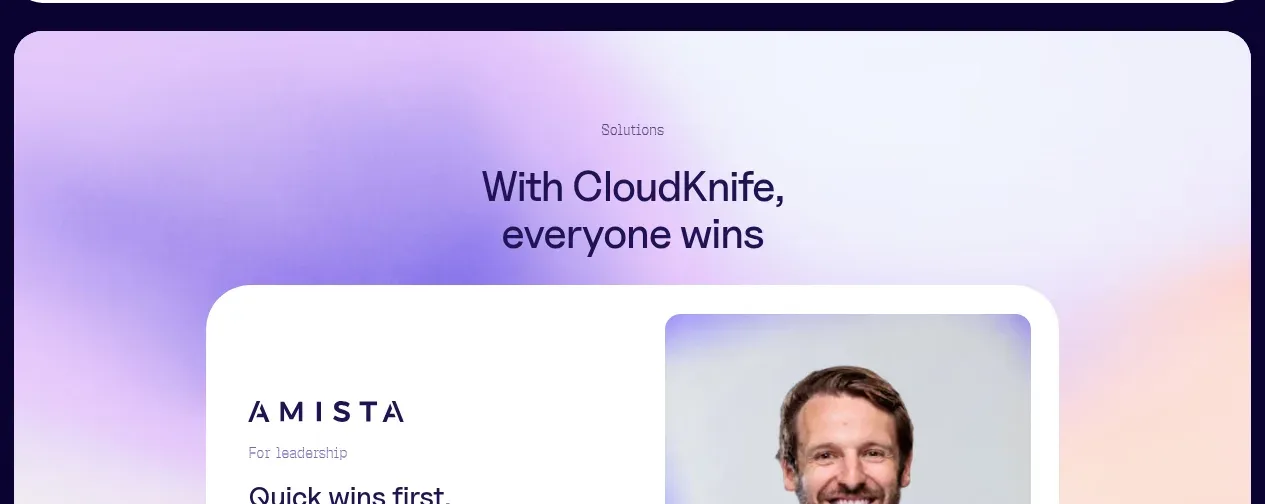 Cloud visibility conversion CTA
CloudKnife · Call to action
Cloud visibility conversion CTA
CloudKnife · Call to action
 Solution category tabs
CloudKnife · Tabs & steps
Solution category tabs
CloudKnife · Tabs & steps
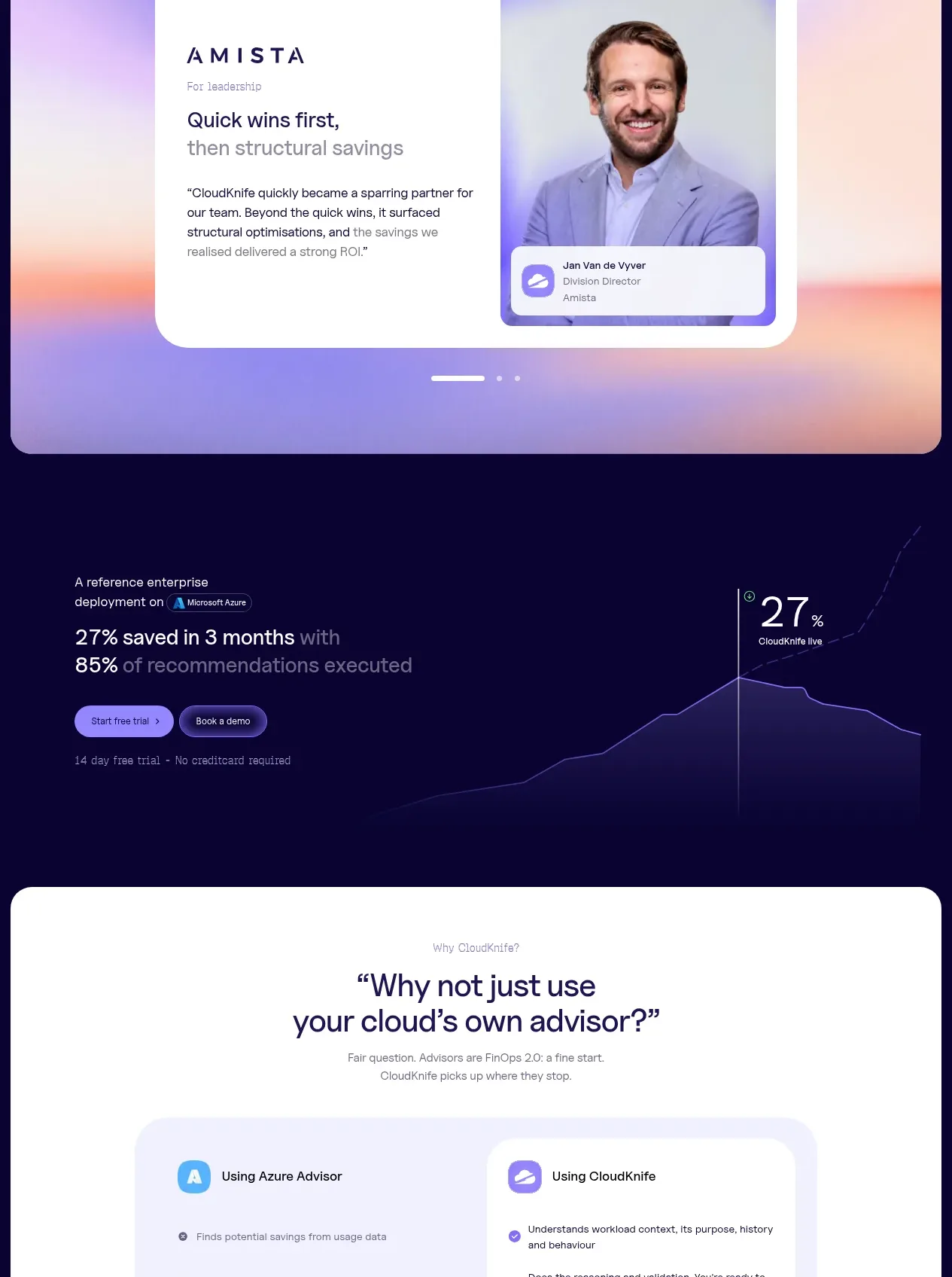
 Customer proof carousel
CloudKnife · Testimonials
Customer proof carousel
CloudKnife · Testimonials
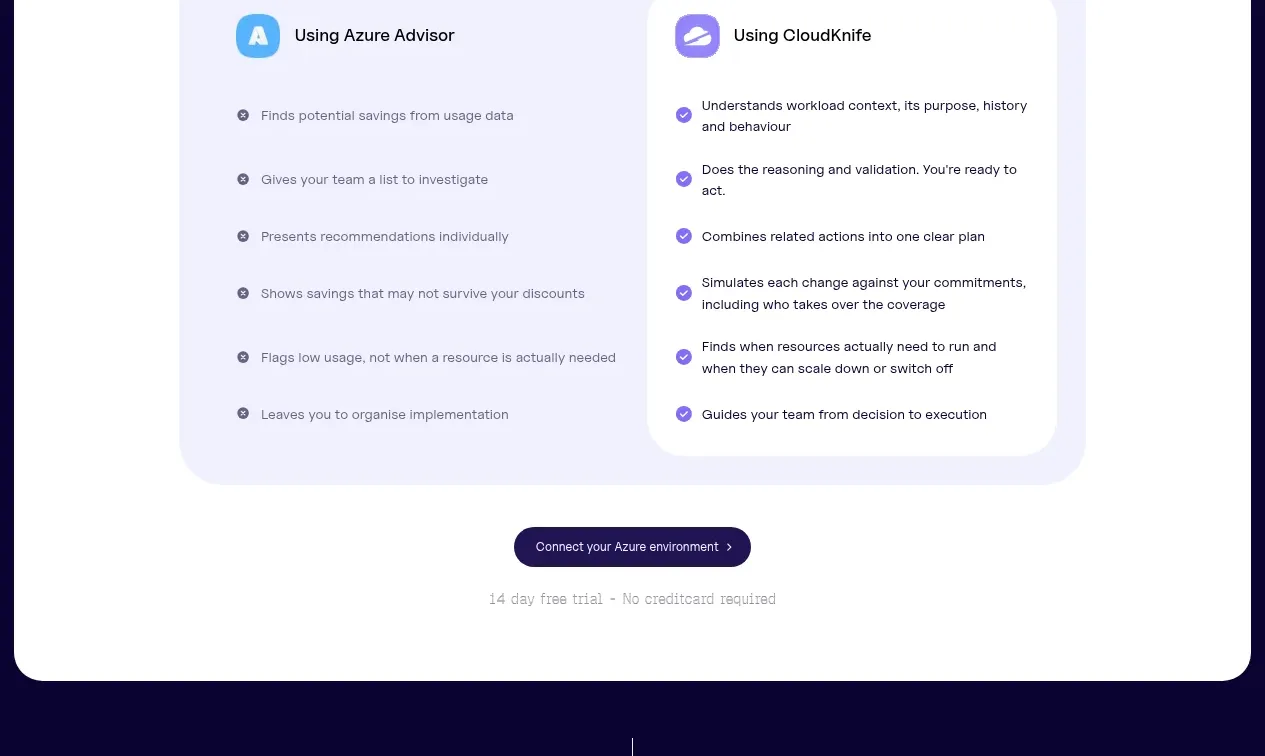
 Outcome metric chart
CloudKnife · Chart
Outcome metric chart
CloudKnife · Chart
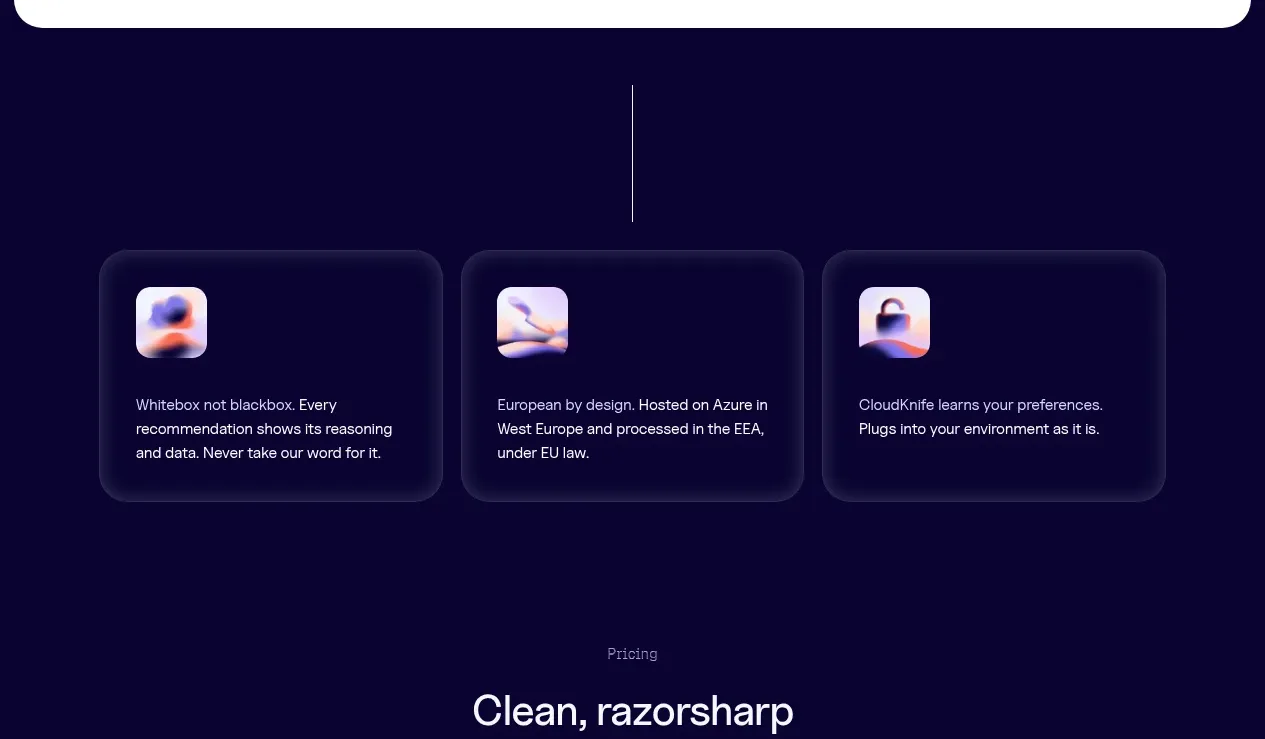
 Comparison explainer
CloudKnife · Card
Comparison explainer
CloudKnife · Card
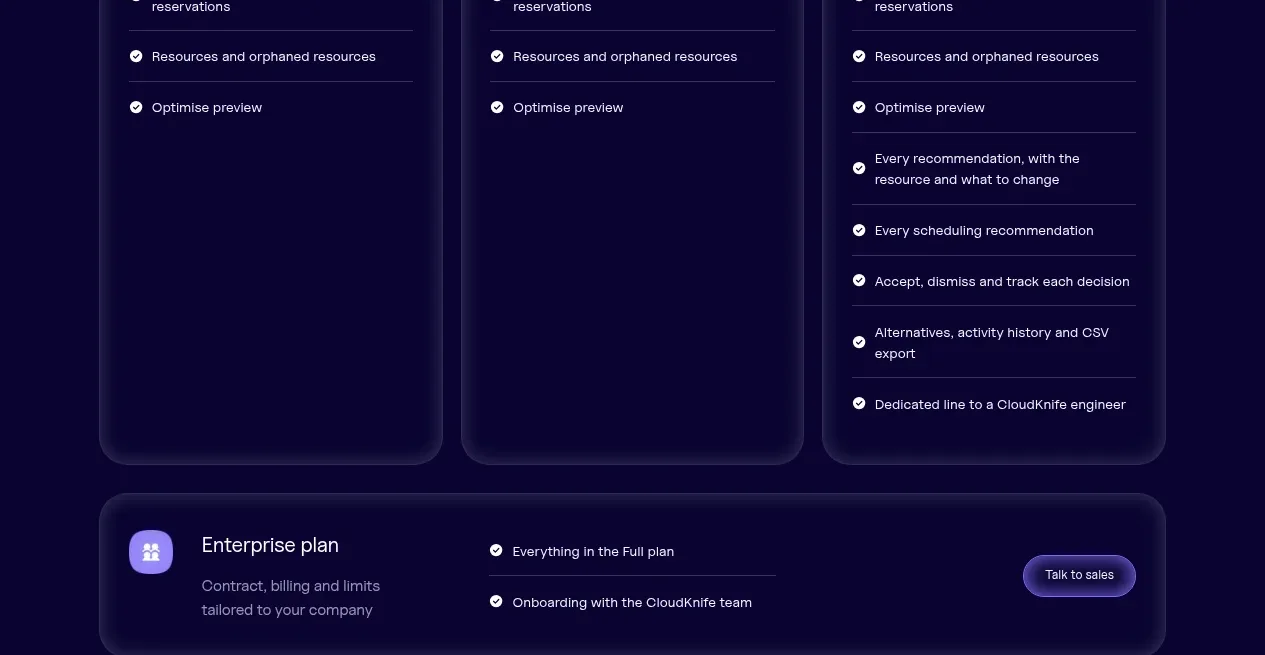 Principles cards
CloudKnife · Feature grid
Principles cards
CloudKnife · Feature grid
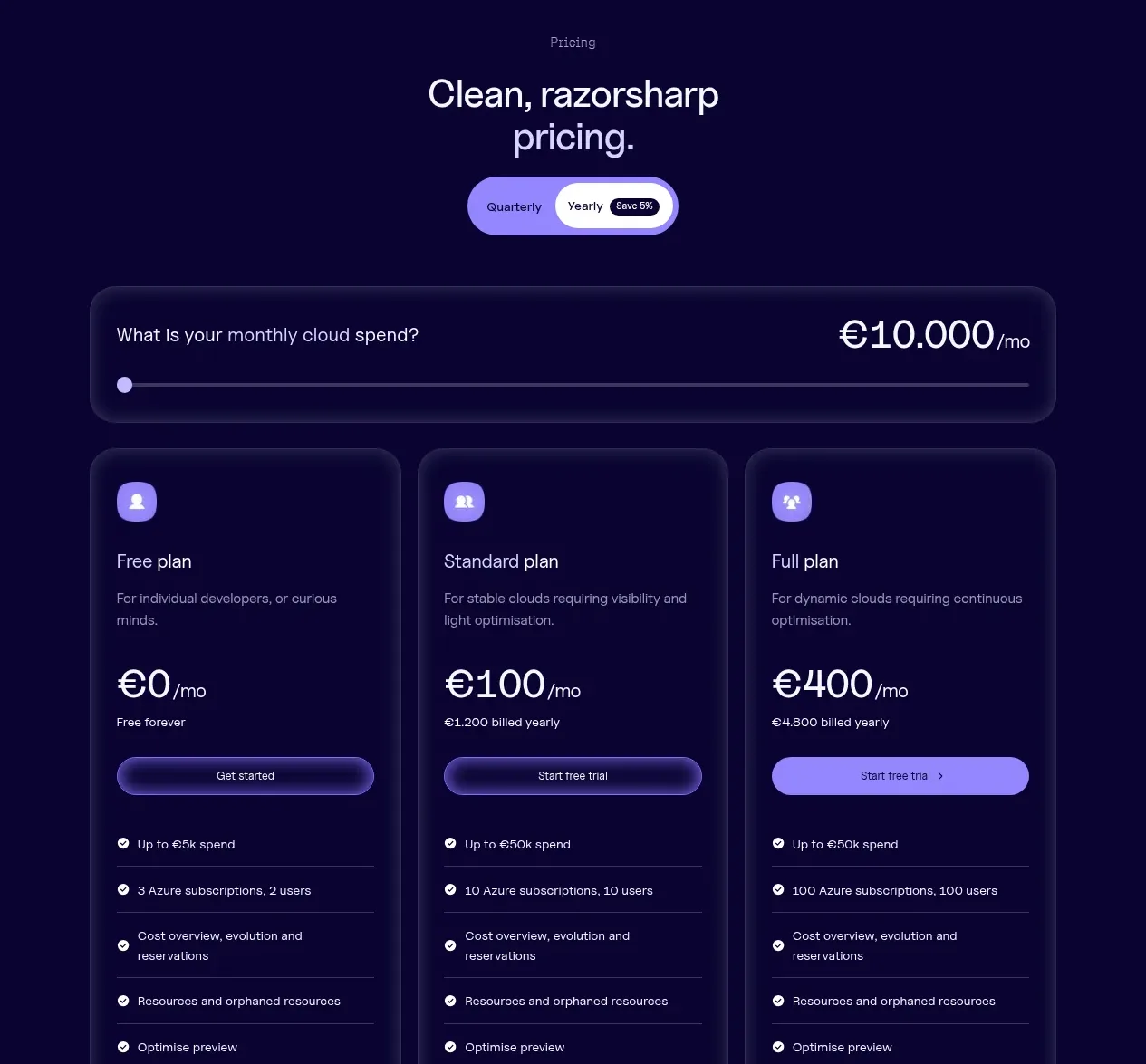
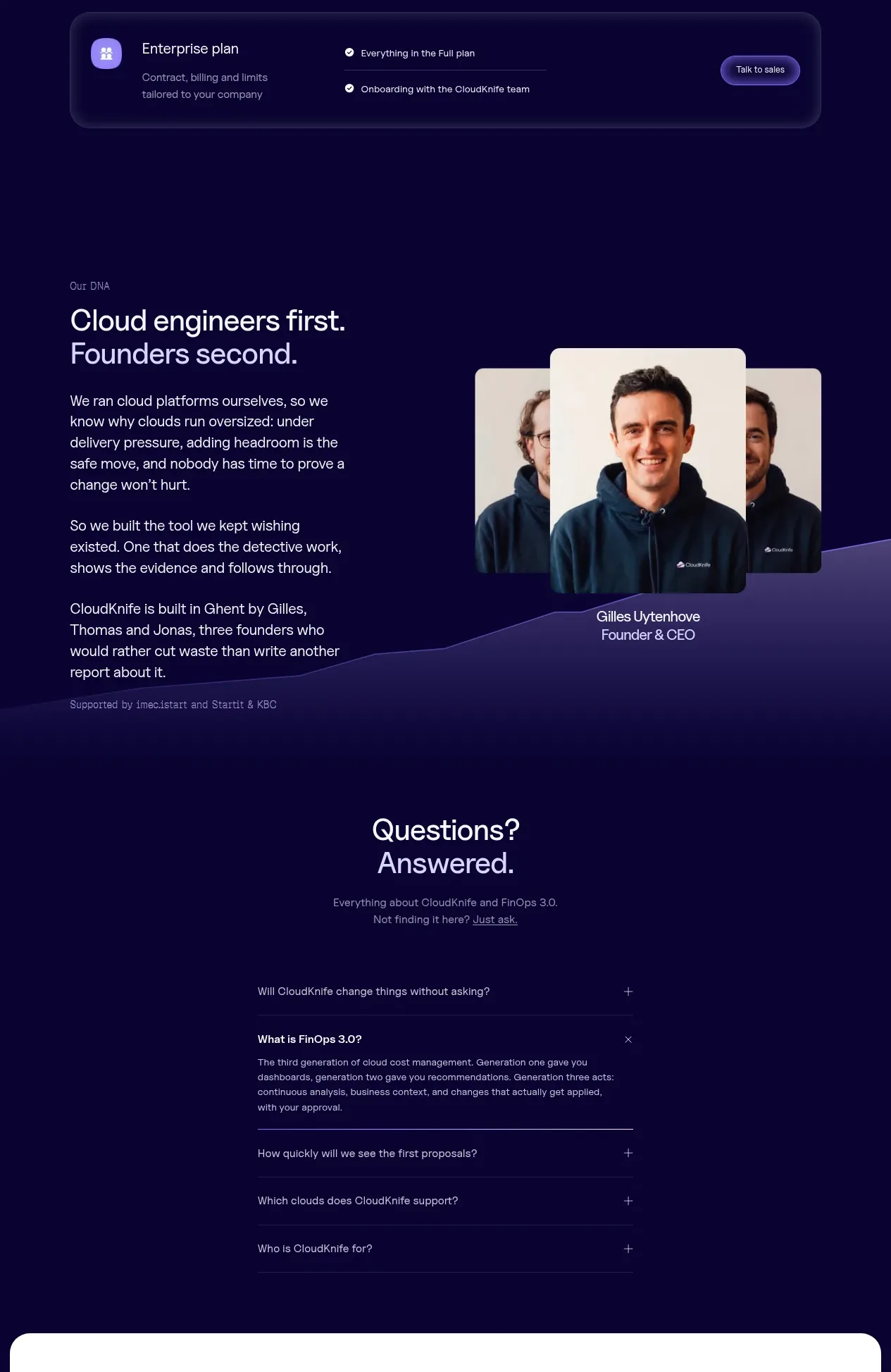 Tiered pricing table
CloudKnife · Pricing table
Tiered pricing table
CloudKnife · Pricing table
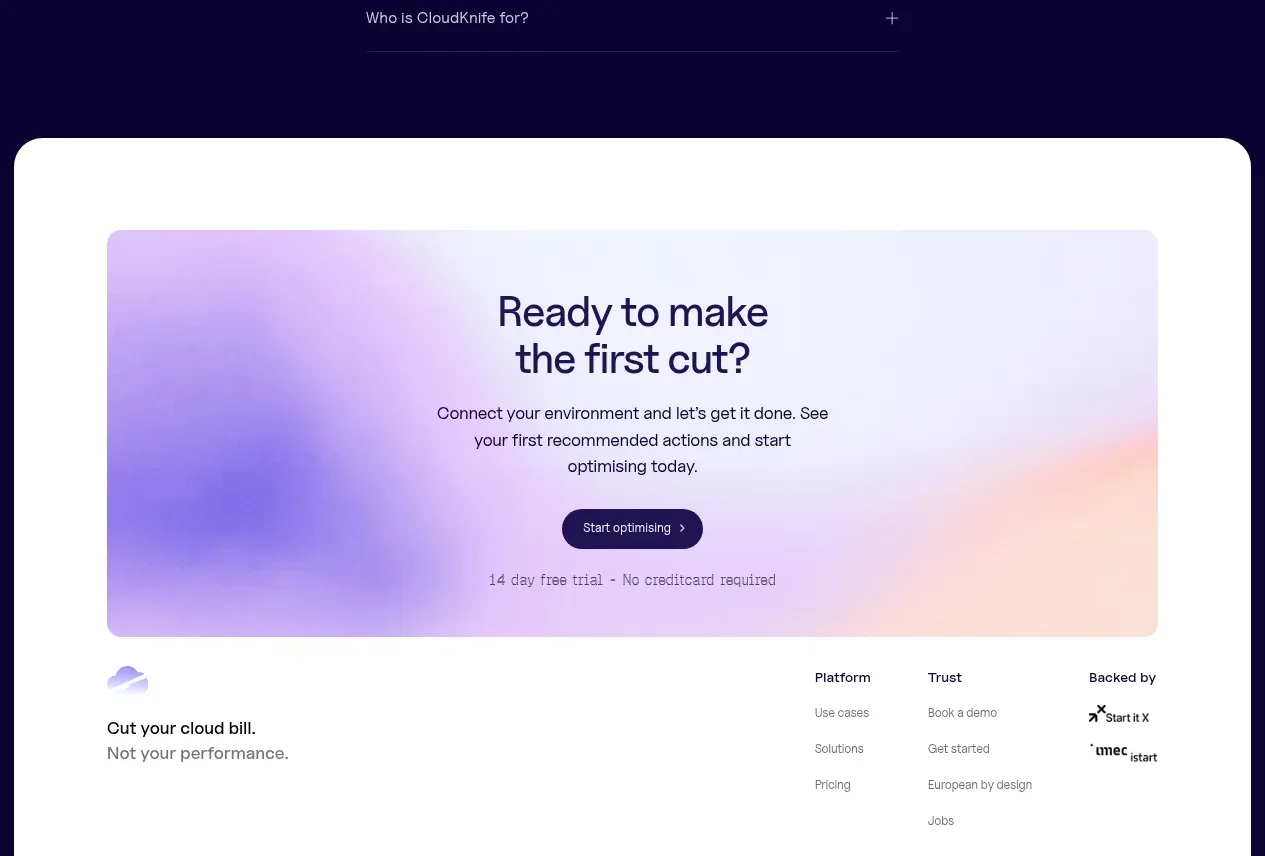 Founder story
CloudKnife · Card
Founder story
CloudKnife · Card
Related designs
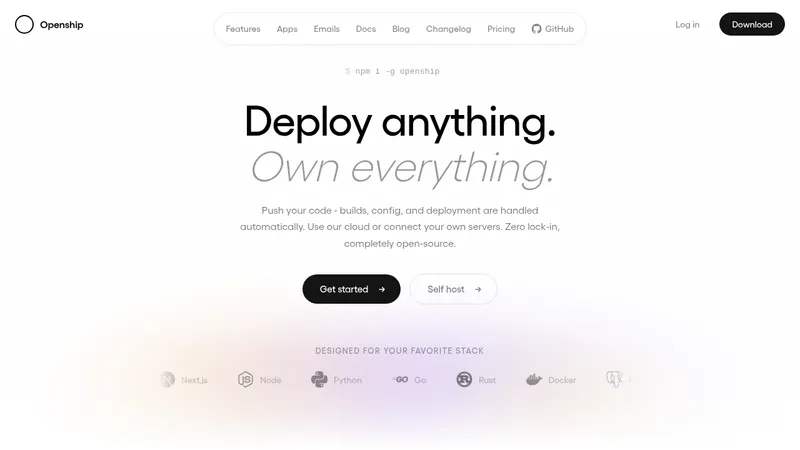

 OpenShip Cloud
Landing page · Cloud & infrastructure
OpenShip Cloud
Landing page · Cloud & infrastructure
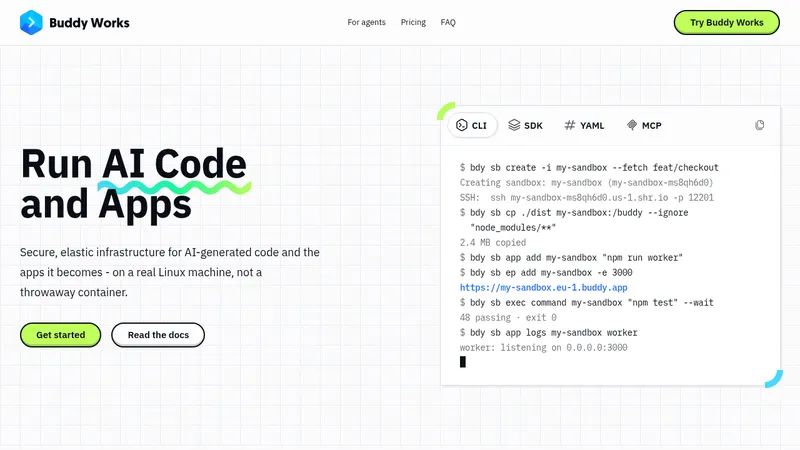

 AI Sandboxes by Buddy
Landing page · Cloud & infrastructure
AI Sandboxes by Buddy
Landing page · Cloud & infrastructure
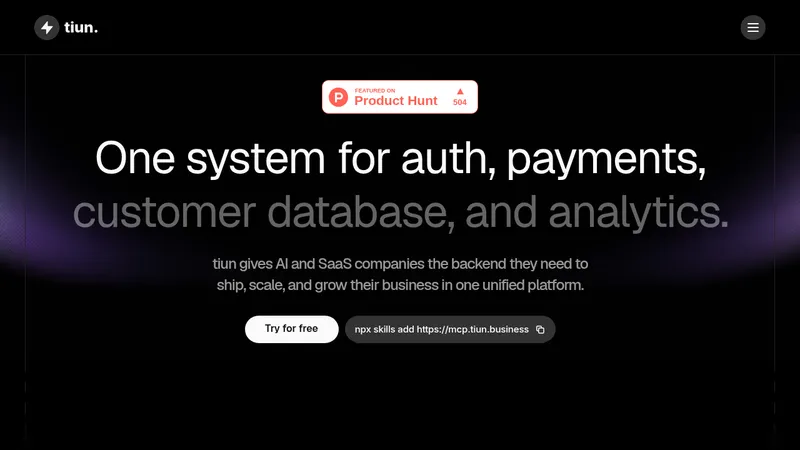

 tiun.
Landing page · Cloud & infrastructure
tiun.
Landing page · Cloud & infrastructure
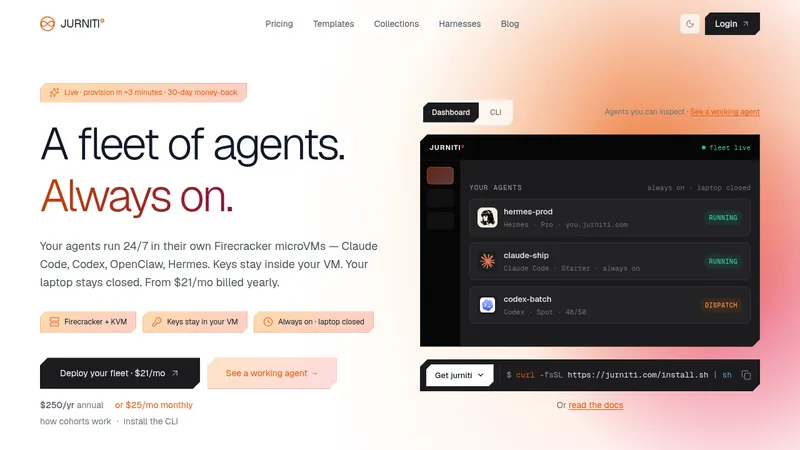

 jurniti
Landing page · Cloud & infrastructure
jurniti
Landing page · Cloud & infrastructure
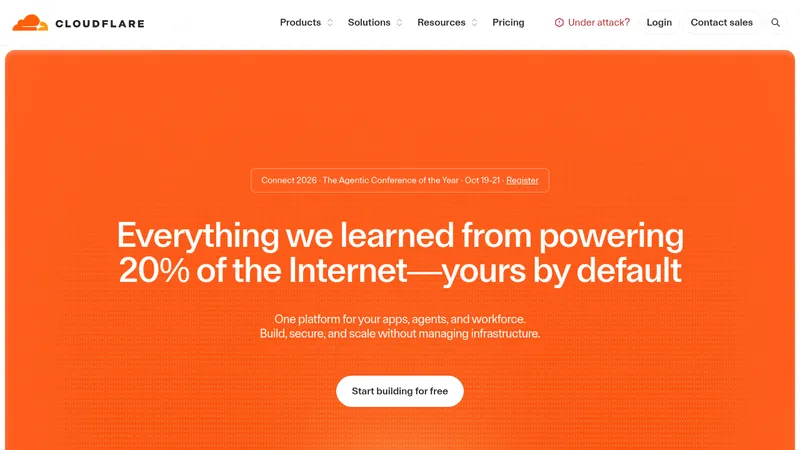

 cloudflare.com
Landing page · Cloud & infrastructure
cloudflare.com
Landing page · Cloud & infrastructure


 termsquad.com
Landing page · Cloud & infrastructure
termsquad.com
Landing page · Cloud & infrastructure