kage
kage
composio.dev

Design analysis
The design employs a clean, minimalist aesthetic built around a structured grid, using stark white space to frame feature blocks. Strong, confident sans-serif typography establishes a clear hierarchy. Visual rhythm is maintained by alternating content-heavy sections with large, abstract, and vibrant blue gradient visual breaks that guide the user down the page.
Prompt preview
## Reference images

Study these alongside the description below: hierarchy, rhythm, spacing, colour. Build for the product you are asked about, using this design language.

- Full page: https://kage-design-assets.t3.tigrisfiles.io/screenshots/composio-instant/90b73b03-e2b9-4385-8074-6e8e2bc32f62-1792562787795-full.webp
- Above the fold: https://kage-design-assets.t3.tigrisfiles.io/screenshots/composio-instant/90b73b03-e2b9-4385-8074-6e8e2bc32f62-1792562775102.webp
- Design on Kage: https://kage.design/designs/composio-instant-landing-page

## Before you start:
Ask the user what they are building, who it is for, and what brand assets (name, colours, type) they already have. Wait for the answers. Everything below is applied to that product, not to the reference.

## Page structure:
1. **Navigation Bar**: A simple, unobtrusive header containing the logo on the left and navigation links aligned to the right.
2. **Hero Section**: Features a large, impactful headline to clearly state the value proposition, accompanied by supportive body text and a prominent primary Call To Action (CTA). This section is set against a clean, white background.
3. **Feature Grid 1**: A section introducing key capabilities, laid out in a flexible, asymmetrical grid of small cards, each containing an icon, a title, and a short description.
4. **Abstract Visual Break**: A large, immersive visual panel dominated by an abstract, vibrant blue gradient field. This area serves as a visual pause and highlights a central CTA or demonstration box placed over or adjacent to the visual field.
5. **Feature Grid 2 (Detailed)**: A section that dives deeper into features or benefits, using a structured two-column or asymmetrical layout, combining short descriptive text with supporting iconography or illustrative elements.
6. **Data Visualization Section**: A section designed to demonstrate performance or functionality, using stylized charts (line graphs or bar charts) rendered with the brand's accent blue, presented in a clean, minimalist container.
7. **Process/Benefit Section**: A section detailing a user journey or a key benefit, typically laid out with short blocks of text, supporting a subtle linear or modular graphic element.
8. **Final CTA Block**: A concluding section that drives conversion, featuring strong, concise text and a final, high-contrast CTA.
9. **Footer**: A standard, dark-themed footer containing links to secondary pages and copyright information.

## Design language:
*   **Hierarchy**: Hierarchy is established through type size and weight. Key headlines are extremely large and bold, while body copy is kept highly legible and moderate in scale.
*   **Rhythm & Density**: The page alternates between low-density, high-impact visual sections (the gradient breaks) and moderate-to-high-density, information-rich grid sections, preventing visual monotony.
*   **Color Palette**: Primary background is pure white (#ffffff). Accents are built around a modern, electric blue palette, ranging from light sky blue (e.g., #6d99ff) to deep, saturated indigo (e.g., #1e3a8a). Text is mostly dark gray (#1f2937) for readability.
*   **Typography**: A clean, modern sans-serif font is used throughout. Headings use generous leading and tracking for impact, while body text maintains a compact, efficient rhythm.
*   **Layout & Grids**: A rigid, responsive grid system is utilized. Content is organized into defined blocks (cards, text containers) that adhere to clear internal padding and margins. The abstract gradients are used as full-width containers to break the standard grid rhythm.
*   **Visual Treatment**: Elements are generally sharp and flat, leaning into minimalism. Gradients are used primarily for large, non-literal visual flavor rather than for button or element shading.

## Never:
Do not use any logos, wordmarks, product names, copy, illustrations, photography, or icon sets from the reference. Never present the final output as the referenced product.
Components from this page
All components
 Top navigation
Composio Instant · Navigation
Top navigation
Composio Instant · Navigation
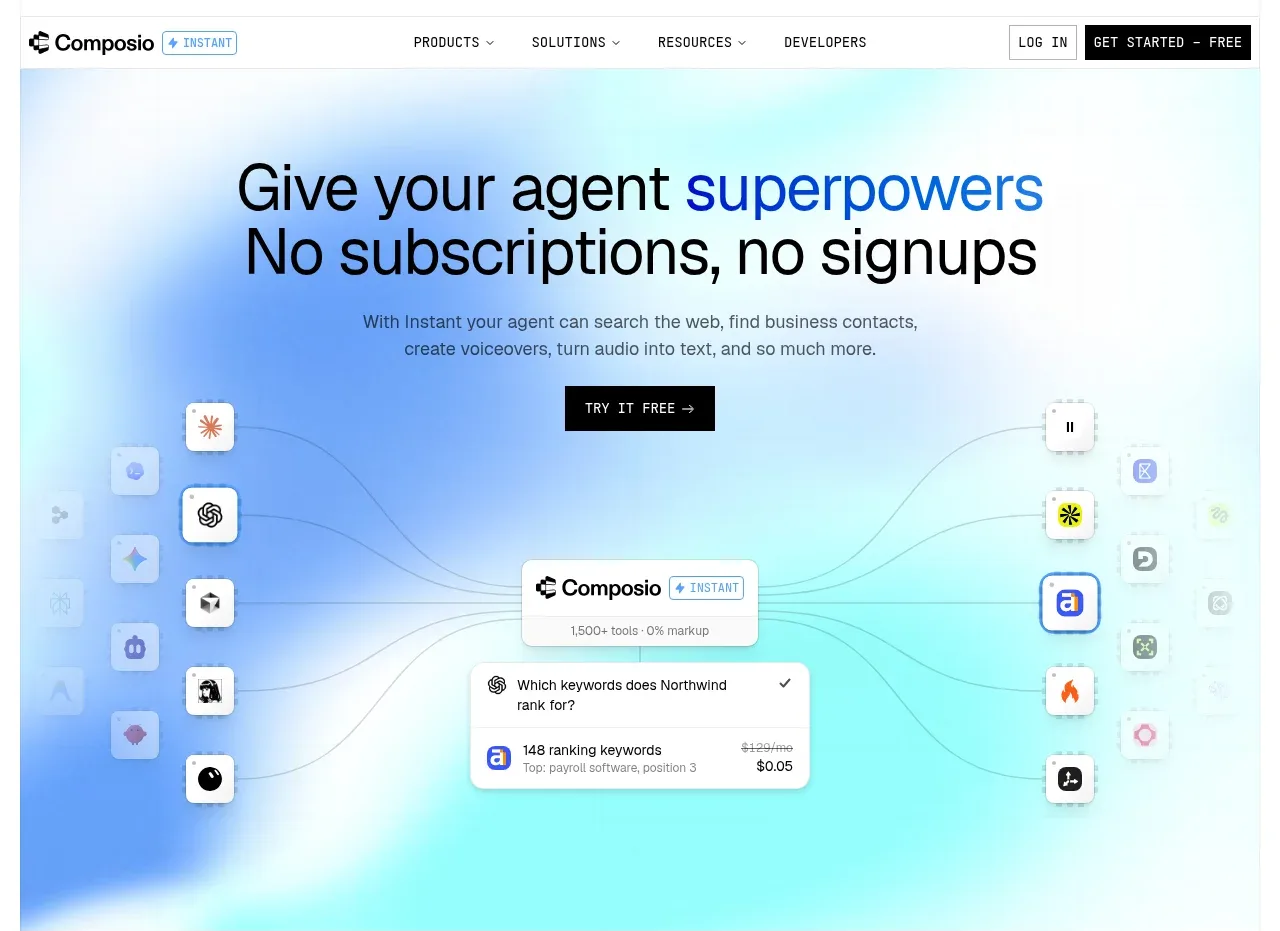 Agent superpowers hero
Composio Instant · Hero
Agent superpowers hero
Composio Instant · Hero
 Discover app directory
Composio Instant · Feature grid
Discover app directory
Composio Instant · Feature grid
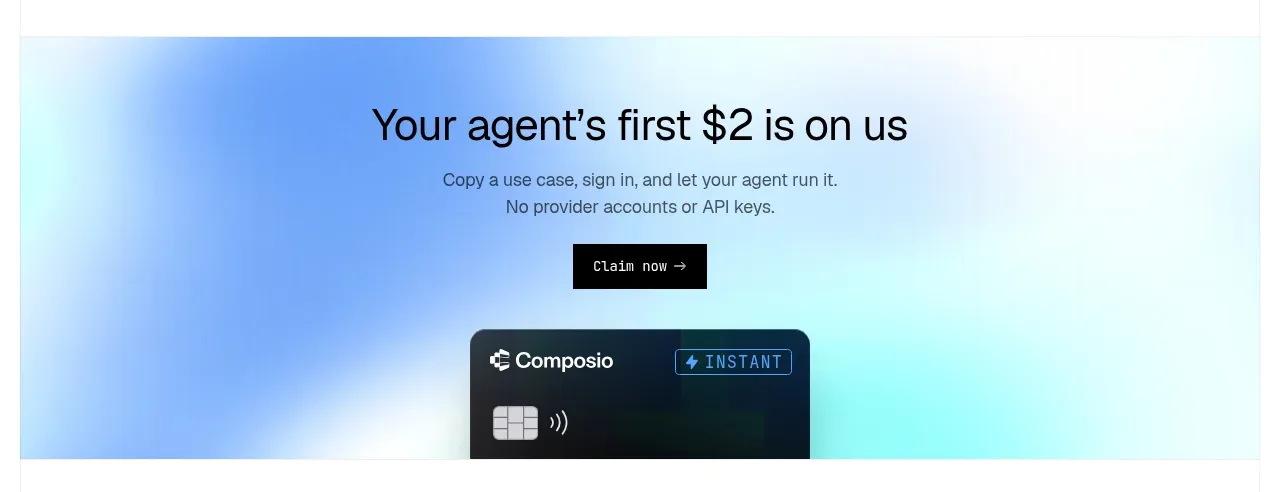 First-use credit CTA
Composio Instant · Call to action
First-use credit CTA
Composio Instant · Call to action
 Three-part product workflow
Composio Instant · Feature grid
Three-part product workflow
Composio Instant · Feature grid
 Connected apps workflow
Composio Instant · Feature grid
Connected apps workflow
Composio Instant · Feature grid
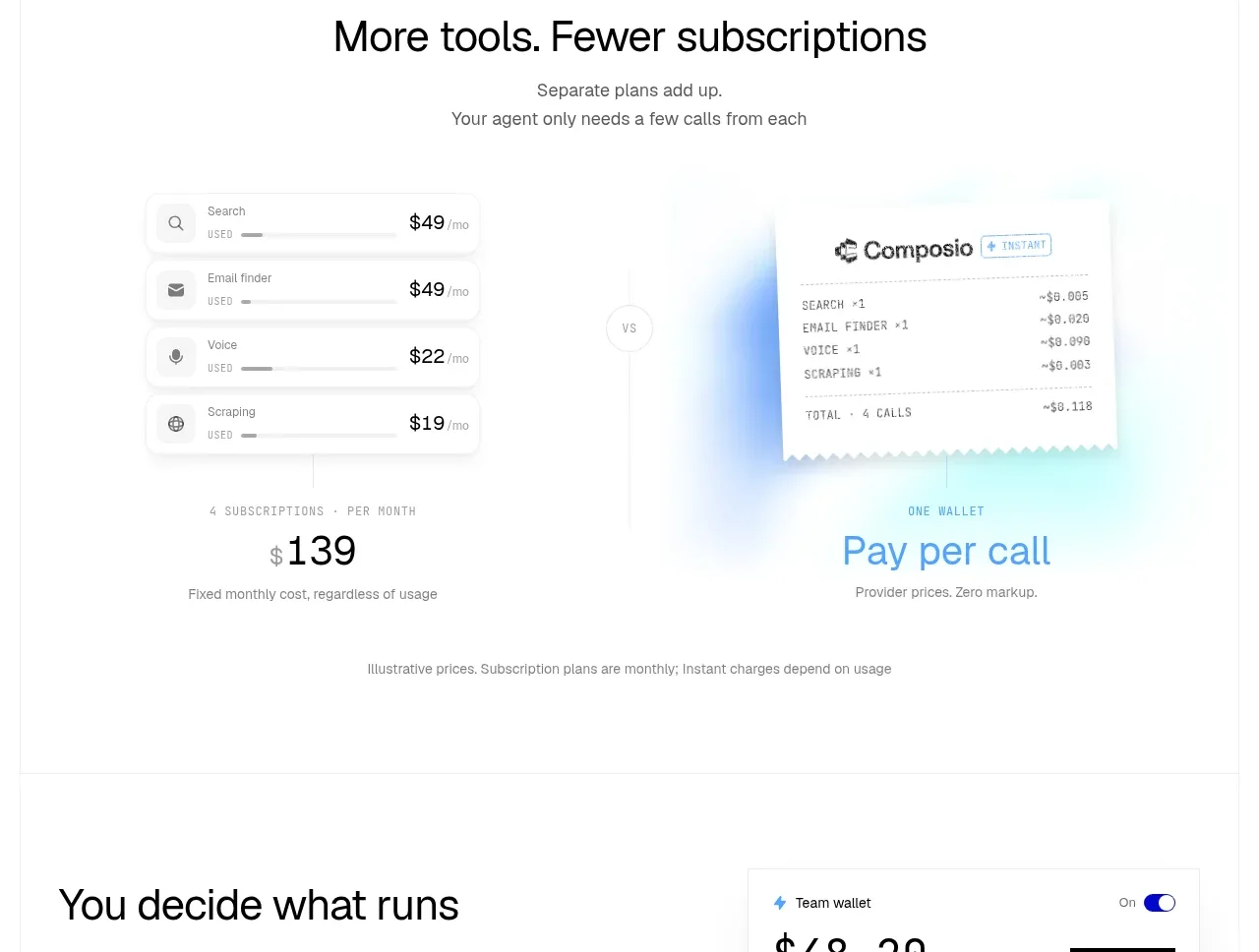 Subscription versus usage comparison
Composio Instant · Stats
Subscription versus usage comparison
Composio Instant · Stats
 Spending controls
Composio Instant · Feature grid
Spending controls
Composio Instant · Feature grid
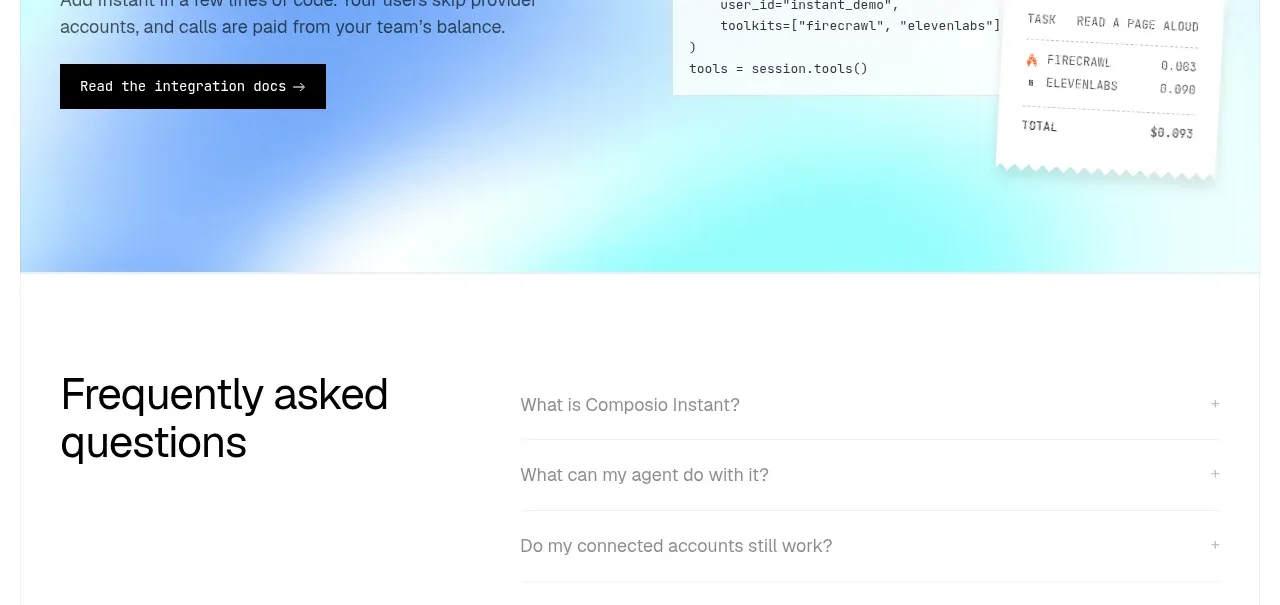 Developer integration CTA
Composio Instant · Call to action
Developer integration CTA
Composio Instant · Call to action
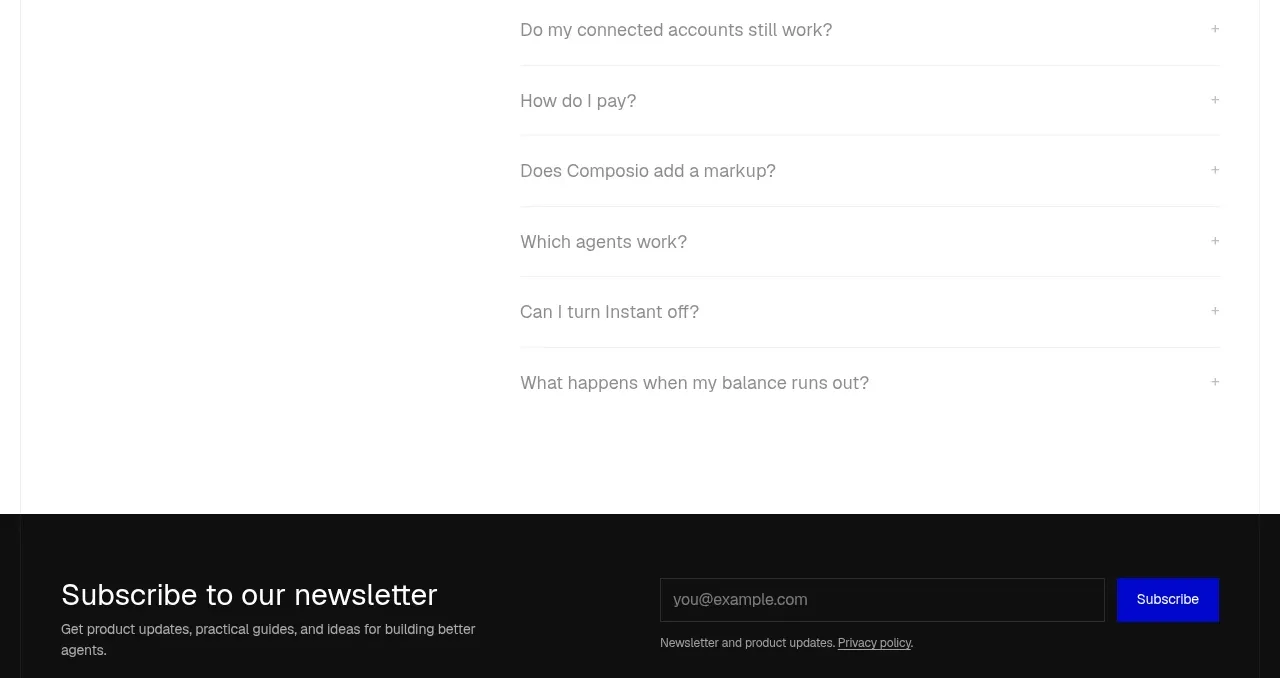 Frequently asked questions
Composio Instant · FAQ
Frequently asked questions
Composio Instant · FAQ
 Newsletter and site footer
Composio Instant · Footer
Newsletter and site footer
Composio Instant · Footer