 kage
kage
contextengine.com
Design analysis
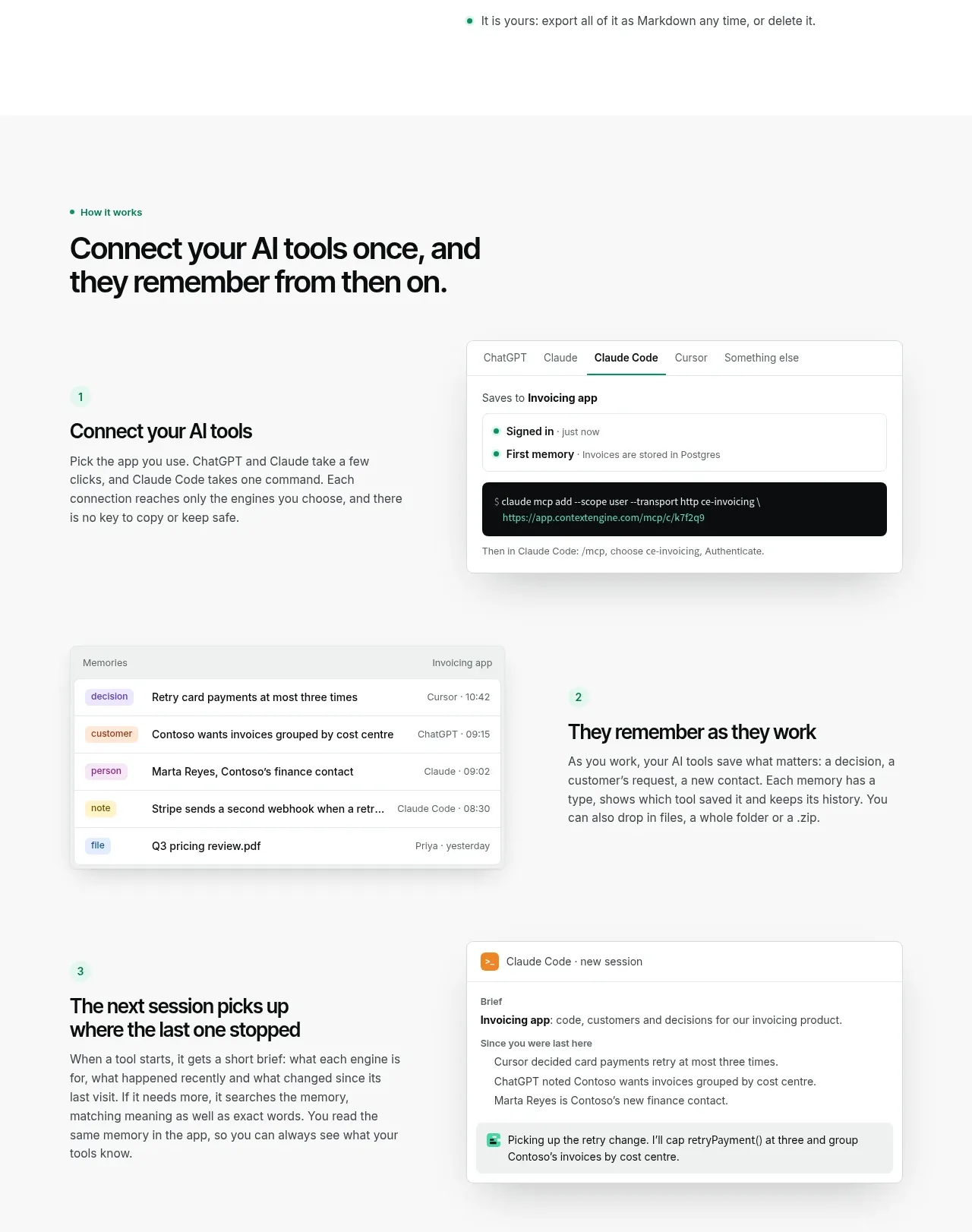
A large section heading introduces a three-step sequence, pairing concise instructional copy with alternating product UI panels.
Prompt preview
## Reference images

Study these alongside the description below: hierarchy, rhythm, spacing, colour. Build for the product you are asked about, using this design language.

- Component: https://kage-design-assets.t3.tigrisfiles.io/components/context-engine/37fe6fcb-aa91-474a-8a89-1c1cadc0a655-1792821971-3.webp
- Full page it was cut from: https://kage-design-assets.t3.tigrisfiles.io/screenshots/context-engine/37fe6fcb-aa91-474a-8a89-1c1cadc0a655-1792821825382-full.webp
- Component on Kage: https://kage.design/component/context-engine-feature-grid-2

## Before you start
Ask what the user's core workflow is and identify three meaningful stages from setup through outcome. Use those stages to create an original version.

Create a how-it-works section with a small eyebrow and large left-aligned heading at the top. Below it, present three numbered steps in a generous vertical rhythm. Each step should use a two-column row: a short number, title, and explanatory paragraph on one side, and a light interface mockup on the other. Alternate the visual side between rows to create movement. Build the mockups from simple lists, tabs, status chips, command blocks, or activity cards rather than decorative imagery. Use a pale gray section background (#F7F8F7), white mockup surfaces, 1px borders around #E2E7E4, 10px radius, soft shadows, black headings, and mint highlights. Make each step visually scannable and allow rows to stack on mobile. Add only subtle hover/focus states to interactive-looking mockup controls.

Never: use logos, product names, copy, illustrations, or imagery from the reference.
More components

 Data-room education and security overview
Papermark Data Rooms · Feature grid
Data-room education and security overview
Papermark Data Rooms · Feature grid
 Advanced data-room features
Papermark Data Rooms · Feature grid
Advanced data-room features
Papermark Data Rooms · Feature grid
 Workflow demonstrations
Papermark Data Rooms · Feature grid
Workflow demonstrations
Papermark Data Rooms · Feature grid

 Lanyard use-case feature
Badgey · Feature grid
Lanyard use-case feature
Badgey · Feature grid

 Problem statement
Clips by Plastic · Feature grid
Problem statement
Clips by Plastic · Feature grid
 Effects and customization panel
Clips by Plastic · Feature grid
Effects and customization panel
Clips by Plastic · Feature grid