 kage
kage
dotverse.app
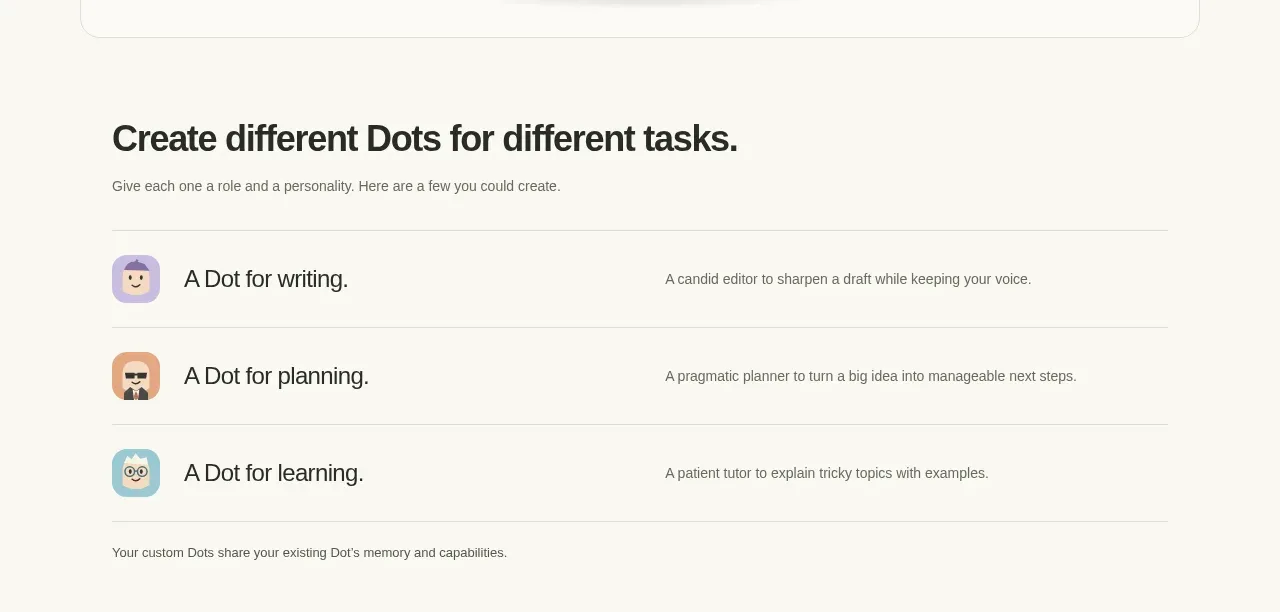
Design analysis
A clear section heading introduces three horizontally structured feature rows, each pairing an icon with a role name and a concise explanation. Thin dividers create scanability while the layout stays lightweight.
Prompt preview
## Reference images

Study these alongside the description below: hierarchy, rhythm, spacing, colour. Build for the product you are asked about, using this design language.

- Component: https://kage-design-assets.t3.tigrisfiles.io/components/dotverse/da38b075-ca59-4d6c-be00-140ffcca760c-1793253651-2.webp
- Full page it was cut from: https://kage-design-assets.t3.tigrisfiles.io/screenshots/dotverse/da38b075-ca59-4d6c-be00-140ffcca760c-1793253624916-full.webp
- Component on Kage: https://kage.design/component/dotverse-feature-grid

## Before you start
Ask the user which core capabilities or use cases their product has and what visual language their brand uses. Then create an original version using these principles.

Build a feature section inside a centered content column around 790px wide on a warm off-white background `#f8f7f2`. Use a bold left-aligned section heading around 25–30px with tight line-height and a short muted introduction beneath it in 12–14px gray `#77766f`. Below, create three or four full-width rows. Each row should use a compact colorful abstract icon or avatar at the far left, a clear capability title in 16–18px near-black `#292824`, and a one-sentence explanation aligned farther right in smaller muted text. Use 16–20px vertical padding per row and 1px horizontal dividers in `#e4e2d9`; keep the final explanatory note visually subordinate below the list. On mobile, stack title and description while preserving the icon/title relationship. Avoid cards and excessive shadows: the dividers and alignment provide the structure.

Never: use logos, product names, copy, illustrations, or imagery from the reference.
More components

 Rapid onboarding timeline
throxy · Feature grid
Rapid onboarding timeline
throxy · Feature grid
 Qualification workflow cards
throxy · Feature grid
Qualification workflow cards
throxy · Feature grid
 Why alternatives disappoint
throxy · Feature grid
Why alternatives disappoint
throxy · Feature grid
 Outbound partner benefits
throxy · Feature grid
Outbound partner benefits
throxy · Feature grid
 Cold-calling performance section
throxy · Feature grid
Cold-calling performance section
throxy · Feature grid
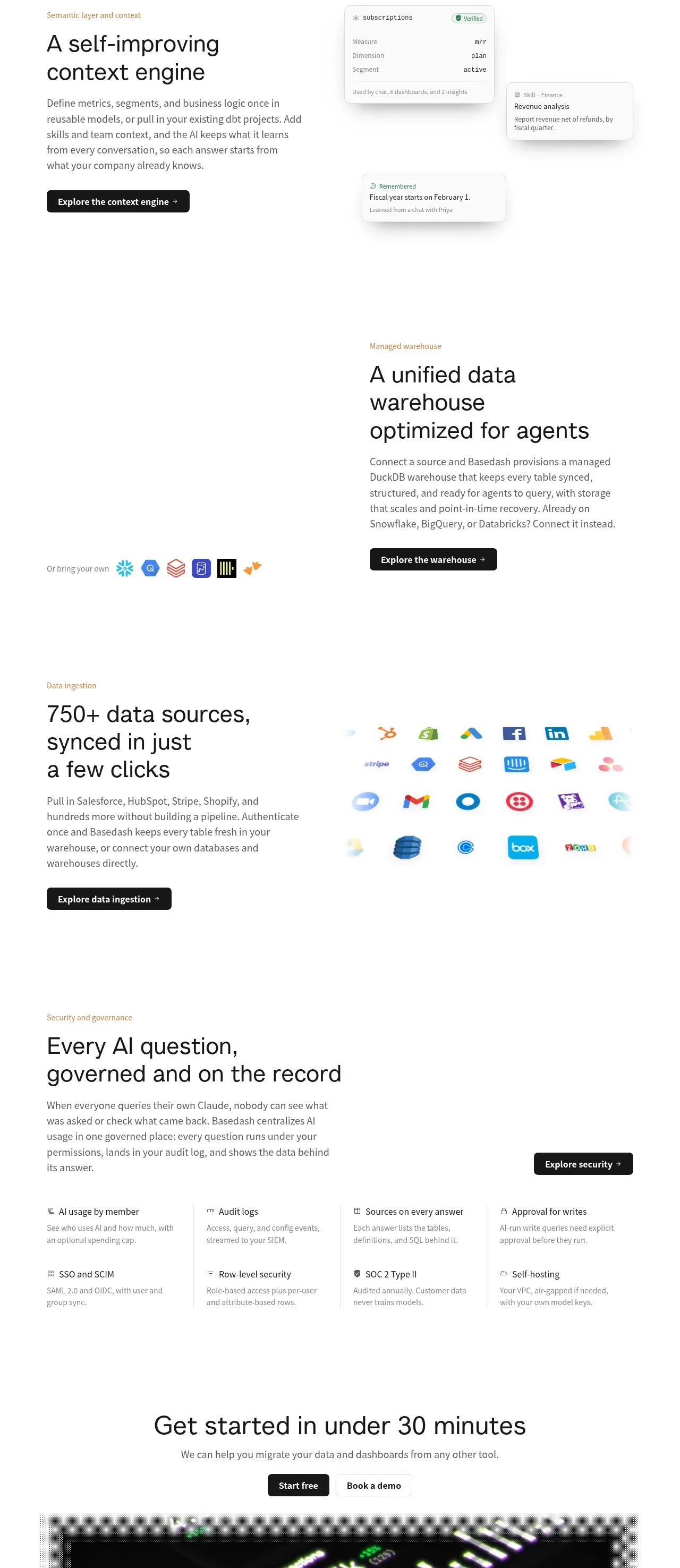
 Platform foundation features
Basedash View-only members · Feature grid
Platform foundation features
Basedash View-only members · Feature grid