kage
kage
fastrouter.ai
Design analysis
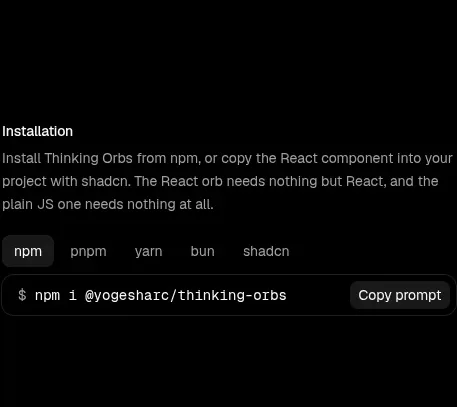
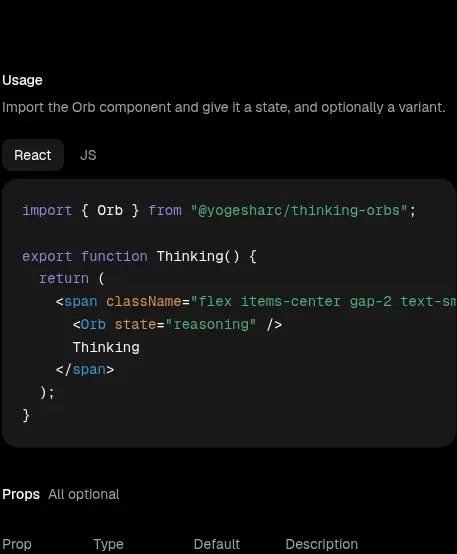
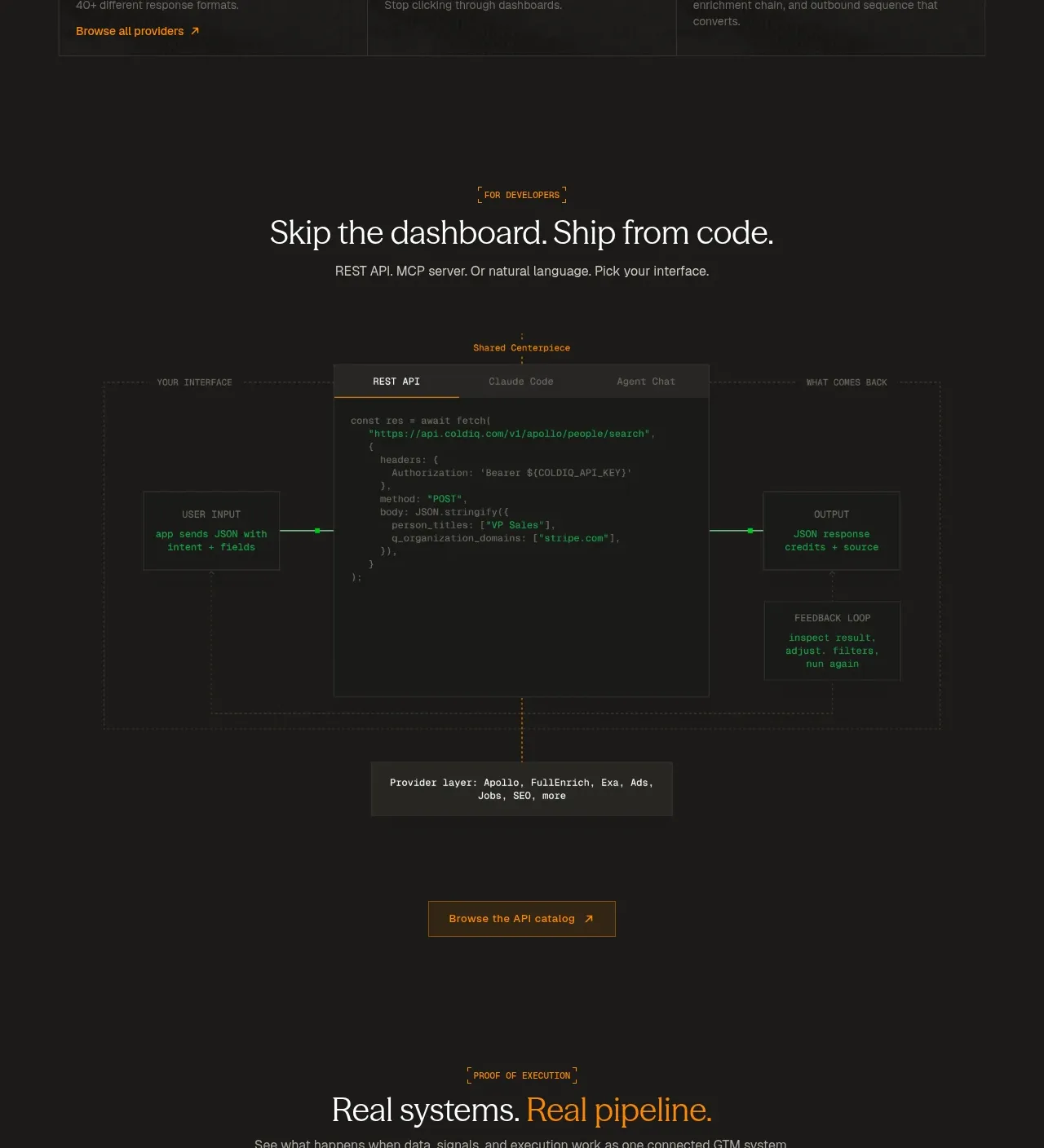
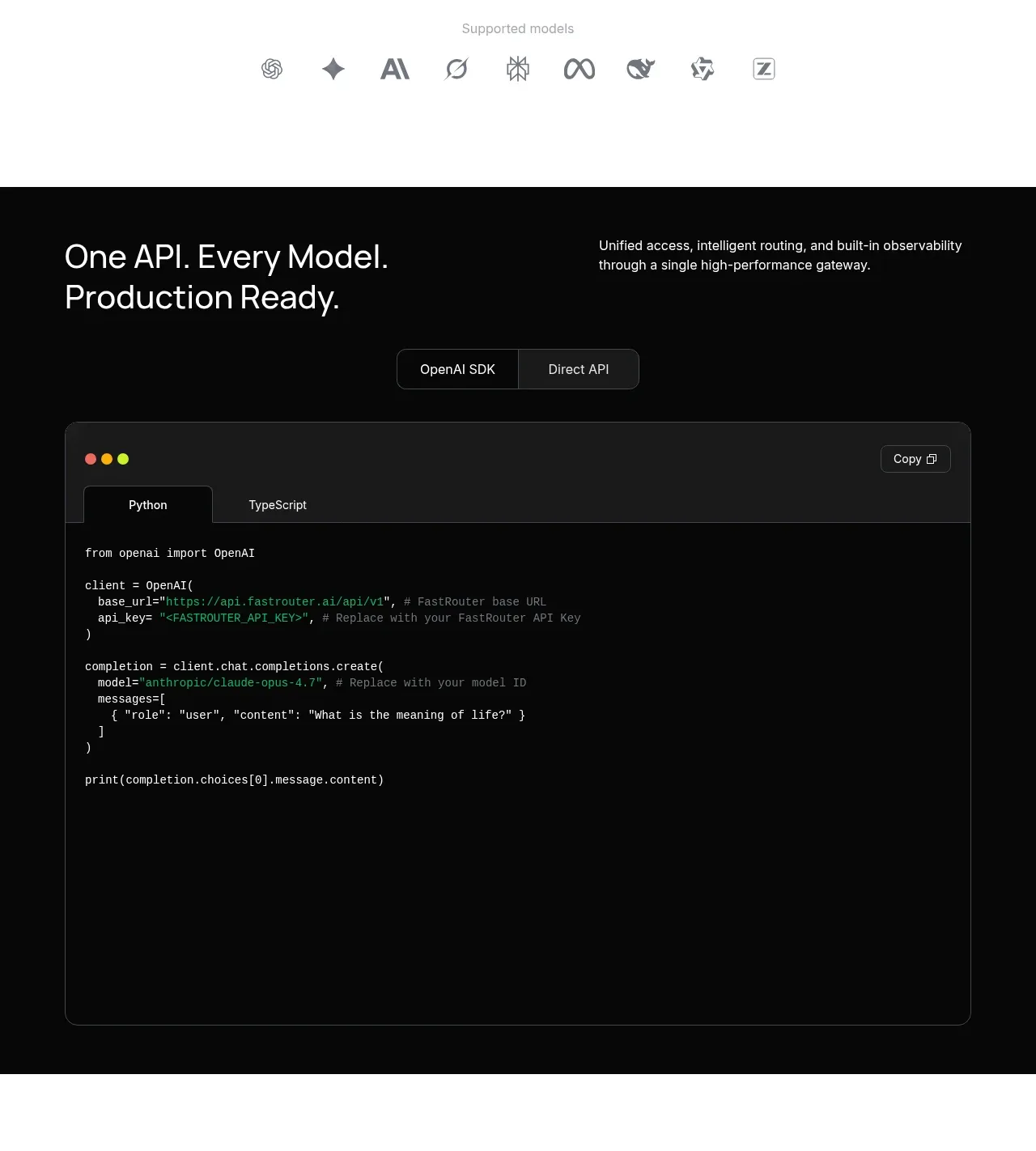
A dark developer section pairs a concise API promise with language tabs and a large code surface. The copy button and tab treatment make the example immediately useful rather than merely decorative.
Prompt preview
## Reference images

Study these alongside the description below: hierarchy, rhythm, spacing, colour. Build for the product you are asked about, using this design language.

- Component: https://kage-design-assets.t3.tigrisfiles.io/components/fastrouter-ai/218f3f00-5cca-4309-9765-d0ad1151c96f-1791266482-7.webp
- Full page it was cut from: https://kage-design-assets.t3.tigrisfiles.io/screenshots/fastrouter-ai/218f3f00-5cca-4309-9765-d0ad1151c96f-1791266439499-full.webp
- Component on Kage: https://kage.design/component/fastrouter-code-block

## Before you start
Ask what developer action the user's product should make easy, which languages matter, and what API example is accurate. Then build the component around that workflow.

Create a dark developer section with a two-column intro and a large code block beneath it. Put a short, high-level heading and description above, then add a segmented control for 2–3 language or SDK variants. The code surface should have a dark charcoal panel `#18191b`, a subtle `#34363a` border, 12px radius, a compact top bar, syntax-colored text, and a copy button in the upper-right. Use monospace text at 13–14px with comfortable line-height and horizontal scrolling on small screens. Keep the surrounding section near-black `#080909`, heading text `#f5f6f8`, and muted copy `#9ea2a8`; use blue only for active tabs and links. Tabs must be keyboard navigable, announce the selected state, and preserve code formatting.

Never use logos, product names, copy, illustrations, or imagery from the reference.