 kage
kage
fish.audio
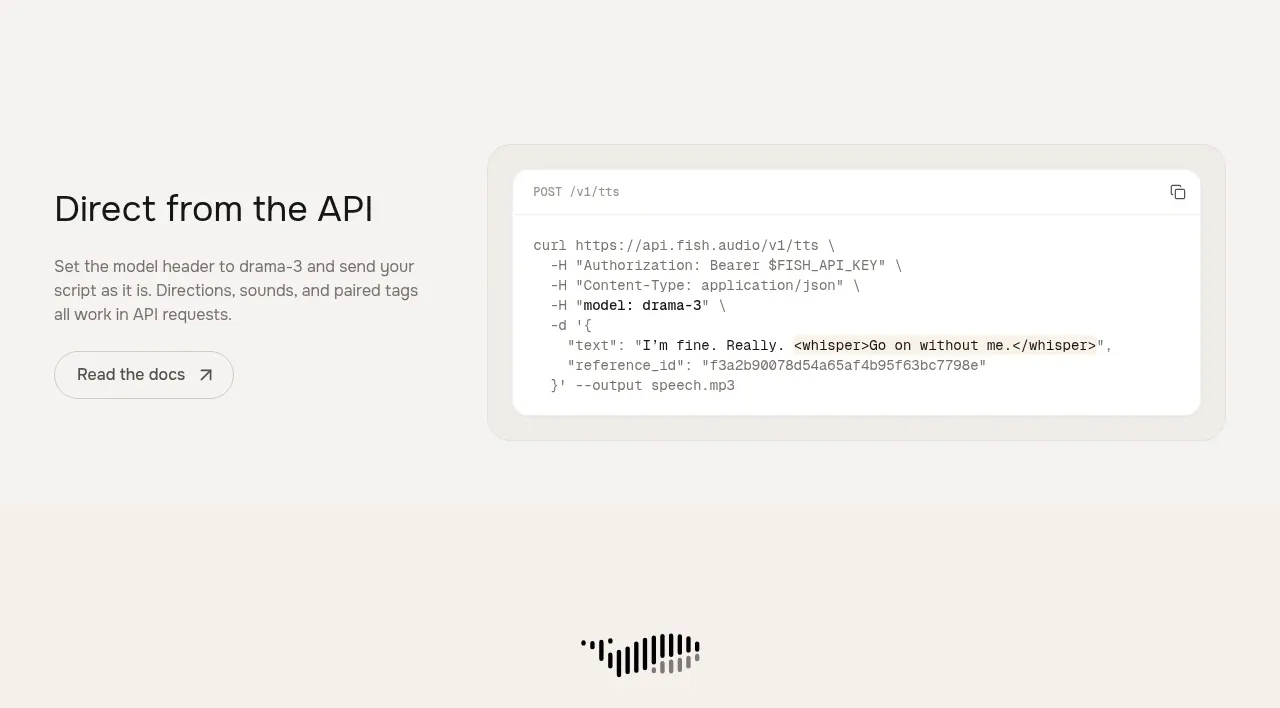
Design analysis
A developer-focused section places a short explanation and documentation CTA beside a large, softly elevated code sample, clearly showing how the product fits into an API workflow.
Prompt preview
## Reference images

Study these alongside the description below: hierarchy, rhythm, spacing, colour. Build for the product you are asked about, using this design language.

- Component: https://kage-design-assets.t3.tigrisfiles.io/components/fish-audio-drama-3/b8b3d5d8-1af1-45c3-b814-ec39ae20de20-1792217028-5.webp
- Full page it was cut from: https://kage-design-assets.t3.tigrisfiles.io/screenshots/fish-audio-drama-3/b8b3d5d8-1af1-45c3-b814-ec39ae20de20-1792216963457-full.webp
- Component on Kage: https://kage.design/component/fish-audio-drama-3-code-block

## Before you start
Ask what the user's product does, which developers use it, and what brand and API conventions they prefer. Build an original API section using this structure.

Create a two-column developer section. On the left, place a heading, a short paragraph describing the integration, and an outlined documentation CTA. On the right, place a large rounded code panel with a small method/path header, a copy icon, syntax-highlighted request code, and enough padding for comfortable reading. Keep the code sample illustrative and use placeholder variables rather than real credentials.

Use page background `#f7f6f3`, code surface `#ffffff`, a faint outer tint around `#eeece6`, text `#171717`, code text `#4a4a4a`, and a restrained purple or blue syntax accent. Use 18–24px radii, a subtle border, monospaced type for code, and responsive horizontal scrolling on mobile. The copy control should show a success state and be keyboard accessible.

Never: use logos, product names, copy, illustrations, or imagery from the reference.
More components
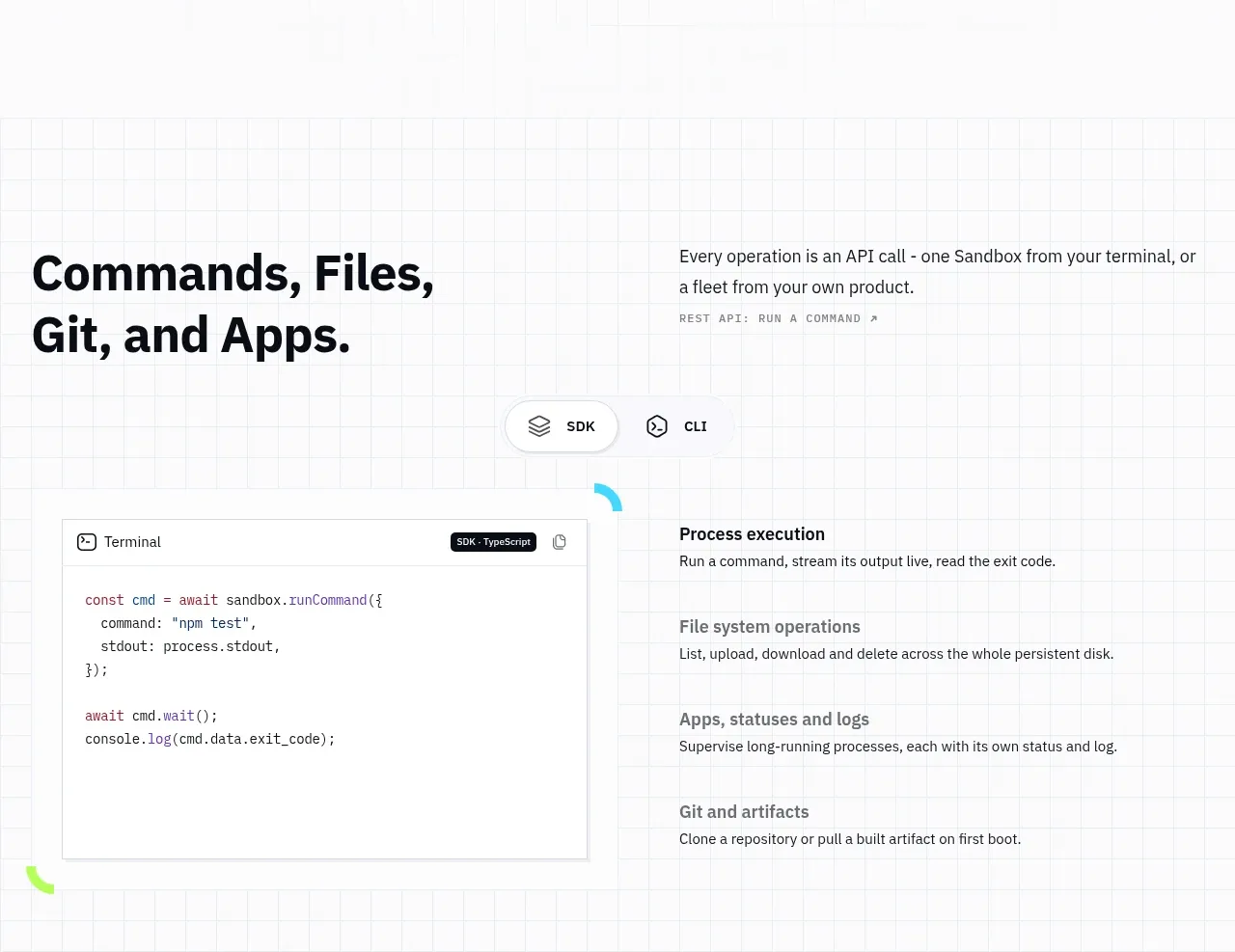
 Commands and API surface
AI Sandboxes by Buddy · Code block
Commands and API surface
AI Sandboxes by Buddy · Code block
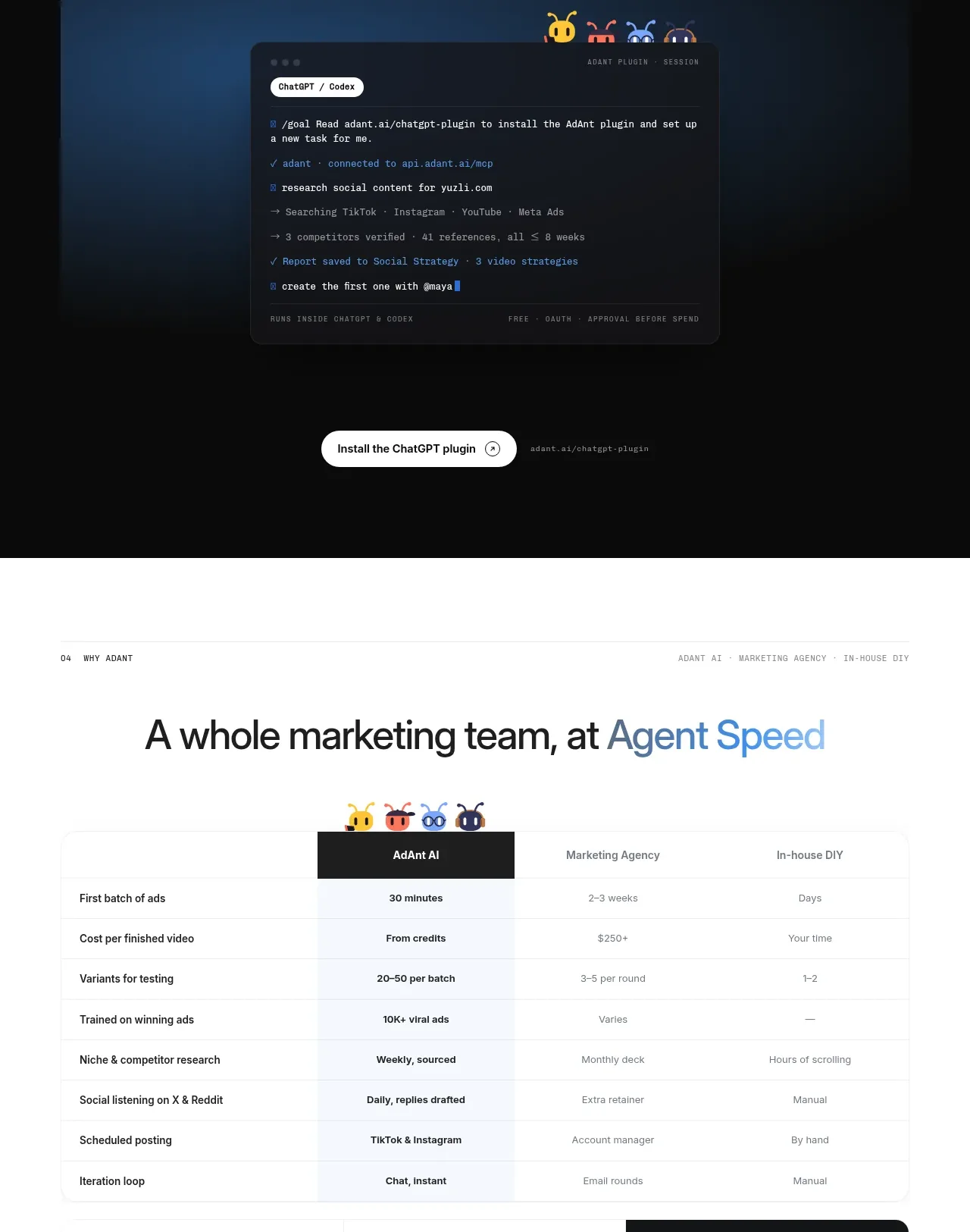
 Chat workspace plugin showcase
AdAnt 2.0 · Code block
Chat workspace plugin showcase
AdAnt 2.0 · Code block
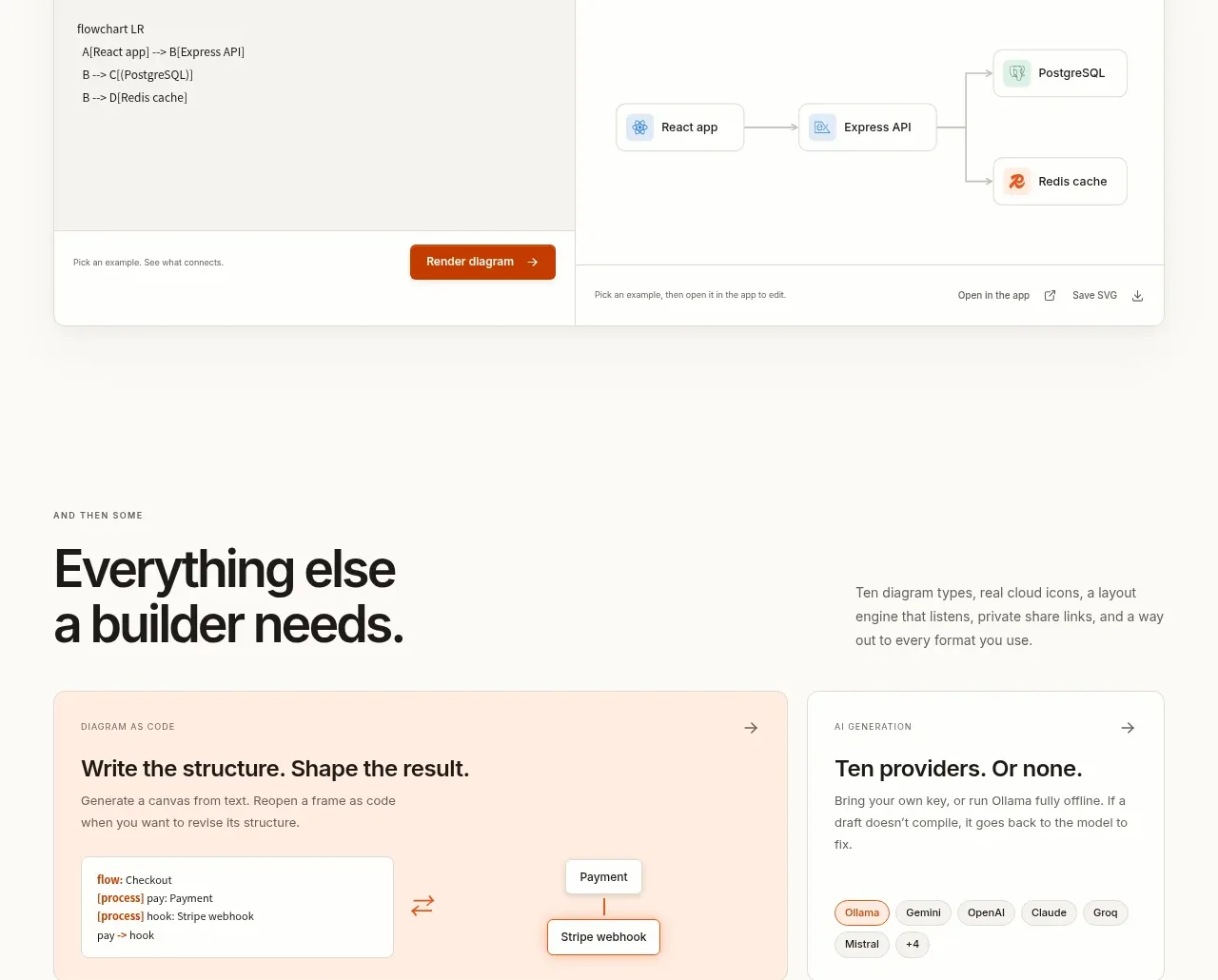
 Code-to-visual editor
OpenFlowKit 2 · Code block
Code-to-visual editor
OpenFlowKit 2 · Code block
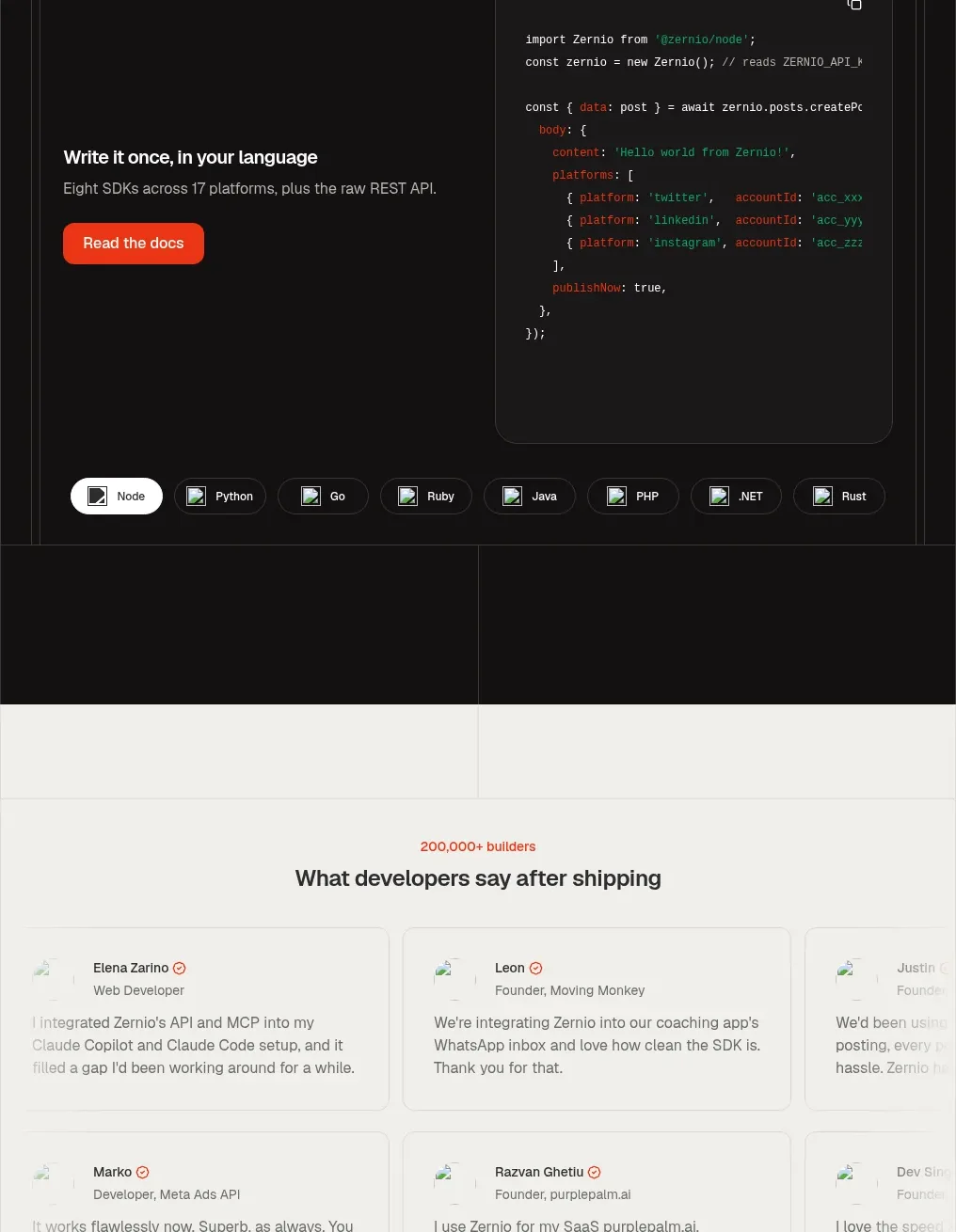
 Developer integration code showcase
Zernio · Code block
Developer integration code showcase
Zernio · Code block
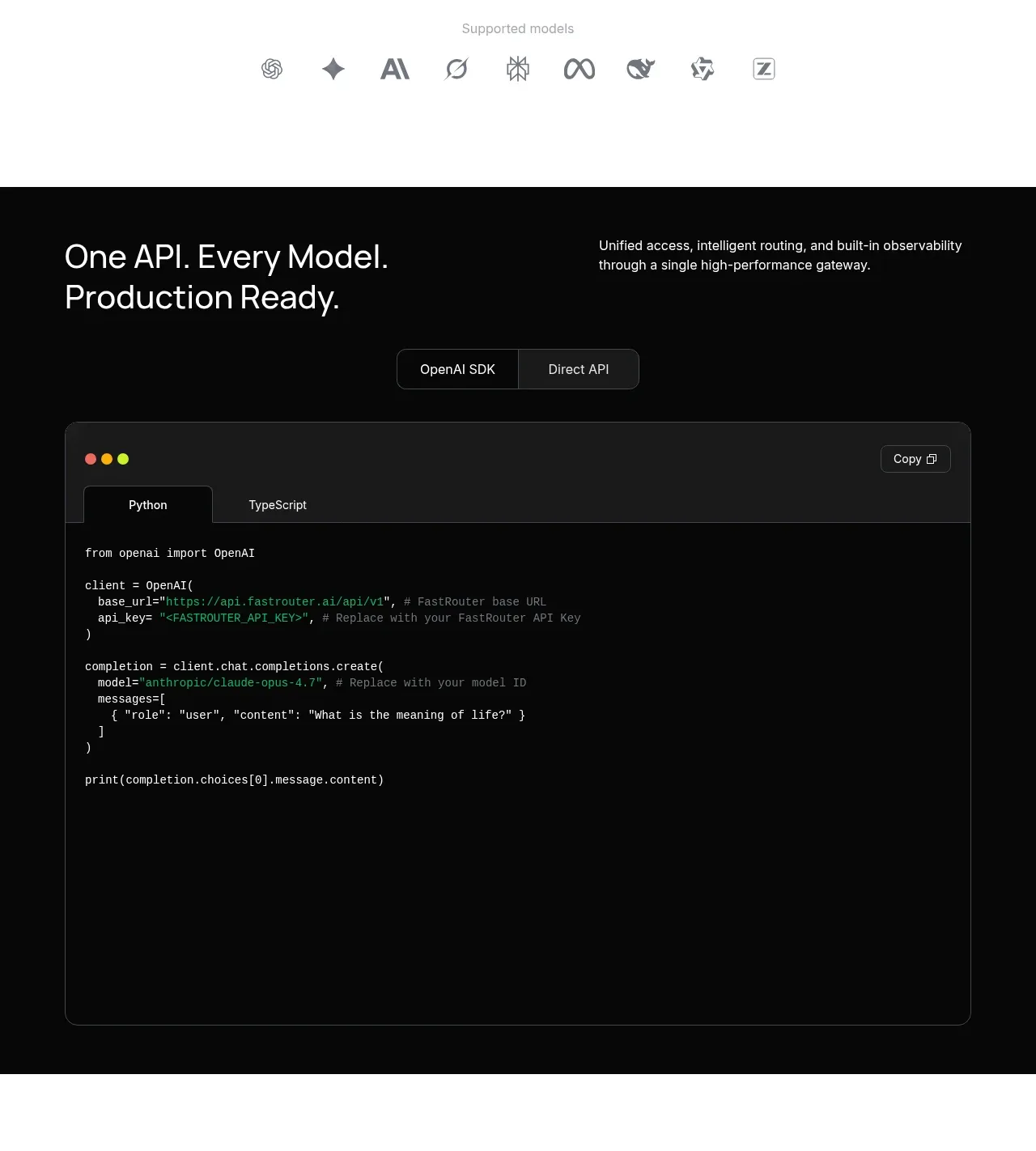
 Production-ready API code example
FastRouter.ai · Code block
Production-ready API code example
FastRouter.ai · Code block
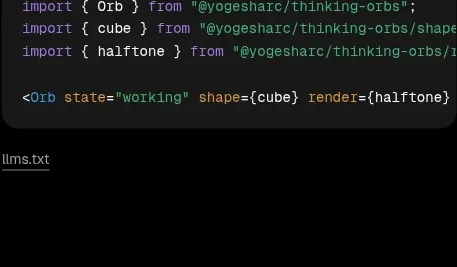
 Shapes and render extensions
Thinking Orbs · Code block
Shapes and render extensions
Thinking Orbs · Code block