 kage
kage
framefields.dev
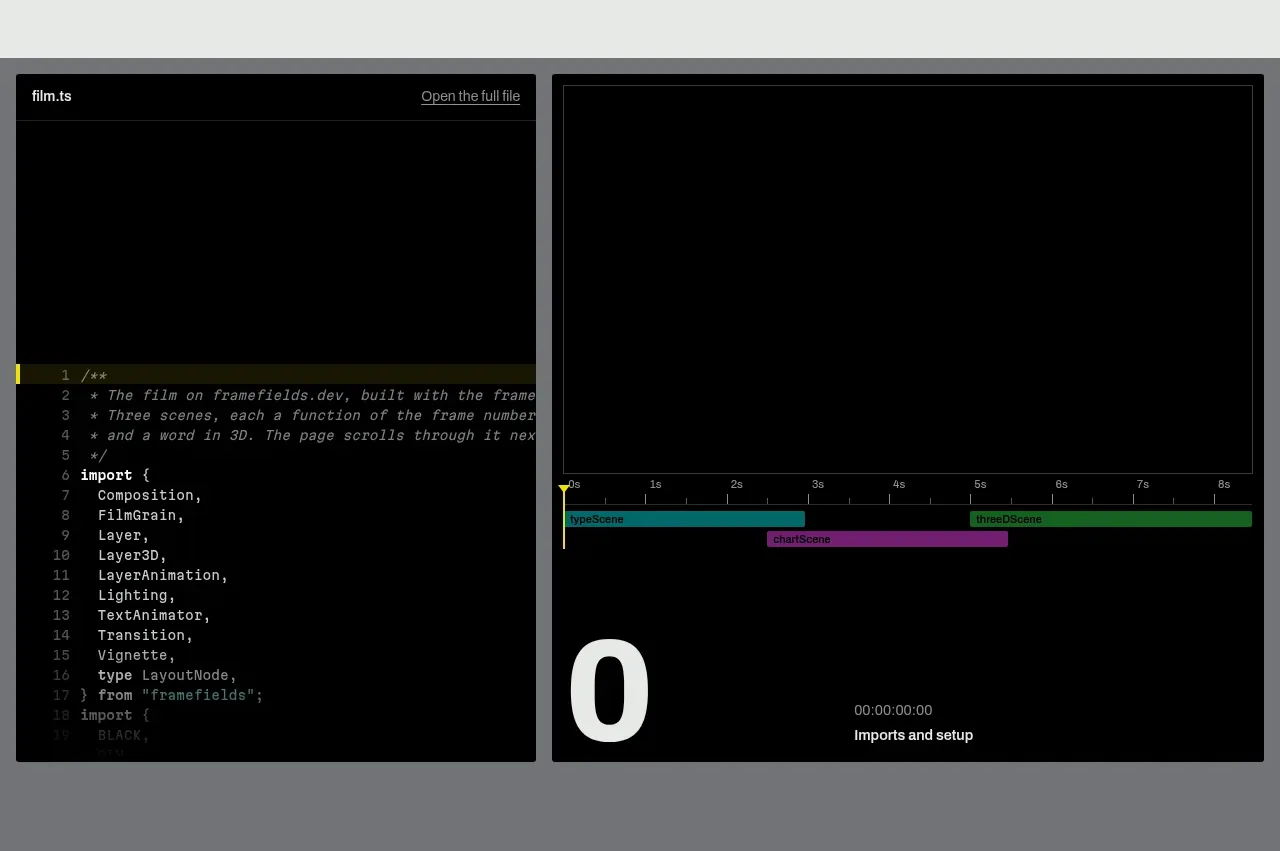
Design analysis
A dark split showcase pairs source code with a rendered output/timeline, making the technical workflow tangible without extra explanation.
Prompt preview
## Reference images

Study these alongside the description below: hierarchy, rhythm, spacing, colour. Build for the product you are asked about, using this design language.

- Component: https://kage-design-assets.t3.tigrisfiles.io/components/framefields/70450159-6614-49a5-a5e2-7c6c30c81571-1792476187-2.webp
- Full page it was cut from: https://kage-design-assets.t3.tigrisfiles.io/screenshots/framefields/70450159-6614-49a5-a5e2-7c6c30c81571-1792476110643-full.webp
- Component on Kage: https://kage.design/component/framefields-code-block

## Before you start
Ask what the user's product builds, what code or workflow should be demonstrated, and which brand colors are appropriate. Apply the principles below to that product rather than reproducing the reference.

Build a full-width technical showcase with a dark charcoal-to-black surface (`#080909`) and a two-column split. The left panel is a code editor with a small file label, monospace syntax, line numbers, and restrained syntax accents; the right panel is a rendered preview with a compact timeline or progress strip. Use thin gray dividers (`#303330`) and square or nearly square corners. Keep both panels equal in visual weight and height, with consistent internal padding around 16–24px.

Make the preview feel useful: include a scrubber, play control, or timeline affordance and show hover/focus states, but keep controls secondary to the output. On narrow screens, stack the panels while preserving readable code via horizontal scrolling. Use a muted gray page band around the dark module to separate it from the hero.

Never: use logos, product names, copy, illustrations, or imagery from the reference.
More components
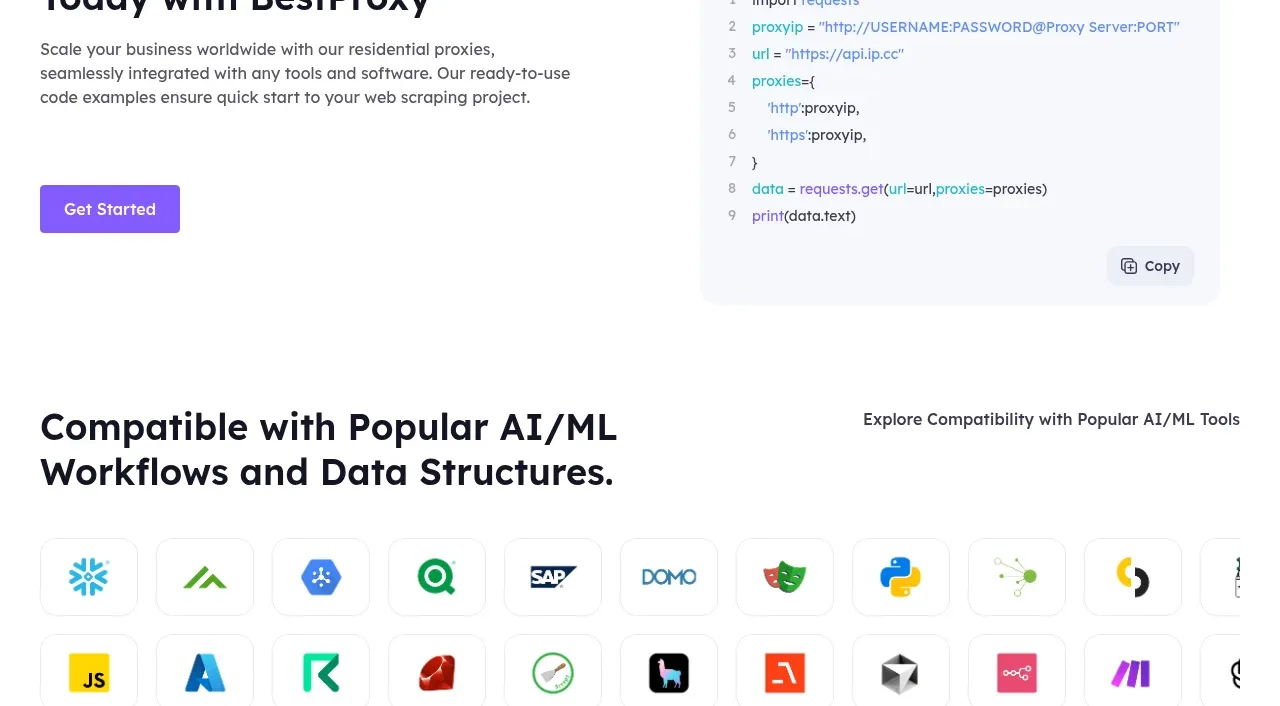
 Developer integration
bestproxy.com · Code block
Developer integration
bestproxy.com · Code block
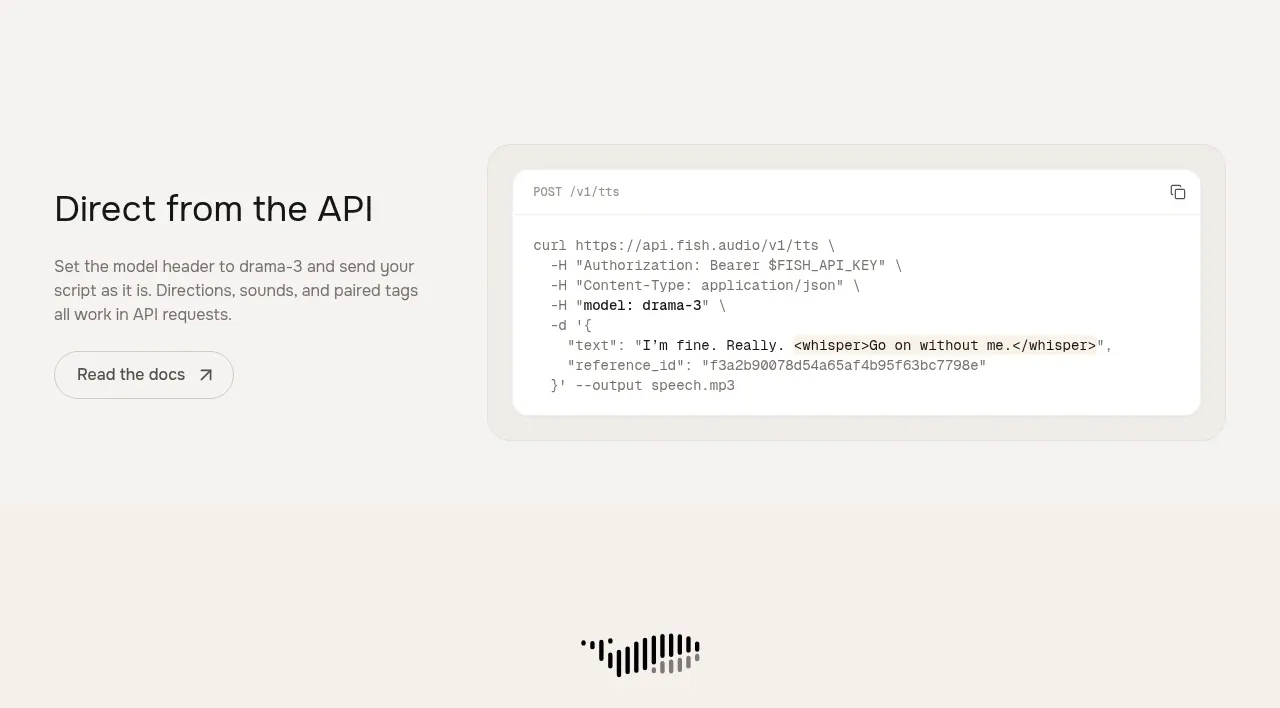
 API integration example
Fish Audio Drama 3 · Code block
API integration example
Fish Audio Drama 3 · Code block
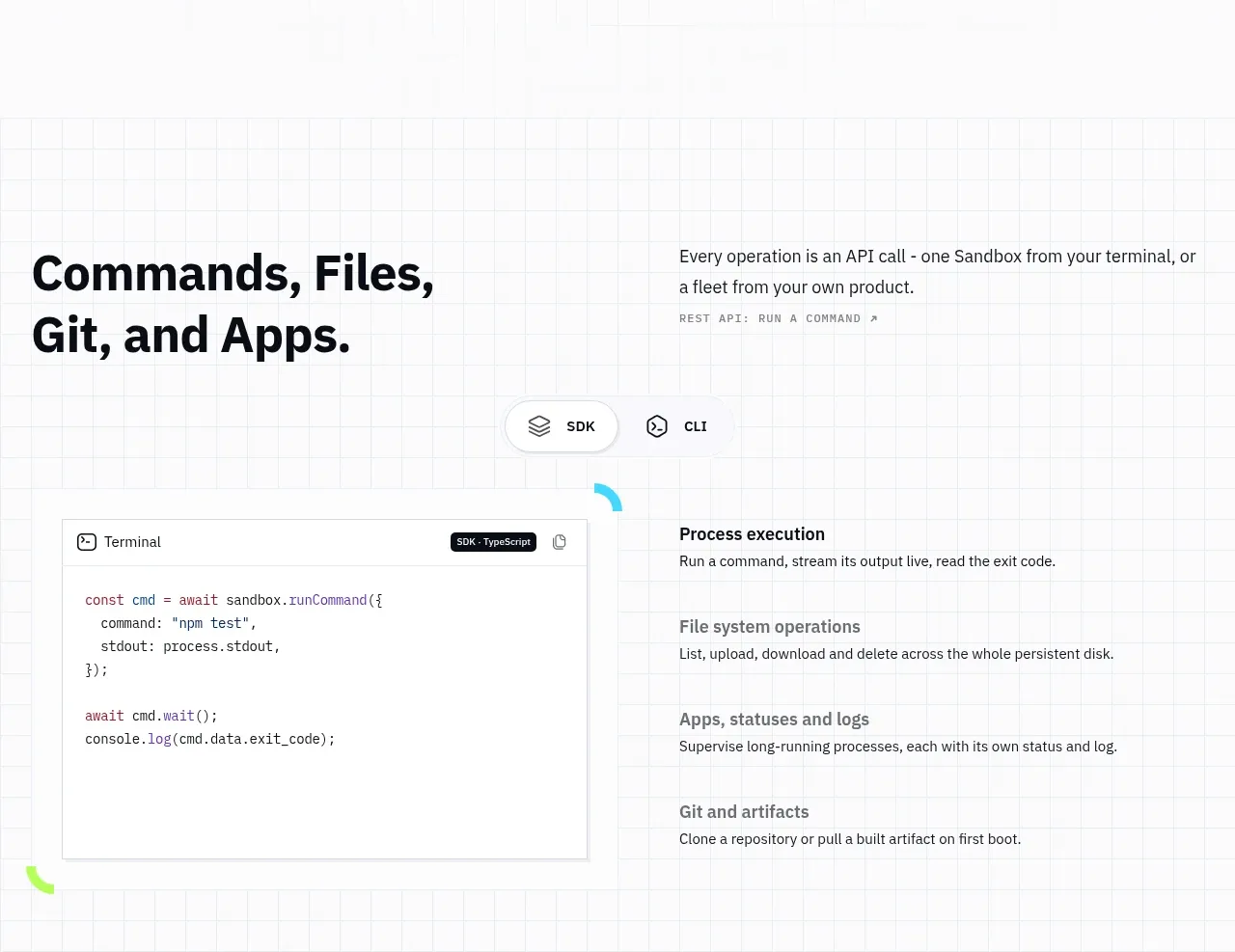
 Commands and API surface
AI Sandboxes by Buddy · Code block
Commands and API surface
AI Sandboxes by Buddy · Code block
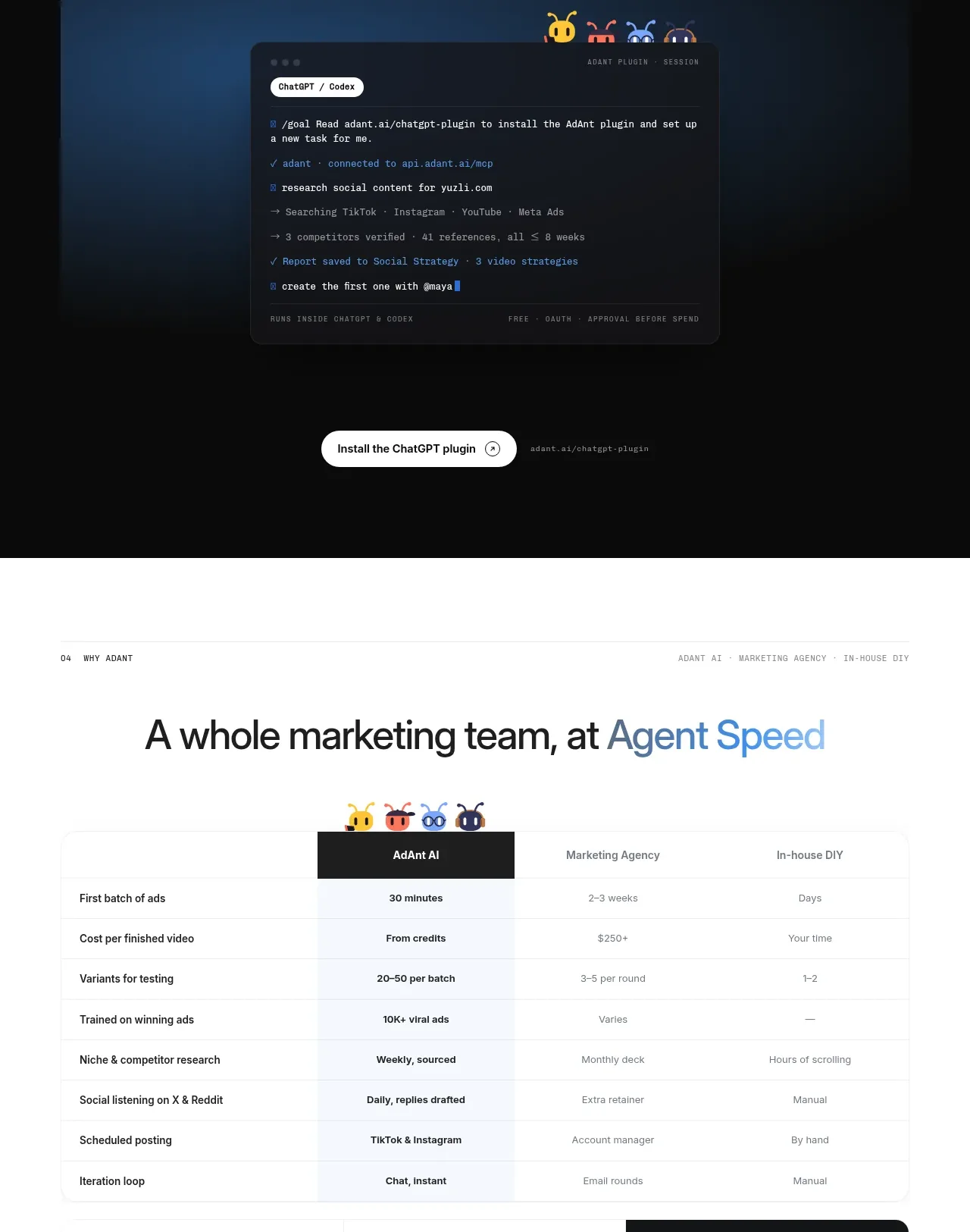
 Chat workspace plugin showcase
AdAnt 2.0 · Code block
Chat workspace plugin showcase
AdAnt 2.0 · Code block
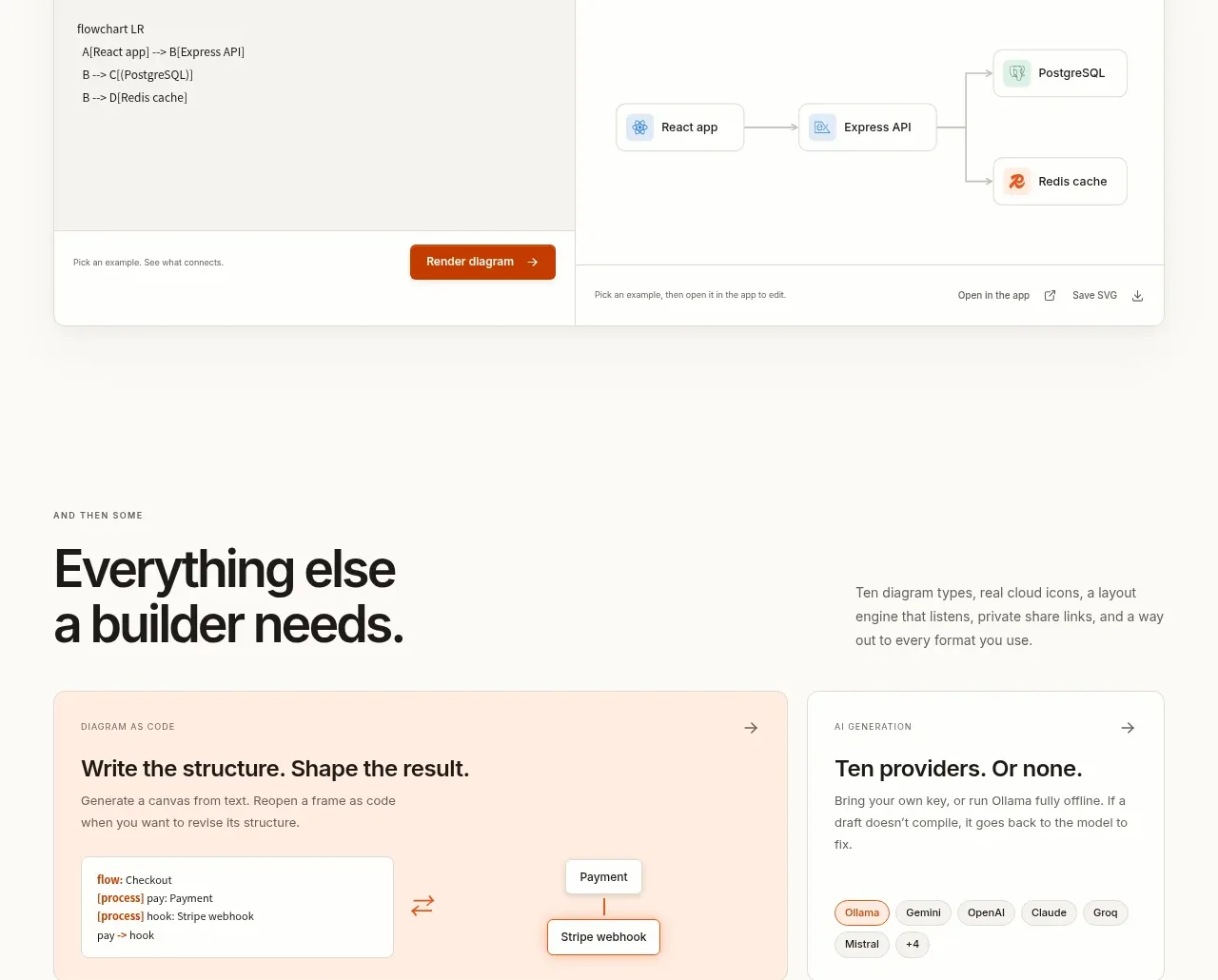
 Code-to-visual editor
OpenFlowKit 2 · Code block
Code-to-visual editor
OpenFlowKit 2 · Code block
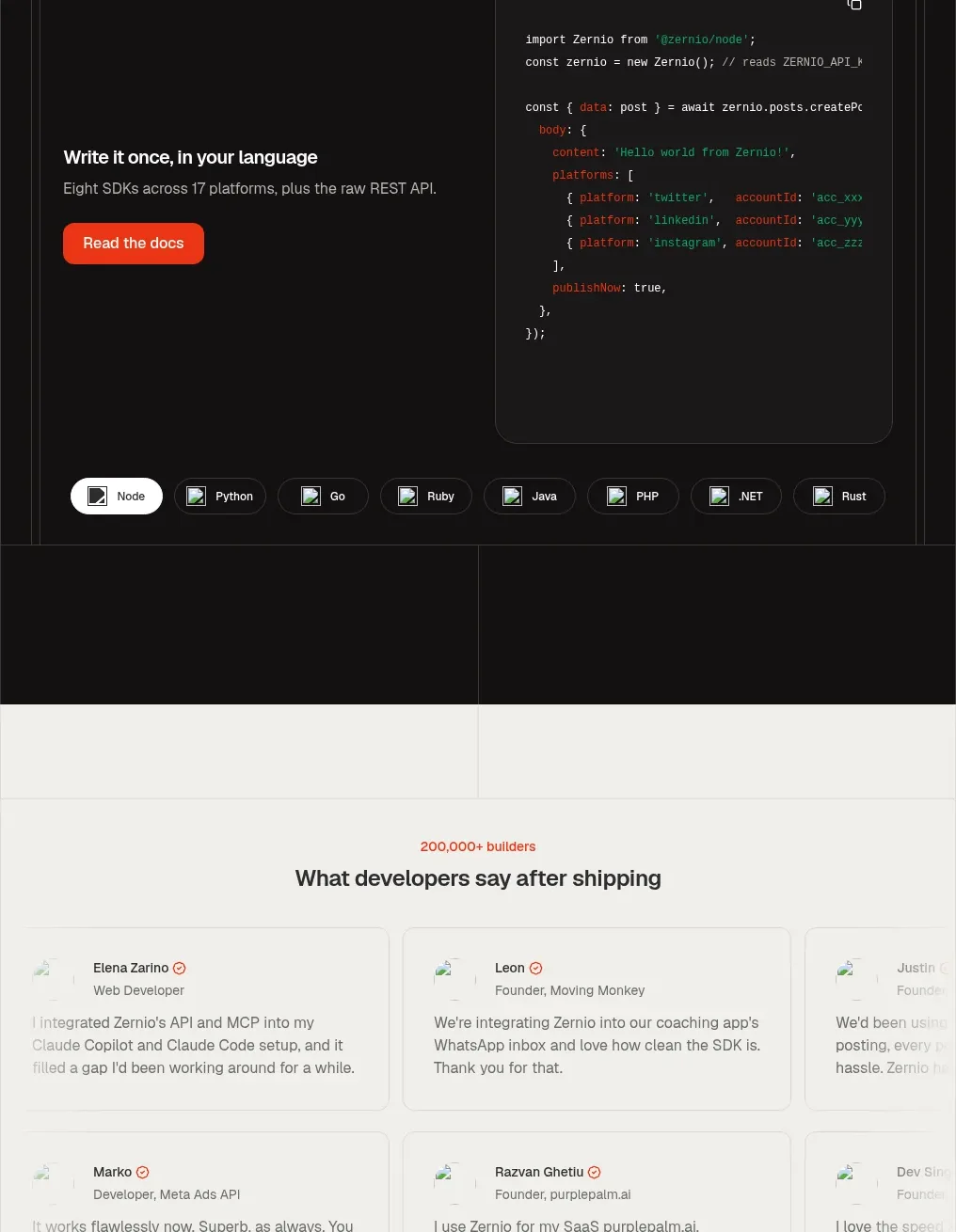
 Developer integration code showcase
Zernio · Code block
Developer integration code showcase
Zernio · Code block