 kage
kage
bestproxy.com
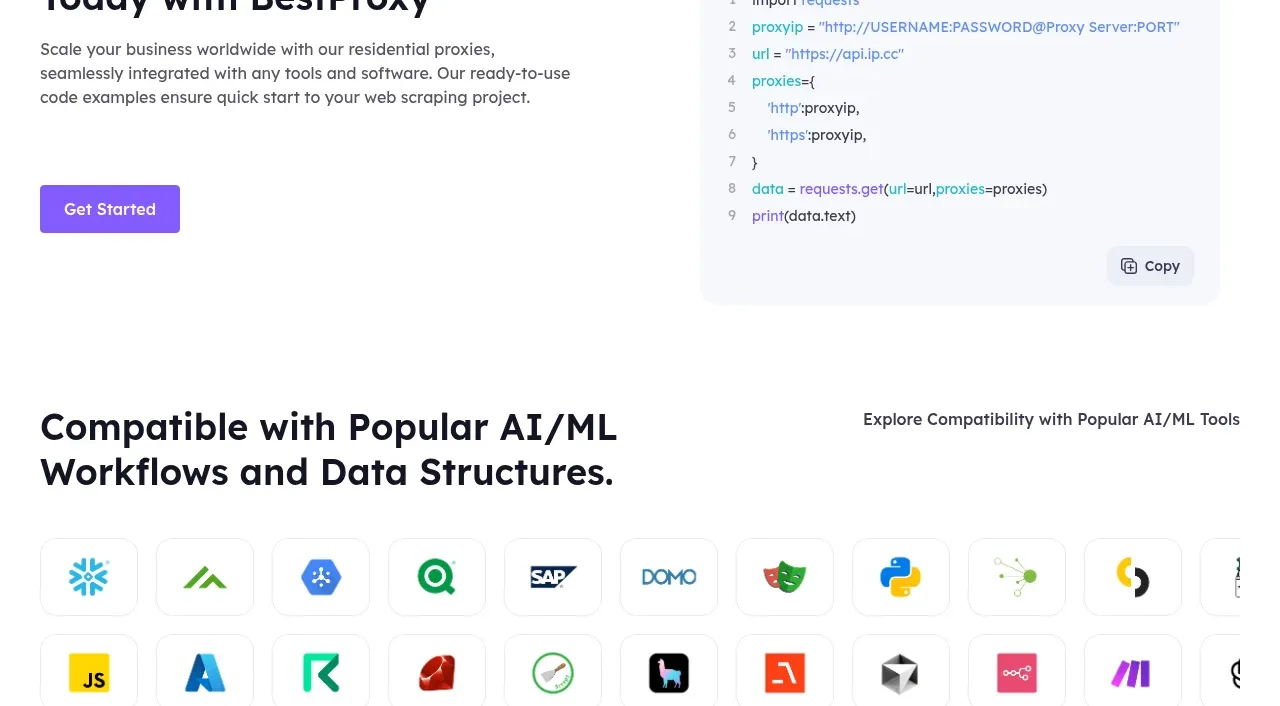
Design analysis
An integration section pairs a developer-focused explanation and CTA with a language selector and readable code sample with copy control.
Prompt preview
## Reference images

Study these alongside the description below: hierarchy, rhythm, spacing, colour. Build for the product you are asked about, using this design language.

- Component: https://kage-design-assets.t3.tigrisfiles.io/components/bestproxy-com/755647b7-f613-40ca-b212-ae56a9e7b331-1792344034-8.webp
- Full page it was cut from: https://kage-design-assets.t3.tigrisfiles.io/screenshots/bestproxy-com/755647b7-f613-40ca-b212-ae56a9e7b331-1792343992980-full.webp
- Component on Kage: https://kage.design/component/bestproxy-code-block

## Before you start
Ask what the user's product, audience, and brand are, then apply the principles below to that product rather than reproducing the reference.

Build a developer integration section as a two-column layout. On the left, place a small mint eyebrow, a 36–44px heading, concise setup copy, and a purple Get Started button. On the right, render a light code editor card with a language/tool tab row, a select control, syntax-colored lines, line numbers, and a copy button. Use a white page, very pale lavender code surface (#f7f8fc), #dfe2ee border, 12px radius, monospace text, and navy/purple/mint syntax accents. Keep the editor visually calm and make the copy interaction provide clear feedback. Stack the columns below tablet width.

Never: use logos, product names, copy, illustrations, or imagery from the reference.
More components
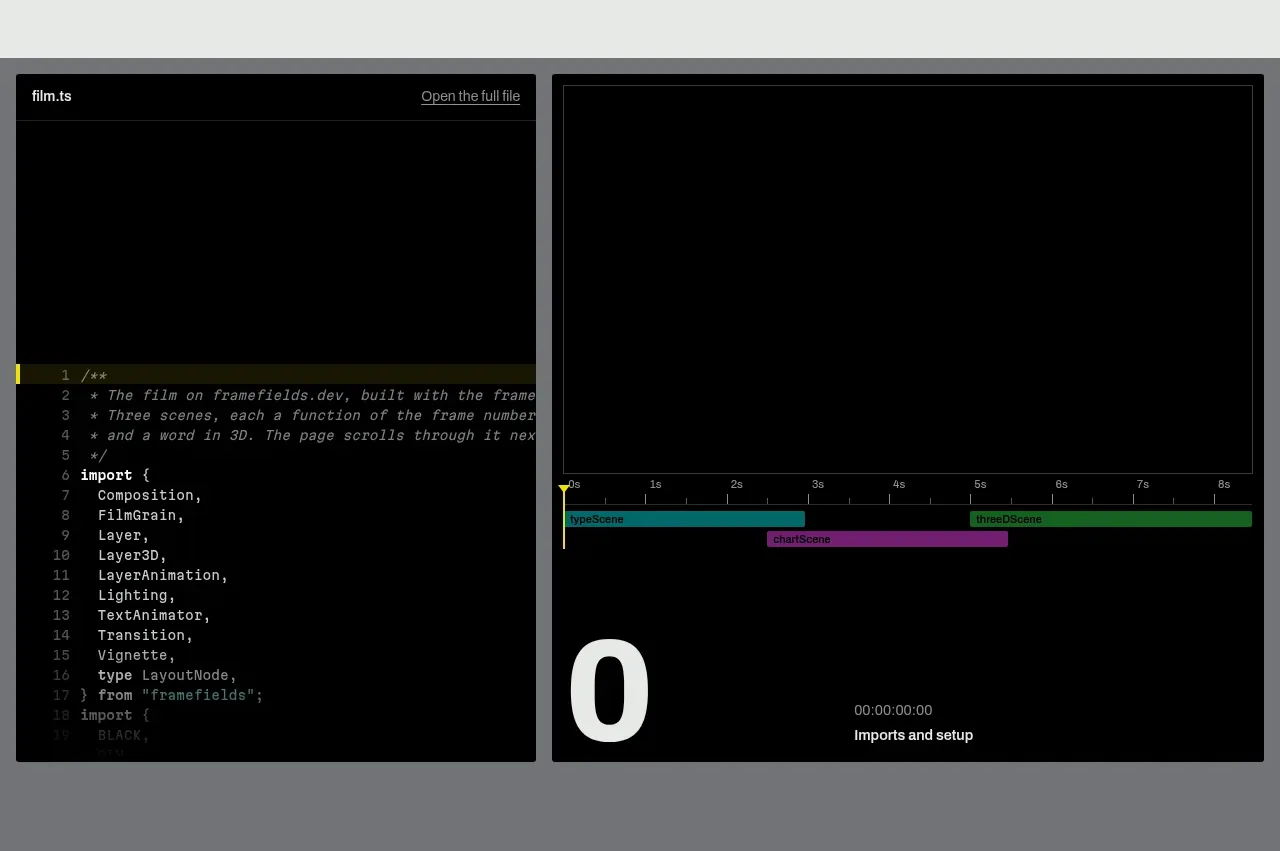
 Live render and code preview
Framefields · Code block
Live render and code preview
Framefields · Code block
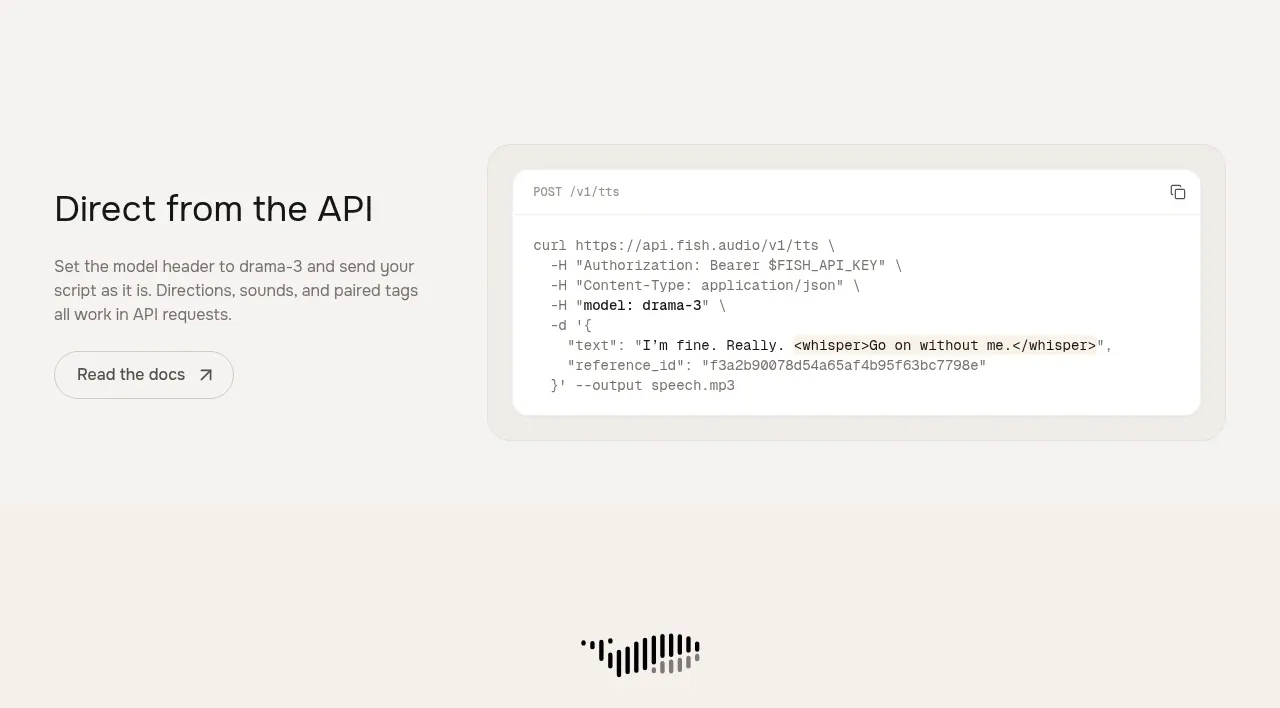
 API integration example
Fish Audio Drama 3 · Code block
API integration example
Fish Audio Drama 3 · Code block
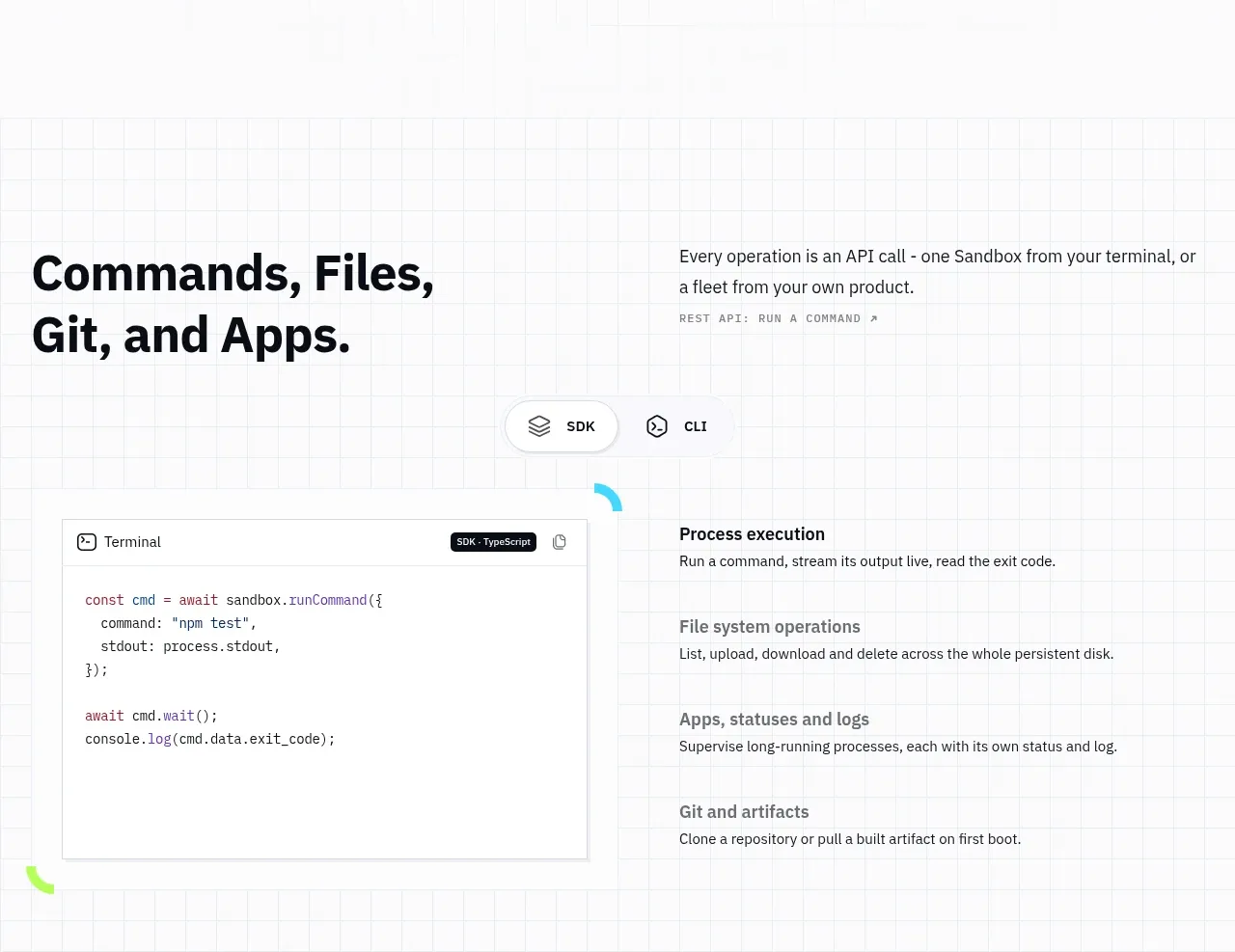
 Commands and API surface
AI Sandboxes by Buddy · Code block
Commands and API surface
AI Sandboxes by Buddy · Code block
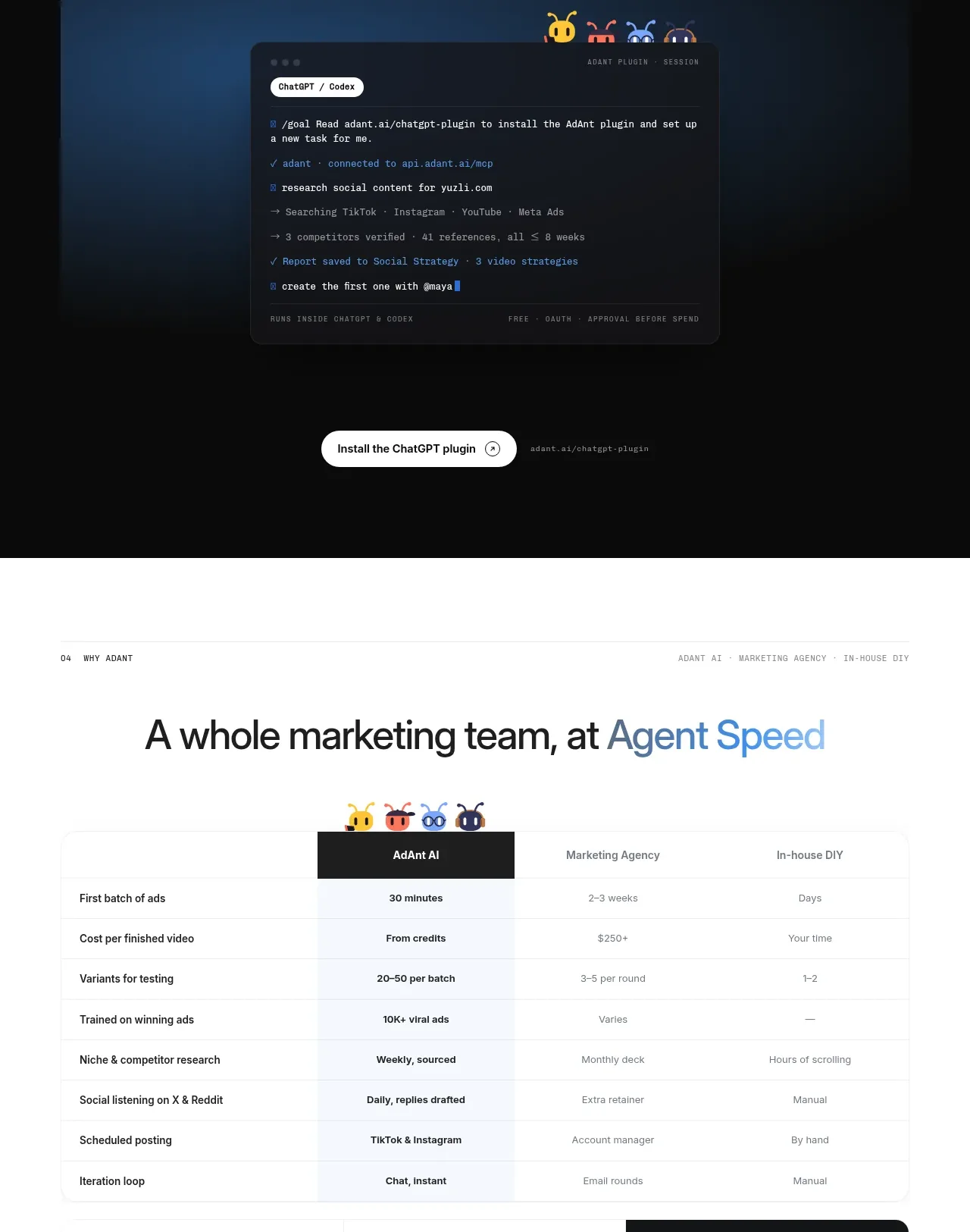
 Chat workspace plugin showcase
AdAnt 2.0 · Code block
Chat workspace plugin showcase
AdAnt 2.0 · Code block
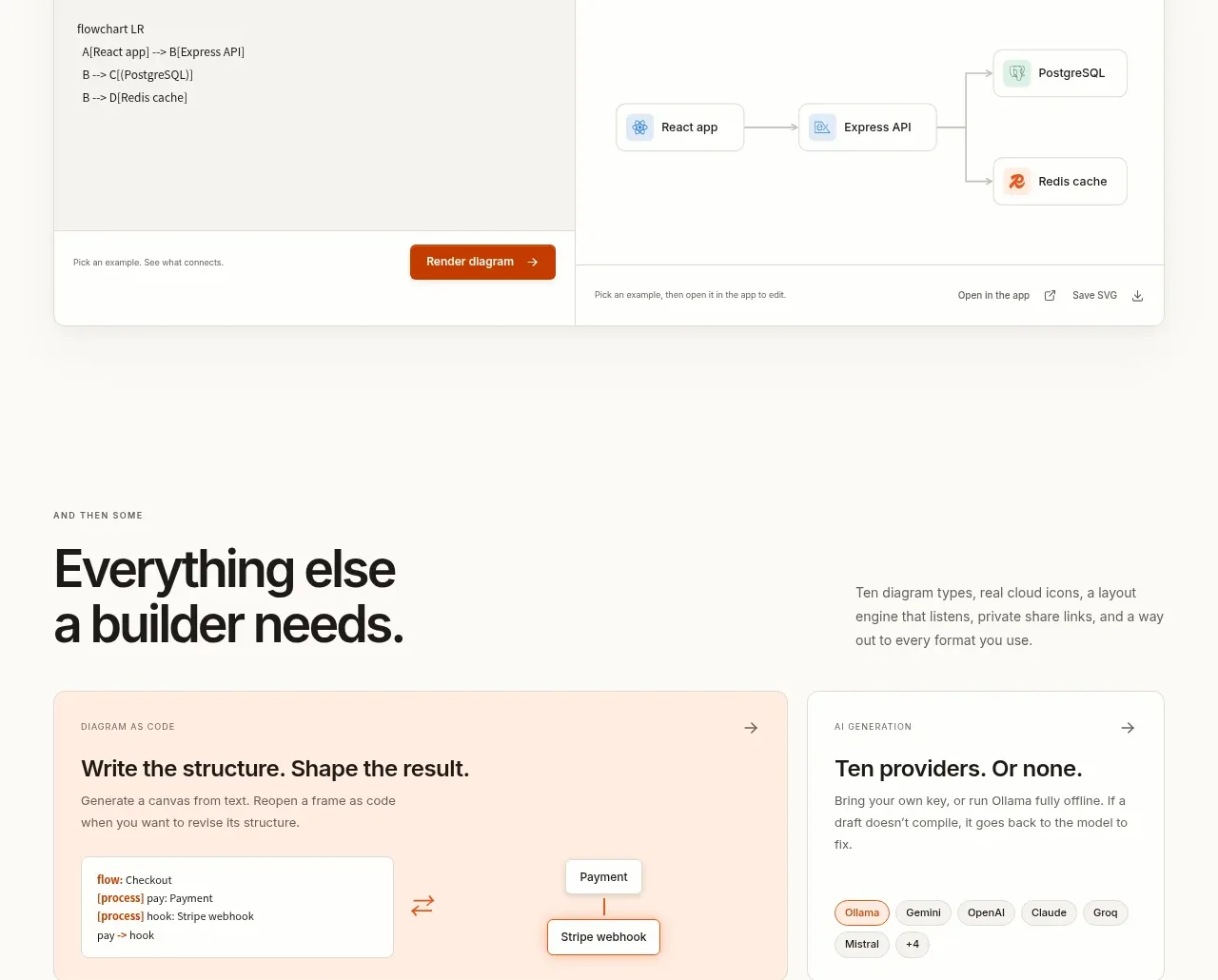
 Code-to-visual editor
OpenFlowKit 2 · Code block
Code-to-visual editor
OpenFlowKit 2 · Code block
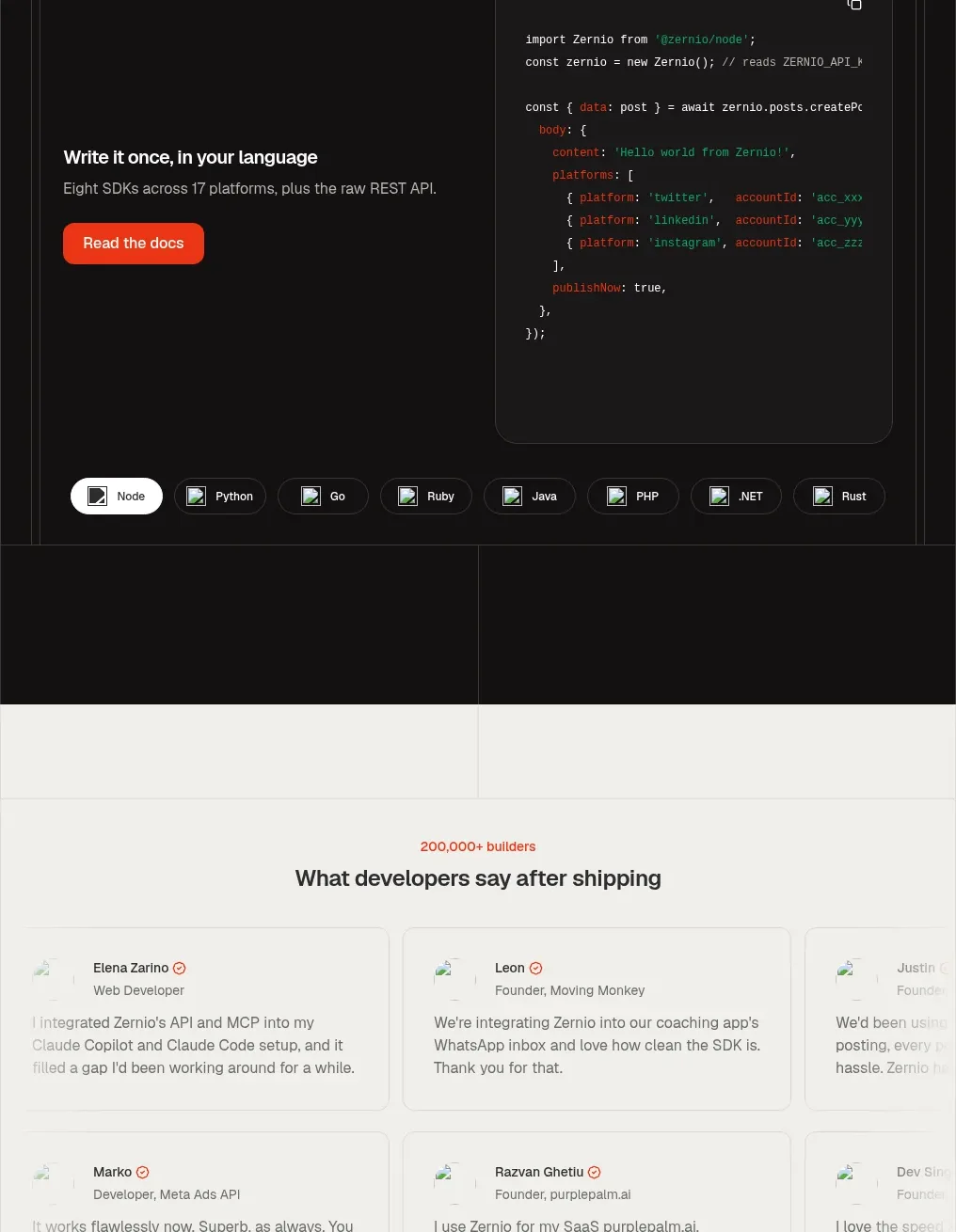
 Developer integration code showcase
Zernio · Code block
Developer integration code showcase
Zernio · Code block