 kage
kage
ffffinder.repponen.com
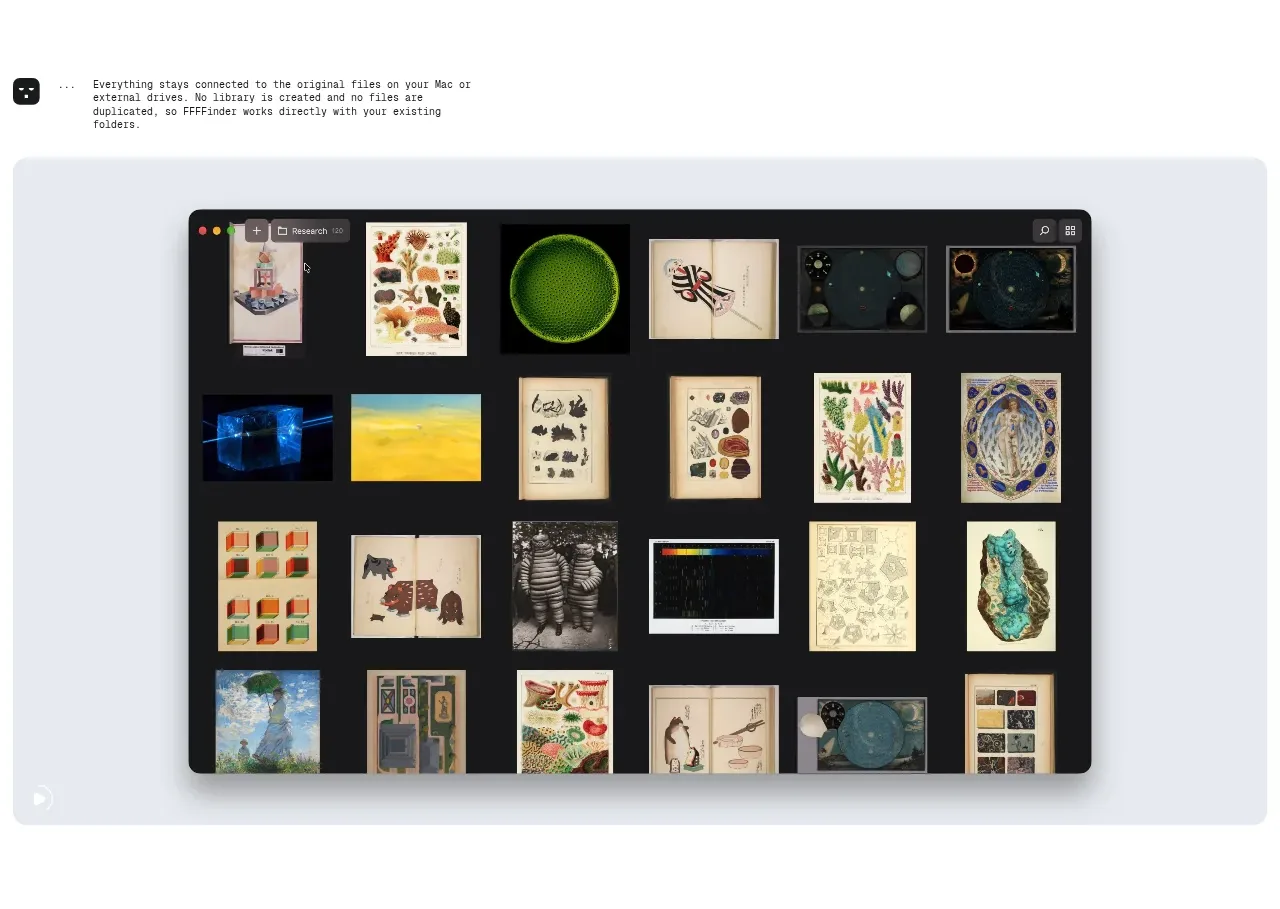
Design analysis
A third demonstration focuses on customization and display controls, using a lighter preview state to make filtering and sorting behavior easy to understand.
Prompt preview
## Reference images

Study these alongside the description below: hierarchy, rhythm, spacing, colour. Build for the product you are asked about, using this design language.

- Component: https://kage-design-assets.t3.tigrisfiles.io/components/ffffinder/236e01a7-b902-40d9-8cf2-9e70faeb5362-1790748892-3.webp
- Full page it was cut from: https://kage-design-assets.t3.tigrisfiles.io/screenshots/ffffinder/236e01a7-b902-40d9-8cf2-9e70faeb5362-1790748796754-full.webp
- Component on Kage: https://kage.design/component/ffffinder-feature-grid-3

## Before you start
Ask what users need to configure, filter, sort, or personalize in the user's product. Ask what brand and accessibility requirements apply, then build an original section using these principles.

Create a feature section that communicates control over how content is displayed. Introduce the capability with a concise explanatory paragraph and follow it with a broad product mockup in a rounded neutral frame. Make the controls legible enough to imply interaction while keeping the overall page calm and editorial.

Design rules:
- Use a single vertical narrative: explanation first, demonstration second.
- Keep the content width consistent with the other feature bands and align the preview to the same edges.
- Use a restrained typographic hierarchy: small eyebrow or label, clear feature heading, compact supporting copy.
- Approximate colours: page `#FFFFFF`, frame `#E9EDF3`, primary text `#161616`, secondary text `#777B80`; choose an accent only for active controls.
- Use 14–18px radius and very light shadows; active menus should have obvious focus and selected states.
- Make the control system responsive: collapse menus into accessible popovers or bottom sheets on narrow screens.

Never:
- Never reuse screenshots, names, logos, text, illustrations, or images from the reference.
- Never hide essential filtering logic behind ambiguous decorative UI.
More components
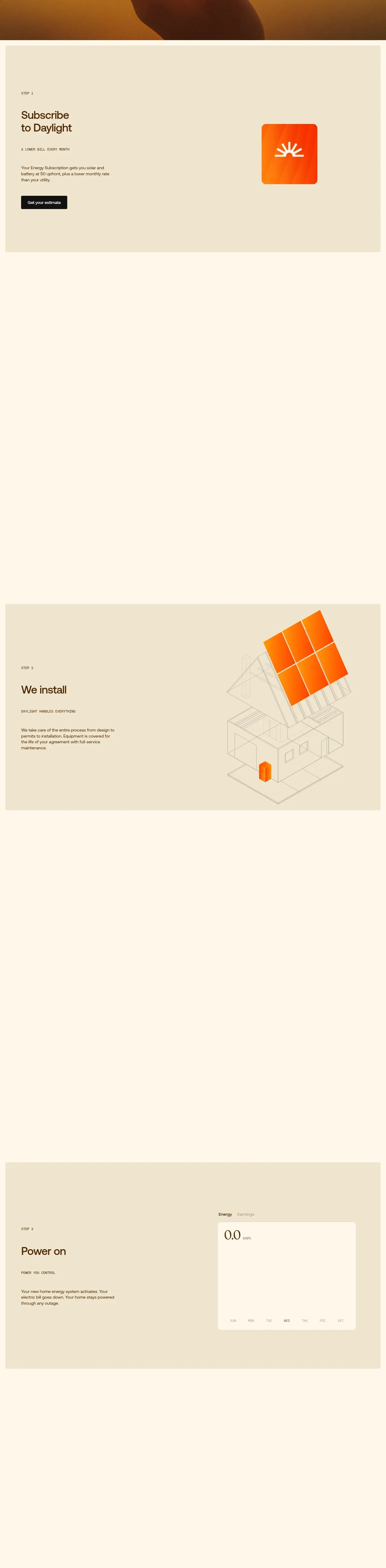
 Three-step process cards
godaylight.com · Feature grid
Three-step process cards
godaylight.com · Feature grid
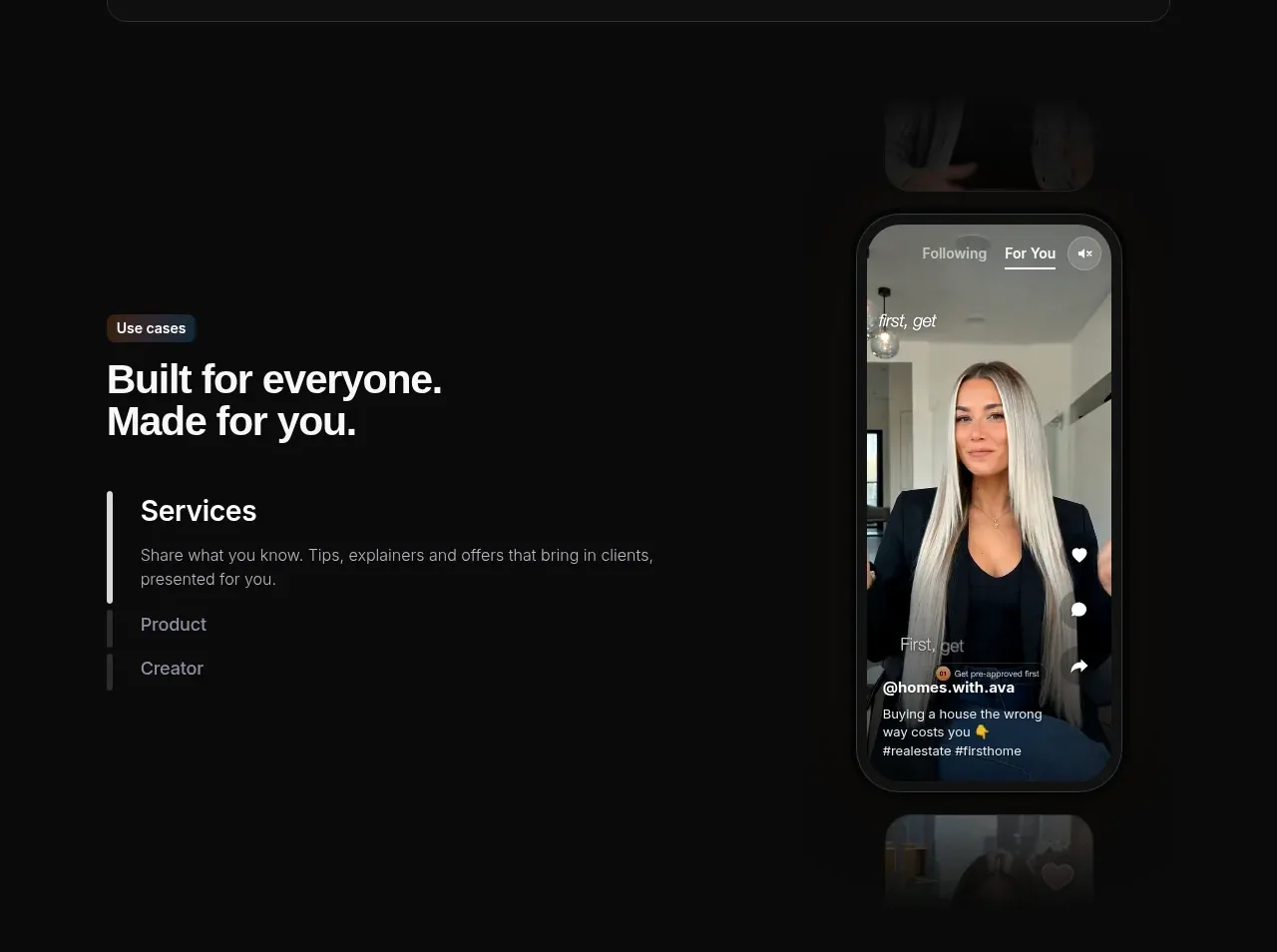
 Use-case selector with vertical video preview
Spira Maxima · Feature grid
Use-case selector with vertical video preview
Spira Maxima · Feature grid
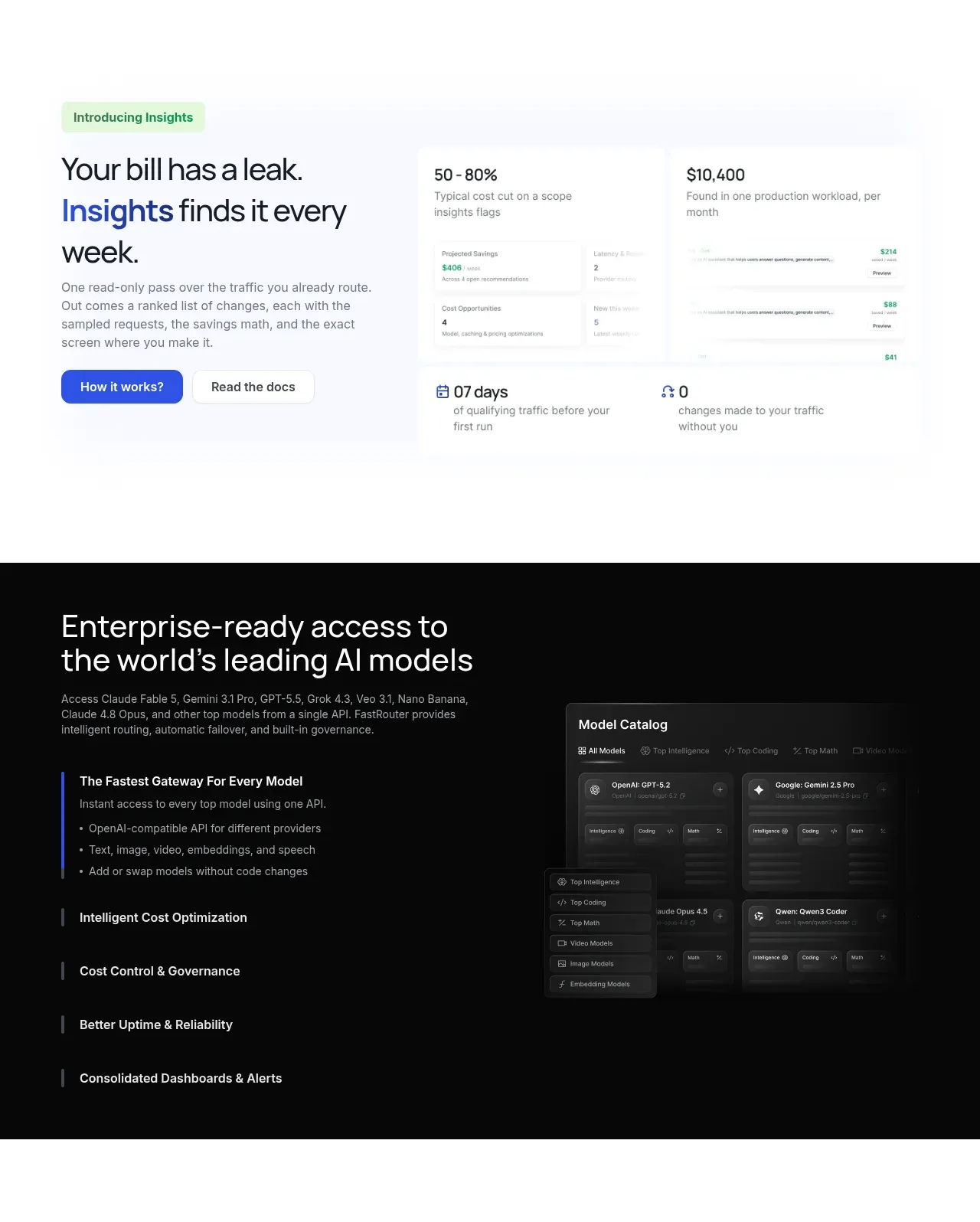
 Insights and enterprise model access
FastRouter.ai · Feature grid
Insights and enterprise model access
FastRouter.ai · Feature grid
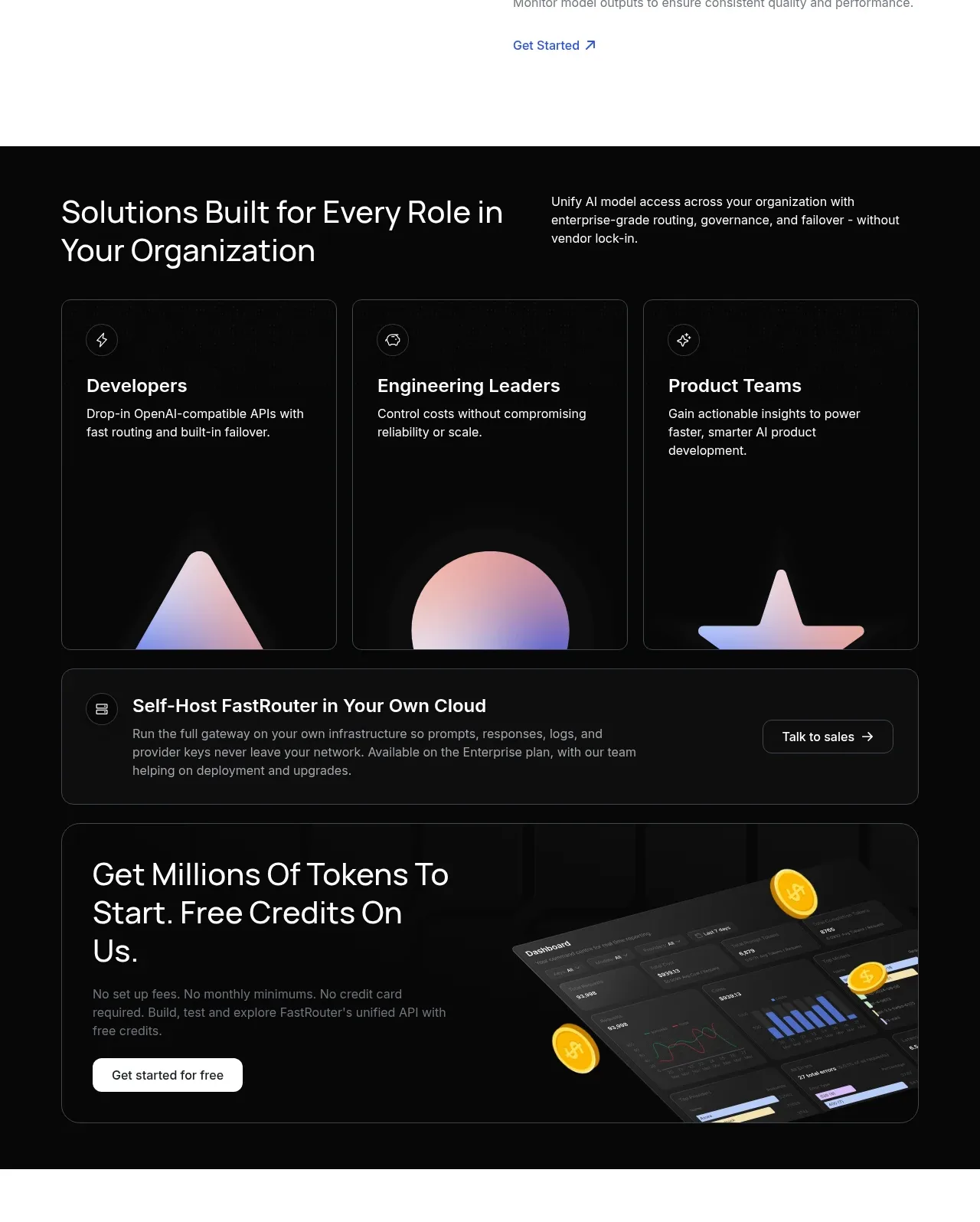 Solutions by organizational role
FastRouter.ai · Feature grid
Solutions by organizational role
FastRouter.ai · Feature grid
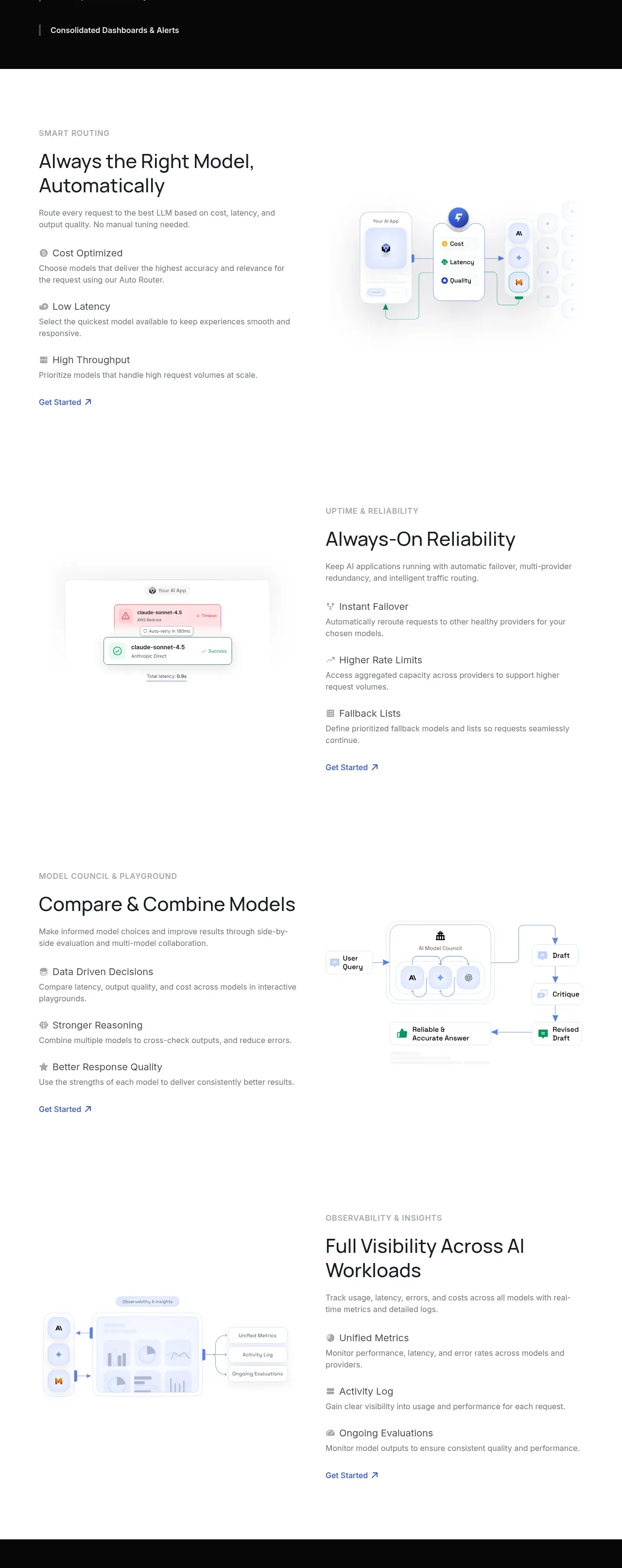 Routing reliability and model collaboration
FastRouter.ai · Feature grid
Routing reliability and model collaboration
FastRouter.ai · Feature grid
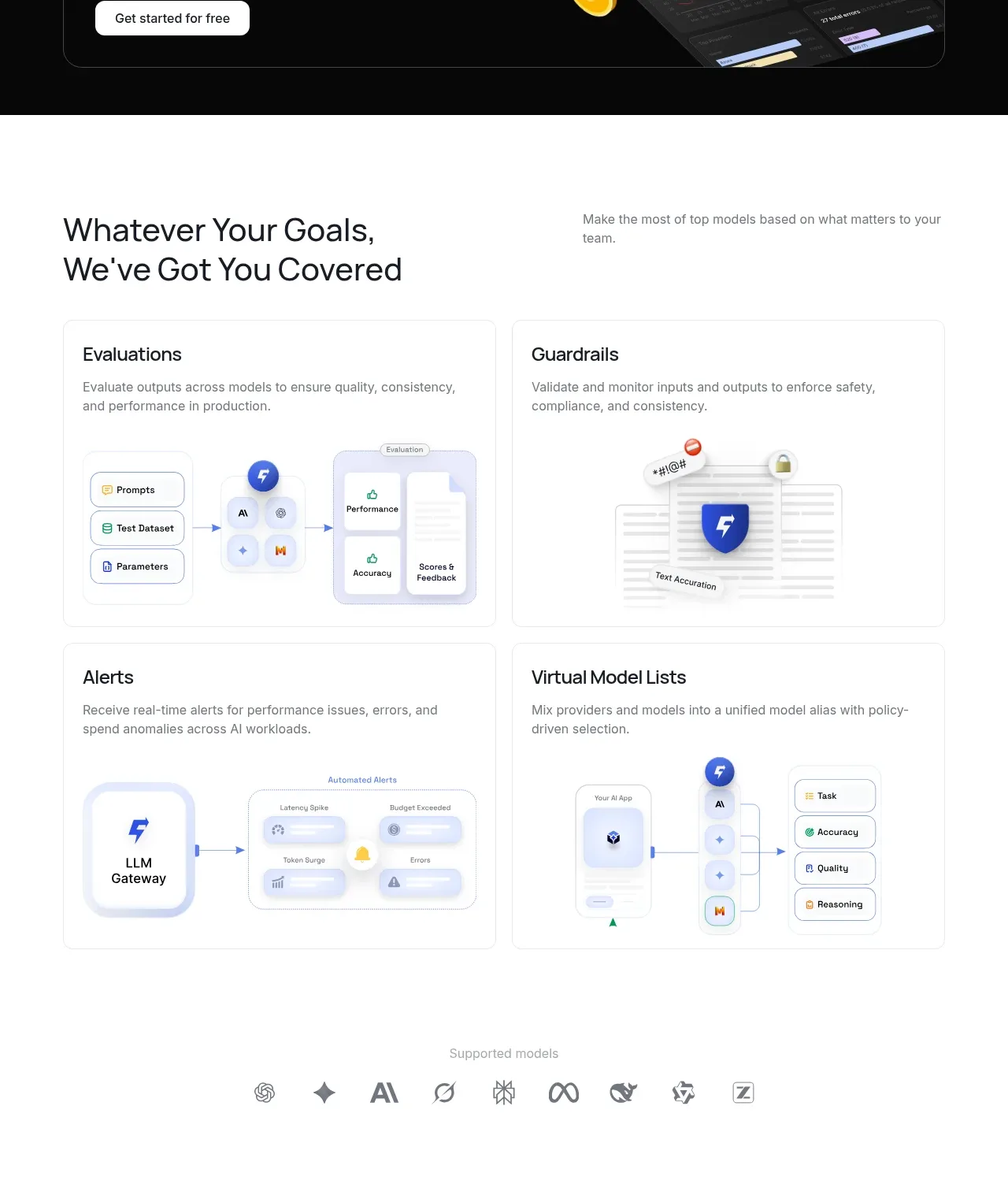 Goal-oriented product capabilities
FastRouter.ai · Feature grid
Goal-oriented product capabilities
FastRouter.ai · Feature grid