 kage
kage
formabledocs.com
Design analysis
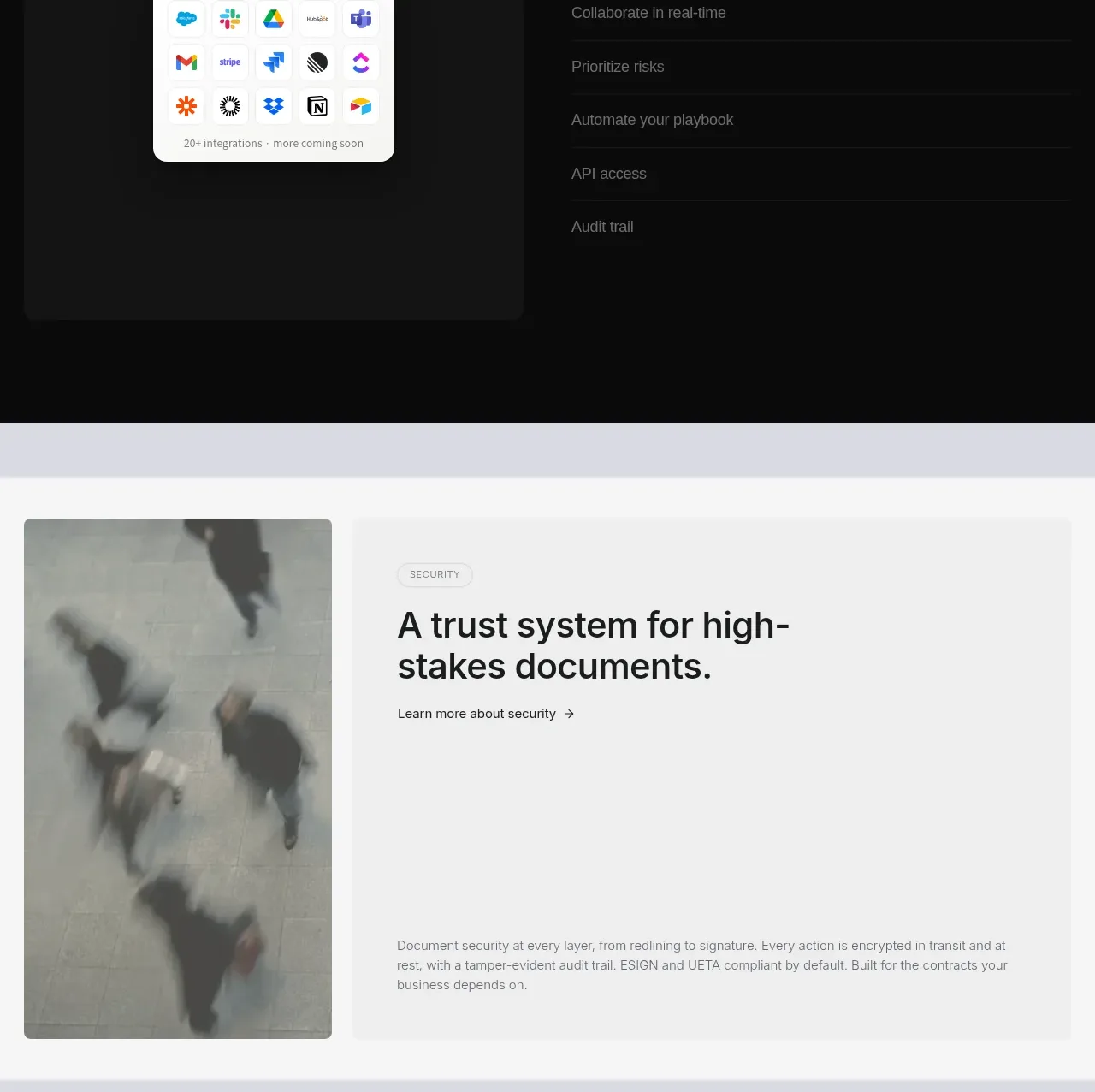
A dark, high-contrast section reframes the product as adaptable to existing team workflows, combining an integrations tile with an expandable-looking list of capabilities.
Prompt preview
## Reference images

Study these alongside the description below: hierarchy, rhythm, spacing, colour. Build for the product you are asked about, using this design language.

- Component: https://kage-design-assets.t3.tigrisfiles.io/components/formabledocs-com/3108c64d-0f5a-4f45-931d-d27909065482-1792440522-4.webp
- Full page it was cut from: https://kage-design-assets.t3.tigrisfiles.io/screenshots/formabledocs-com/3108c64d-0f5a-4f45-931d-d27909065482-1792440481208-full.webp
- Component on Kage: https://kage.design/component/formabledocs-feature-grid-2

## Before you start
Ask what the user's product, audience, and brand are, then apply the following principles to that product rather than reproducing the reference.

Build a dark feature section with a small eyebrow, a large two-line heading, and a two-column layout below. Place a calm integration or workflow illustration/card on the left and a vertical list of capabilities on the right. Make the first item expanded with a short explanation while the remaining items are separated by thin rules and appear selectable. This creates a compact accordion-like information hierarchy without requiring every detail at once.

Use a near-black background #0b0b0c, white headings #f5f5f3, muted gray text #8f9095, and subtle #222225 separators. Keep the content max-width around 840px with 20px side padding, 48–80px section padding, and 16px card radii. Use a restrained 42–52px heading and 15px body text. Add hover/focus styling and make list rows keyboard-operable if interactive.

### Never
- Never copy logos, product names, copy, illustrations, or imagery from the reference.
- Never use a wall of equal-weight feature bullets.
- Never rely on color alone to indicate the selected row.
More components

 Discover app directory
Composio Instant · Feature grid
Discover app directory
Composio Instant · Feature grid
 Connected apps workflow
Composio Instant · Feature grid
Connected apps workflow
Composio Instant · Feature grid
 Three-part product workflow
Composio Instant · Feature grid
Three-part product workflow
Composio Instant · Feature grid
 Spending controls
Composio Instant · Feature grid
Spending controls
Composio Instant · Feature grid

 Open hardware pathways
Asimov 1 · Feature grid
Open hardware pathways
Asimov 1 · Feature grid
 Capability overview and specification cards
Asimov 1 · Feature grid
Capability overview and specification cards
Asimov 1 · Feature grid