kage
kage
formabledocs.com
Design analysis
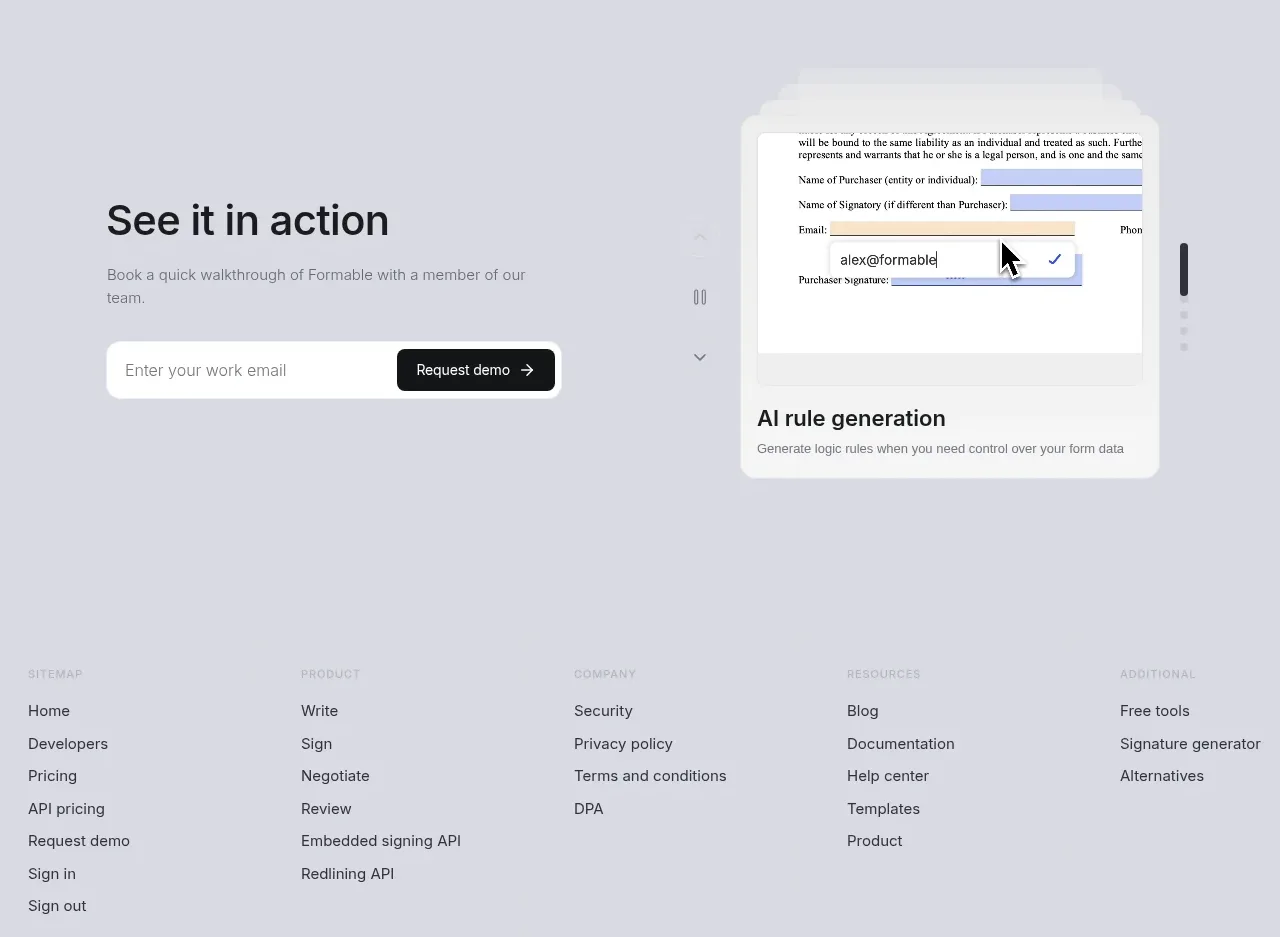
A news/content band presents three visual article cards in a horizontal row, with simple navigation controls and a view-all action above them.
Prompt preview
## Reference images

Study these alongside the description below: hierarchy, rhythm, spacing, colour. Build for the product you are asked about, using this design language.

- Component: https://kage-design-assets.t3.tigrisfiles.io/components/formabledocs-com/3108c64d-0f5a-4f45-931d-d27909065482-1792440523-7.webp
- Full page it was cut from: https://kage-design-assets.t3.tigrisfiles.io/screenshots/formabledocs-com/3108c64d-0f5a-4f45-931d-d27909065482-1792440481208-full.webp
- Component on Kage: https://kage.design/component/formabledocs-gallery

## Before you start
Ask what the user's product, audience, and brand are, then apply the following principles to that product rather than reproducing the reference.

Create an editorial card gallery with a small eyebrow, a strong section heading, previous/next controls, and a view-all pill aligned on the same header row. Below it, show three equal-width cards with large rounded thumbnail areas, article titles, and subdued dates. Keep card metadata sparse and make the thumbnails visually distinct while maintaining one design system. On mobile, turn the row into a horizontally scrollable carousel with visible focus states.

Use a pale background #eeeef4, white or lightly tinted image frames, #17181c headings, and #777a83 metadata. Use 16px card radii, 16–20px gaps, 28–36px section heading, and pill controls with clear hover/focus states. Preserve a consistent 16:9-ish thumbnail ratio and use lazy loading for images.

### Never
- Never copy logos, product names, copy, illustrations, or imagery from the reference.
- Never use unrelated stock imagery that makes the articles feel generic.
- Never hide carousel controls or make cards inaccessible by keyboard.