kage
kage
krea.ai
Design analysis
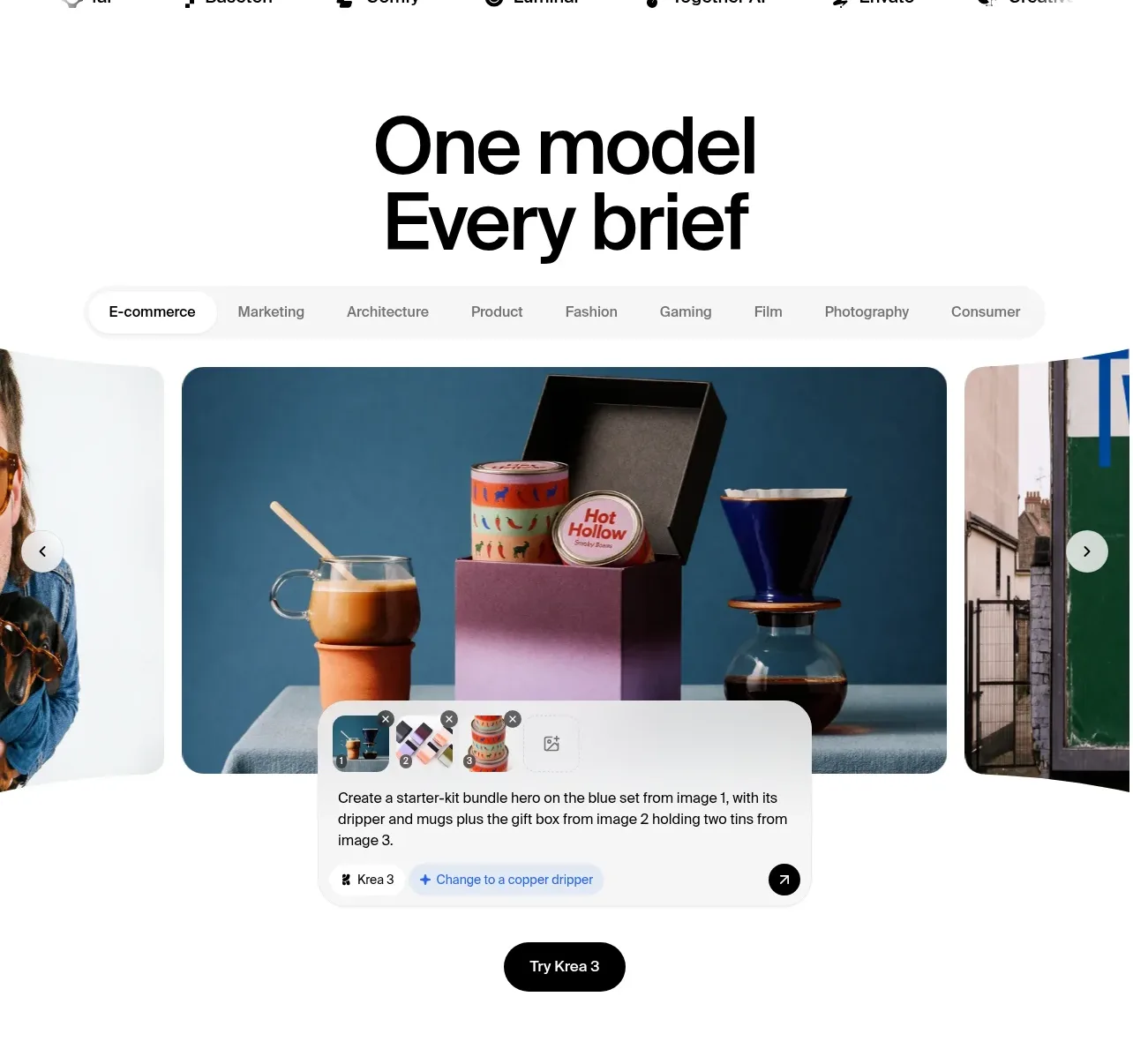
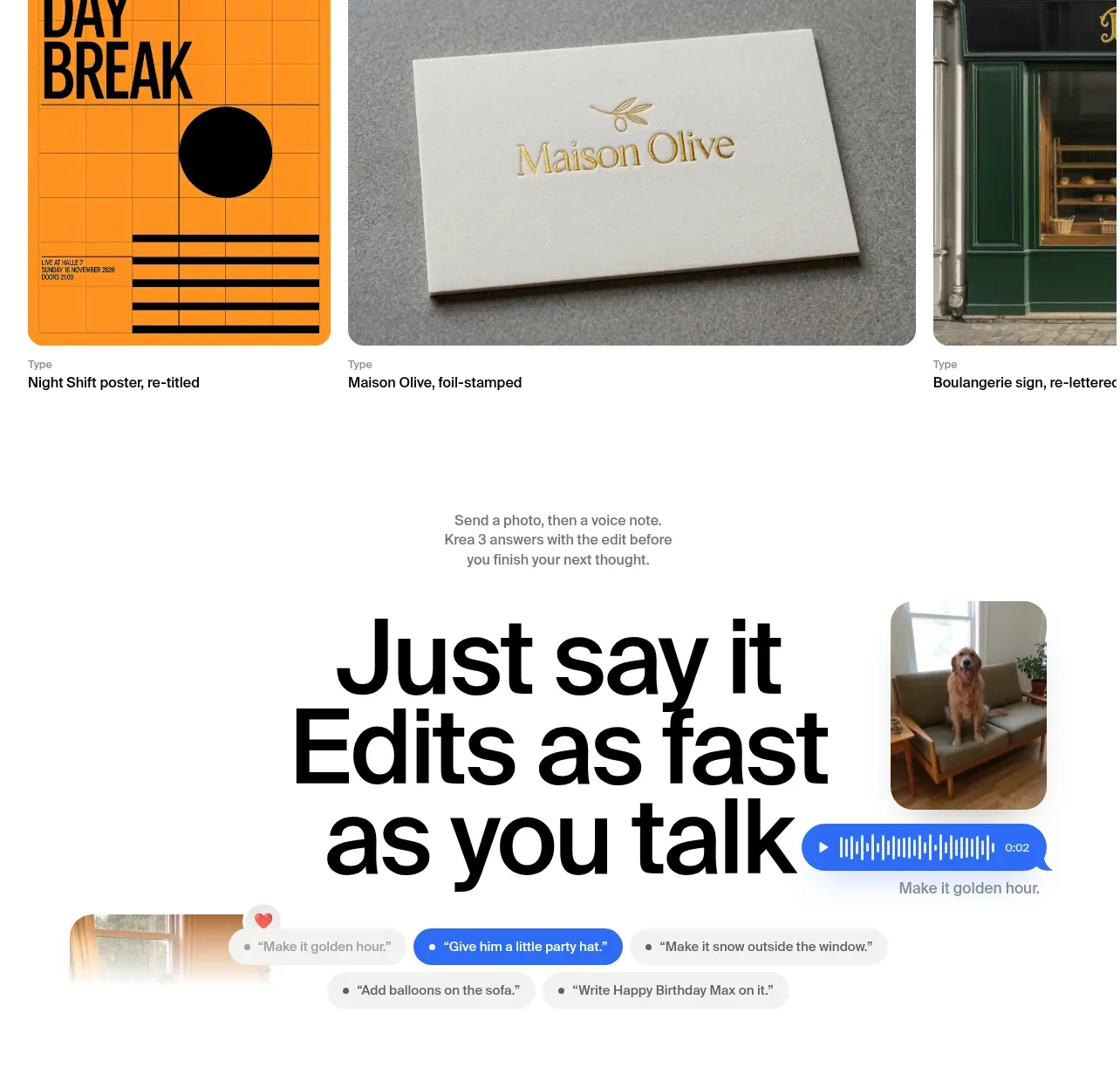
A left-heavy heading, descriptive copy, filter tabs, and a row of product-design examples frame the tool as part of a creative workflow.
Prompt preview
## Reference images

Study these alongside the description below: hierarchy, rhythm, spacing, colour. Build for the product you are asked about, using this design language.

- Component: https://kage-design-assets.t3.tigrisfiles.io/components/krea-3/dbe75373-d211-428a-9d9b-aa6c396006bc-1792389816-11.webp
- Full page it was cut from: https://kage-design-assets.t3.tigrisfiles.io/screenshots/krea-3/dbe75373-d211-428a-9d9b-aa6c396006bc-1792389704928-full.webp
- Component on Kage: https://kage.design/component/krea-3-gallery-3

## Before you start
Ask what the user's product and brand are, then apply the following principles to their use-case gallery rather than copying this reference.

Create a designer-focused gallery section with a large left-aligned headline and a smaller right-side paragraph. Add a rounded filter bar with categories, an active white pill, and a soft gray background. Show three horizontally arranged example cards with varied aspect ratios, rounded 14px corners, and captions below each image. Use near-black #101010, gray #757575, white, and a restrained blue or warm accent. Include small carousel arrows at the far edge, with horizontal overflow on mobile. Keep the section editorial and example-led rather than feature-list heavy.

Never:
- use the reference logo or product name
- copy its category names, captions, or imagery
- reuse its illustrations or media
- reproduce the exact layout or visual assets