kage
kage
openship.io
Design analysis
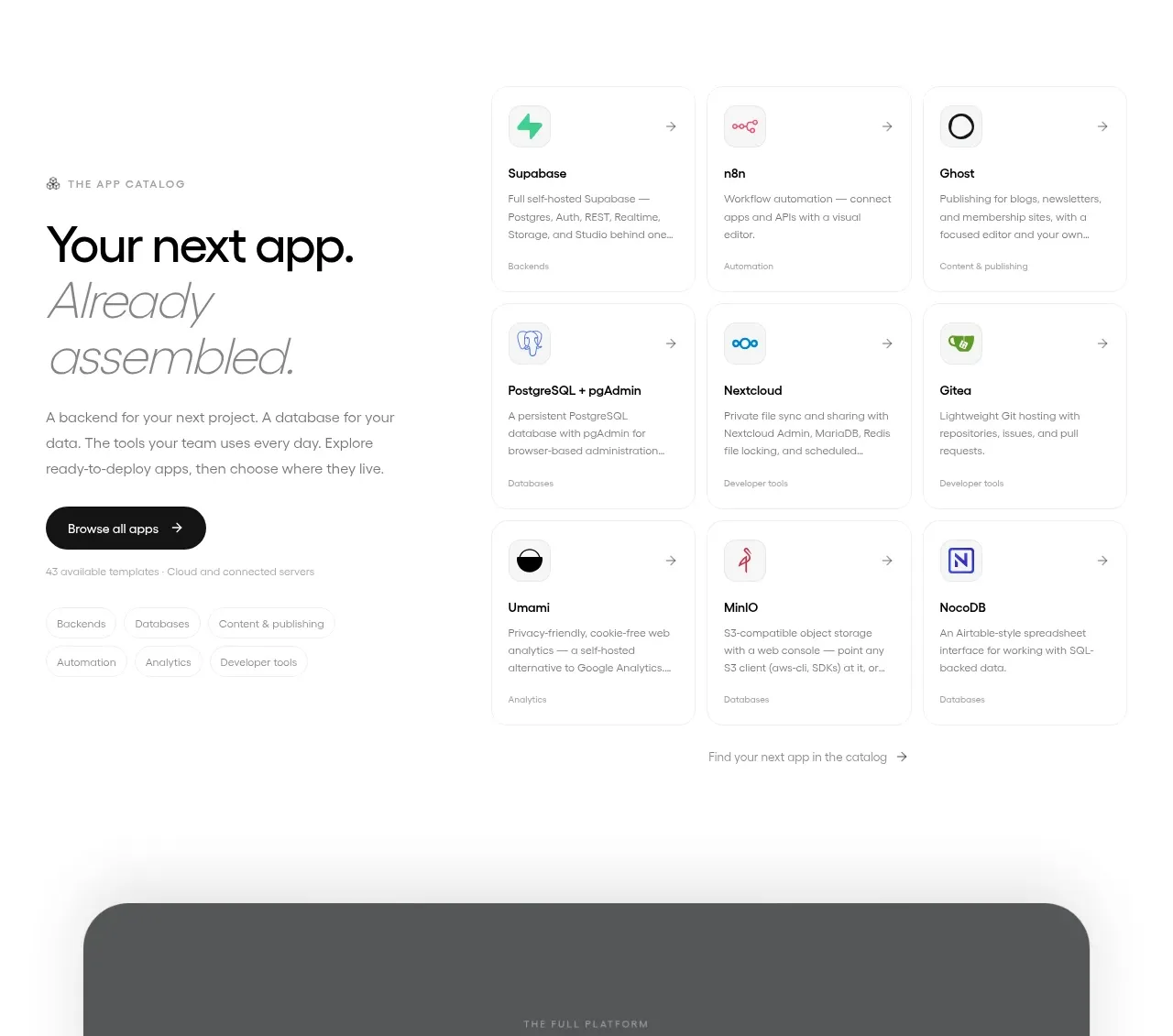
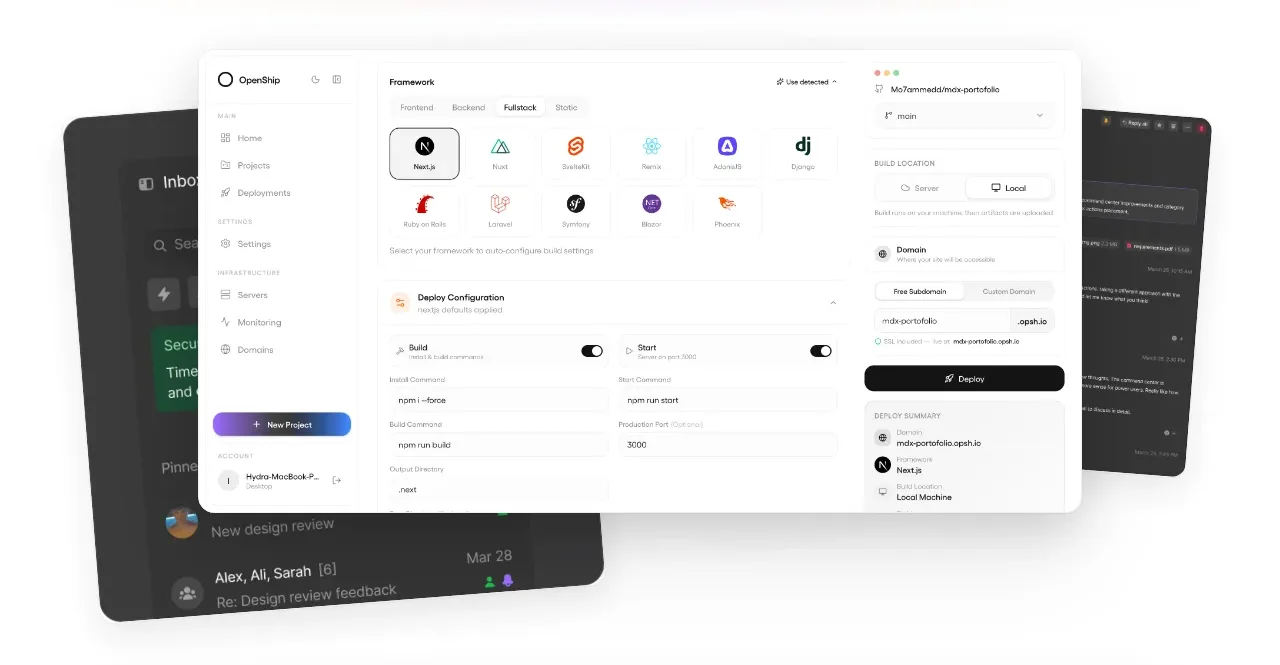
A large layered product visual demonstrates the interface with angled dark supporting panels behind a bright central dashboard, making the product tangible immediately.
Prompt preview
## Reference images

Study these alongside the description below: hierarchy, rhythm, spacing, colour. Build for the product you are asked about, using this design language.

- Component: https://kage-design-assets.t3.tigrisfiles.io/components/openship-cloud/9519eed9-0239-434c-a94e-7bf81cfc26ba-1792562626-2.webp
- Full page it was cut from: https://kage-design-assets.t3.tigrisfiles.io/screenshots/openship-cloud/9519eed9-0239-434c-a94e-7bf81cfc26ba-1792562575709-full.webp
- Component on Kage: https://kage.design/component/openship-cloud-gallery

## Before you start
Ask what the user's product and brand are, then apply the principles below to that product rather than copying the reference.

Build a product showcase band beneath the hero. Center a large dashboard or app preview with a bright elevated surface, subtle shadow, and rounded corners; place one or two darker secondary surfaces behind it with slight rotation or horizontal offset to imply depth. Keep the composition wide but contained, with overflow clipped and no surrounding copy competing with the visual. Use soft gray-white background tones, a 12–18px radius, layered shadows, and restrained accent colors from the user's brand. The visual should be responsive: stack or reduce the background panels on narrow screens while preserving the primary preview.

Never: use logos, product names, copy, illustrations, or imagery from the reference.