kage
kage
framefields.dev
Design analysis
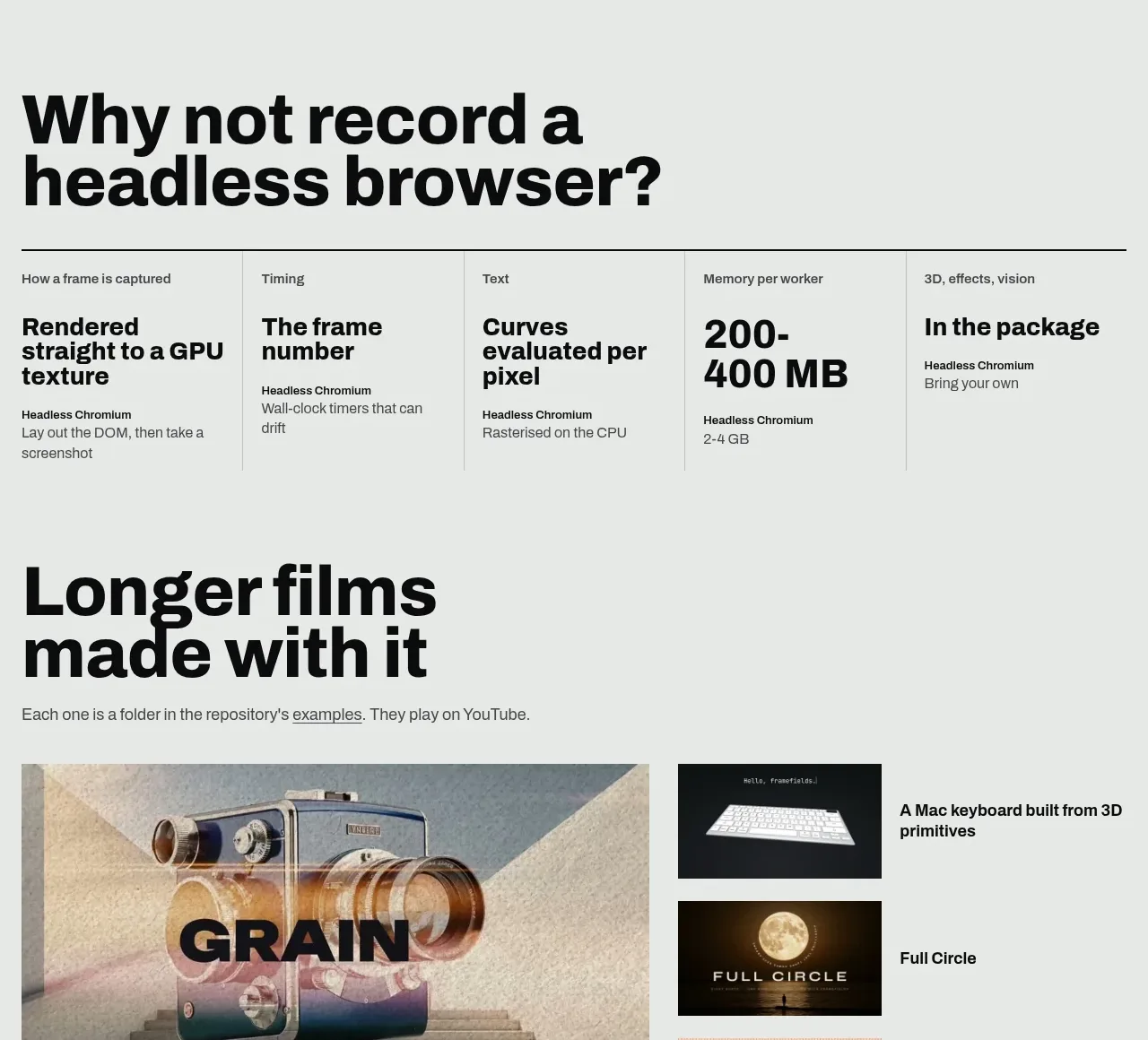
A project-gallery section uses one dominant feature image and smaller supporting thumbnails with captions, giving the product a portfolio-like proof of output.
Prompt preview
## Reference images

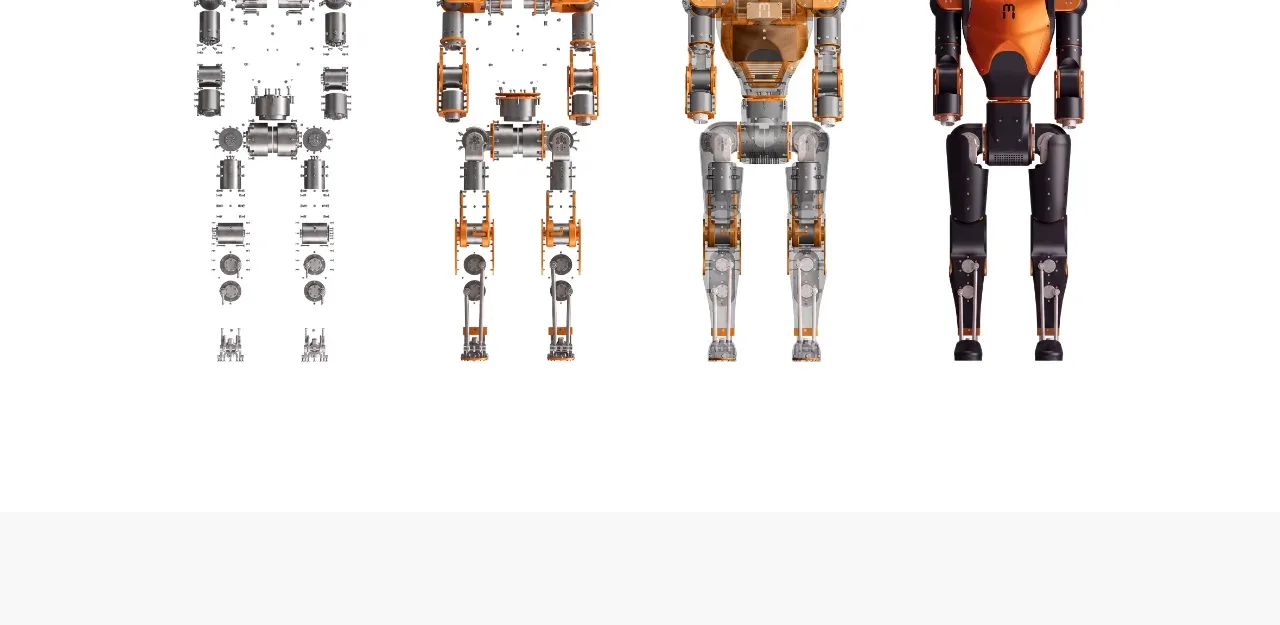
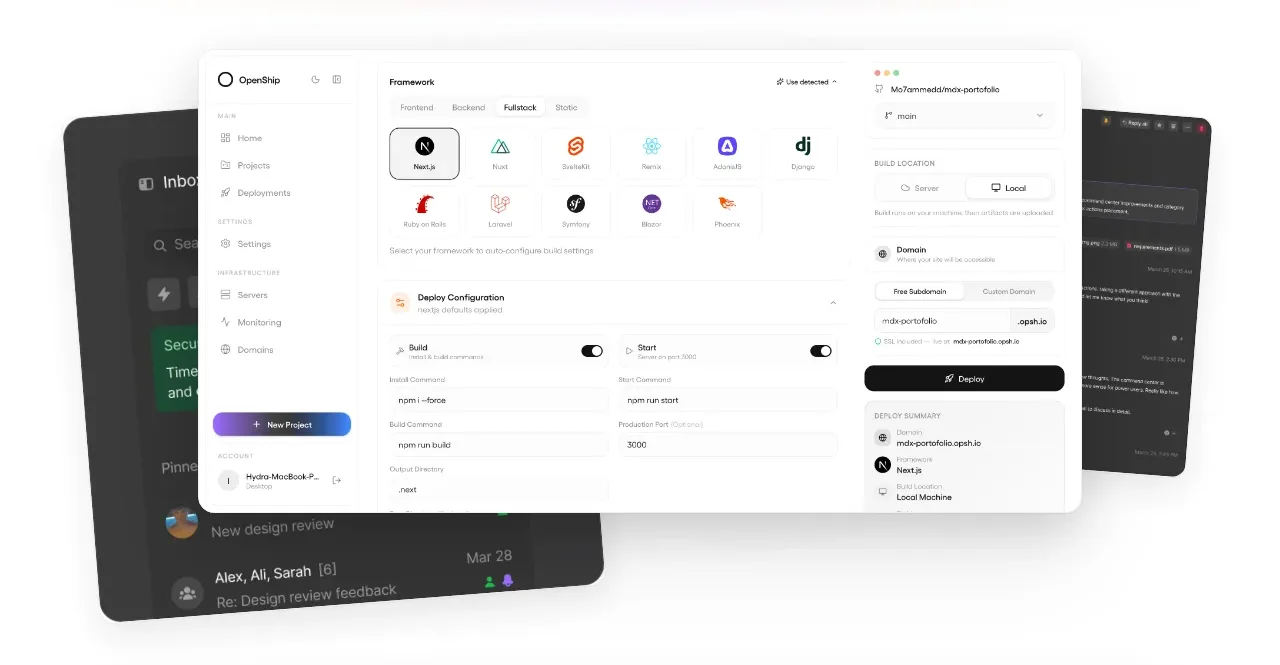
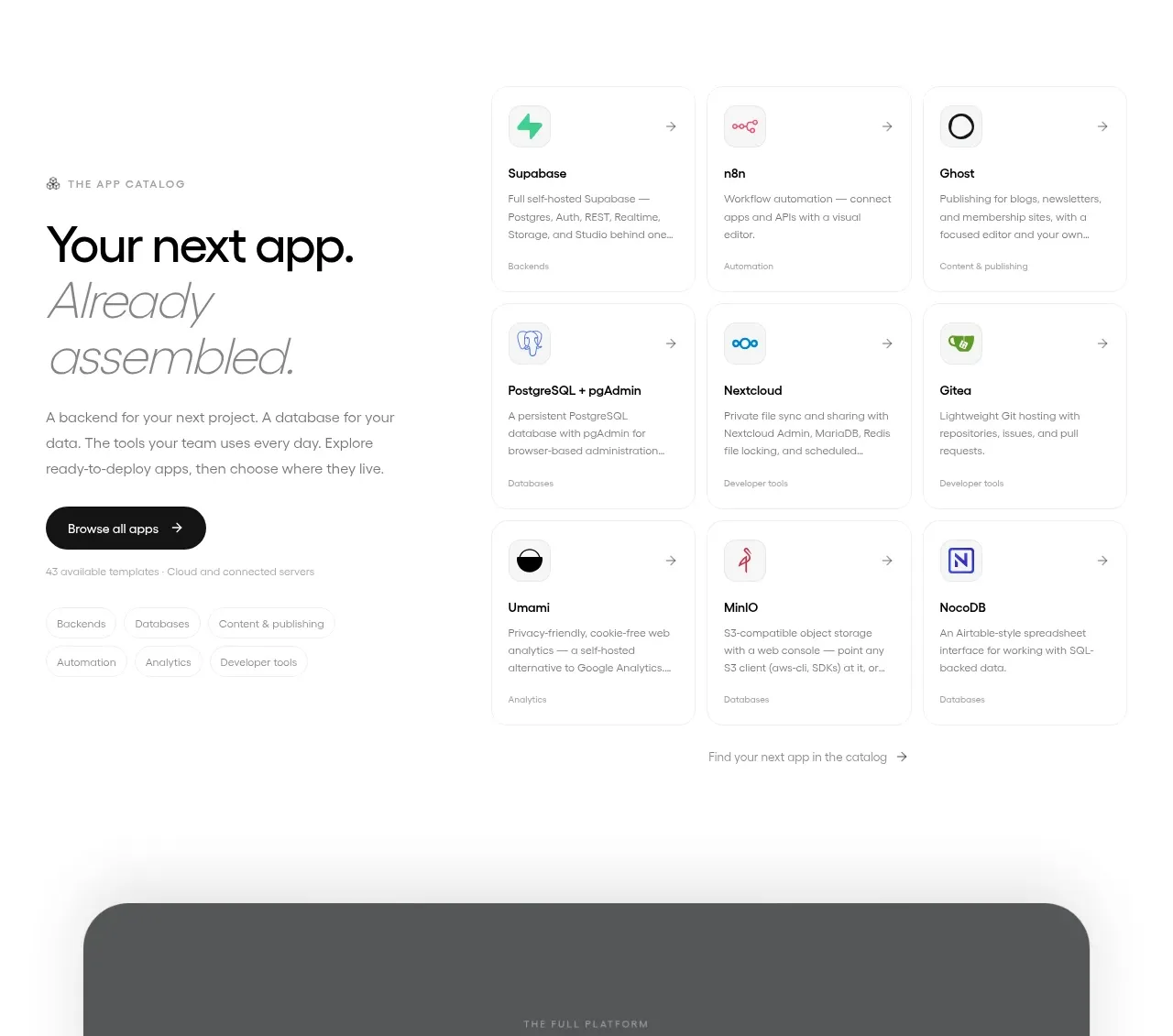
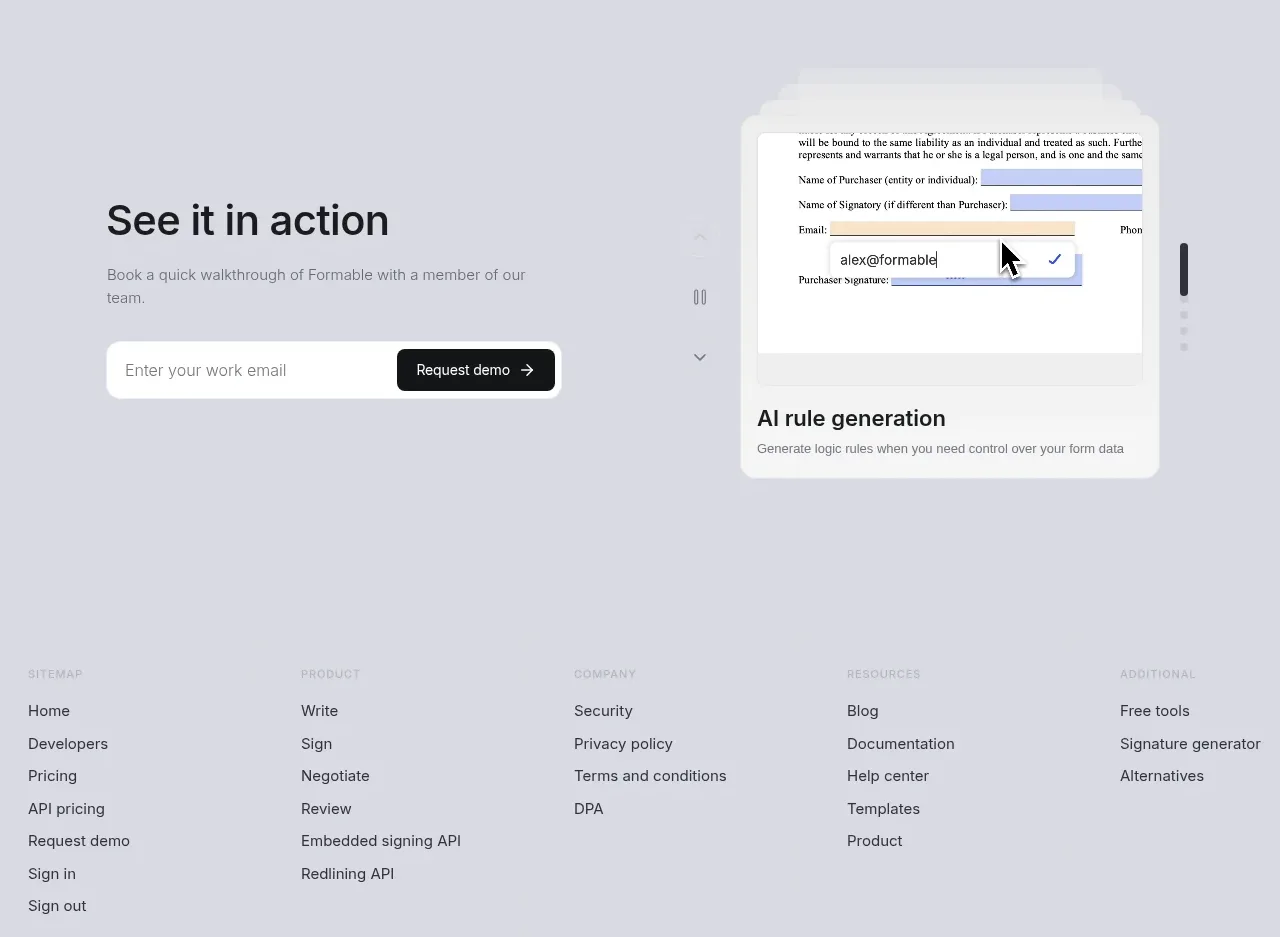
Study these alongside the description below: hierarchy, rhythm, spacing, colour. Build for the product you are asked about, using this design language.

- Component: https://kage-design-assets.t3.tigrisfiles.io/components/framefields/70450159-6614-49a5-a5e2-7c6c30c81571-1792476189-6.webp
- Full page it was cut from: https://kage-design-assets.t3.tigrisfiles.io/screenshots/framefields/70450159-6614-49a5-a5e2-7c6c30c81571-1792476110643-full.webp
- Component on Kage: https://kage.design/component/framefields-gallery

## Before you start
Ask what projects, demos, or customer work the user's product should showcase and what visual brand rules apply. Apply the principles below to that product rather than copying the reference.

Build a gallery section on the same pale background with a large editorial heading and a single-sentence introduction. Use an asymmetric layout: one dominant media tile at left and a vertical list of three smaller thumbnail-and-caption items at right. Keep media rectangular with little or no radius, preserve a consistent crop strategy, and use thin borders or gutters instead of card shadows. Place concise bold captions adjacent to or directly below each item. Make each tile keyboard-focusable, with a restrained overlay or scale transition on hover, and provide a mobile layout that puts the primary project first.

Use black typography, muted gray body text, and a disciplined 16–24px spacing system. Treat the gallery as evidence of product quality, not decoration.

Never: use logos, product names, copy, illustrations, or imagery from the reference.