 kage
kage
imagetoascii.art
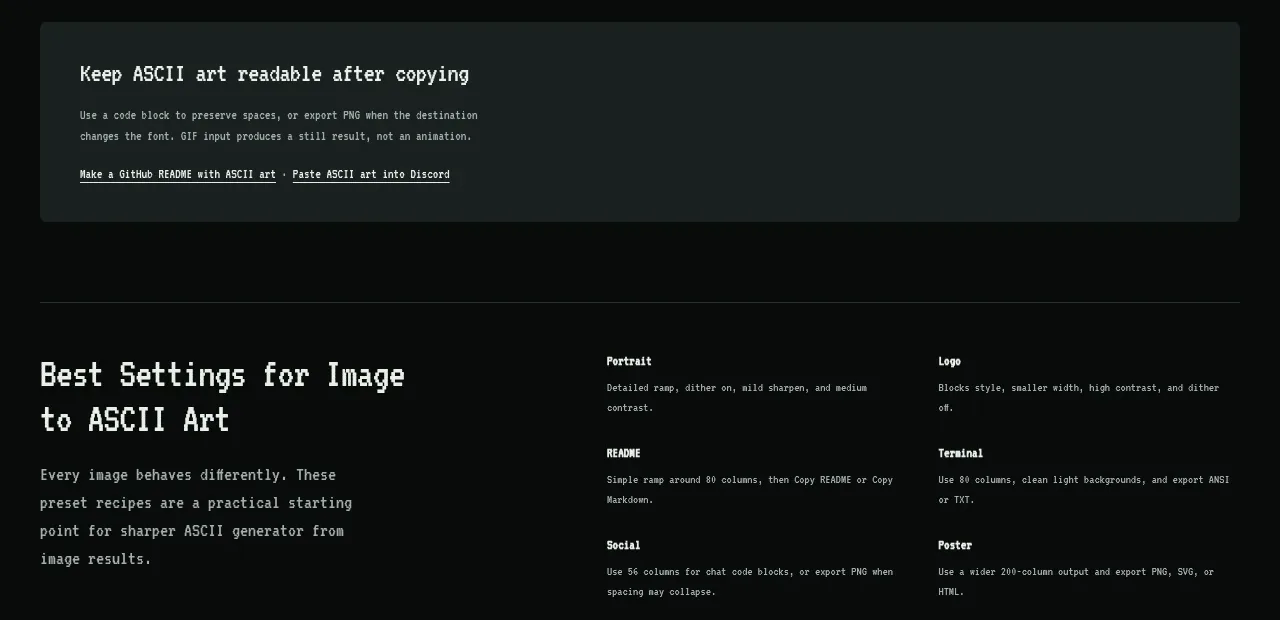
Design analysis
A recipe section organizes recommended settings for different destinations in a compact text-led layout.
Prompt preview
## Reference images

Study these alongside the description below: hierarchy, rhythm, spacing, colour. Build for the product you are asked about, using this design language.

- Component: https://kage-design-assets.t3.tigrisfiles.io/components/image-to-ascii/536947f7-3504-43cd-9692-a327ad82583f-1789452199-8.webp
- Full page it was cut from: https://kage-design-assets.t3.tigrisfiles.io/screenshots/image-to-ascii/536947f7-3504-43cd-9692-a327ad82583f-1789452107158-full.webp
- Component on Kage: https://kage.design/component/image-to-ascii-feature-grid-3

## Before you start
Ask which common user goals need recommended configurations in the user's product. Then create a scannable recipe list for those goals.

Build a two-column preset recipe section: a large heading and short explanation on the left, and a dense list of destination presets on the right. Each preset should have a small label, a one-line recommendation, and optionally a secondary destination beside it. Use clear row spacing, fine dividers, small monospace metadata, and a restrained near-black palette. Keep the content easy to scan and make each preset selectable or copyable if appropriate. On mobile, place the recipe list below the introduction.

Never: use logos, product names, copy, illustrations, or imagery from the reference.
More components

 Rapid onboarding timeline
throxy · Feature grid
Rapid onboarding timeline
throxy · Feature grid
 Why alternatives disappoint
throxy · Feature grid
Why alternatives disappoint
throxy · Feature grid
 Cold-calling performance section
throxy · Feature grid
Cold-calling performance section
throxy · Feature grid
 Outbound partner benefits
throxy · Feature grid
Outbound partner benefits
throxy · Feature grid
 Qualification workflow cards
throxy · Feature grid
Qualification workflow cards
throxy · Feature grid
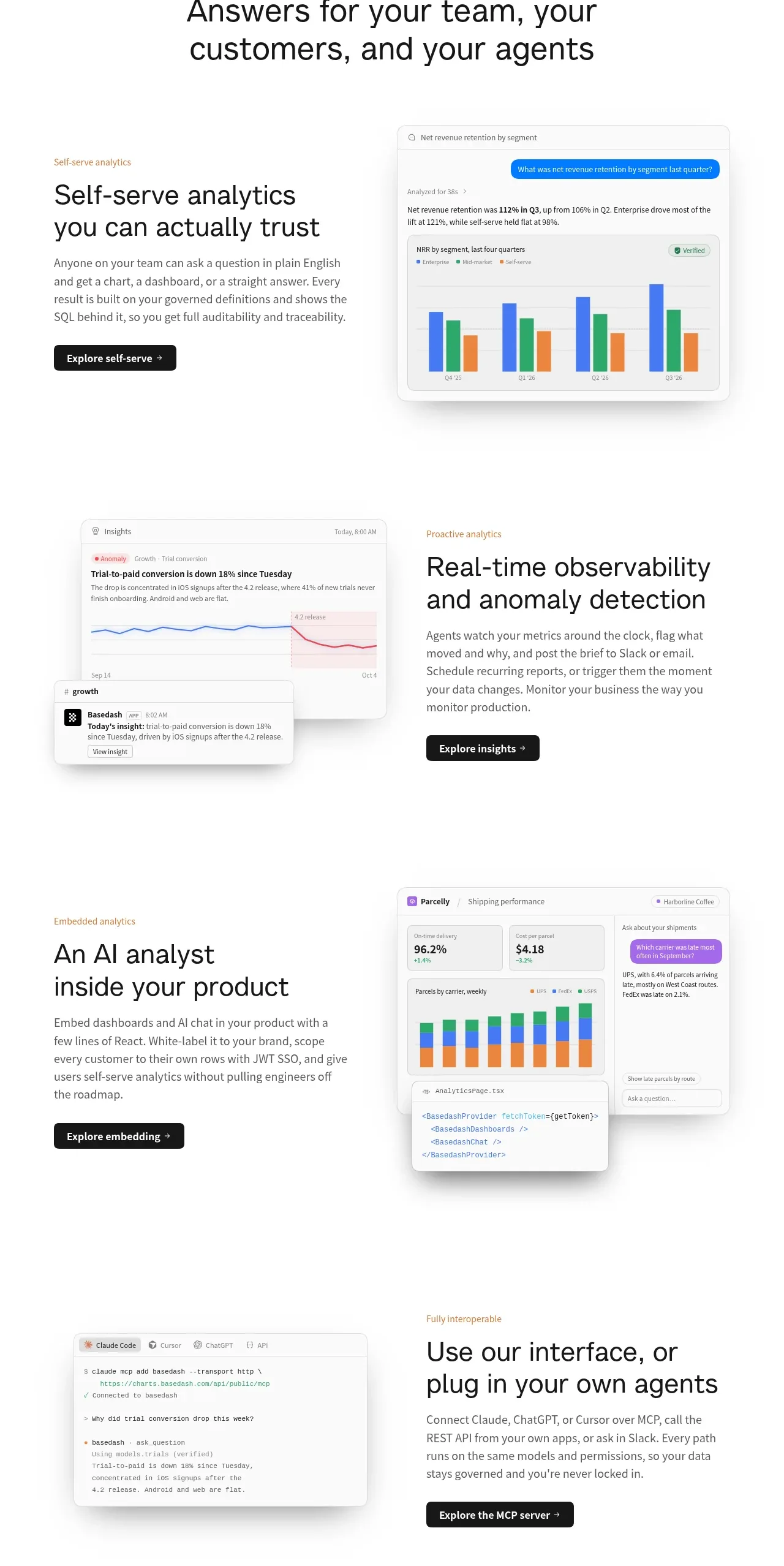
 Analytics capability showcase
Basedash View-only members · Feature grid
Analytics capability showcase
Basedash View-only members · Feature grid