 kage
kage
imagetoascii.art
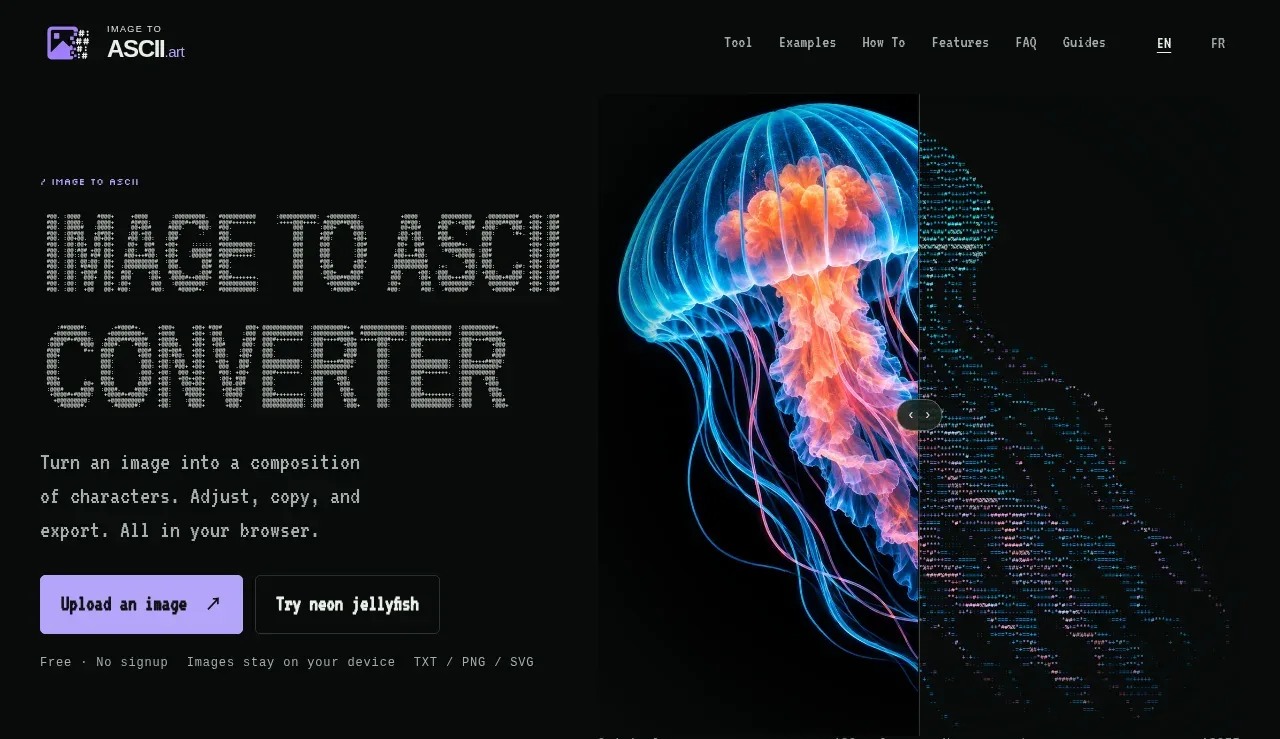
Design analysis
The hero combines a large ASCII-styled headline and short explanation with upload/demo actions and a dramatic original-to-ASCII visual comparison.
Prompt preview
## Reference images

Study these alongside the description below: hierarchy, rhythm, spacing, colour. Build for the product you are asked about, using this design language.

- Component: https://kage-design-assets.t3.tigrisfiles.io/components/image-to-ascii/536947f7-3504-43cd-9692-a327ad82583f-1789452197-1.webp
- Full page it was cut from: https://kage-design-assets.t3.tigrisfiles.io/screenshots/image-to-ascii/536947f7-3504-43cd-9692-a327ad82583f-1789452107158-full.webp
- Component on Kage: https://kage.design/component/image-to-ascii-hero

## Before you start
Ask what the user's product is, what the main conversion or transformation is, and what visual style defines its brand. Then apply these principles to that product rather than copying this reference.

Create a two-column hero directly below the navigation. Give the left side roughly 46% width for a compact eyebrow, oversized pixel/monospace headline, supporting paragraph, and two actions; reserve the right side for a large transformation preview. Use a near-black canvas (#070a09), off-white text (#e8e8e2), muted gray body copy (#9b9d99), and a lavender primary button (#b7a0ff) with dark text. Buttons should be 42–48px tall, lightly rounded at 4–6px, and show a clear hover lift or brightness change. Add small metadata beneath the actions to communicate trust and constraints. The visual should demonstrate “before vs after” through a split or draggable comparison, with a subtle circular handle and a thin gray divider. Keep the hero tall enough for the visual to breathe, approximately 460–520px on desktop, and stack it cleanly on mobile.

Never: use logos, product names, copy, illustrations, or imagery from the reference.
More components
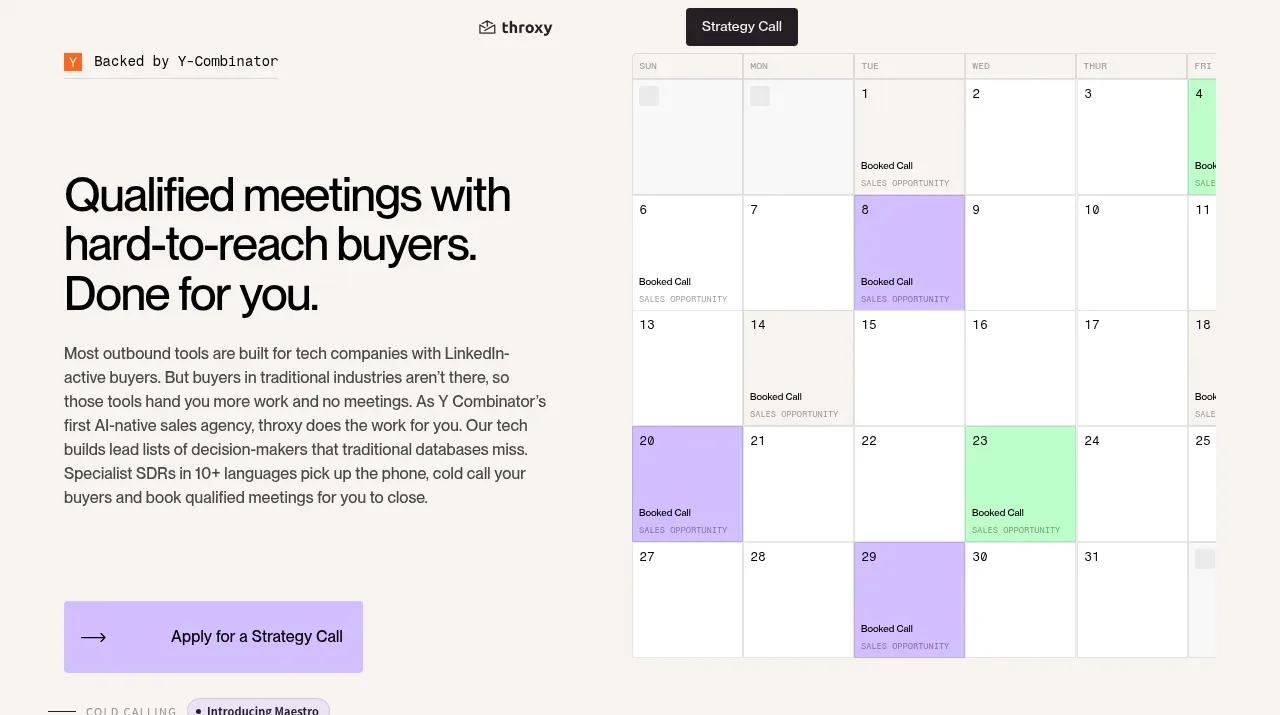
 Buyer-focused hero with calendar visual
throxy · Hero
Buyer-focused hero with calendar visual
throxy · Hero
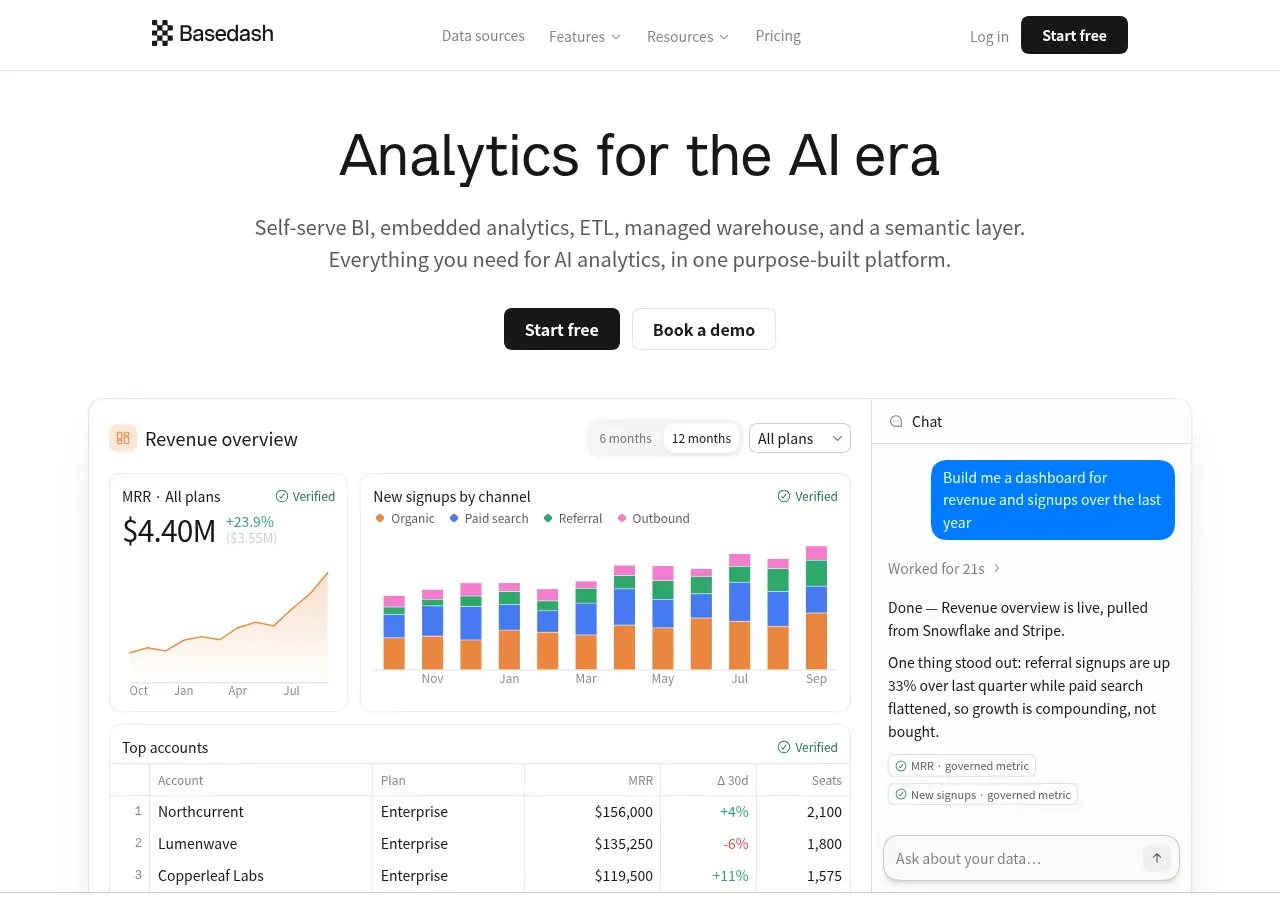
 Analytics product hero
Basedash View-only members · Hero
Analytics product hero
Basedash View-only members · Hero
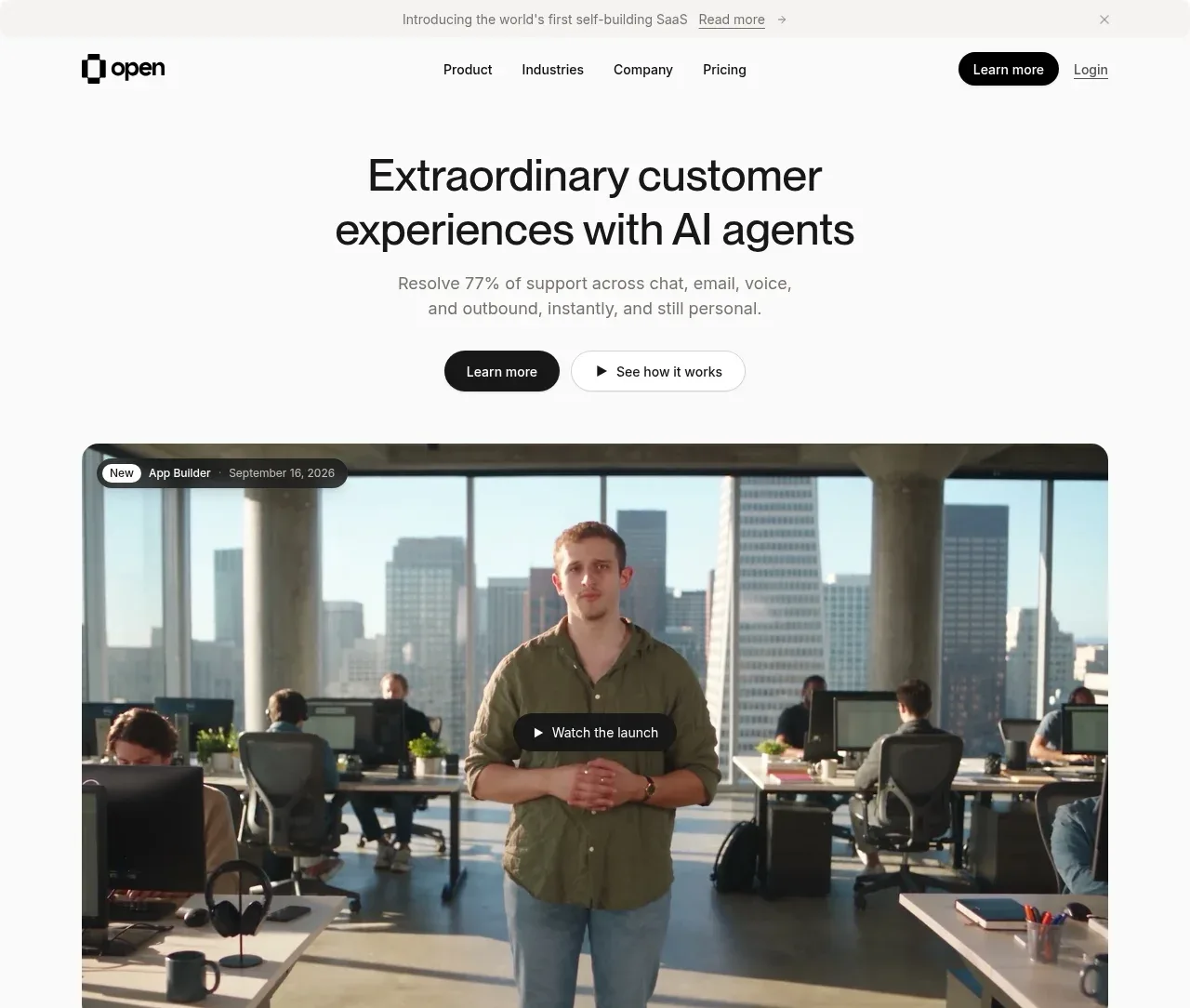
 AI customer experience hero
Open For sales · Hero
AI customer experience hero
Open For sales · Hero
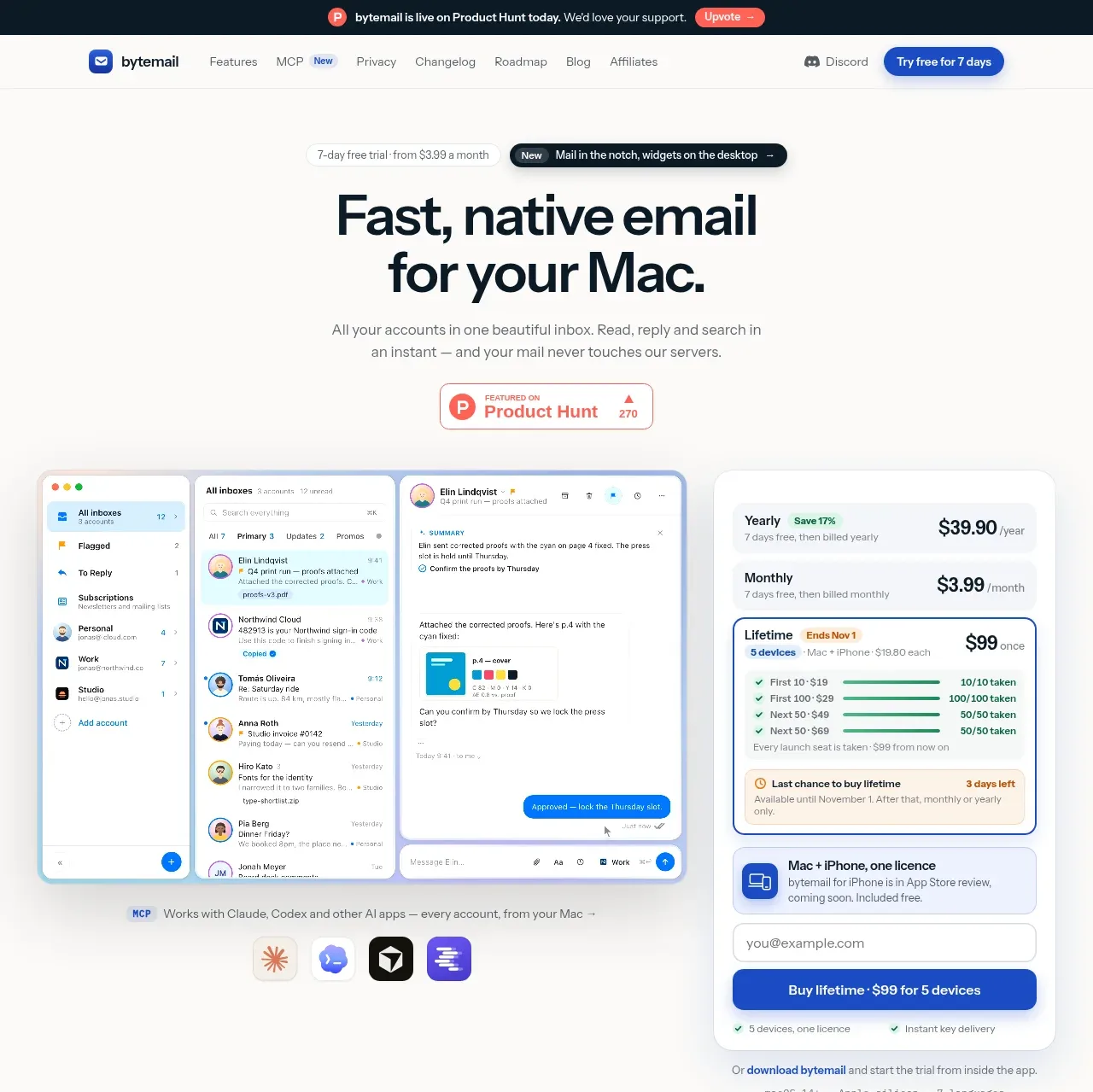
 Mac email product hero
bytemail · Hero
Mac email product hero
bytemail · Hero
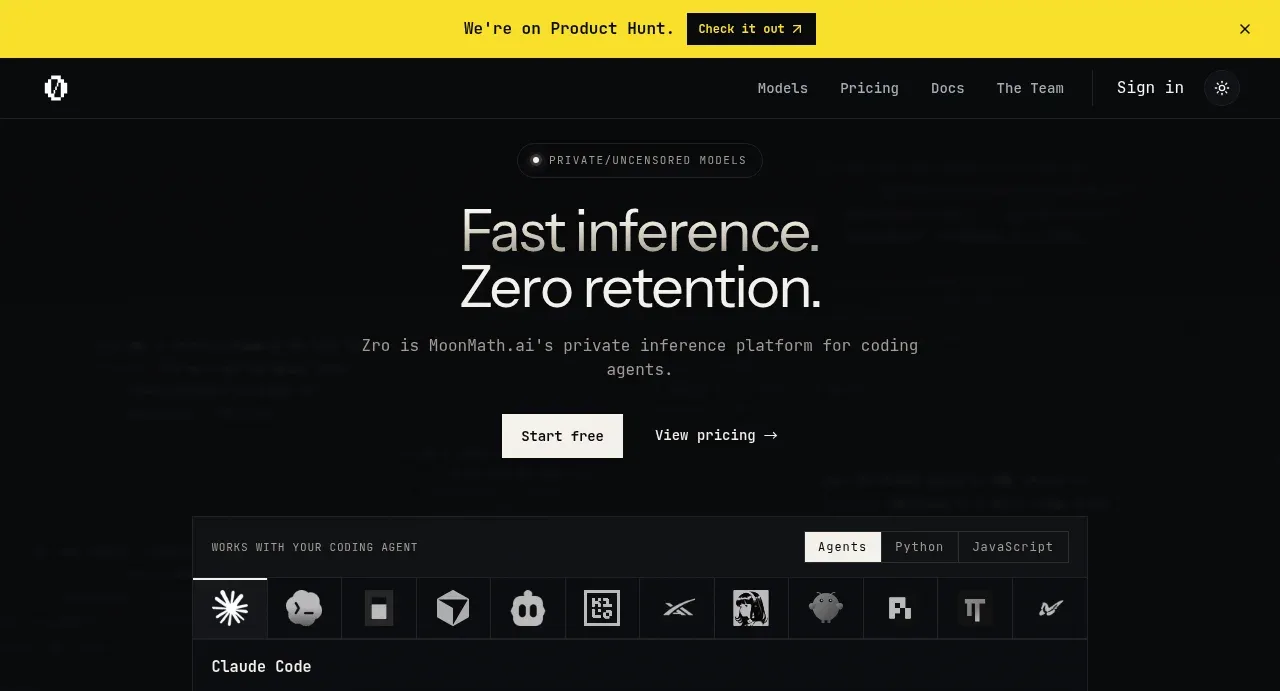
 Private inference hero
Zro: Uncensored Security Models · Hero
Private inference hero
Zro: Uncensored Security Models · Hero
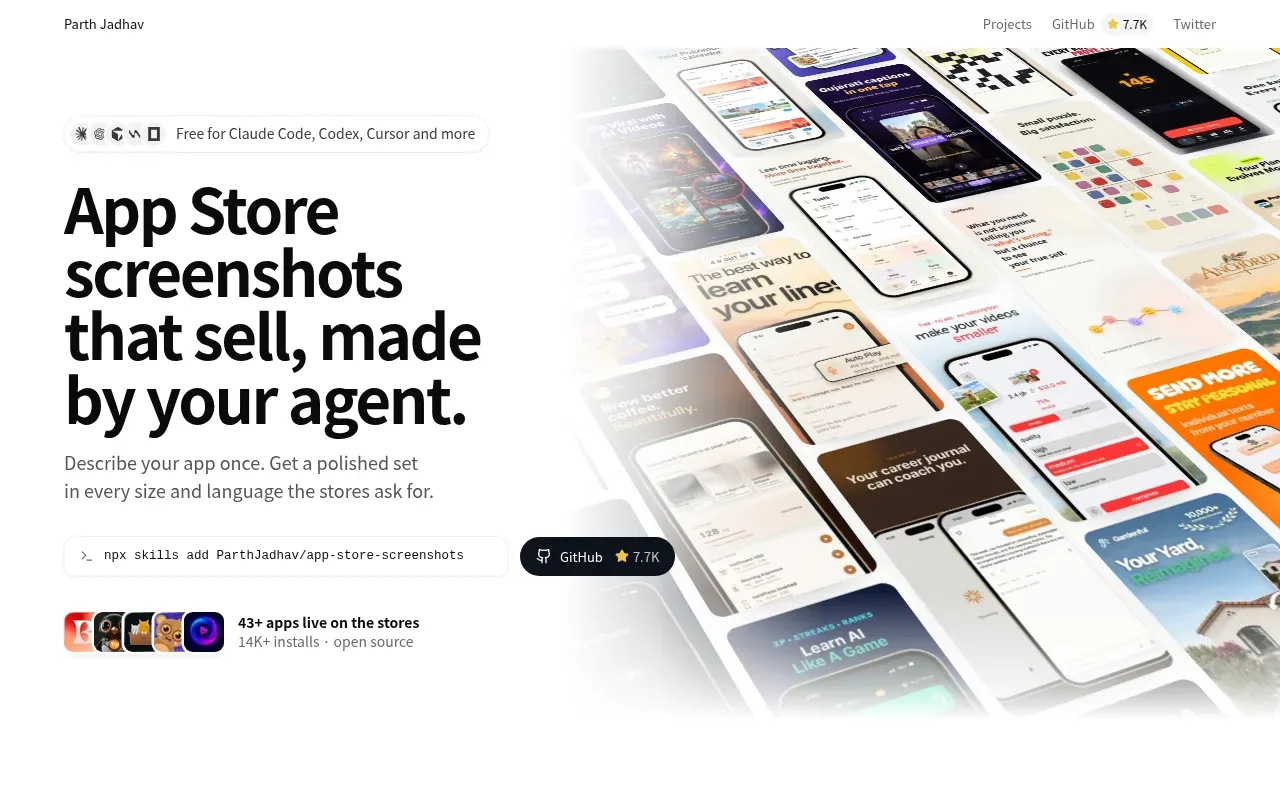
 Product hero with screenshot collage
App Store Screenshots · Hero
Product hero with screenshot collage
App Store Screenshots · Hero