 kage
kage
inflight.co
Design analysis
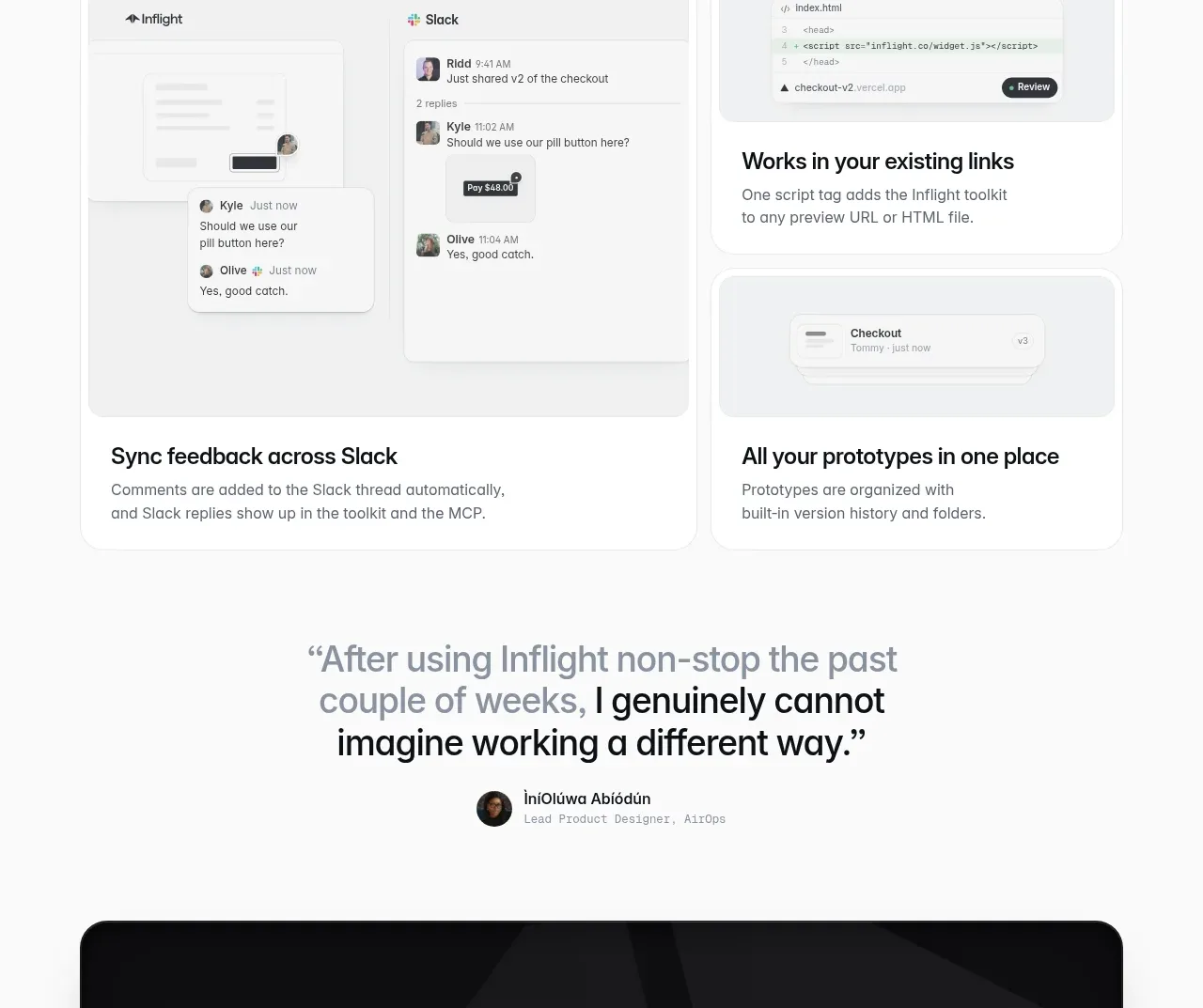
A light section presents a heading followed by one large integration card and two smaller supporting cards, showing how the product fits existing workflows.
Prompt preview
## Reference images

Study these alongside the description below: hierarchy, rhythm, spacing, colour. Build for the product you are asked about, using this design language.

- Component: https://kage-design-assets.t3.tigrisfiles.io/components/inflight/ac6190d7-6ca0-4ac1-9ff1-df4f4b5185a3-1792562739-7.webp
- Full page it was cut from: https://kage-design-assets.t3.tigrisfiles.io/screenshots/inflight/ac6190d7-6ca0-4ac1-9ff1-df4f4b5185a3-1792562711335-full.webp
- Component on Kage: https://kage.design/component/inflight-feature-grid-3

## Before you start
Ask what the user's product is and what its brand personality should be, then apply the principles below to that product.

Build a light integrations feature grid. Start with a bold left-aligned heading in a centered max-width container, then use an asymmetric card layout: one wide card paired with a vertical stack of two narrower cards. Each card should have a pale-gray product mockup area, a concise heading, and muted descriptive text. Use white surfaces, #e9ecef borders, 14–18px radii, soft shadows or very subtle elevation, and consistent internal padding. The grid should collapse to a single column on mobile while preserving the featured card first.

Never: use logos, product names, copy, illustrations, or imagery from the reference.
More components

 Connected apps workflow
Composio Instant · Feature grid
Connected apps workflow
Composio Instant · Feature grid
 Spending controls
Composio Instant · Feature grid
Spending controls
Composio Instant · Feature grid
 Three-part product workflow
Composio Instant · Feature grid
Three-part product workflow
Composio Instant · Feature grid
 Discover app directory
Composio Instant · Feature grid
Discover app directory
Composio Instant · Feature grid

 Capability overview and specification cards
Asimov 1 · Feature grid
Capability overview and specification cards
Asimov 1 · Feature grid
 Open hardware pathways
Asimov 1 · Feature grid
Open hardware pathways
Asimov 1 · Feature grid