 kage
kage
intellagents.io
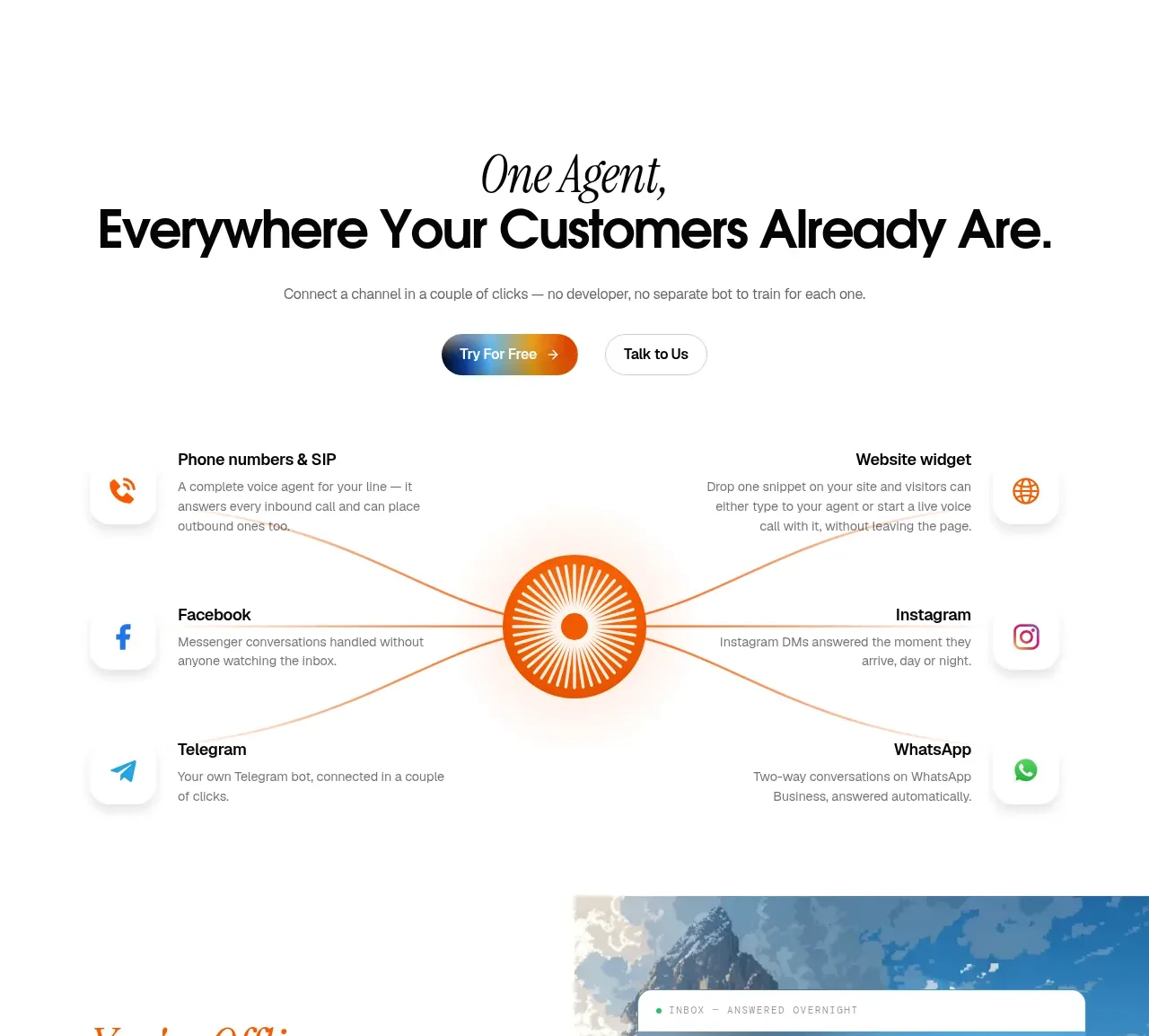
Design analysis
A centered hub-and-spoke composition presents supported communication channels around a single agent, with concise explanations arranged on both sides.
Prompt preview
## Reference images

Study these alongside the description below: hierarchy, rhythm, spacing, colour. Build for the product you are asked about, using this design language.

- Component: https://kage-design-assets.t3.tigrisfiles.io/components/intellagents-io/be3df101-c546-4853-b3d0-99c345832561-1790316247-6.webp
- Full page it was cut from: https://kage-design-assets.t3.tigrisfiles.io/screenshots/intellagents-io/be3df101-c546-4853-b3d0-99c345832561-1790316161493-full.webp
- Component on Kage: https://kage.design/component/intellagents-feature-grid-4

## Before you start
Ask which channels and integrations the user's product supports and which one is the central organizing concept. Build the composition around that product-specific hierarchy.

Design a hub-and-spoke integrations section. Place a circular central hub with a simple abstract symbol, then arrange 6–8 channel items around it in two balanced columns or a responsive radial layout. Each item gets a small icon tile, a concise label, and one short explanatory line. Connect items to the hub with thin curved lines, keeping the central hub visually dominant but not oversized. Include an introductory centered heading and two actions above the map if conversion is important.

Use #FFFFFF background, #111111 labels, #777777 body copy, pale gray icon tiles, and a restrained blue/orange gradient for the hub. Use 16–20px item gaps, 999px hub radius, and subtle shadows only on icon tiles. On mobile, switch to a two-column or stacked list with the hub as an intro element.

### Never
- Never copy logos, product names, copy, illustrations, or imagery from the reference.
- Never invent integrations the user's product does not support.
- Never allow connector lines to reduce text legibility.
More components
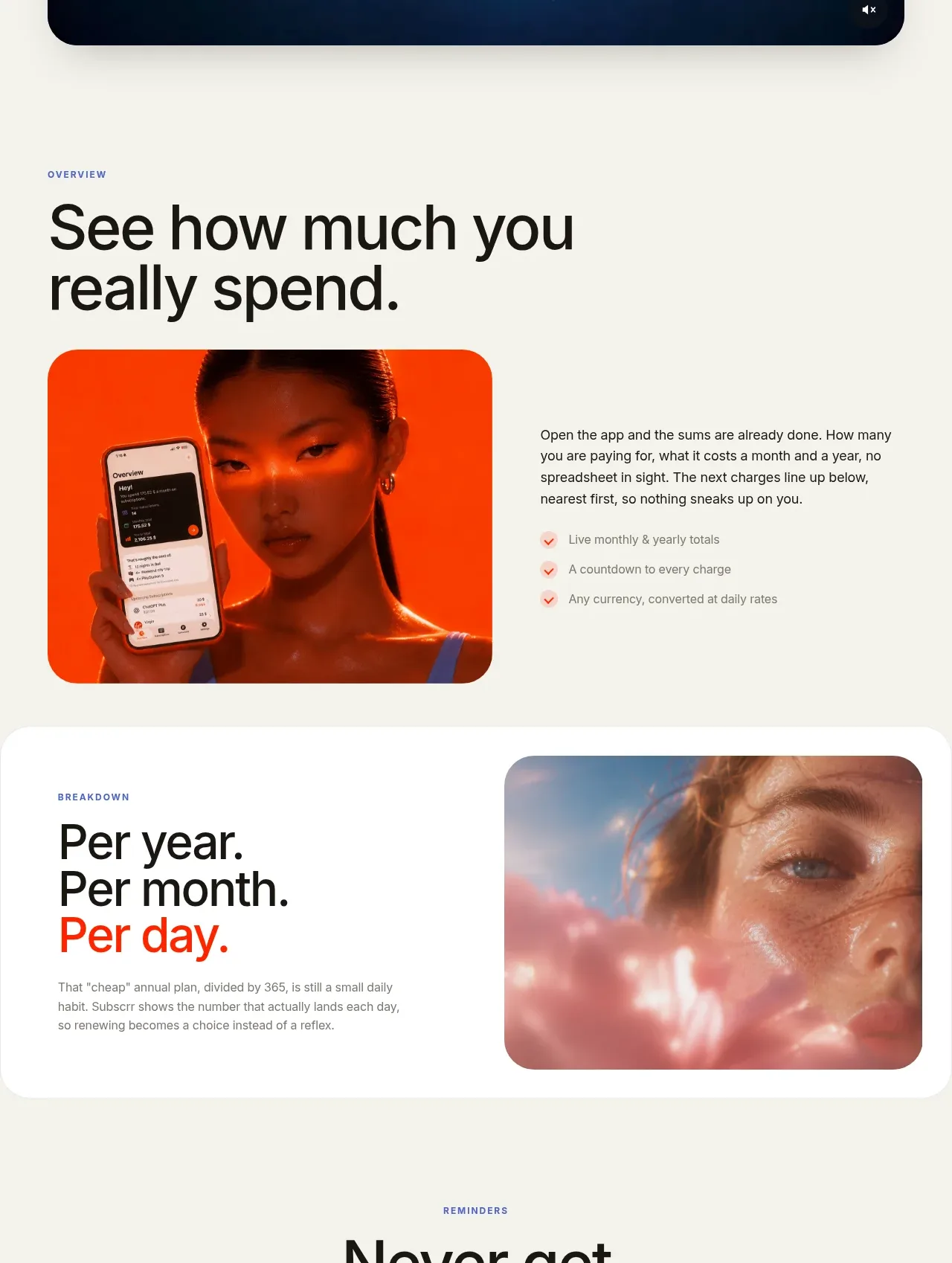
 Spend visibility and daily-cost breakdown
Subscrr · Feature grid
Spend visibility and daily-cost breakdown
Subscrr · Feature grid
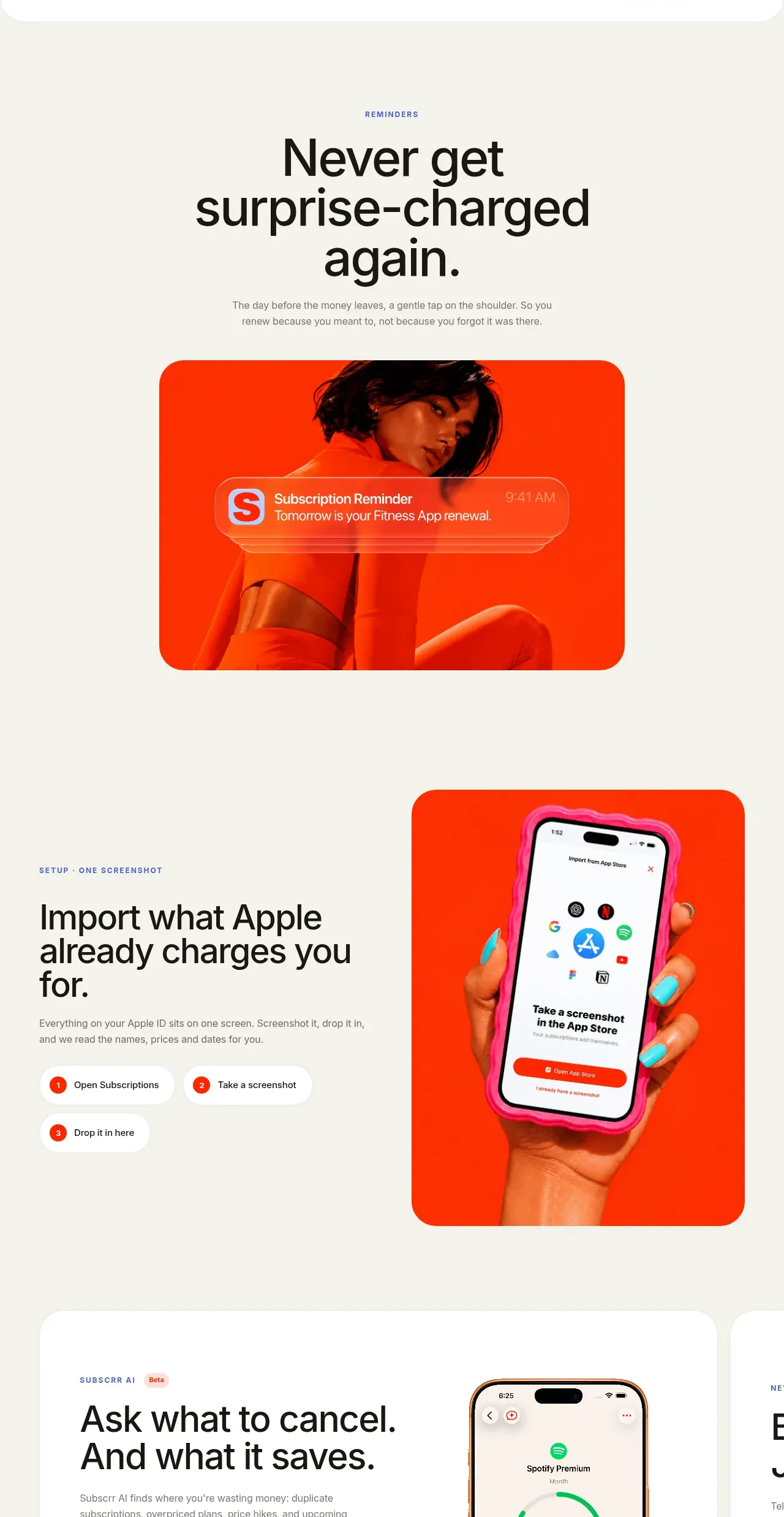 Reminders and simple setup flow
Subscrr · Feature grid
Reminders and simple setup flow
Subscrr · Feature grid
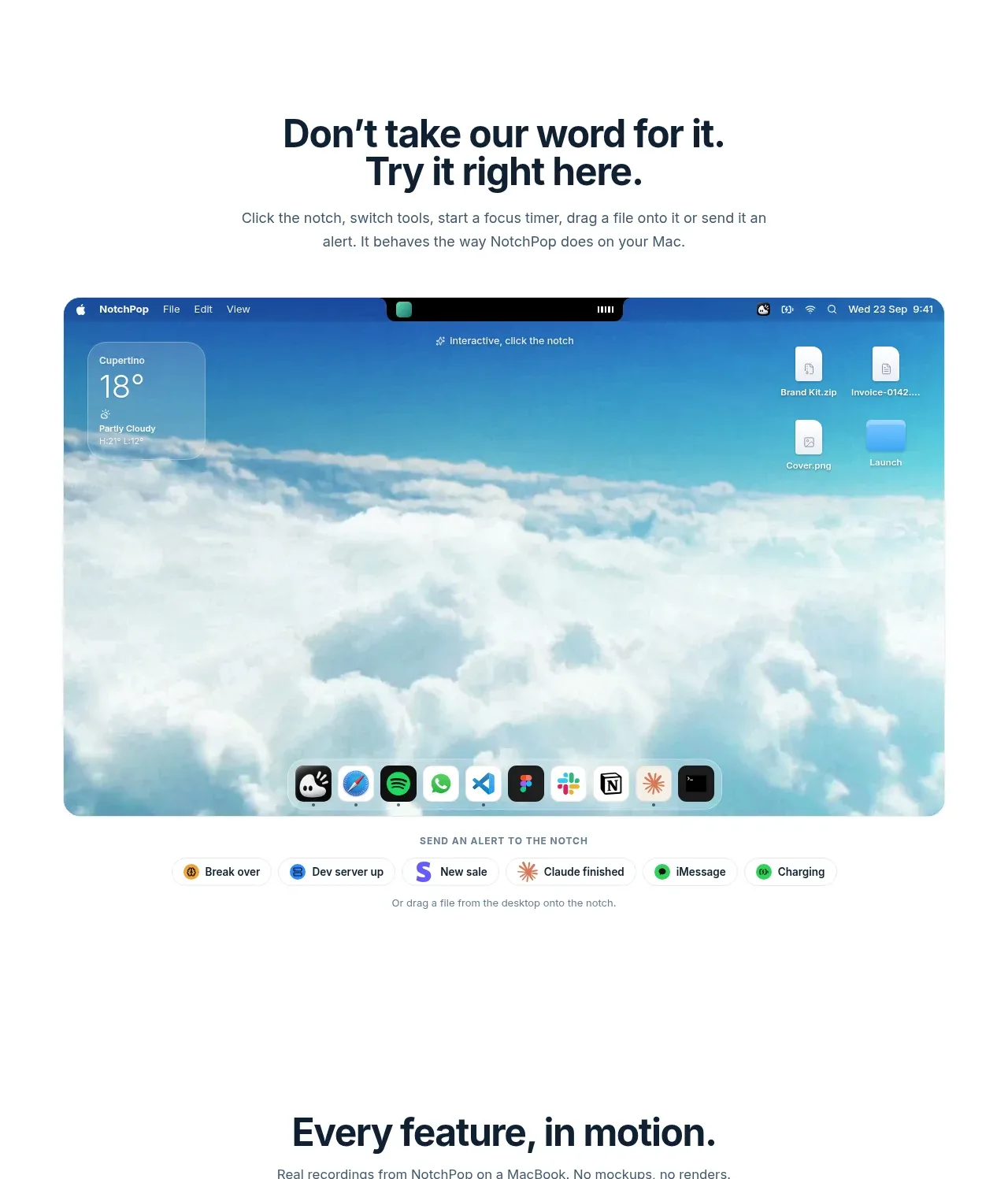
 Interactive product demonstration
NotchPop · Feature grid
Interactive product demonstration
NotchPop · Feature grid
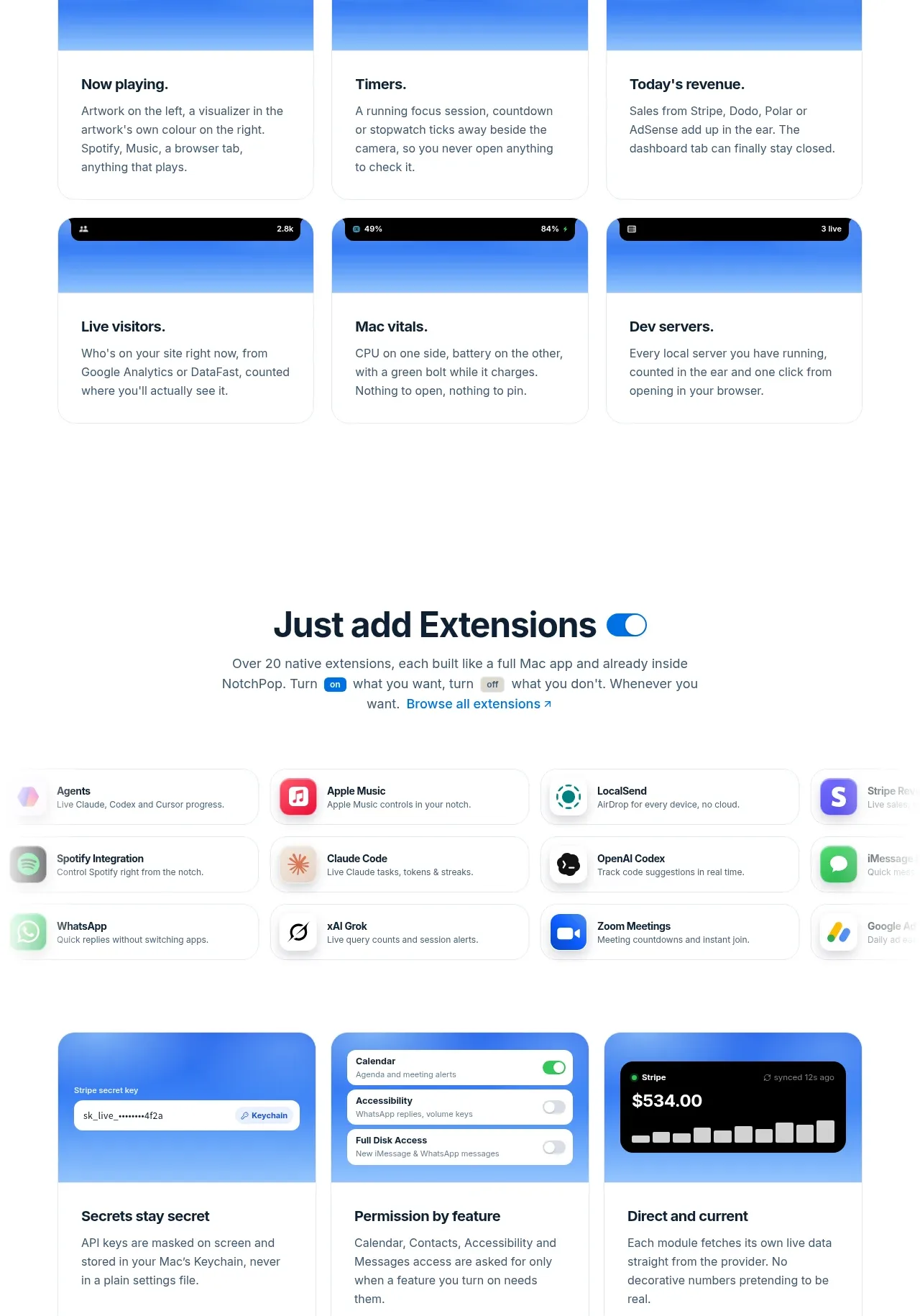 Quiet information cards
NotchPop · Feature grid
Quiet information cards
NotchPop · Feature grid
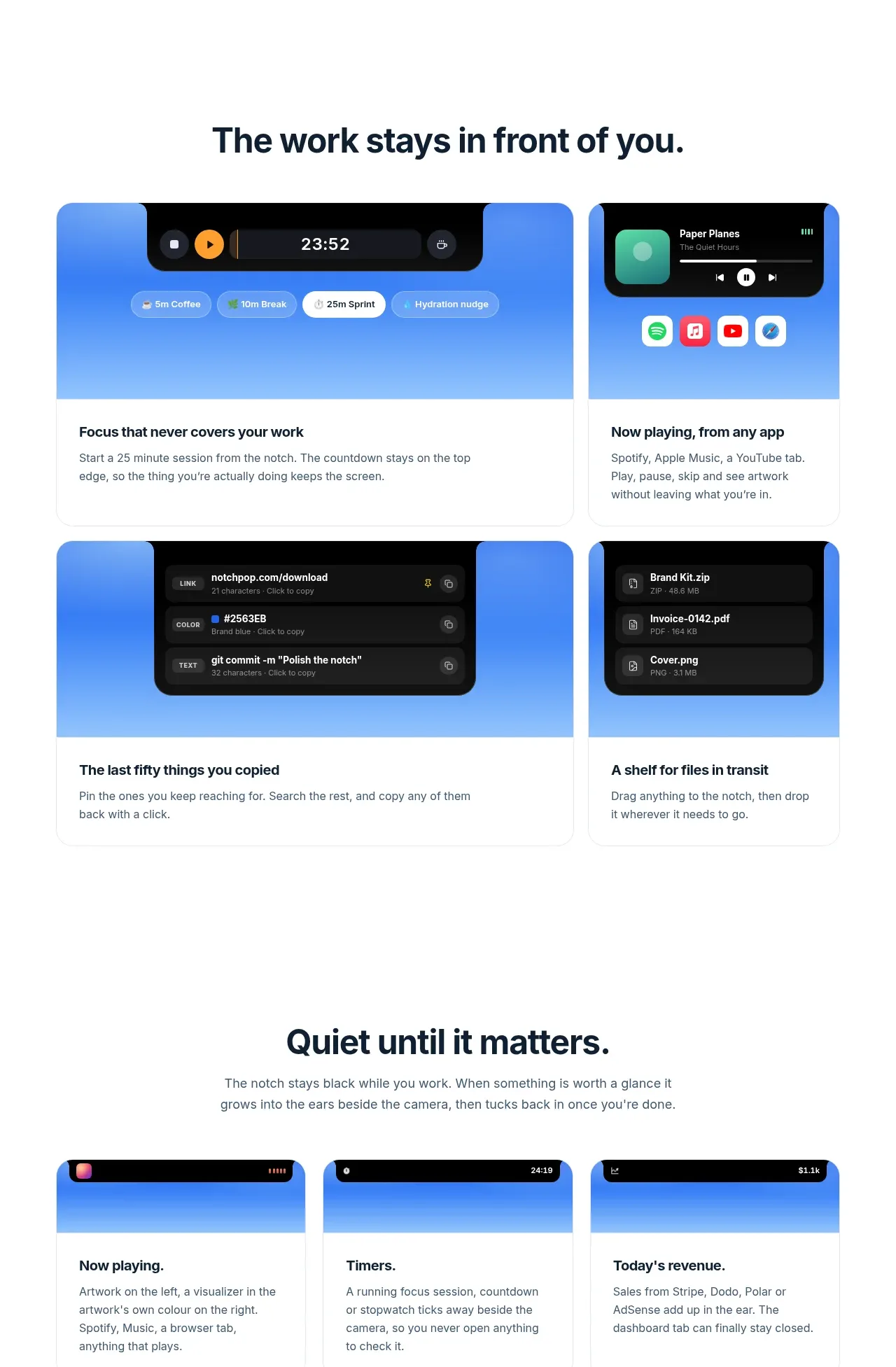 Focused feature cards
NotchPop · Feature grid
Focused feature cards
NotchPop · Feature grid
 Security and permissions cards
NotchPop · Feature grid
Security and permissions cards
NotchPop · Feature grid