 kage
kage
jurniti.com
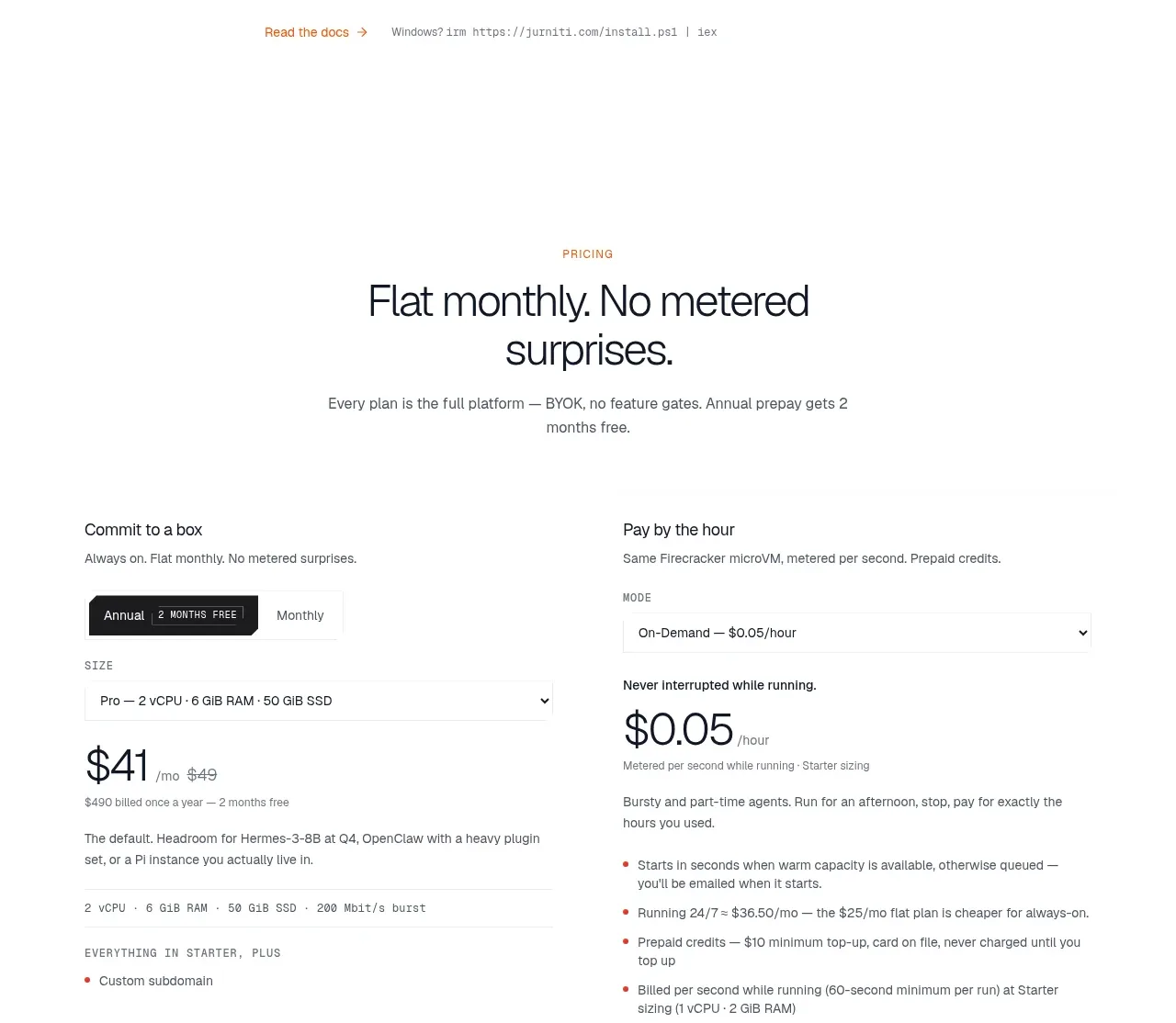
Design analysis
The installation section presents one primary install command followed by four numbered command rows. Dark, compact code bars and copy affordances make the sequence easy to execute.
Prompt preview
## Reference images

Study these alongside the description below: hierarchy, rhythm, spacing, colour. Build for the product you are asked about, using this design language.

- Component: https://kage-design-assets.t3.tigrisfiles.io/components/jurniti/cfab9c3f-60ef-4e80-9a31-cc939c39468c-1789538637-11.webp
- Full page it was cut from: https://kage-design-assets.t3.tigrisfiles.io/screenshots/jurniti/cfab9c3f-60ef-4e80-9a31-cc939c39468c-1789538542122-full.webp
- Component on Kage: https://kage.design/component/jurniti-code-block-2

## Before you start
Ask what the user's product installation process is and what brand, package manager, and commands apply. Build a product-specific installation section rather than reusing this content.

### Design language
- Center a small eyebrow, a 36–48px headline, and one-sentence explanation above the command list.
- Use a single wide dark command bar for the primary install command, then stack four shorter numbered bars with 12–16px gaps.
- Use #1e1e1f backgrounds, #f4f0e8 monospace text, 8px radius, and a small warm copy icon area on the right. Keep bars around 42–52px high.
- Add a compact documentation link row beneath the commands, with an arrow and muted secondary link.
- Ensure every command has a copy button, keyboard focus state, and a transient copied confirmation; make the list scroll safely on small screens.

### Never
- Never use logos, product names, copy, illustrations, or imagery from the reference.
More components
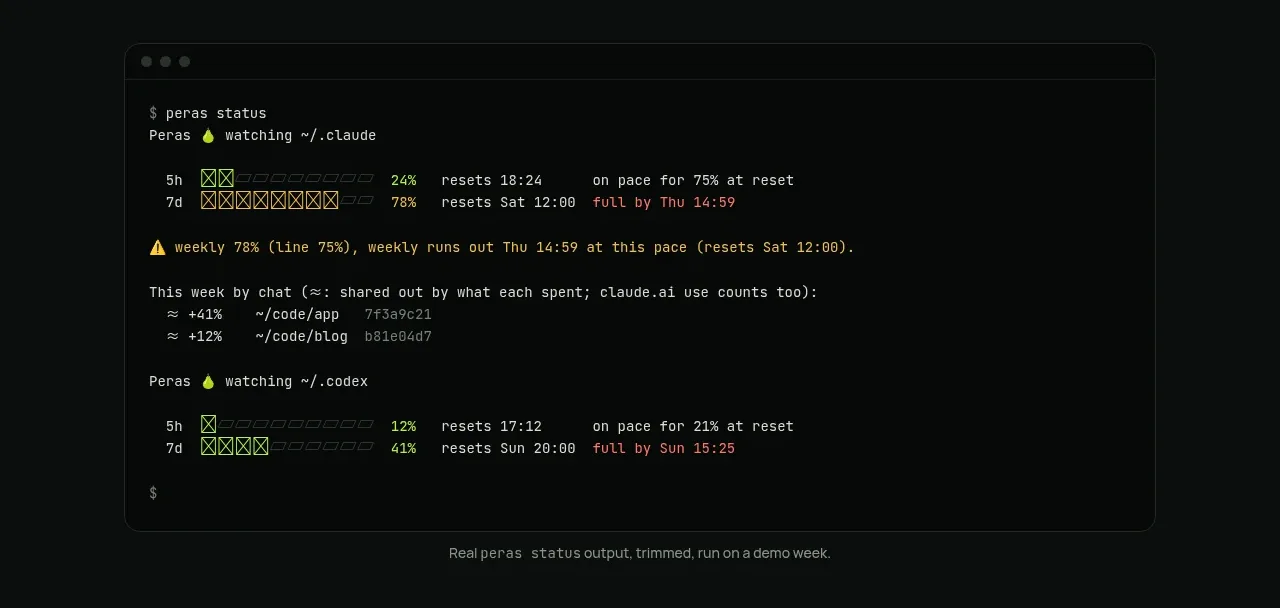
 Terminal status proof
Peras · Code block
Terminal status proof
Peras · Code block
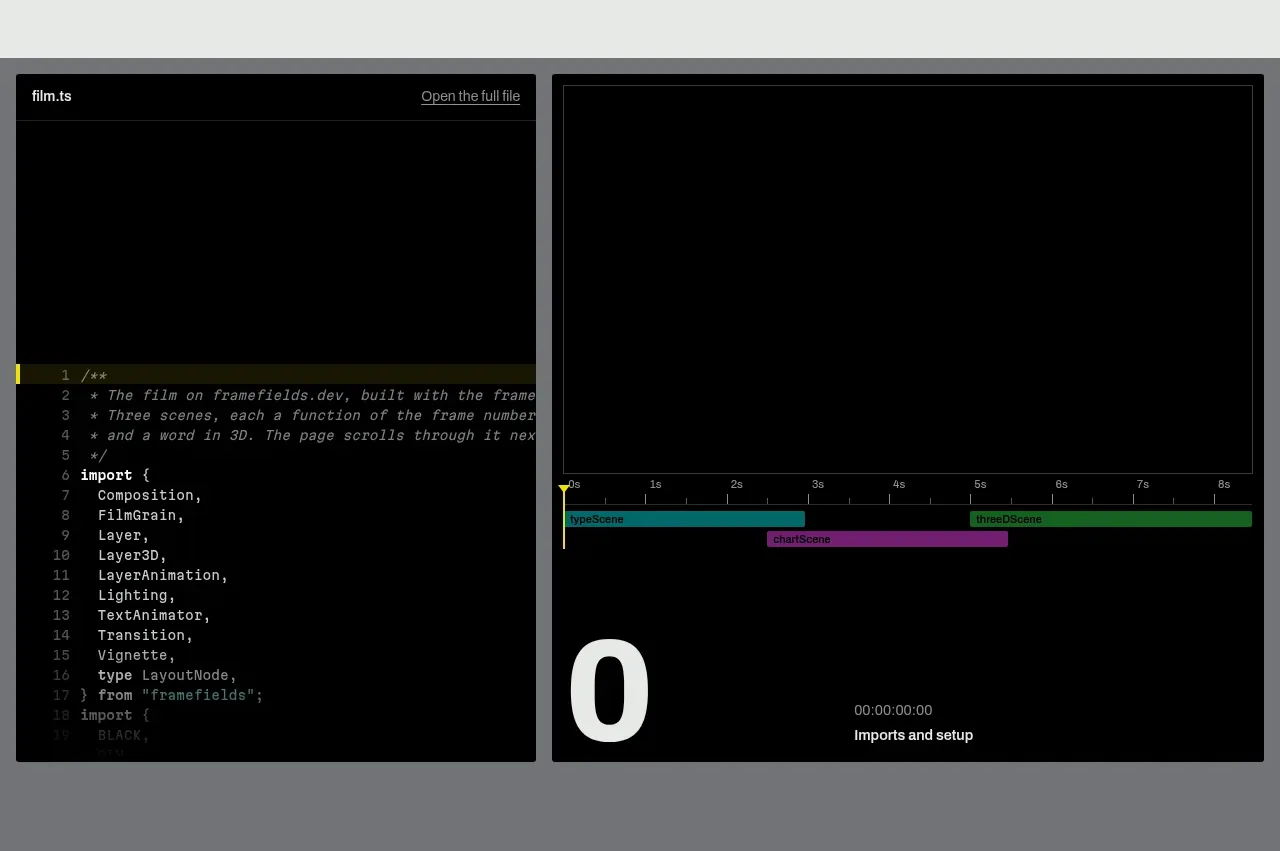
 Live render and code preview
Framefields · Code block
Live render and code preview
Framefields · Code block
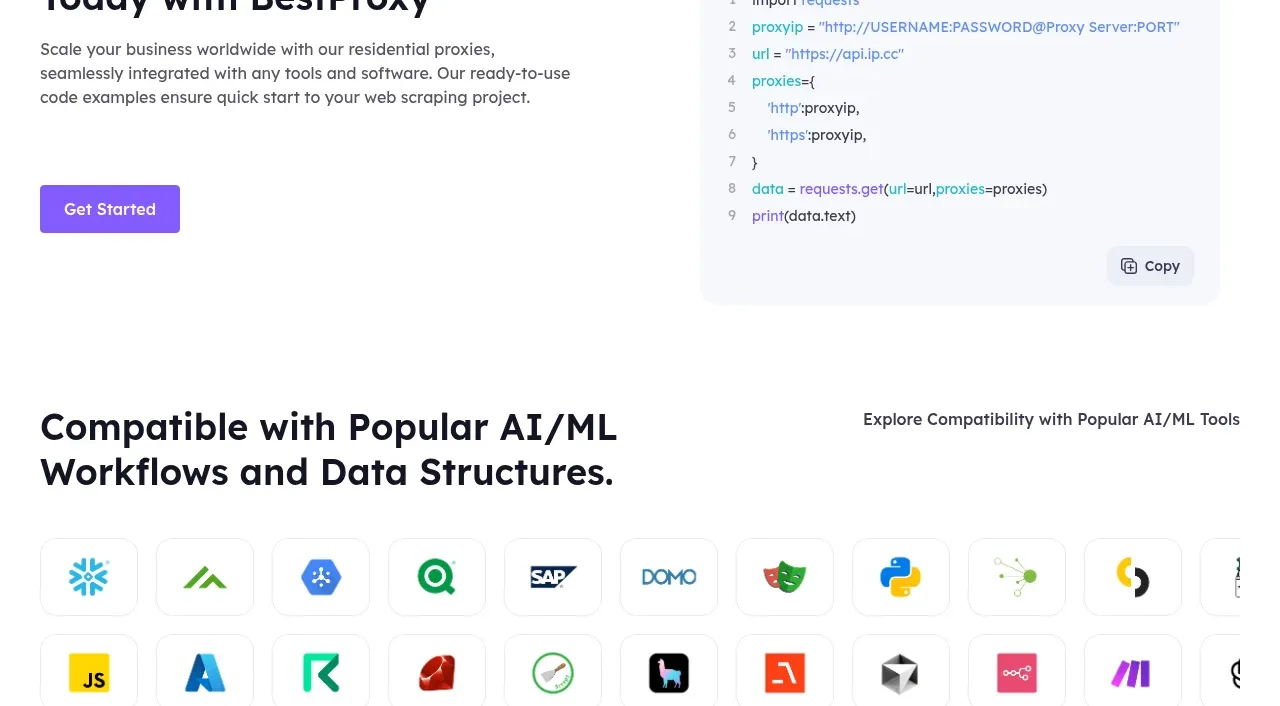
 Developer integration
bestproxy.com · Code block
Developer integration
bestproxy.com · Code block
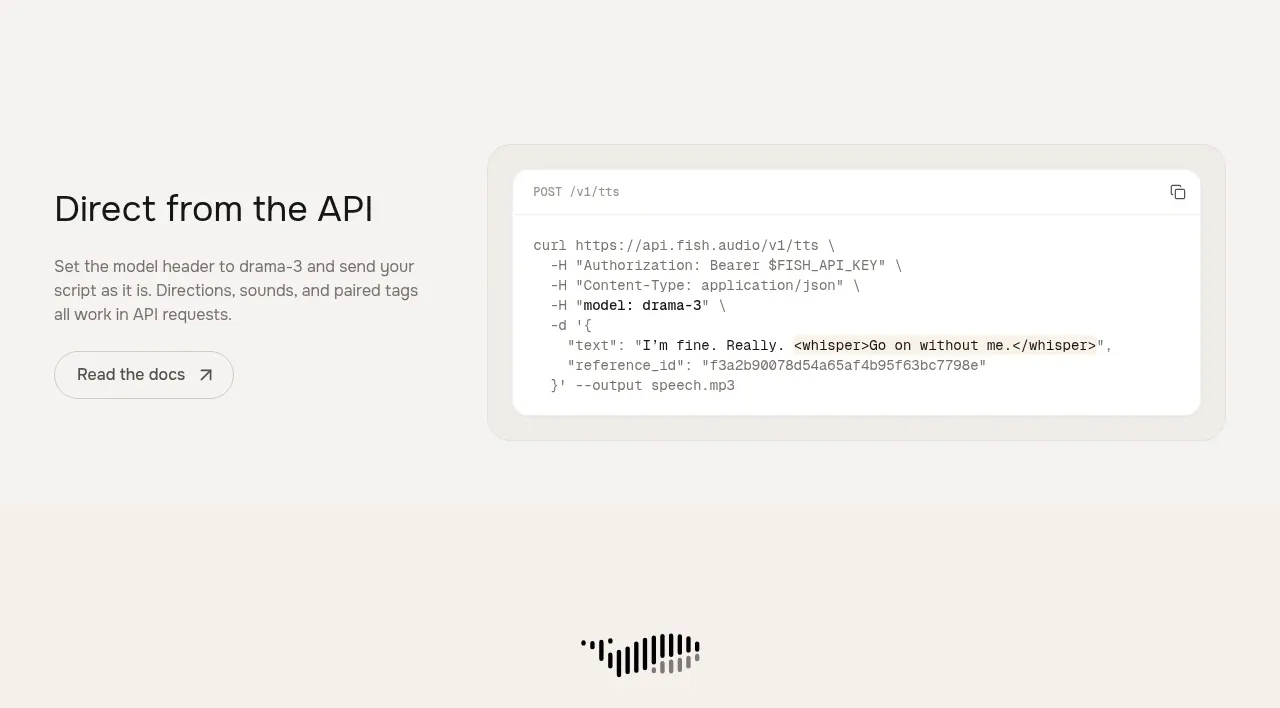
 API integration example
Fish Audio Drama 3 · Code block
API integration example
Fish Audio Drama 3 · Code block
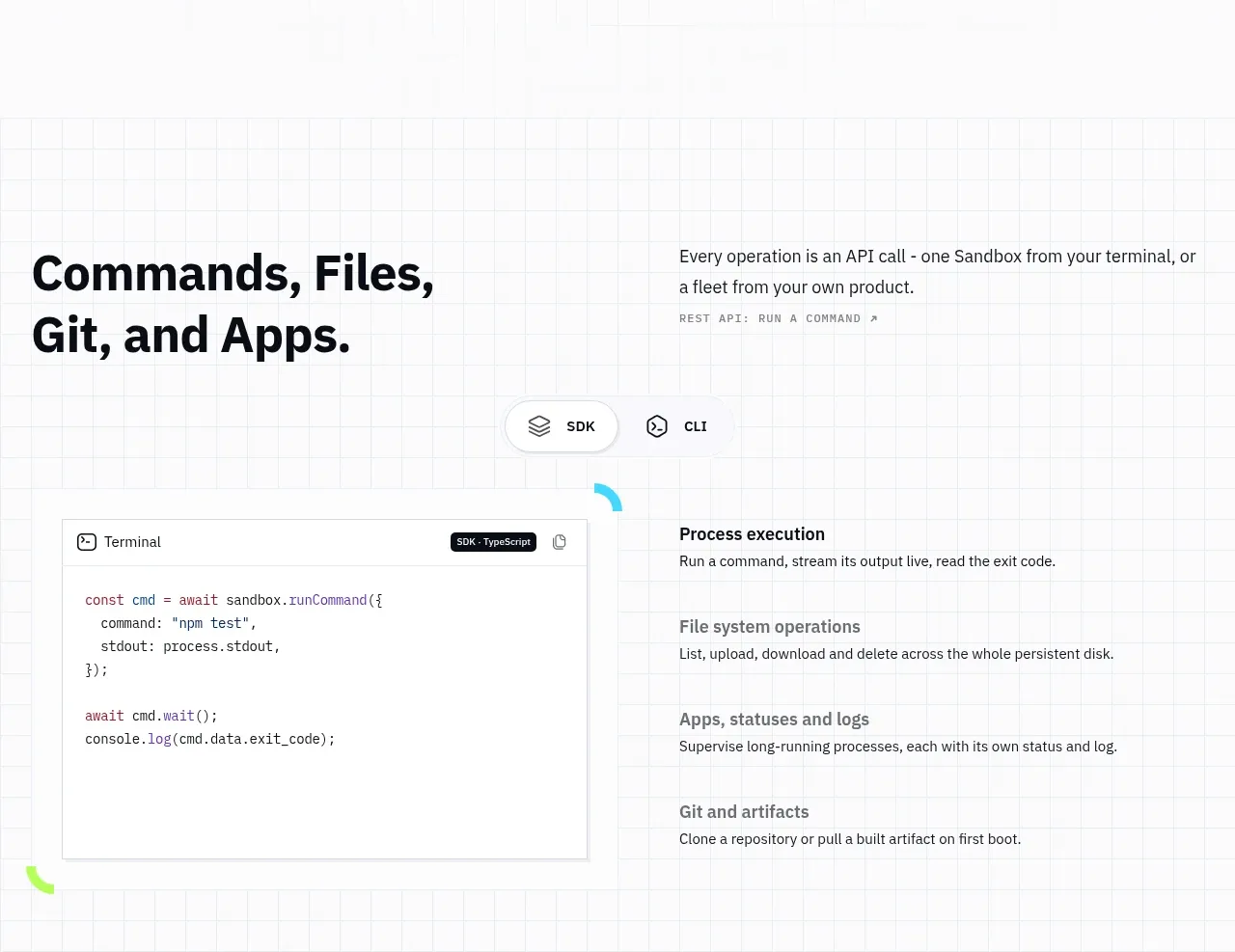
 Commands and API surface
AI Sandboxes by Buddy · Code block
Commands and API surface
AI Sandboxes by Buddy · Code block
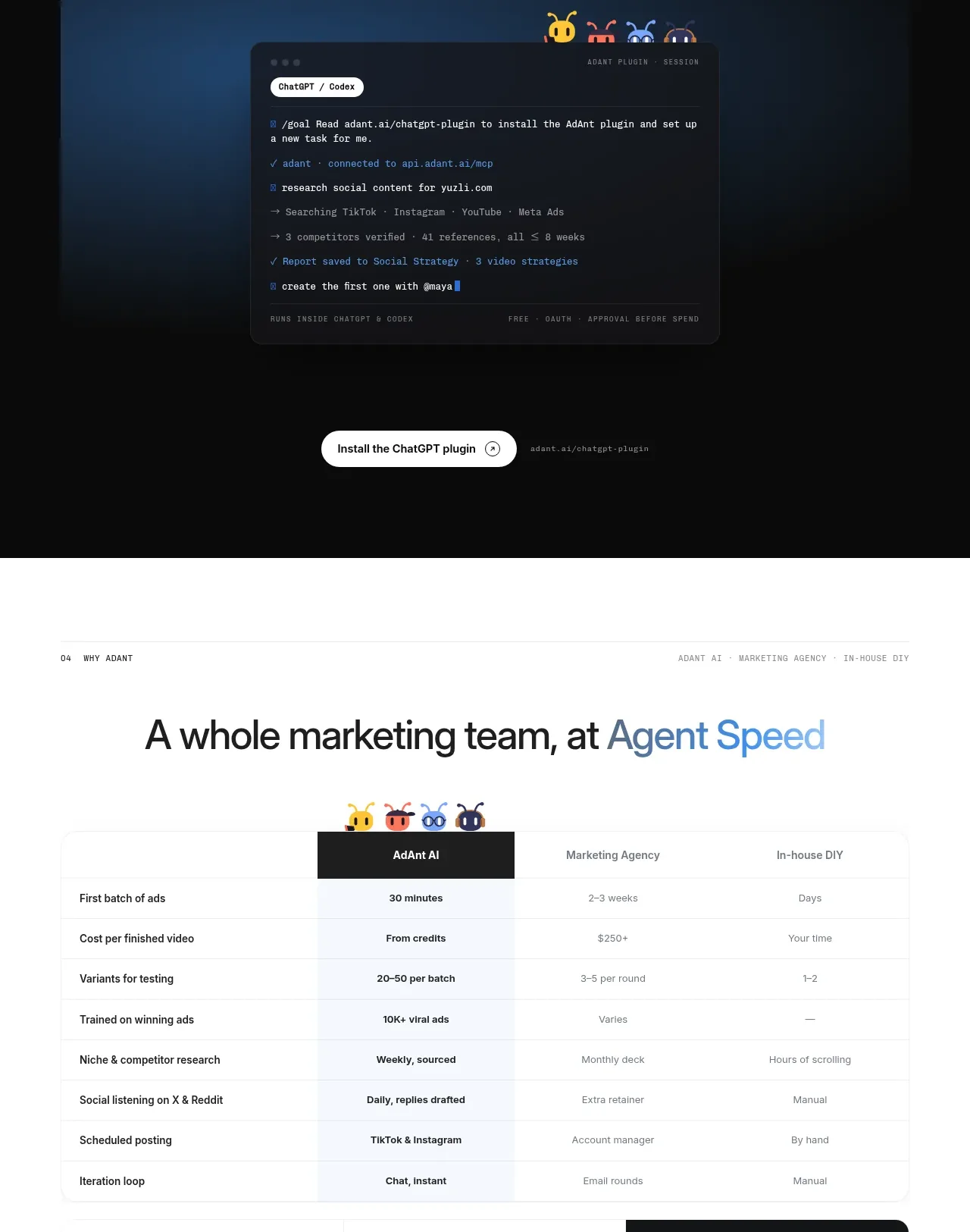
 Chat workspace plugin showcase
AdAnt 2.0 · Code block
Chat workspace plugin showcase
AdAnt 2.0 · Code block