 kage
kage
trykeet.com
Design analysis
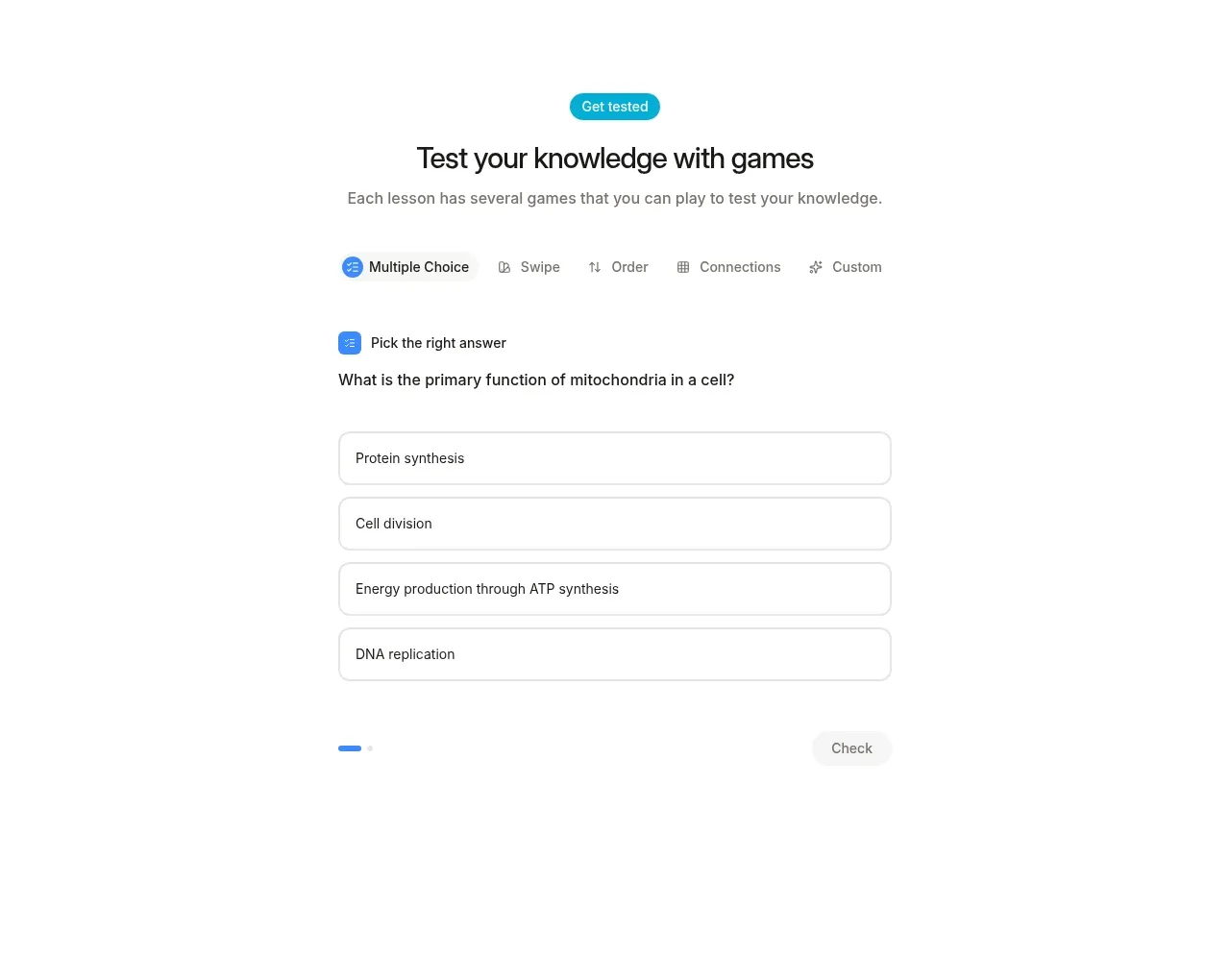
The next feature demonstrates interactivity with a compact tab-like game selector and a centered multiple-choice question card. The pale controls and blue accents make the exercise feel approachable rather than evaluative.
Prompt preview
## Reference images

Study these alongside the description below: hierarchy, rhythm, spacing, colour. Build for the product you are asked about, using this design language.

- Component: https://kage-design-assets.t3.tigrisfiles.io/components/keet/3f4c1a62-9831-48e4-b5b3-36349228cf18-1790229827-4.webp
- Full page it was cut from: https://kage-design-assets.t3.tigrisfiles.io/screenshots/keet/3f4c1a62-9831-48e4-b5b3-36349228cf18-1790229767831-full.webp
- Component on Kage: https://kage.design/component/keet-feature-grid-2

## Before you start
Ask what interactive action users take in the product and what success should feel like. Ask about the brand's interaction colors, then implement a product-specific version of this pattern.

Build a centered interactive learning or task feature. Start with a small blue category badge, a strong heading, and concise supporting copy. Below it, add a horizontal mode selector with 4–6 options; make the active option visually clear using a blue circular or pill icon, while inactive options stay gray. Use a narrow content column around 400–430px for the exercise itself.

Design the exercise as a clean form-like card without a heavy container: a small prompt label, a question or task in 14–16px text, and four stacked answer rows. Give each row a white or #fbfbfb fill, #dedede 1px border, 10–12px radius, 14–16px vertical padding, and a clear hover/focus/selected state. Add a low-emphasis progress indicator and a disabled-looking or secondary action until an answer is chosen. Use #2d83df for active progress and controls, #f5f5f5 for inactive surfaces, and #222222 for text. Make all controls keyboard accessible and show feedback without causing layout jumps.

### Never
- Never use logos, product names, copy, illustrations, or imagery from the reference.
- Never reuse the exact question, answer choices, or game names.
- Never make correctness feedback ambiguous or inaccessible.
More components
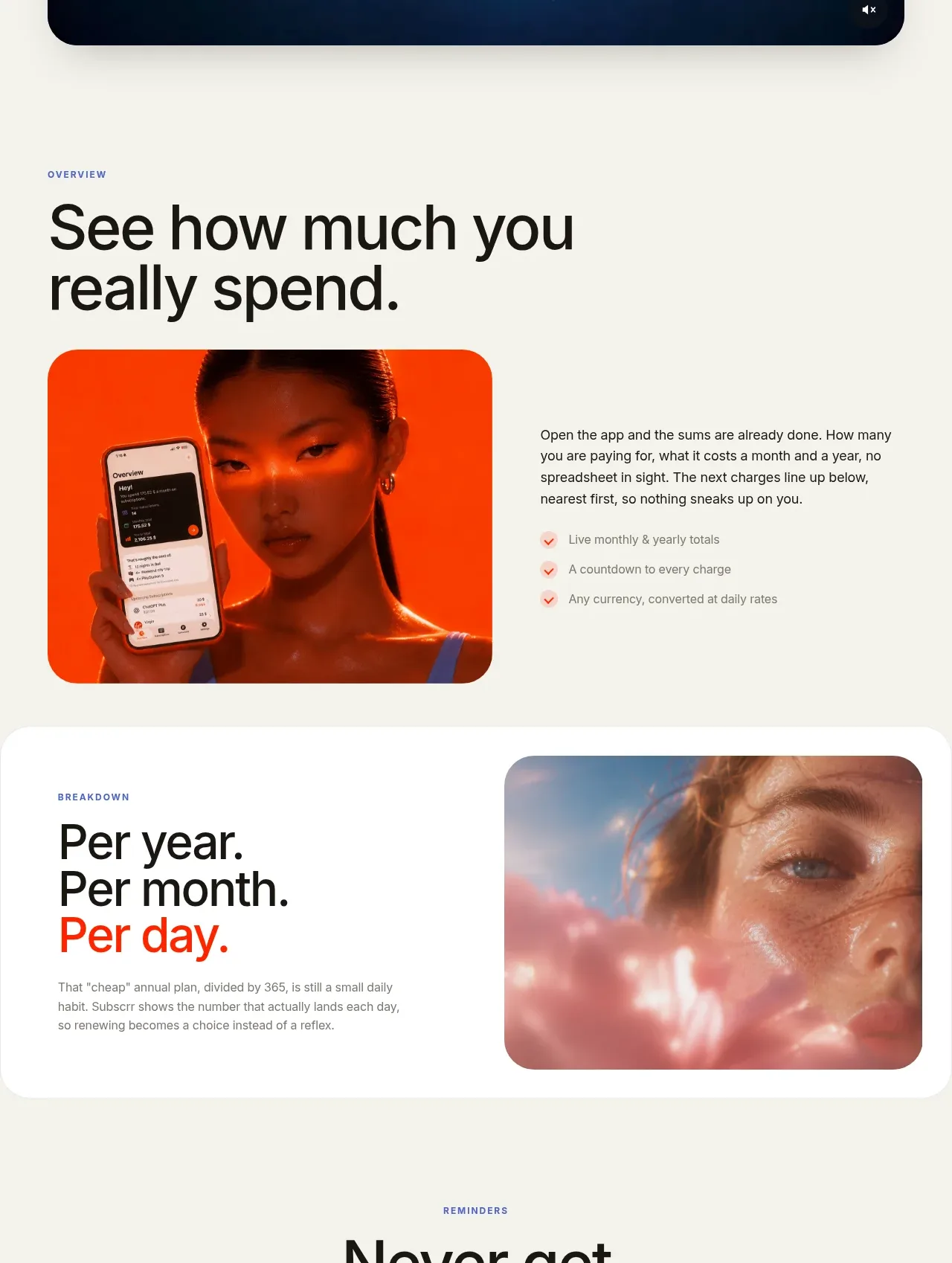
 Spend visibility and daily-cost breakdown
Subscrr · Feature grid
Spend visibility and daily-cost breakdown
Subscrr · Feature grid
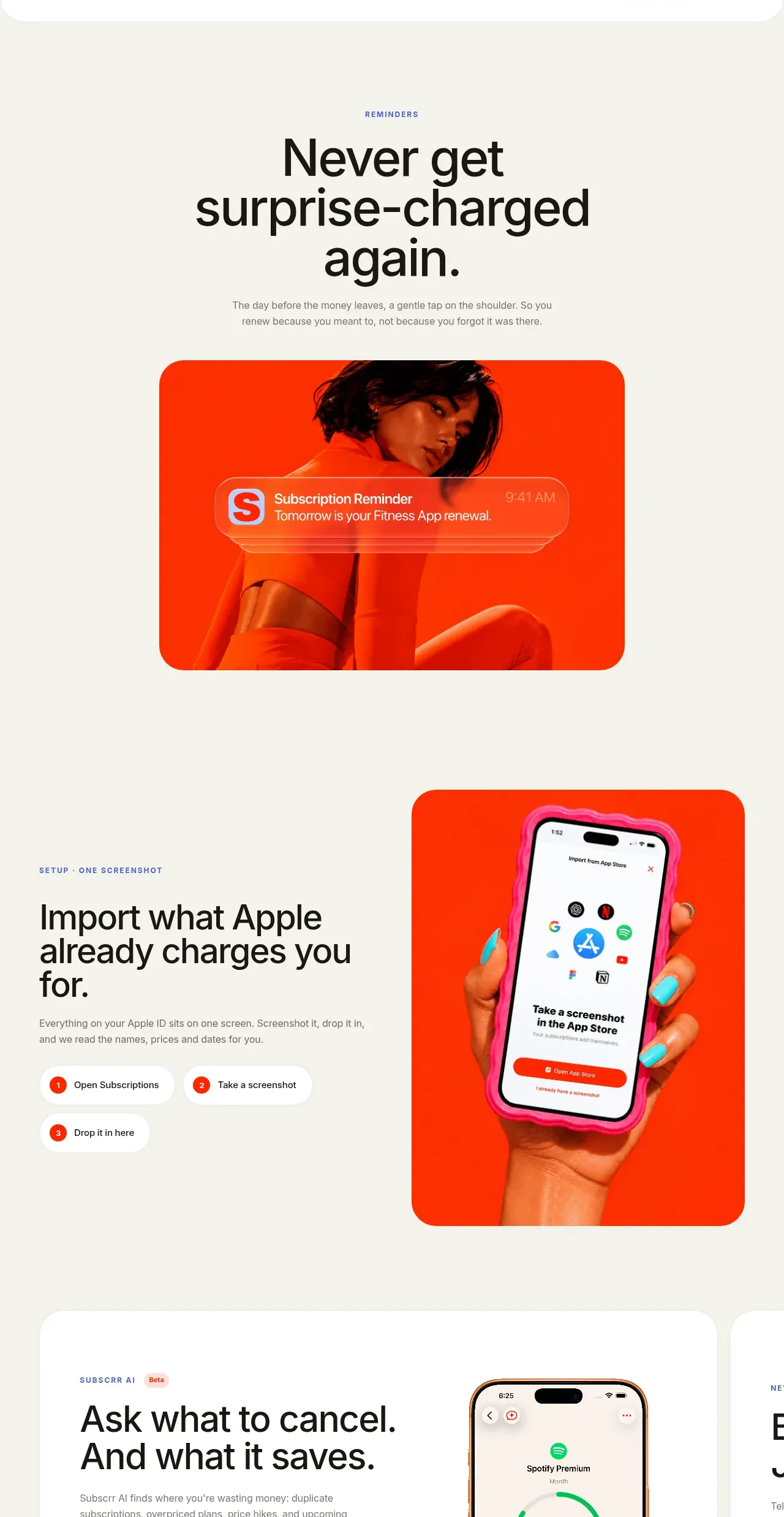 Reminders and simple setup flow
Subscrr · Feature grid
Reminders and simple setup flow
Subscrr · Feature grid

 Security and permissions cards
NotchPop · Feature grid
Security and permissions cards
NotchPop · Feature grid
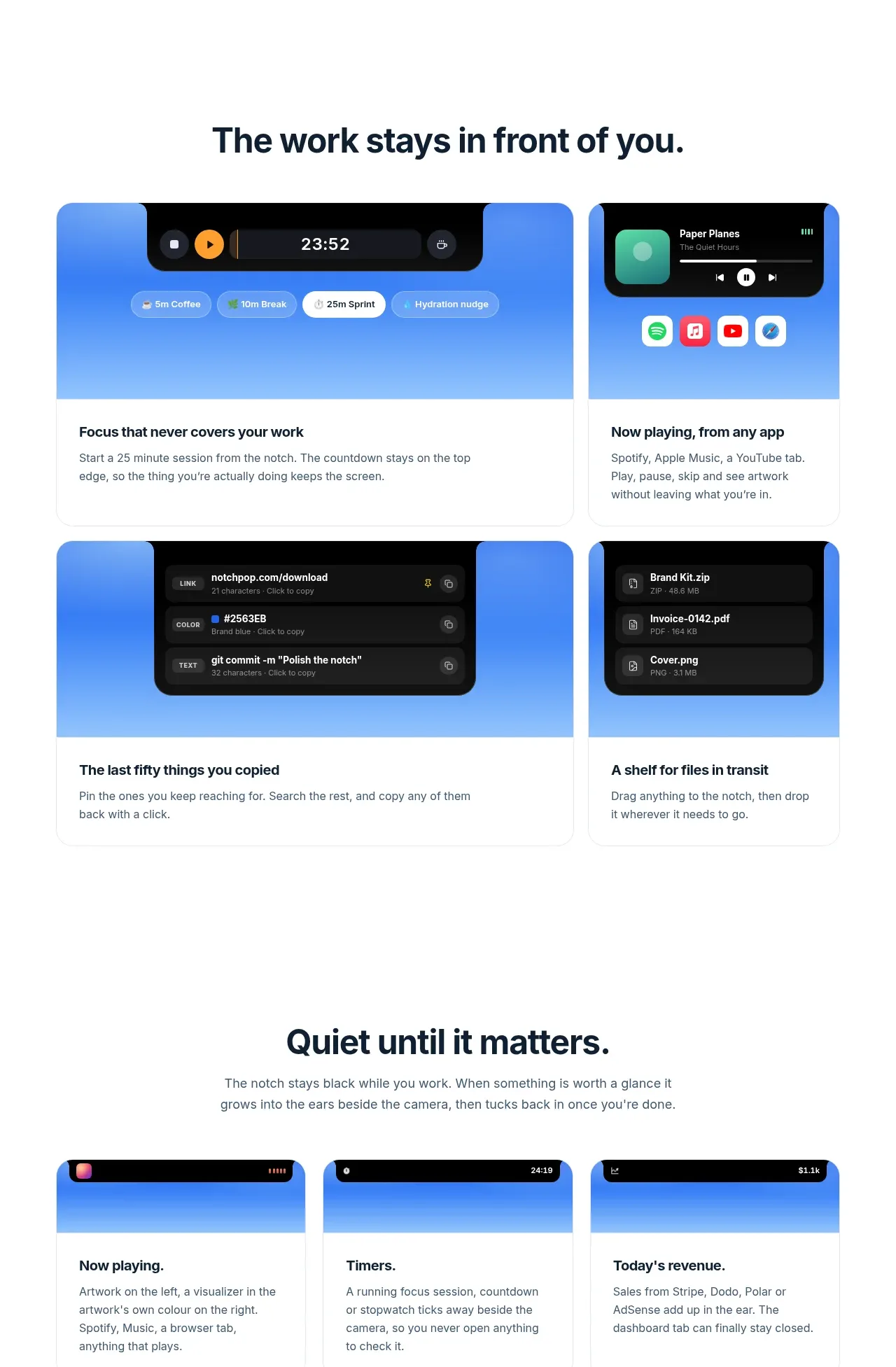 Focused feature cards
NotchPop · Feature grid
Focused feature cards
NotchPop · Feature grid
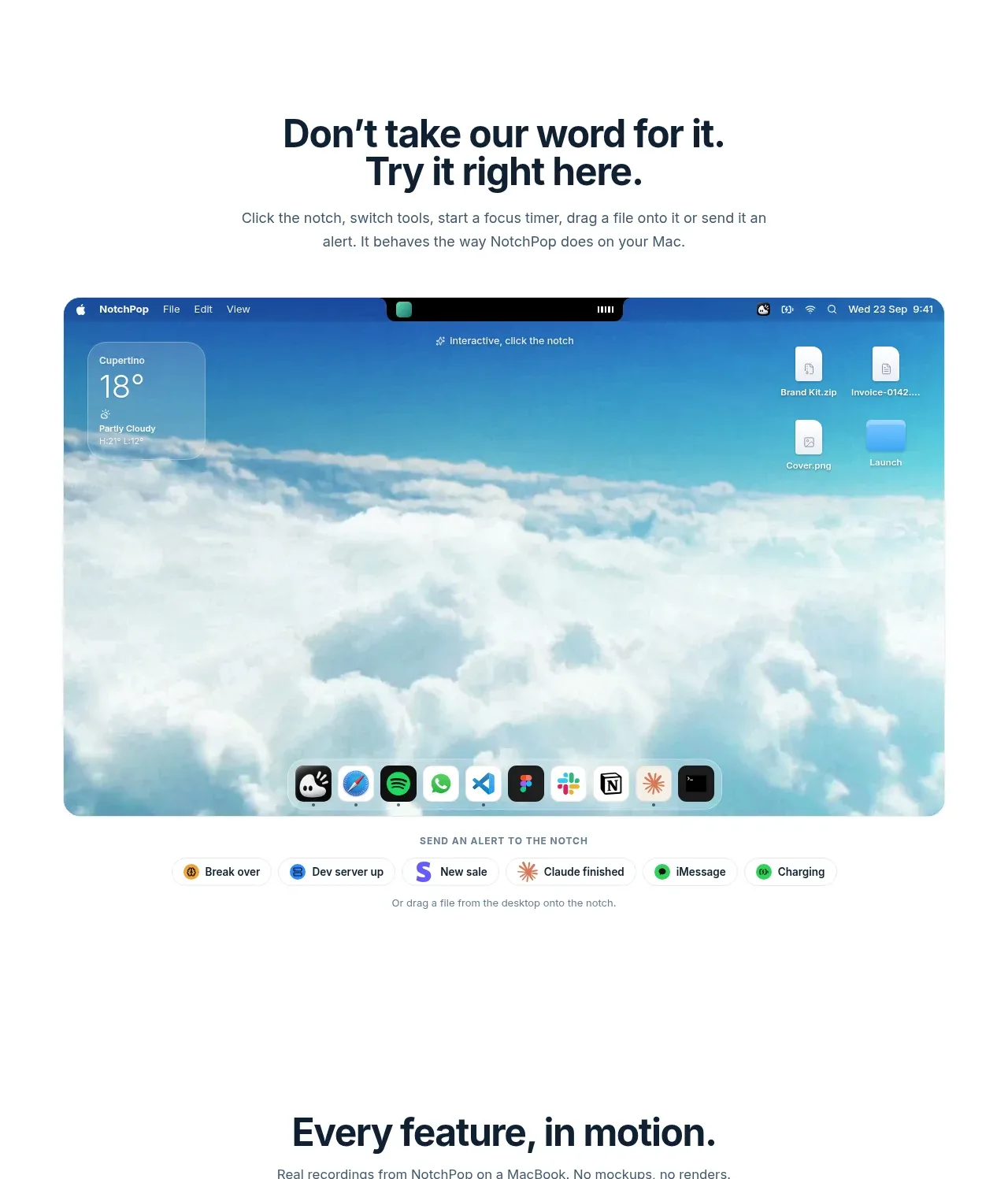 Interactive product demonstration
NotchPop · Feature grid
Interactive product demonstration
NotchPop · Feature grid
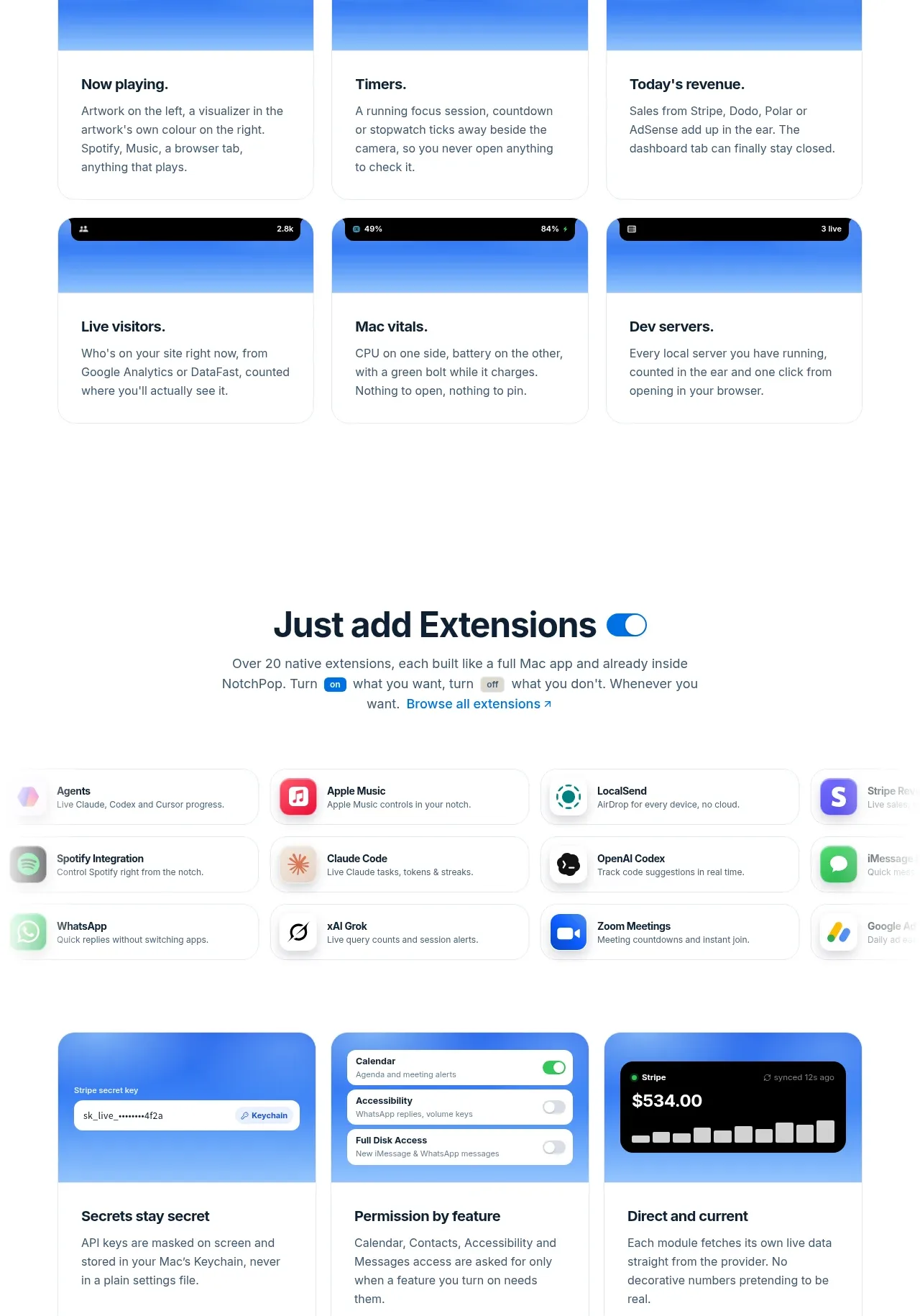 Quiet information cards
NotchPop · Feature grid
Quiet information cards
NotchPop · Feature grid