 kage
kage
koiscribe.com
Design analysis
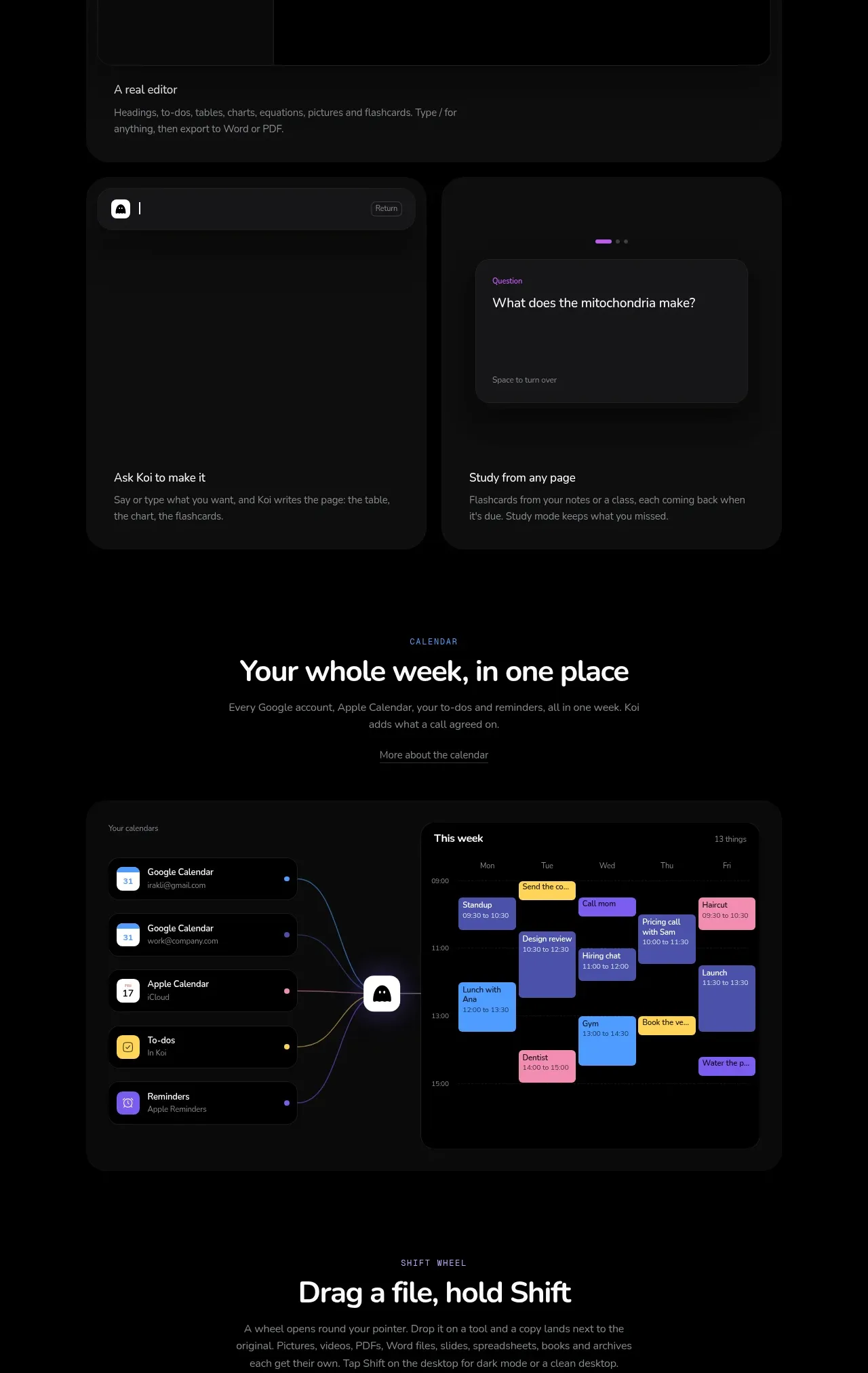
A documentation-focused section pairs a centered promise with a large editor-and-chart mockup and two supporting feature cards underneath.
Prompt preview
## Reference images

Study these alongside the description below: hierarchy, rhythm, spacing, colour. Build for the product you are asked about, using this design language.

- Component: https://kage-design-assets.t3.tigrisfiles.io/components/koi/1f2fb87d-9243-4e92-a42a-66c20077da12-1792649019-5.webp
- Full page it was cut from: https://kage-design-assets.t3.tigrisfiles.io/screenshots/koi/1f2fb87d-9243-4e92-a42a-66c20077da12-1792648920300-full.webp
- Component on Kage: https://kage.design/component/koi-feature-grid-4

## Before you start
Ask what kinds of documents, records, or knowledge the user's product organizes. Use the principles below to create a new visual language for that product.

Create a dark product feature section with a centered eyebrow and headline, followed by a wide rounded application mockup. The mockup should show a realistic information hierarchy: a narrow navigation rail, a main document surface, a chart or structured result, and a short contextual explanation. Use near-black panels, 1px low-contrast borders, 12–18px radii, and one restrained accent colour for data. Beneath the main mockup, place two equal-width cards with simple UI fragments and short labels, keeping the cards visually subordinate. Use 24–32px gaps and generous outer padding. Provide hover elevation or a subtle border-brightening state for cards, with a non-animated fallback.

Never: copy logos, product names, copy, illustrations, or imagery from the reference.
More components

 Data-room education and security overview
Papermark Data Rooms · Feature grid
Data-room education and security overview
Papermark Data Rooms · Feature grid
 Advanced data-room features
Papermark Data Rooms · Feature grid
Advanced data-room features
Papermark Data Rooms · Feature grid
 Workflow demonstrations
Papermark Data Rooms · Feature grid
Workflow demonstrations
Papermark Data Rooms · Feature grid

 Lanyard use-case feature
Badgey · Feature grid
Lanyard use-case feature
Badgey · Feature grid

 Problem statement
Clips by Plastic · Feature grid
Problem statement
Clips by Plastic · Feature grid
 Effects and customization panel
Clips by Plastic · Feature grid
Effects and customization panel
Clips by Plastic · Feature grid