kage
kage
koiscribe.com

Design analysis
The design relies on a deep dark background contrasted with vibrant, saturated accent colors (blues, purples) to highlight features. The layout is highly modular, using large, centered visual blocks to demonstrate the app's capabilities. Hierarchy is achieved through massive typography in the header, followed by structured, vertically scrolling modules that pair large UI mockups with concise copy blocks, maintaining a dense yet clean visual rhythm.
Prompt preview
## Reference images

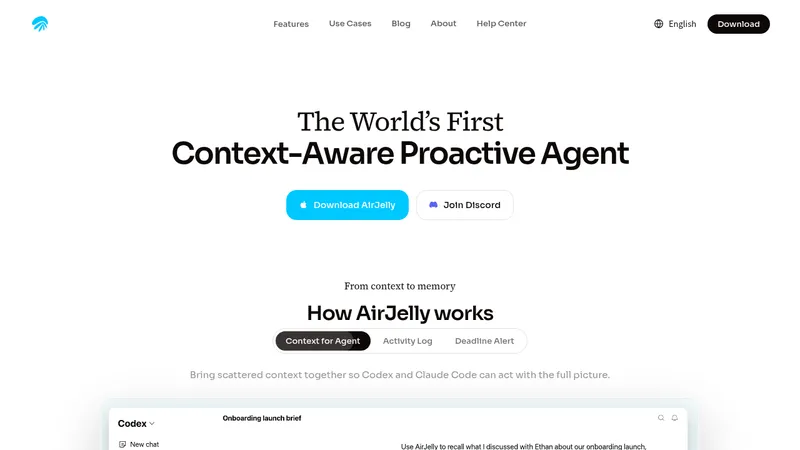
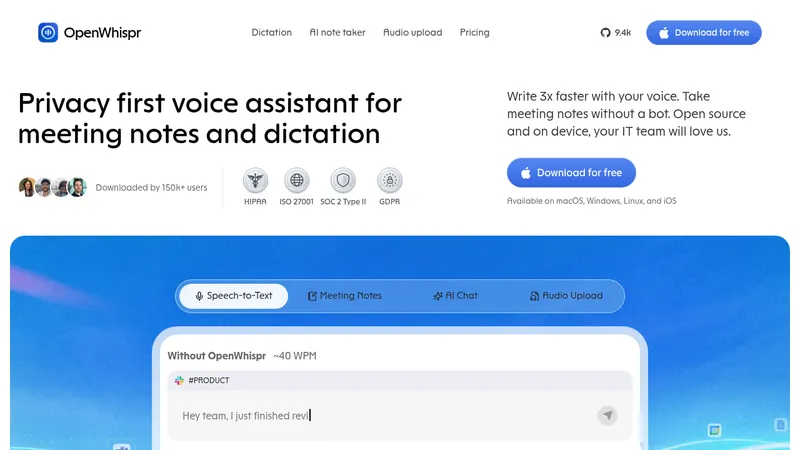
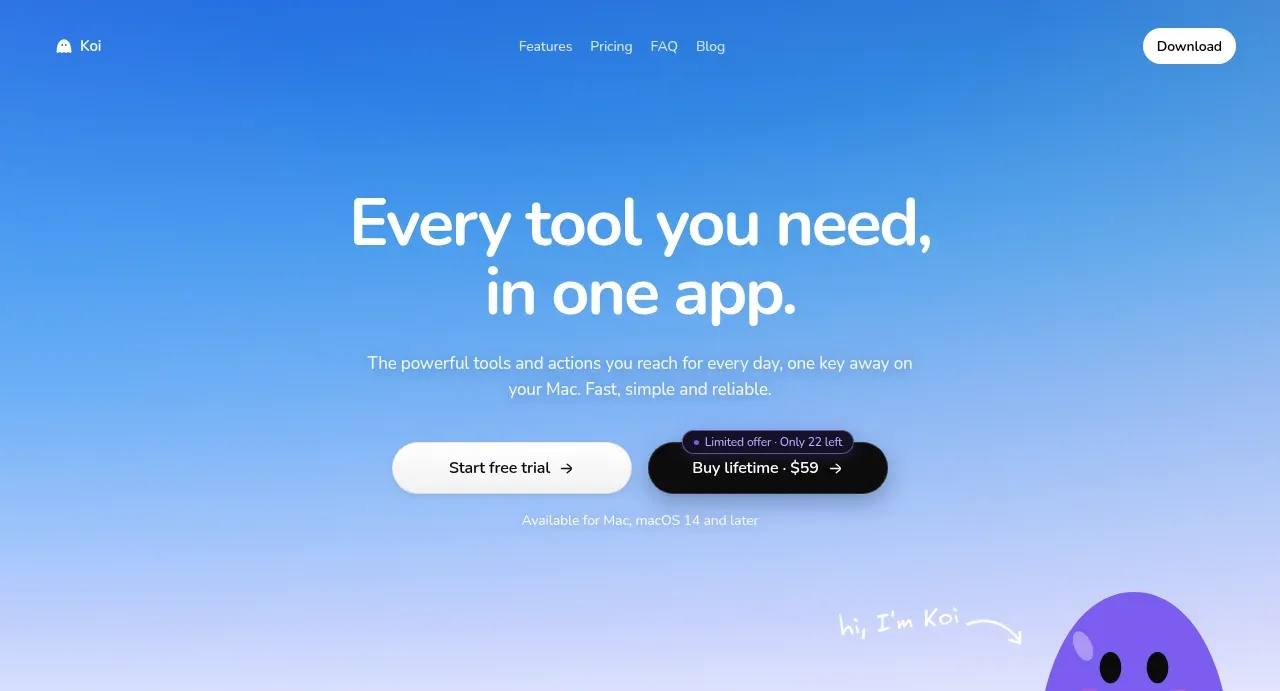
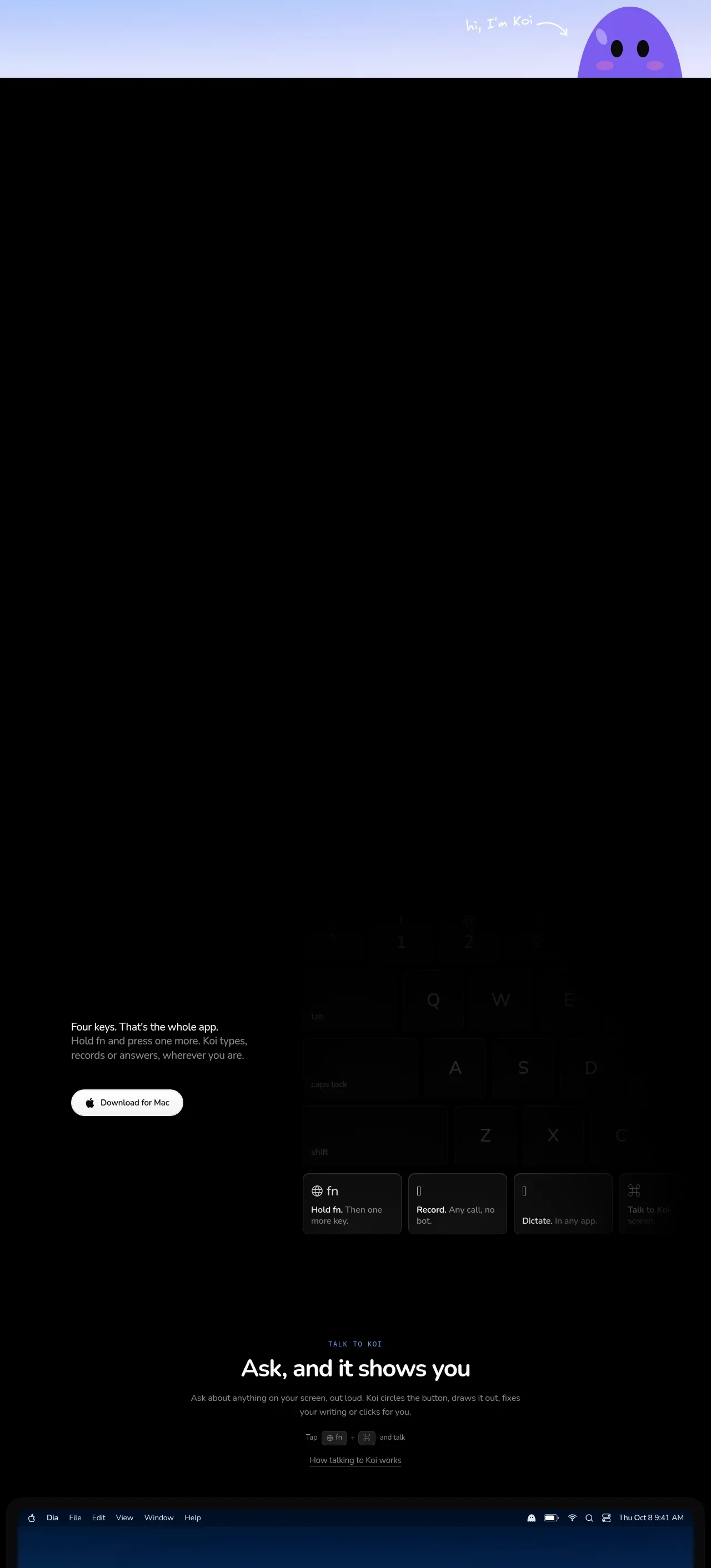
Study these alongside the description below: hierarchy, rhythm, spacing, colour. Build for the product you are asked about, using this design language.

- Full page: https://kage-design-assets.t3.tigrisfiles.io/screenshots/koi/1f2fb87d-9243-4e92-a42a-66c20077da12-1792648920300-full.webp
- Above the fold: https://kage-design-assets.t3.tigrisfiles.io/screenshots/koi/1f2fb87d-9243-4e92-a42a-66c20077da12-1792648914885.webp
- Design on Kage: https://kage.design/designs/koi-landing-page

## Before you start
Please ask the user what they are building, who it is for, and what brand assets (name, colours, type) they already have. Wait for the answers, then apply the following design language to their product.

## Page structure
**Header/Hero Section:** A centered, impactful section presenting the main headline and a primary call-to-action. This uses minimal design elements, relying on high contrast and large typography to immediately capture attention.
**Feature Module 1 (Visual Focus):** A wide, centered block dominated by a large, aesthetically pleasing mockup of the application interface. The copy is minimized, supporting the visual demo.
**Feature Module 2 (Stacked Grid):** A section featuring a grid layout of smaller feature highlights. Each highlight pairs a concise title with a small supporting description, suggesting different facets of the product.
**Feature Module 3 (Deep Dive Demo):** A massive, cinematic screen section showcasing the product in a specific context (e.g., on a desktop or laptop). The accompanying text is structured around distinct sub-points, diving deeper into the functionality.
**Feature Module 4 (Workflow Demo):** Another module that pairs a large visual representation of a workflow or output with a corresponding description, showing the 'before and after' or the process.
**Feature Module 5 (Final CTA):** A final, minimal section with a strong, contrasting background and a clear call-to-action, reinforcing the value proposition.

## Design language
*   **Visuals & Contrast:** The primary canvas should be a very deep dark gray/black (approx. #080808). Feature elements and text should use bright white (approx. #FFFFFF) for readability. Accents should be vivid, saturated tones like electric blue (approx. #0066FF) or deep violet (approx. #7F00FF) to draw focus to key interactive areas and highlights.
*   **Typographic Scale:** Implement a massive, confident headline font (H1) in the hero section. Secondary headers (H2) should be bold and highly visible, while body text should be generous in line height and medium density to feel calm and readable.
*   **Layout & Rhythm:** The page should alternate between high-density visual showcase blocks (where large mockups dominate) and more text-centric, modular rows. This shifting rhythm keeps the user engaged, preventing visual fatigue.
*   **Spacing:** Generous vertical padding and white (or black) space should be used to separate modules. Do not overcrowd the content; every section should feel intentional and isolated.
*   **Borders & Shadow:** Keep borders minimal or non-existent. Use subtle inner shadows or lighting effects within the mockups themselves to give the digital product a 'glowing' or 'alive' quality against the dark background.
*   **Form/Interaction:** Call-to-action buttons should be highly visible, utilizing the accent color as a solid fill or a bright glow effect.

## Never
Do not use the visual assets, color palette, specific UI elements, or typography from the reference. Do not include any specific brand names, logos, or descriptive text from the original site. Present the result as a generic landing page for the user's product.
Components from this page
All components
 Minimal product navigation
Koi · Navigation
Minimal product navigation
Koi · Navigation
 Gradient product introduction hero
Koi · Hero
Gradient product introduction hero
Koi · Hero
 Assistant and contextual actions
Koi · Feature grid
Assistant and contextual actions
Koi · Feature grid
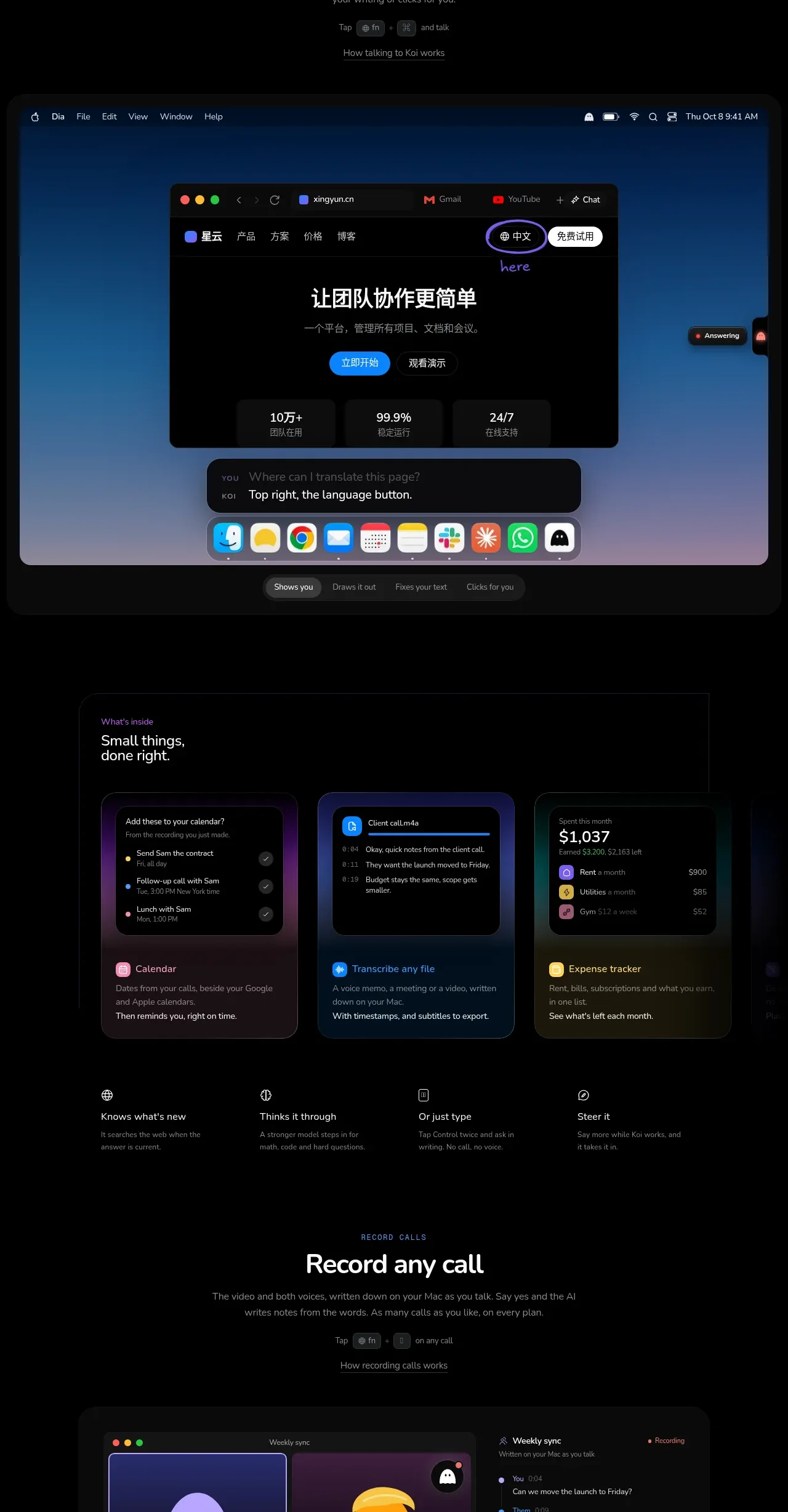 Everyday tools feature grid
Koi · Feature grid
Everyday tools feature grid
Koi · Feature grid
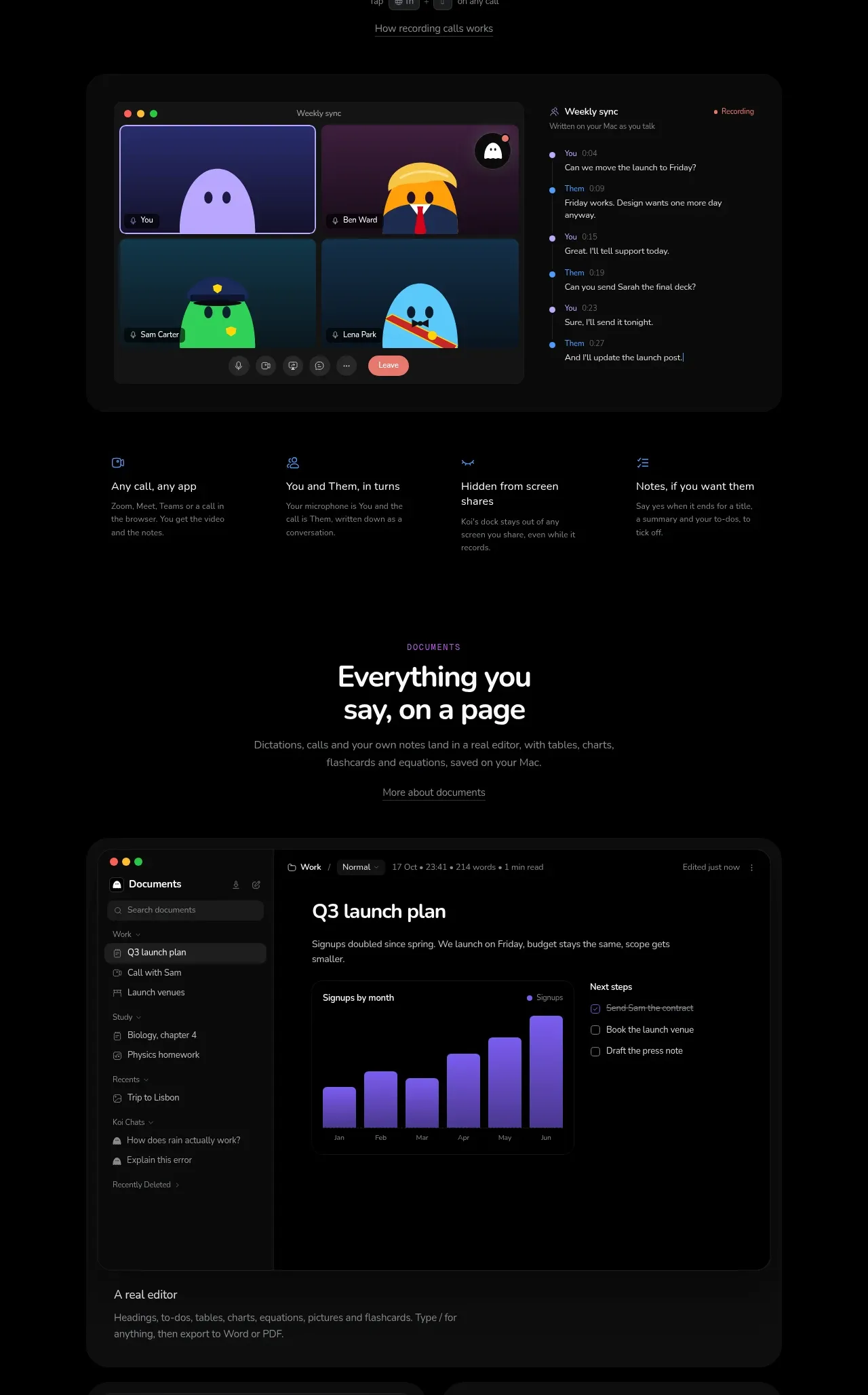 Recorded calls workspace
Koi · Feature grid
Recorded calls workspace
Koi · Feature grid
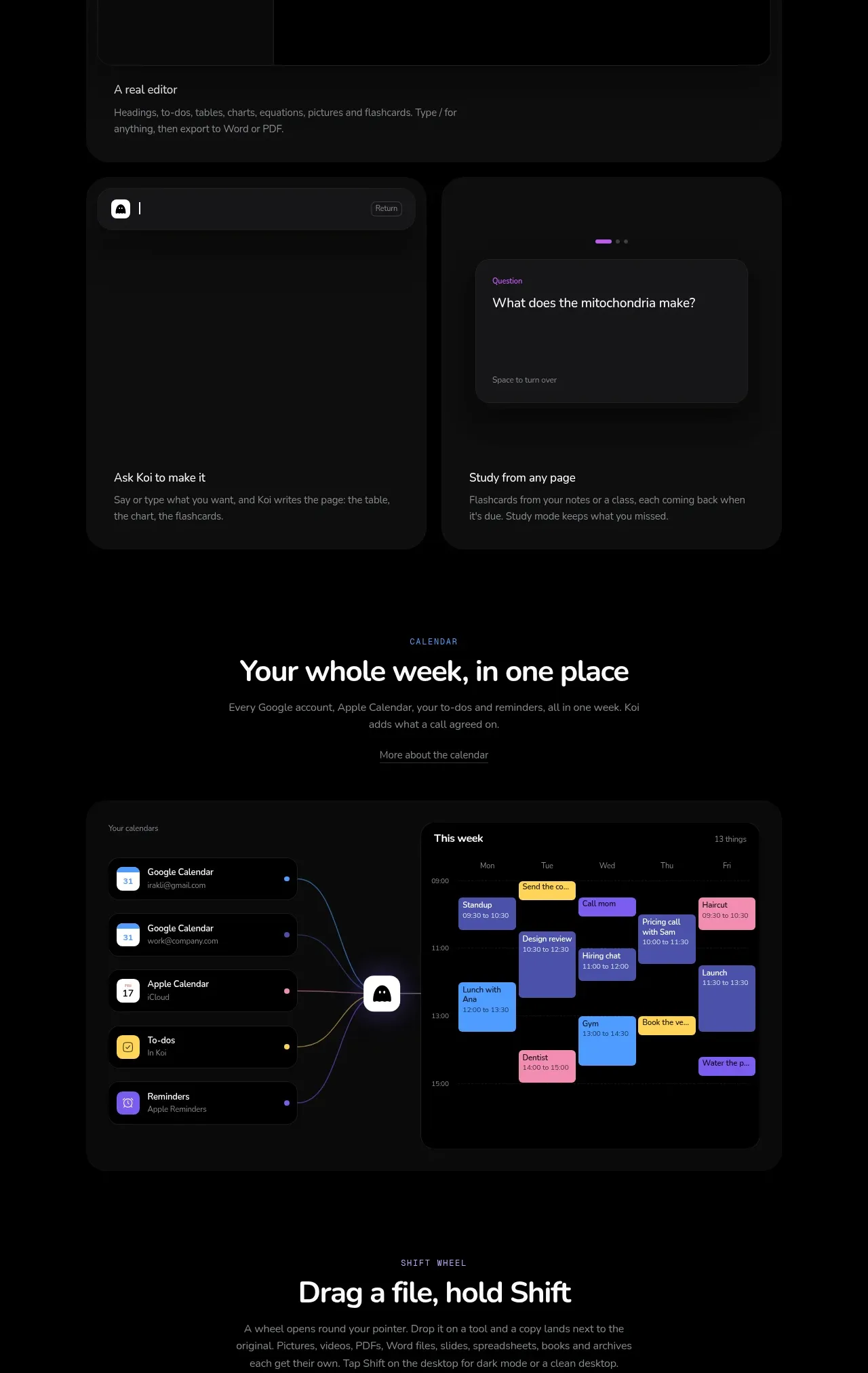 Documents and visual understanding
Koi · Feature grid
Documents and visual understanding
Koi · Feature grid
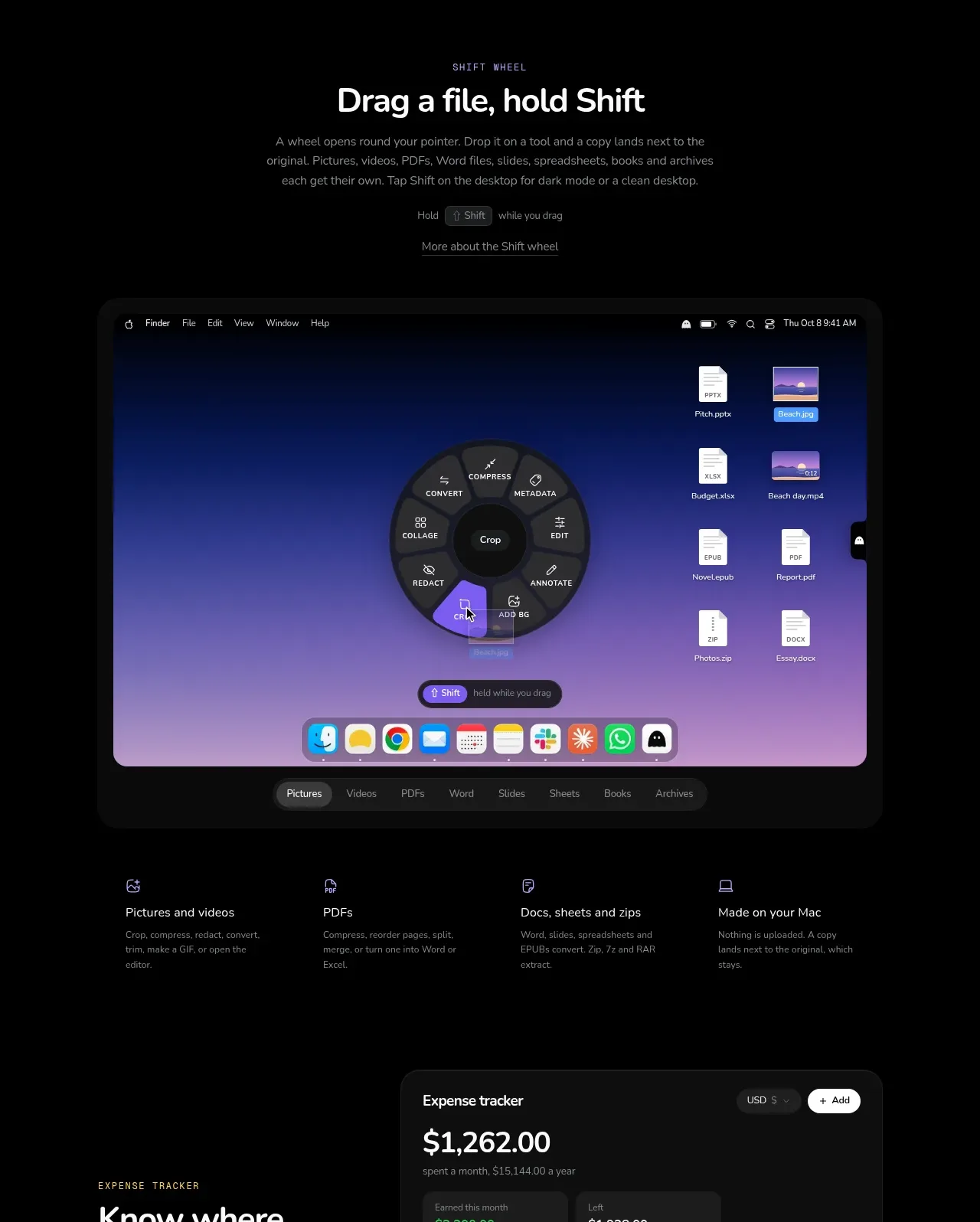 Calendar and planning view
Koi · Feature grid
Calendar and planning view
Koi · Feature grid
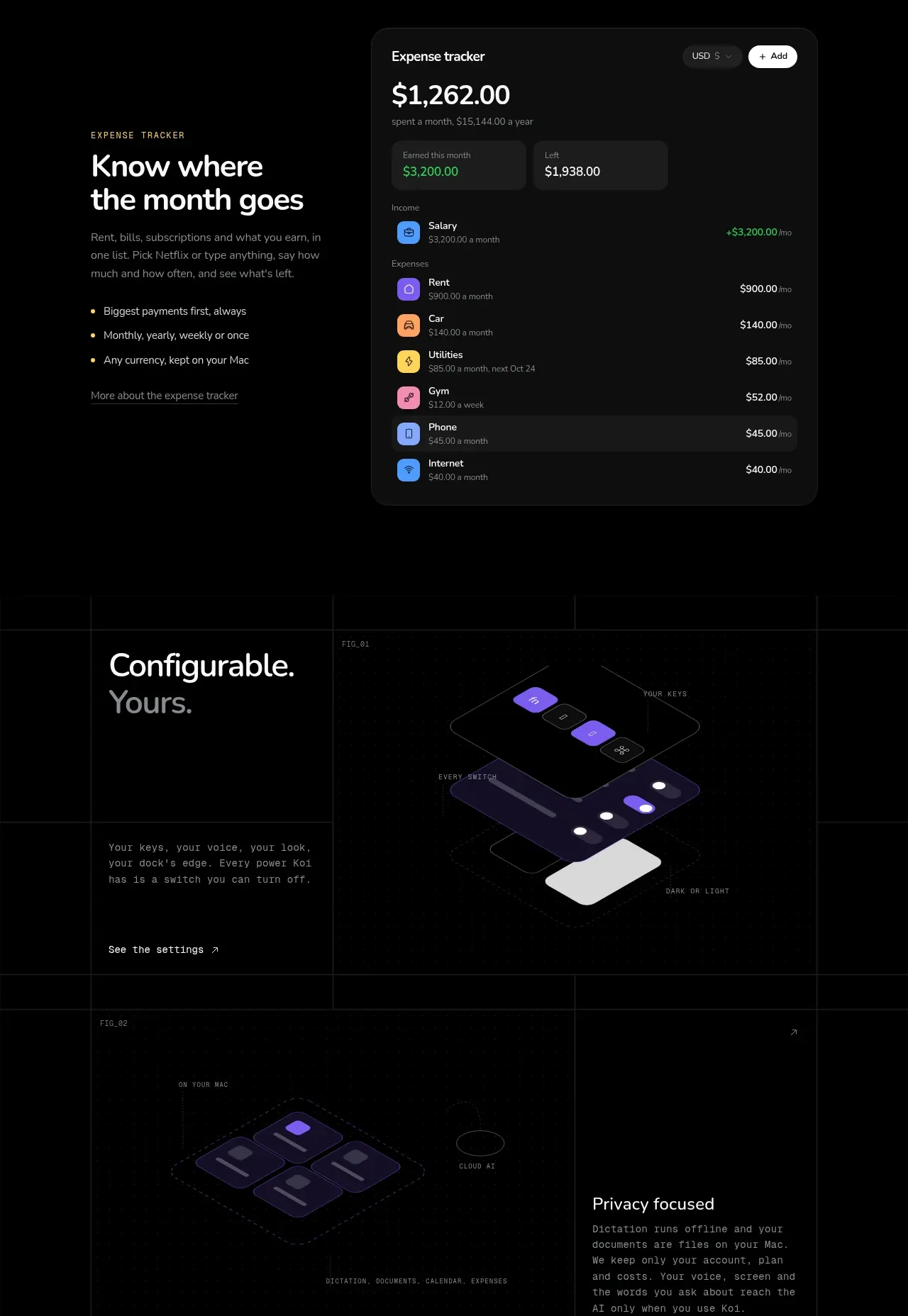 File and desktop workflow
Koi · Feature grid
File and desktop workflow
Koi · Feature grid
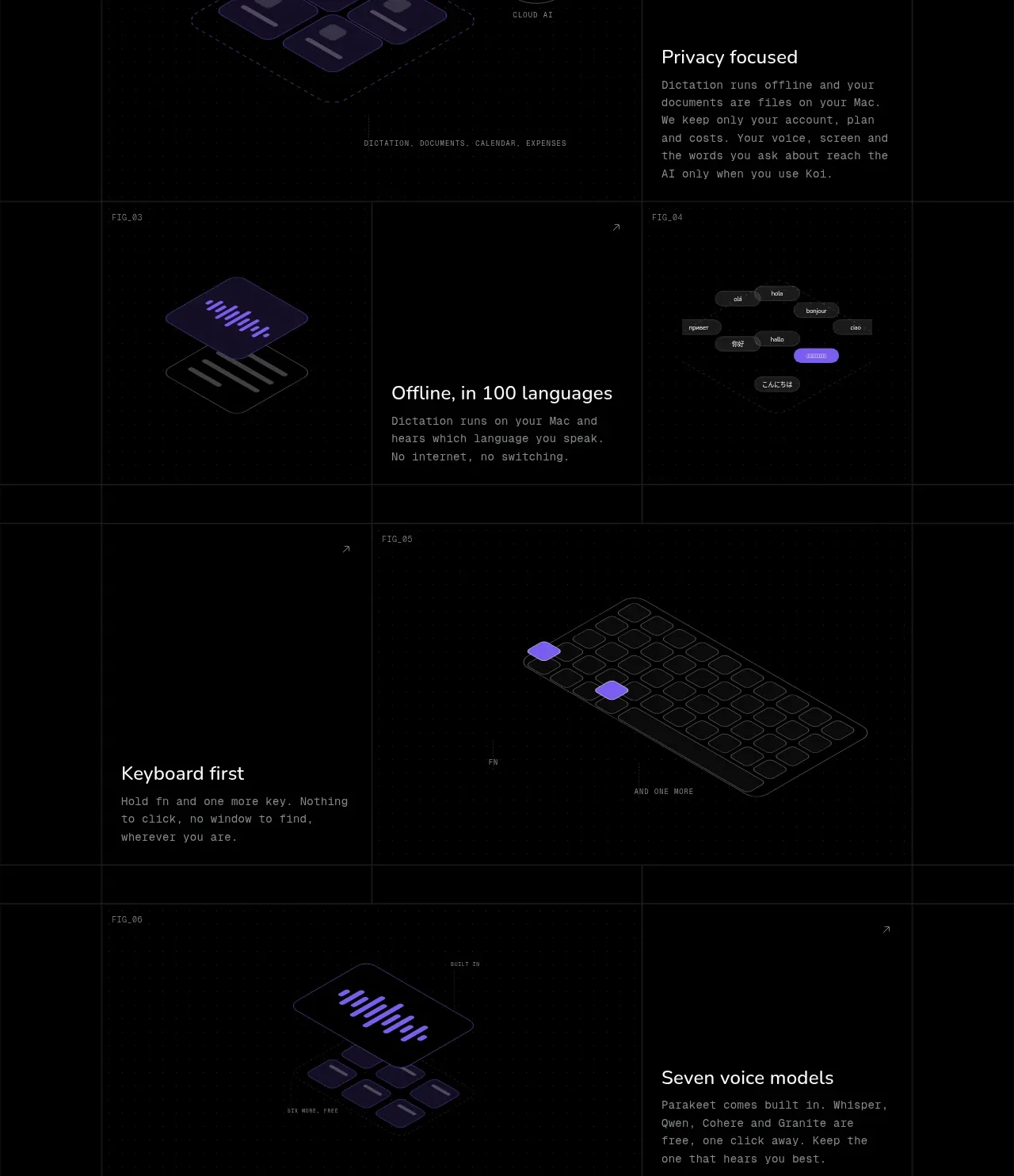 Expense tracking dashboard
Koi · Feature grid
Expense tracking dashboard
Koi · Feature grid
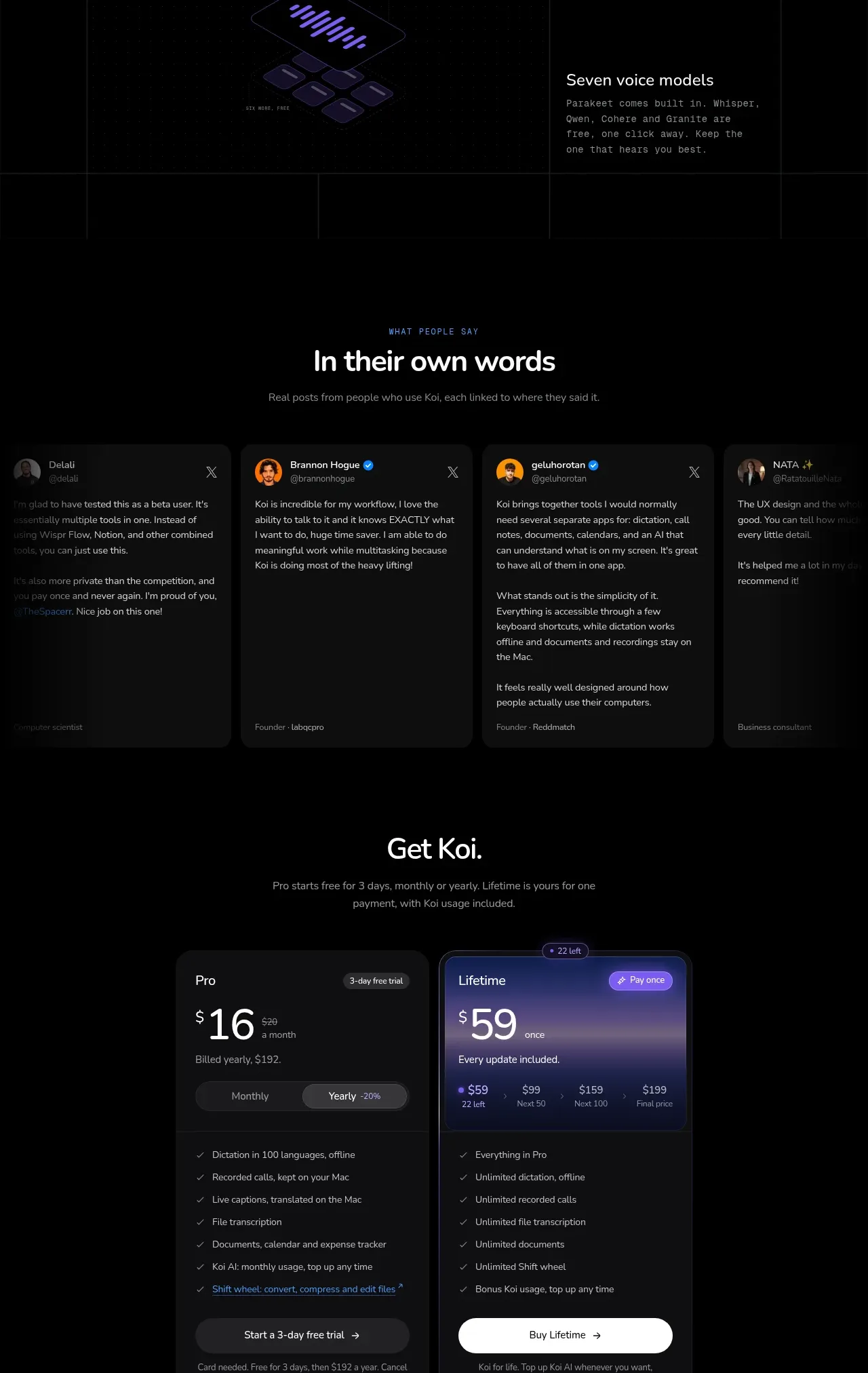 Configurable system capabilities
Koi · Feature grid
Configurable system capabilities
Koi · Feature grid
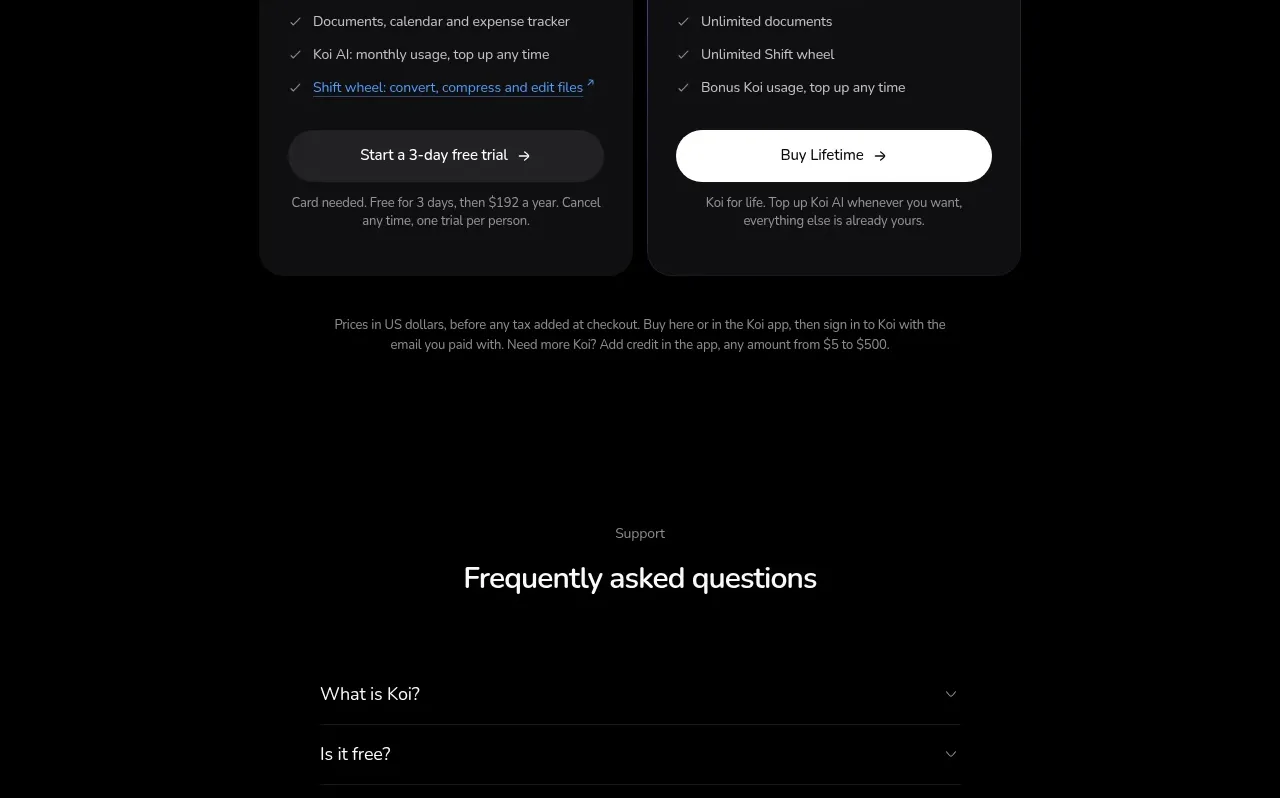 Customer proof carousel
Koi · Testimonials
Customer proof carousel
Koi · Testimonials
 Two-tier purchase options
Koi · Pricing table
Two-tier purchase options
Koi · Pricing table