 kage
kage
koiscribe.com
Design analysis
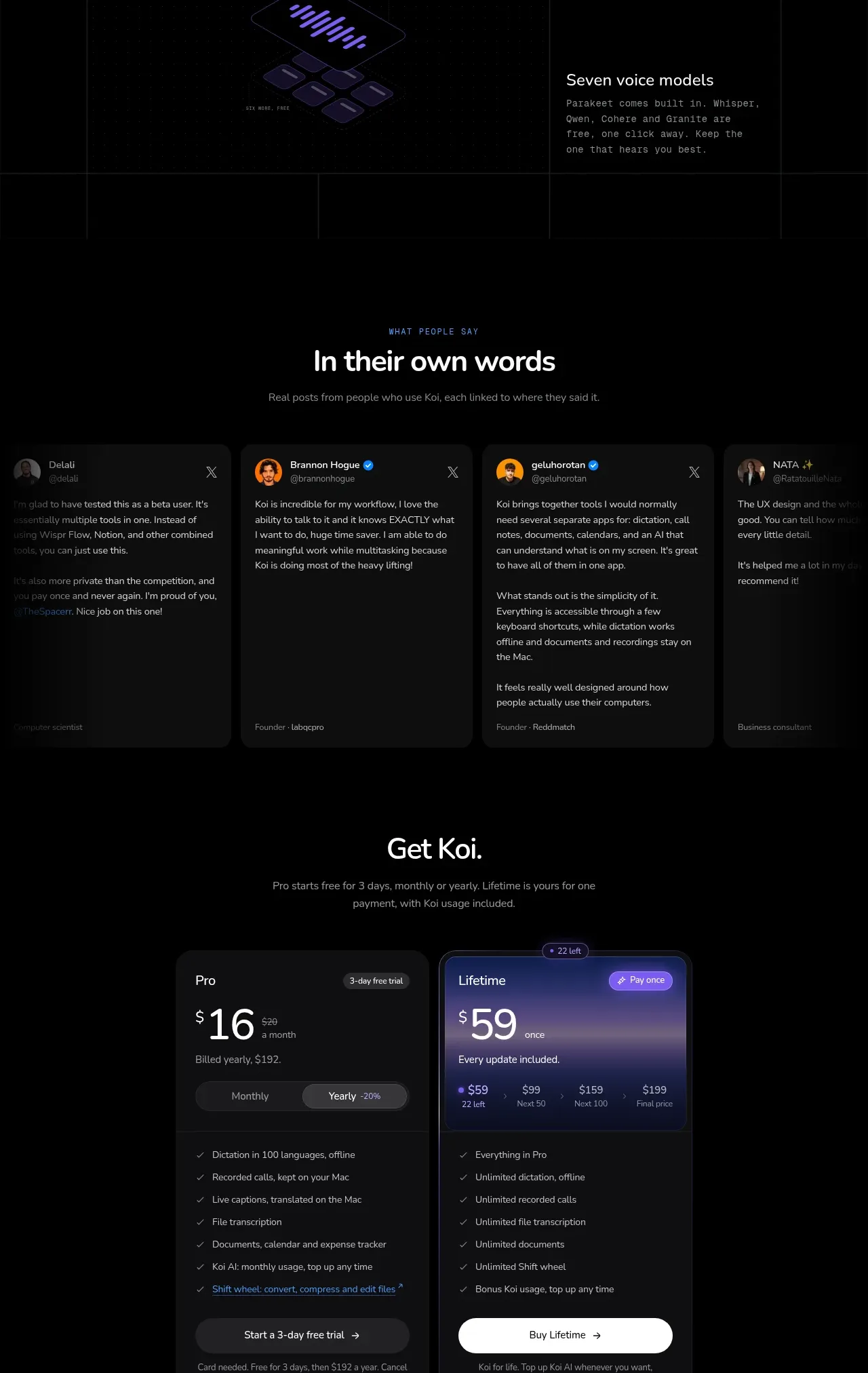
A large editorial grid turns configuration principles into a visual catalogue, alternating copy and abstract interface diagrams across bordered cells.
Prompt preview
## Reference images

Study these alongside the description below: hierarchy, rhythm, spacing, colour. Build for the product you are asked about, using this design language.

- Component: https://kage-design-assets.t3.tigrisfiles.io/components/koi/1f2fb87d-9243-4e92-a42a-66c20077da12-1792649022-9.webp
- Full page it was cut from: https://kage-design-assets.t3.tigrisfiles.io/screenshots/koi/1f2fb87d-9243-4e92-a42a-66c20077da12-1792648920300-full.webp
- Component on Kage: https://kage.design/component/koi-feature-grid-8

## Before you start
Ask which configuration, privacy, language, keyboard, or personalization principles define the user's product. Convert those principles into an original visual system.

Build a wide dark grid section with thin low-contrast vertical and horizontal rules. Begin with a large editorial cell containing a two-line statement, muted supporting copy, and a small link. Follow with several asymmetric cells that alternate short explanatory text and abstract UI diagrams such as layered controls, key clusters, waveform strips, or permission chips. Use generous 48–80px cell padding, small numbered or categorical metadata, and a 24–34px heading scale. Keep diagrams monochrome with one violet or brand-colour highlight. The grid should feel like a system map rather than a conventional card deck; on mobile, collapse to a single column while preserving sequence and borders.

Never: copy logos, product names, copy, illustrations, or imagery from the reference.
More components

 Data-room education and security overview
Papermark Data Rooms · Feature grid
Data-room education and security overview
Papermark Data Rooms · Feature grid
 Advanced data-room features
Papermark Data Rooms · Feature grid
Advanced data-room features
Papermark Data Rooms · Feature grid
 Workflow demonstrations
Papermark Data Rooms · Feature grid
Workflow demonstrations
Papermark Data Rooms · Feature grid

 Lanyard use-case feature
Badgey · Feature grid
Lanyard use-case feature
Badgey · Feature grid

 Problem statement
Clips by Plastic · Feature grid
Problem statement
Clips by Plastic · Feature grid
 Effects and customization panel
Clips by Plastic · Feature grid
Effects and customization panel
Clips by Plastic · Feature grid