 kage
kage
uselateron.com
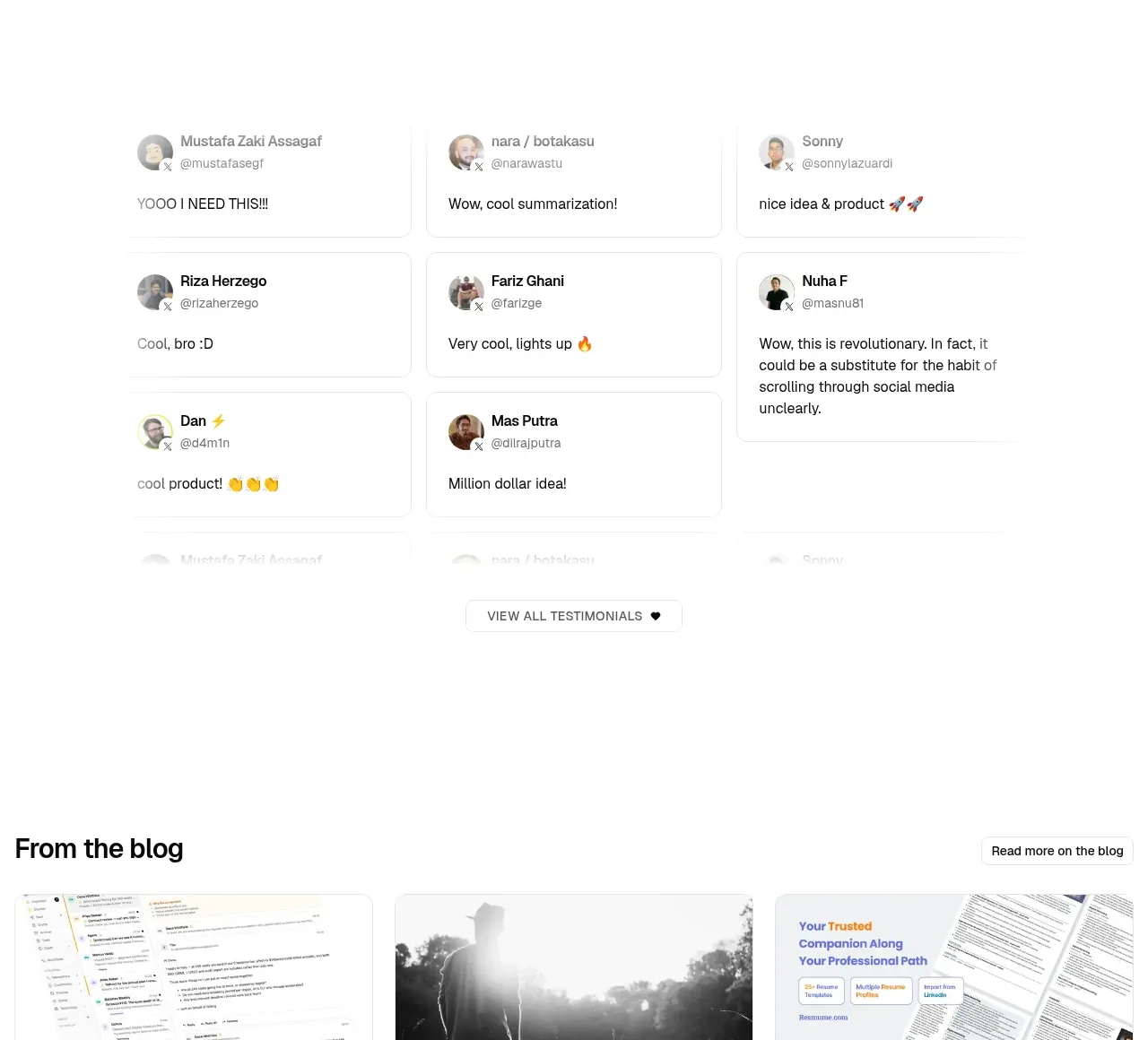
Design analysis
A lightweight masonry-like wall of short social posts provides volume and authenticity, with a restrained view-all control below.
Prompt preview
## Reference images

Study these alongside the description below: hierarchy, rhythm, spacing, colour. Build for the product you are asked about, using this design language.

- Component: https://kage-design-assets.t3.tigrisfiles.io/components/lateron-v2-the-agentic-email-plaftform/0ff3184e-0d5c-46ea-8012-61473093bd6c-1790402772-6.webp
- Full page it was cut from: https://kage-design-assets.t3.tigrisfiles.io/screenshots/lateron-v2-the-agentic-email-plaftform/0ff3184e-0d5c-46ea-8012-61473093bd6c-1790402643023-full.webp
- Component on Kage: https://kage.design/component/lateron-v2-the-agentic-email-plaftform-testimonials

## Before you start
Ask who the user's real customers are and what proof format best fits their voice. Create an original testimonial wall based on these rules.

Use a white section with a three-column masonry or staggered grid of compact testimonial cards. Each card should include a tiny circular avatar placeholder, person name and handle, then one or two lines of natural-language praise. Use subtle #e8e8e8 borders, 8px radius, very light shadow, 16–20px padding, and varied card heights while keeping the grid orderly. Avoid oversized quotation marks; let authentic short text do the work. Add a small outlined “view all” button centered below. On mobile, turn the grid into a single-column list.

Never: use logos, product names, copy, illustrations, or imagery from the reference.
More components
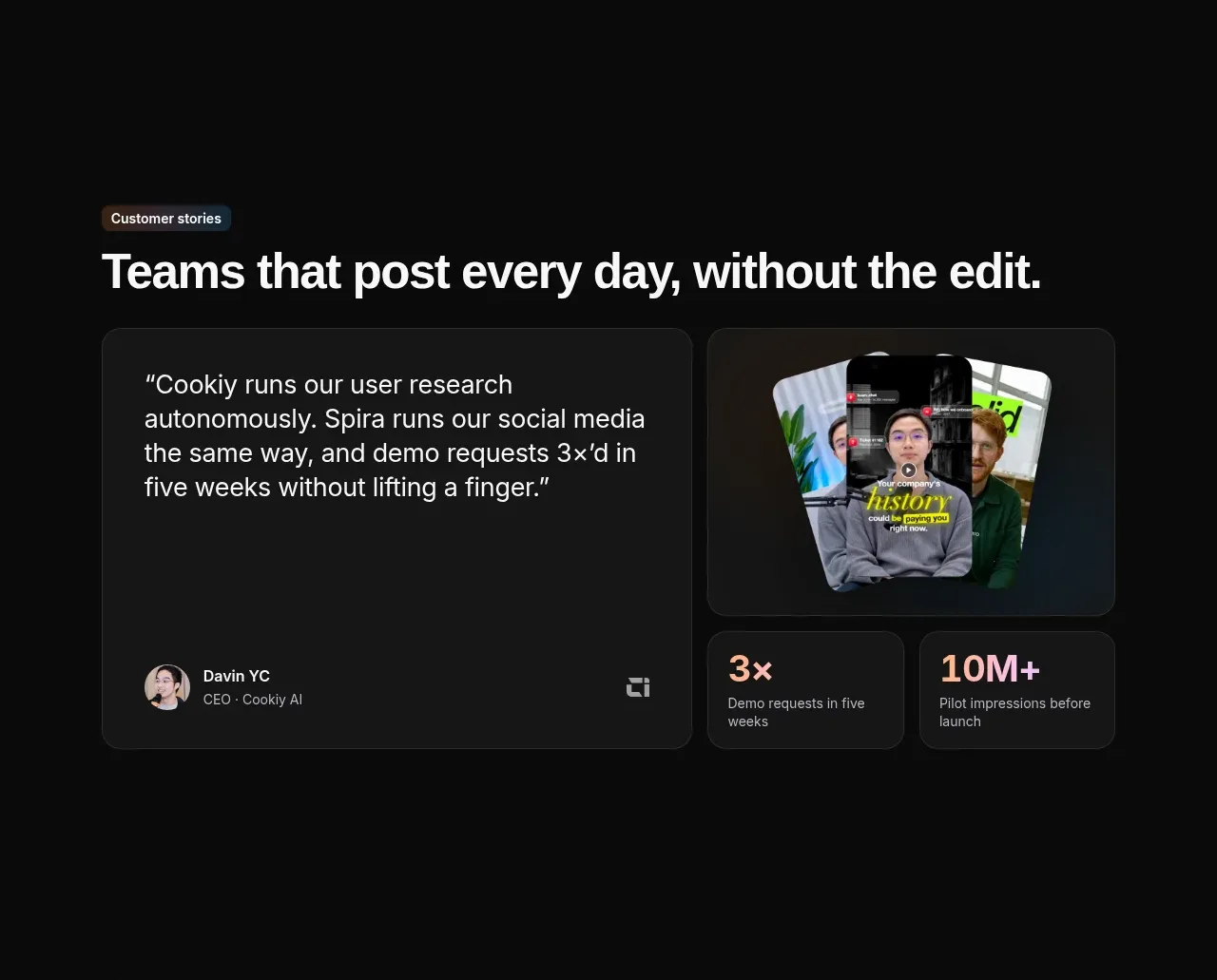
 Customer story and proof points
Spira Maxima · Testimonials
Customer story and proof points
Spira Maxima · Testimonials
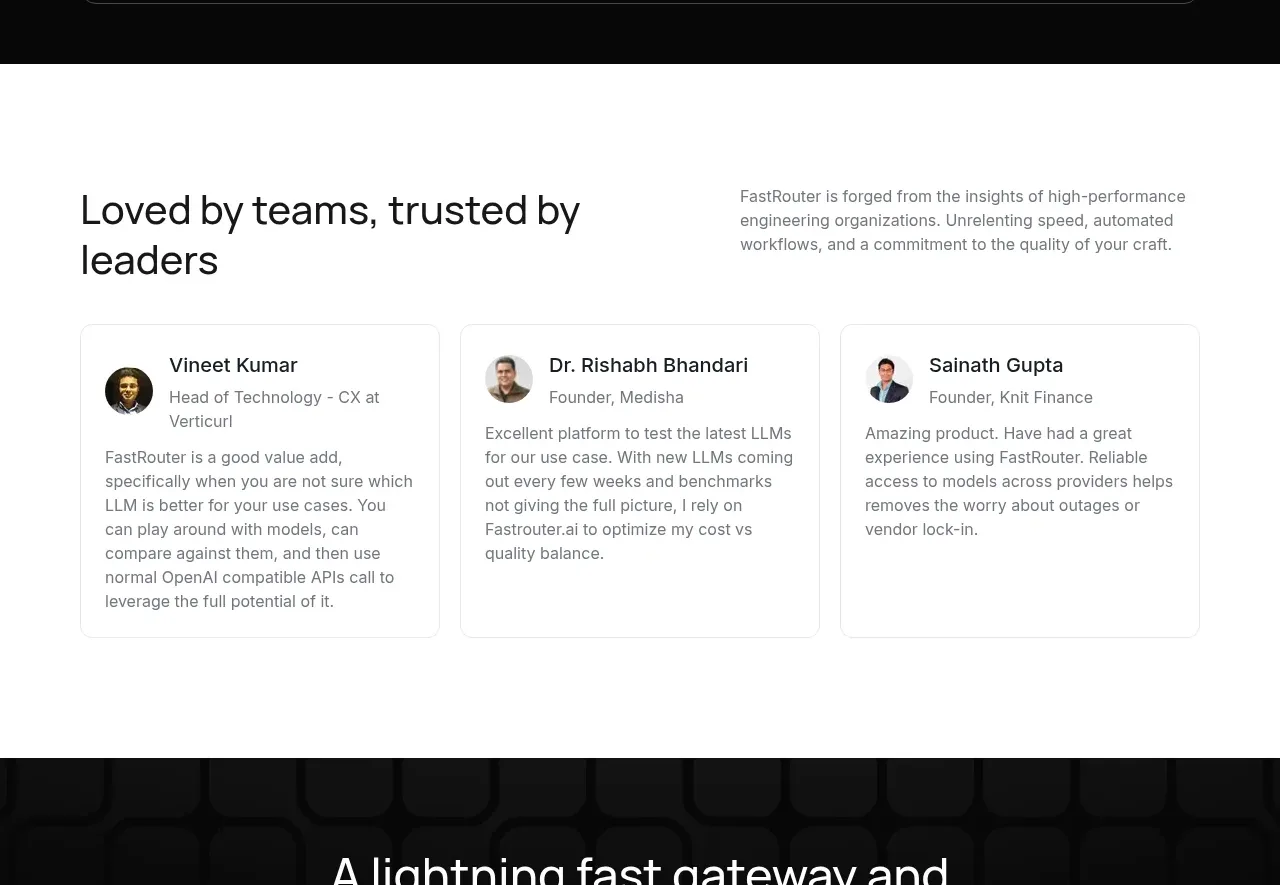
 Customer testimonial cards
FastRouter.ai · Testimonials
Customer testimonial cards
FastRouter.ai · Testimonials
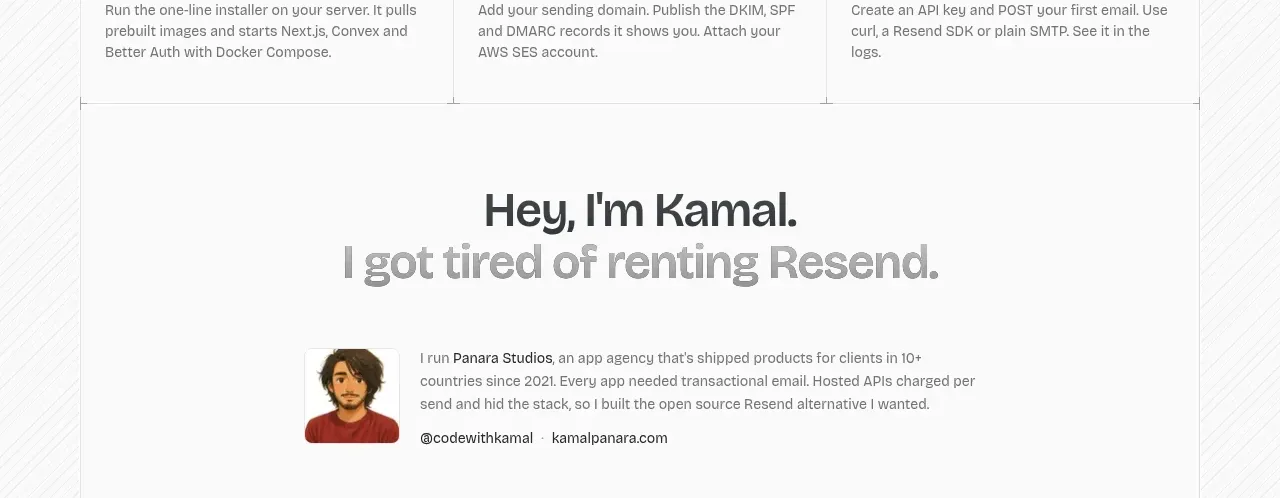
 Founder story
opensend.cc · Testimonials
Founder story
opensend.cc · Testimonials
P
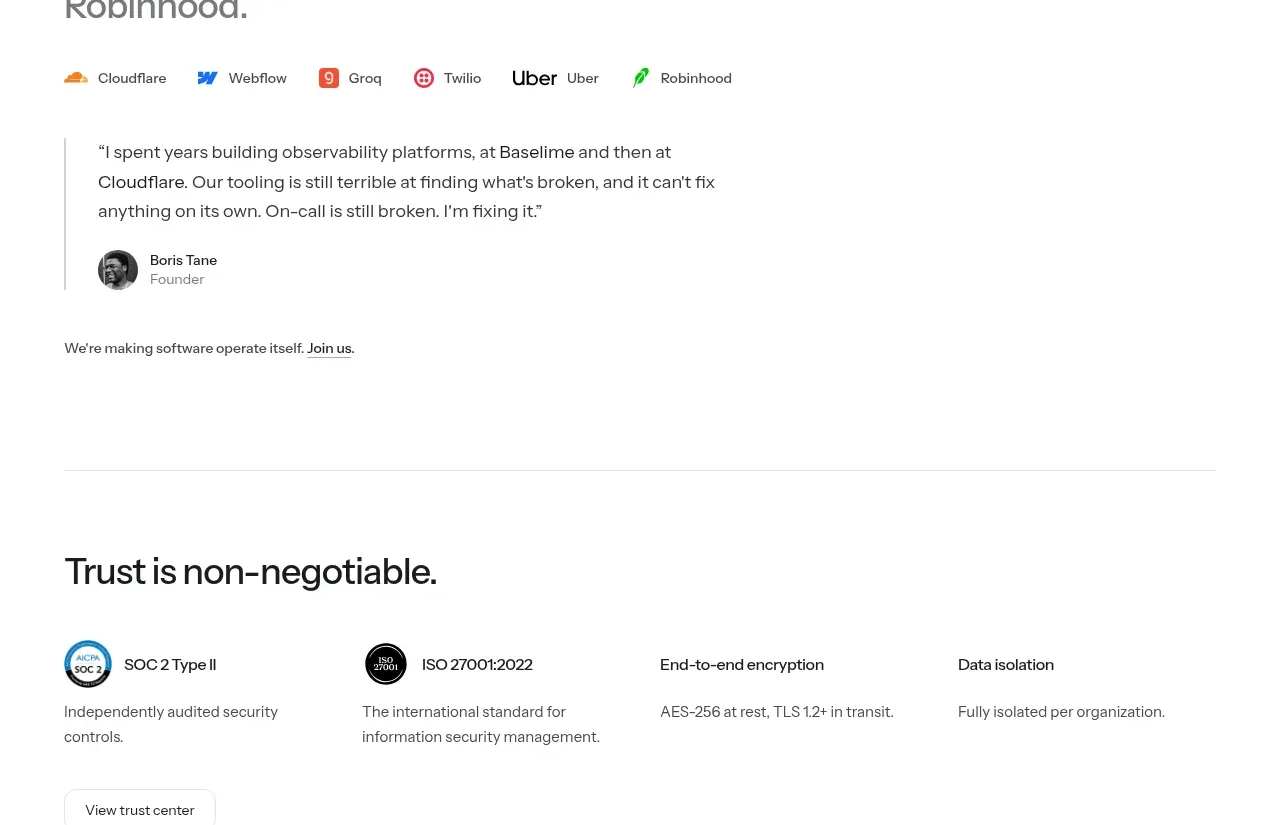
Founder testimonial
Polylane · Testimonials
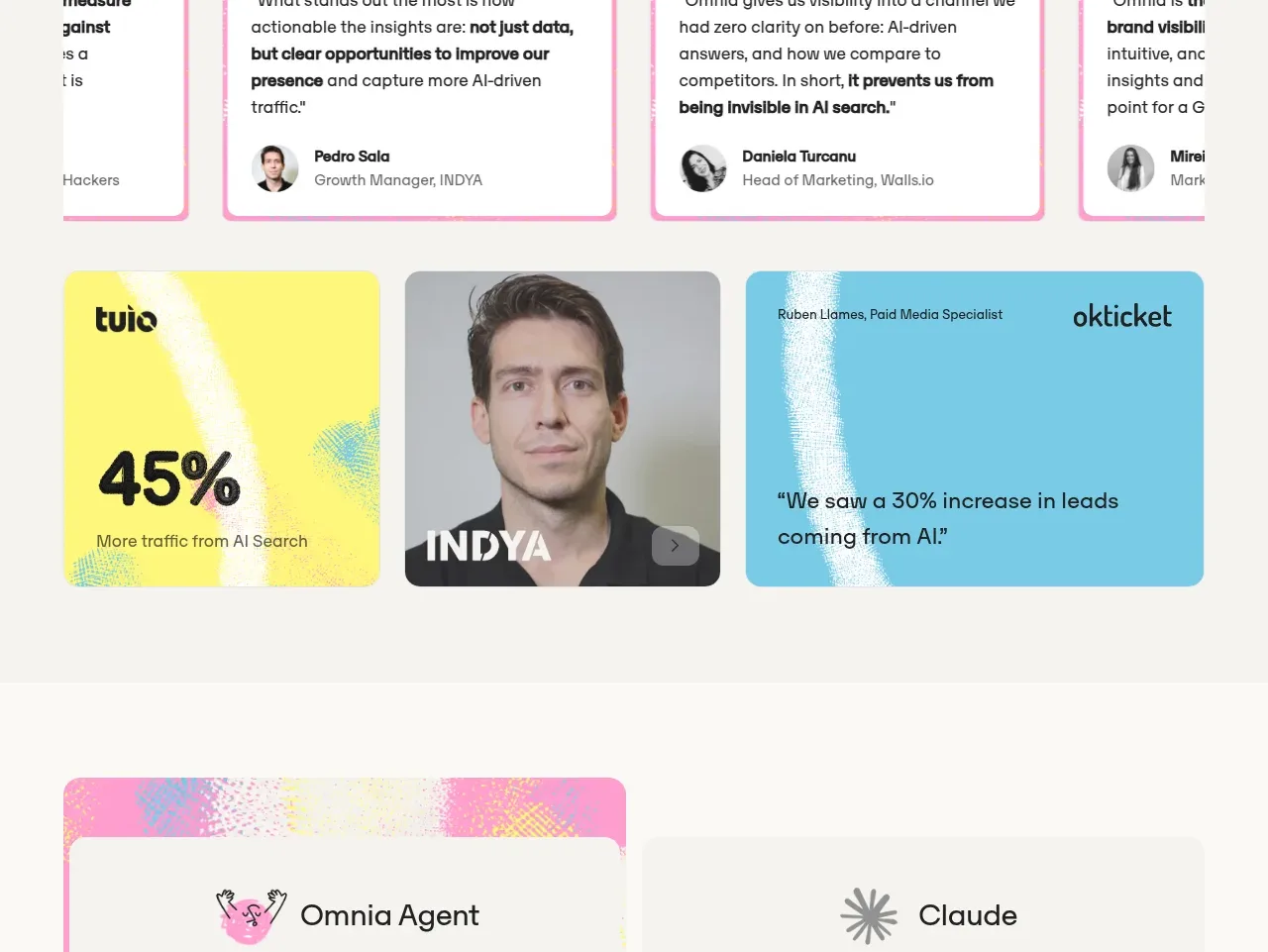
 Customer proof and outcomes
Omnia Agent · Testimonials
Customer proof and outcomes
Omnia Agent · Testimonials
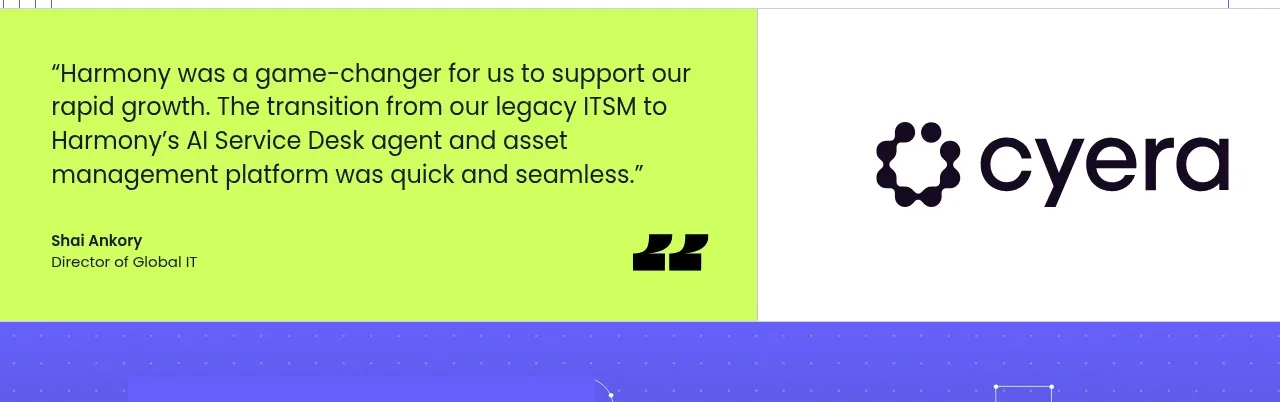
 Customer proof statement
Harmony · Testimonials
Customer proof statement
Harmony · Testimonials